
Collection
Audio
2026.09.30
Clear Dialogues and Majestic Sound from a Soundbar
A comparison of actual TV soundbars featuring eARC, spatial audio, calibration, and expansion speakers
Just because a soundbar has many channels doesn't mean it delivers the same immersive experience in every living room. The shapes of the ceiling and walls, TV's eARC support, and the sofa's position all influence the spatial audio made from reflected sounds. If the goal is to clearly hear dialogues, the voice enhancement feature and balance at lower volumes are also important. This list selects actual premium soundbars and compares their connection methods, calibration, and expansion options.
Connect to the TV using HDMI eARC whenever possible and check the audio output format and CEC settings. Make sure the product's width doesn't obstruct the TV stand and screen, and if wall-mounted, ensure the power and HDMI cables don't bend. Whether the package includes a subwoofer and rear speakers varies by model, so comparing only the main unit's price can lead to differences in your actual budget.
Connect to the TV using HDMI eARC whenever possible and check the audio output format and CEC settings. Make sure the product's width doesn't obstruct the TV stand and screen, and if wall-mounted, ensure the power and HDMI cables don't bend. Whether the package includes a subwoofer and rear speakers varies by model, so comparing only the main unit's price can lead to differences in your actual budget.
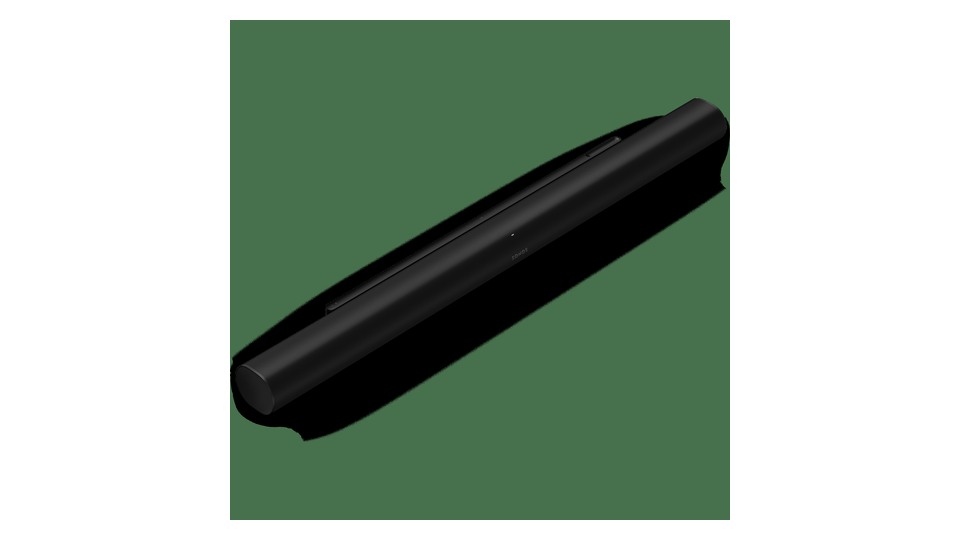
Sonos Arc Ultra
The first thing to note about the Sonos Arc Ultra from the official product information is its connection method and usage conditions. It supports Dolby Atmos with 14 drivers including the Sound Motion subwoofer. It offers HDMI eARC, Wi-Fi, Bluetooth, and Trueplay room tuning. Therefore, it's important to determine what advantages this product provides in situations where you want to connect 'TV and music streaming through one device' and whether it can integrate smoothly with your current devices and space.
Additional subwoofers and rear speakers are sold separately, and compatible combinations should be verified. Remember to turn on eARC and CEC on the TV, and keep the listening area quiet during Trueplay calibration. Adjust the dialogue mode and bass after aligning the TV eARC output format and performing the Trueplay measurement.
Additional subwoofers and rear speakers are sold separately, and compatible combinations should be verified. Remember to turn on eARC and CEC on the TV, and keep the listening area quiet during Trueplay calibration. Adjust the dialogue mode and bass after aligning the TV eARC output format and performing the Trueplay measurement.
브랜드 Sonos
모델 Arc Ultra
제품 유형 Dolby Atmos 올인원 사운드바
추천 용도 TV와 음악 스트리밍을 한 본체로 연결하기
구매 확인 HDMI eARC·Trueplay와 별도 Sub·Era 확장
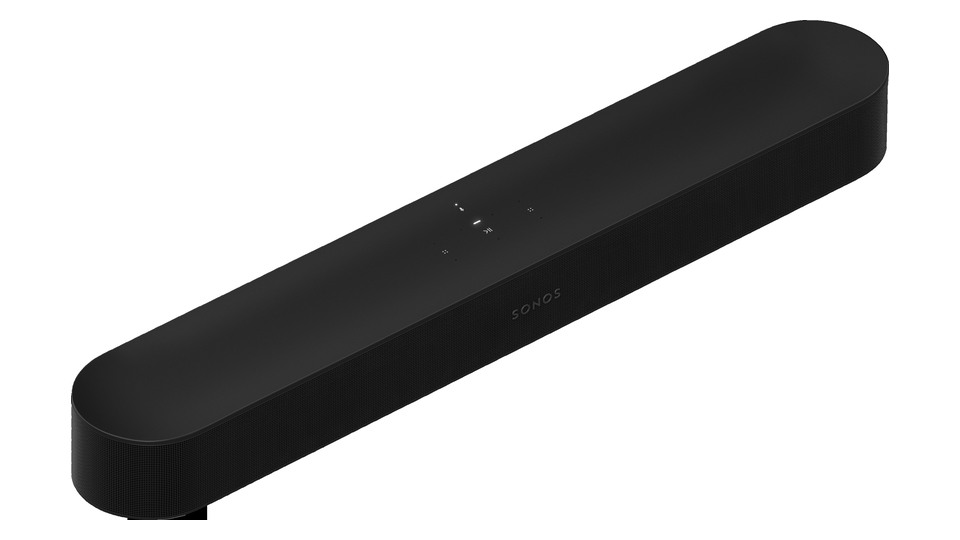
Sonos Beam Gen 2
The first thing to note about the Sonos Beam Gen 2 from the official product information is its connection method and usage conditions. This compact unit supports Dolby Atmos, voice enhancement, and night modes. It offers HDMI eARC, Wi-Fi, and AirPlay 2, and you can add a Sonos Sub and rear speakers. Therefore, it's important to assess what advantages this product might provide in scenarios where you want to use it for 'dialogue clarity and music streaming in a small living room' and whether it integrates well with your current devices and space.
Since it implements Atmos through virtual processing rather than dedicated upward-firing units, check for differences based on your space and content. The optical input uses a included adapter, and additional speakers incur extra costs. Measure the width and height to ensure it doesn’t block the TV stand, and remember that using the optical adapter can alter the range of Atmos support.
Since it implements Atmos through virtual processing rather than dedicated upward-firing units, check for differences based on your space and content. The optical input uses a included adapter, and additional speakers incur extra costs. Measure the width and height to ensure it doesn’t block the TV stand, and remember that using the optical adapter can alter the range of Atmos support.
브랜드 Sonos
모델 Beam Gen 2
제품 유형 소형 Dolby Atmos 네트워크 사운드바
추천 용도 작은 거실에서 TV 대사와 음악 스트리밍을 함께 쓰기
구매 확인 HDMI eARC·가상 Atmos와 별도 Sub·Era 확장
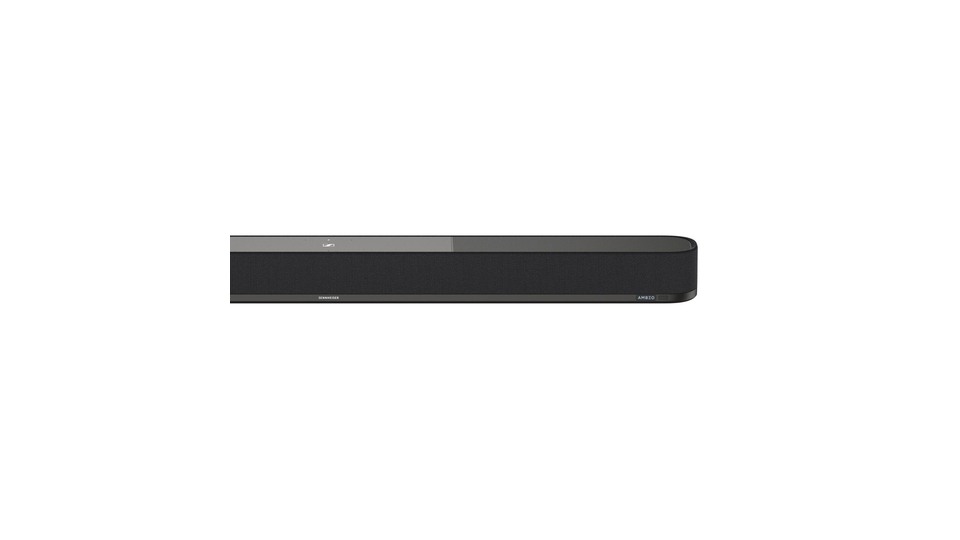
Sennheiser AMBEO Soundbar Plus
The first thing to note about the Sennheiser AMBEO Soundbar Plus from the official product information is its connection method and usage conditions. It aims for 7.1.4 playback using 9 drivers and AMBEO virtualization, supporting Dolby Atmos, DTS:X, MPEG-H, and 360 Reality Audio. Therefore, it’s important to consider what advantages this product offers in situations where you want to create 'high-density movie sound from one unit' and if it connects easily with your current devices and space.
For high-bitrate formats, eARC connections are recommended, and using only ARC will reduce compatibility. Before automatic calibration, place the unit in the center of the wall and confirm it doesn't block the lower part of the screen. Quiet the surroundings for the calibration microphone to read properly, and if you connect an external subwoofer, readjust the crossover accordingly.
For high-bitrate formats, eARC connections are recommended, and using only ARC will reduce compatibility. Before automatic calibration, place the unit in the center of the wall and confirm it doesn't block the lower part of the screen. Quiet the surroundings for the calibration microphone to read properly, and if you connect an external subwoofer, readjust the crossover accordingly.
브랜드 Sennheiser
모델 AMBEO Soundbar Plus
제품 유형 7.1.4 가상화 올인원 사운드바
추천 용도 한 본체로 높은 밀도의 영화 음향을 구성하기
구매 확인 eARC·룸 보정과 외부 서브 출력·본체 높이
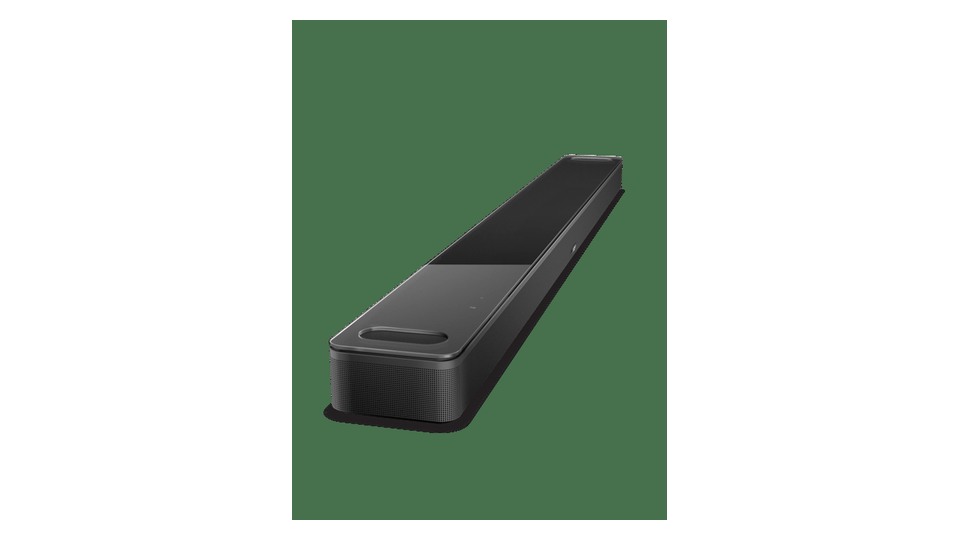
Bose Smart Ultra Soundbar
The first thing to note about the Bose Smart Ultra Soundbar from the official product information is its connection method and usage conditions. It supports Dolby Atmos and Bose TrueSpace and uses AI Dialogue Mode to adjust voices and background sounds. It offers ADAPTiQ calibration and streaming via Wi-Fi and Bluetooth. Therefore, it’s important to evaluate what advantages this product brings in situations where 'dialogue clarity and integration with Bose headphones' are prioritized, and whether it can connect smoothly with your current devices and space.
The Bass Module and Surround Speakers are available for separate purchase. The effectiveness of the dialogue mode can vary depending on the content, so check it separately for news and movies, and also look into whether wall-mount brackets are included. After finishing ADAPTiQ calibration, alternate between news and movies in AI Dialogue Mode to select the most natural settings.
The Bass Module and Surround Speakers are available for separate purchase. The effectiveness of the dialogue mode can vary depending on the content, so check it separately for news and movies, and also look into whether wall-mount brackets are included. After finishing ADAPTiQ calibration, alternate between news and movies in AI Dialogue Mode to select the most natural settings.
브랜드 Bose
모델 Smart Ultra Soundbar
제품 유형 음성 강화형 Dolby Atmos 사운드바
추천 용도 대사 선명도와 Bose 헤드폰 연동을 중시하기
구매 확인 AI Dialogue Mode·ADAPTiQ와 확장 모듈 비용
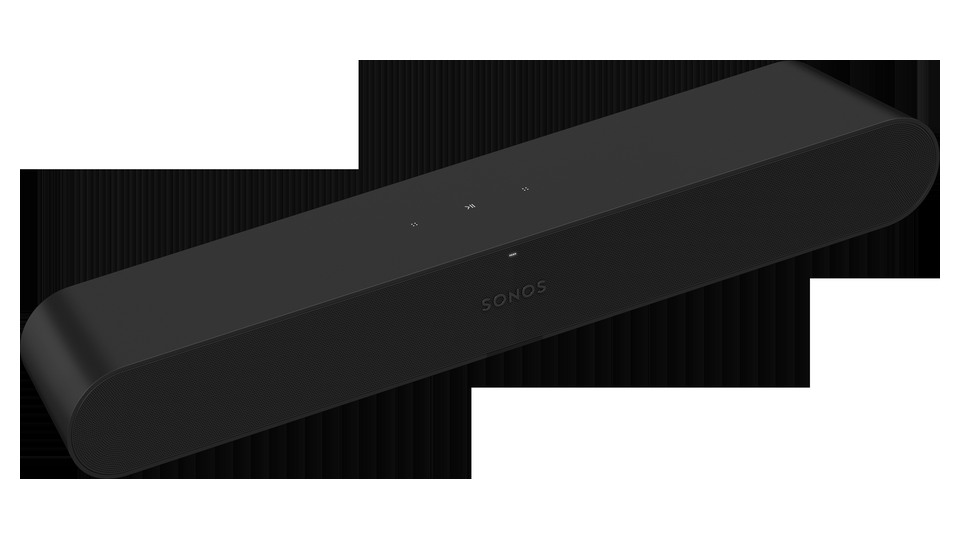
Sonos Ray
The first thing to note about the Sonos Ray from the official product information is its connection method and usage conditions. It's a small soundbar offering front-facing sound structure, Speech Enhancement, and Night Sound. You connect it to the TV with an optical cable and use Wi-Fi and AirPlay 2 for music playback. Therefore, it’s crucial to determine what advantages this product offers in scenarios where you want to 'easily enhance dialogue clarity on a small TV in the bedroom,' as well as its ability to connect seamlessly with your existing devices and space.
As it does not support HDMI or Dolby Atmos, it's vital to clarify the intended connection purpose. Check if your TV remote is infrared and include the costs for adding a subwoofer or rear speakers in your overall budget. Test the TV's optical output and infrared remote compatibility first, and if Atmos is necessary, compare it with higher models that support HDMI.
As it does not support HDMI or Dolby Atmos, it's vital to clarify the intended connection purpose. Check if your TV remote is infrared and include the costs for adding a subwoofer or rear speakers in your overall budget. Test the TV's optical output and infrared remote compatibility first, and if Atmos is necessary, compare it with higher models that support HDMI.
브랜드 Sonos
모델 Ray
제품 유형 광입력 소형 TV 사운드바
추천 용도 침실과 작은 TV에서 대사 선명도를 간단히 높이기
구매 확인 광 입력 전용·TV 리모컨 호환과 Atmos 미지원
For those looking for spatial calibration and streaming from a single unit, comparing the Arc Ultra and AMBEO Plus is a good idea. Sony offers separate wireless speaker expansion, Bose features personal listening with headphones, and JBL packages include a subwoofer and separate rear speakers. Checking the living room size and the presence of a power outlet at the back can help avoid over-specifying your setup.
After installation, turn off the TV's built-in speakers and check the lip sync and dialogue mode with actual broadcasts. The Dolby Atmos indicator will only appear when the content, app, TV, cable, and output settings are all correctly configured. At night, use dynamic range or night modes, and if sharing walls with neighbors, it's a good idea to lower the subwoofer's position and bass level first.
After installation, turn off the TV's built-in speakers and check the lip sync and dialogue mode with actual broadcasts. The Dolby Atmos indicator will only appear when the content, app, TV, cable, and output settings are all correctly configured. At night, use dynamic range or night modes, and if sharing walls with neighbors, it's a good idea to lower the subwoofer's position and bass level first.
한눈에 보기
5개
Sonos Arc Ultra
Sonos · Arc Ultra · Dolby Atmos 올인원 사운드바 · TV와 음악 스트리밍을 한 본체로 연결하기 · HDMI eARC·Trueplay와 별도 Sub·Era 확장
Sonos Beam Gen 2
Sonos · Beam Gen 2 · 소형 Dolby Atmos 네트워크 사운드바 · 작은 거실에서 TV 대사와 음악 스트리밍을 함께 쓰기 · HDMI eARC·가상 Atmos와 별도 Sub·Era 확장
Sennheiser AMBEO Soundbar Plus
Sennheiser · AMBEO Soundbar Plus · 7.1.4 가상화 올인원 사운드바 · 한 본체로 높은 밀도의 영화 음향을 구성하기 · eARC·룸 보정과 외부 서브 출력·본체 높이
Bose Smart Ultra Soundbar
Bose · Smart Ultra Soundbar · 음성 강화형 Dolby Atmos 사운드바 · 대사 선명도와 Bose 헤드폰 연동을 중시하기 · AI Dialogue Mode·ADAPTiQ와 확장 모듈 비용
Sonos Ray
Sonos · Ray · 광입력 소형 TV 사운드바 · 침실과 작은 TV에서 대사 선명도를 간단히 높이기 · 광 입력 전용·TV 리모컨 호환과 Atmos 미지원
이 포스팅은 쿠팡 파트너스 활동의 일환으로, 이에 따른 일정액의 수수료를 제공받습니다.
댓글 0
로그인 후 댓글을 작성할 수 있습니다.
첫 댓글을 남겨보세요.
이런 리스트는 어때요?


이런 리스트도 추천해요


🎲
여기서 멈추기엔 아쉽잖아?
다음에 뭘 볼지 고민하는 시간이 제일 아까워.
주사위가 대신 골라줄게 — 무슨 리스트가 튀어나올지는 굴려봐야 알지.
안 누르면… 평생 궁금하지 않겠어? 👀
