Collection
Audio
2026.09.30
Phono Amplifier that Revives Sound Between the Turntable and Speakers
A Practical Comparison of MM·MC Cartridges, Gain, Load, and USB Recording on Actual Phono Stages
The signal produced by a turntable's cartridge is much smaller than a standard line output and requires RIAA correction. If there is no PHONO input on the amplifier or turntable, a phono amplifier must be connected in between to achieve normal volume and balance. This list compares actual phono stages, highlighting features that directly affect configuration such as MM·MC support, gain and load adjustment, and USB recording.
First, check the MM·MC type of the cartridge, the recommended load, and the output voltage. When passing the signal through two phono amplifiers, the sound can become severely distorted, so ensure to turn off the built-in phono on the turntable or set the line·phono switch correctly. Connecting the ground wire to the GND terminal and keeping the power adapter and signal cable separate helps reduce hum noise causes.
First, check the MM·MC type of the cartridge, the recommended load, and the output voltage. When passing the signal through two phono amplifiers, the sound can become severely distorted, so ensure to turn off the built-in phono on the turntable or set the line·phono switch correctly. Connecting the ground wire to the GND terminal and keeping the power adapter and signal cable separate helps reduce hum noise causes.
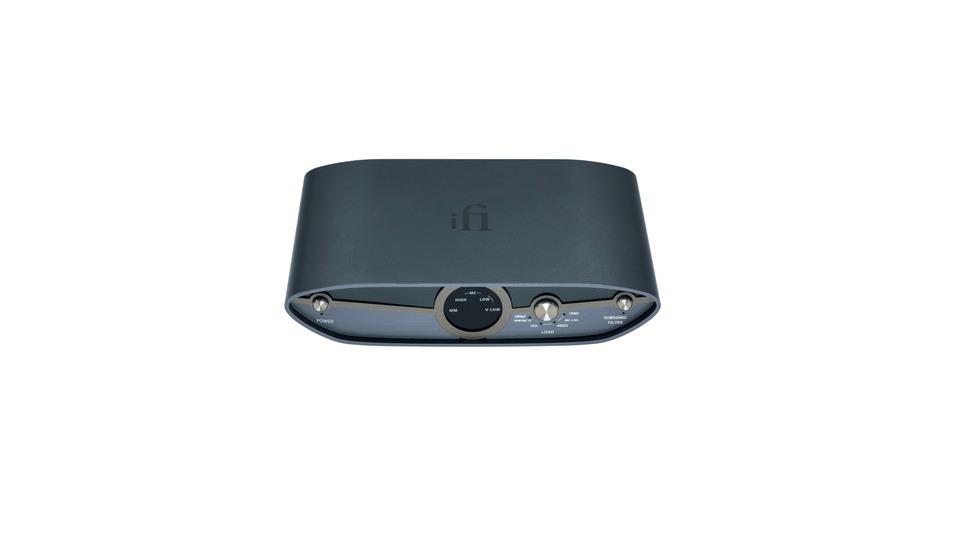
iFi ZEN Phono 3
The first thing to check in the official product information for the iFi ZEN Phono 3 is the connection method and usage conditions. It supports both MM and MC cartridges, offering four levels of gain from 36dB to 72dB and various load settings. It features RCA and 4.4mm balanced outputs. Therefore, it's important to assess how this product adds value in situations where 'adjusting gain and load for cartridges with various outputs' is needed, along with how it connects seamlessly with your current devices and space.
The 4.4mm output requires compatible balanced inputs and cables. Start with the gain and load closest to the cartridge's recommended values, and when switching on with the power on, lower the volume. Begin by comparing the recommended gain and load settings step by step, and remember to lower the amp volume before making any adjustments.
The 4.4mm output requires compatible balanced inputs and cables. Start with the gain and load closest to the cartridge's recommended values, and when switching on with the power on, lower the volume. Begin by comparing the recommended gain and load settings step by step, and remember to lower the amp volume before making any adjustments.
브랜드 iFi audio
모델 ZEN Phono 3
제품 유형 MM·MC 대응 저소음 포노 프리앰프
추천 용도 여러 출력의 카트리지에 게인과 부하를 맞추기
구매 확인 36~72dB 게인·MM/MC 부하와 밸런스 출력
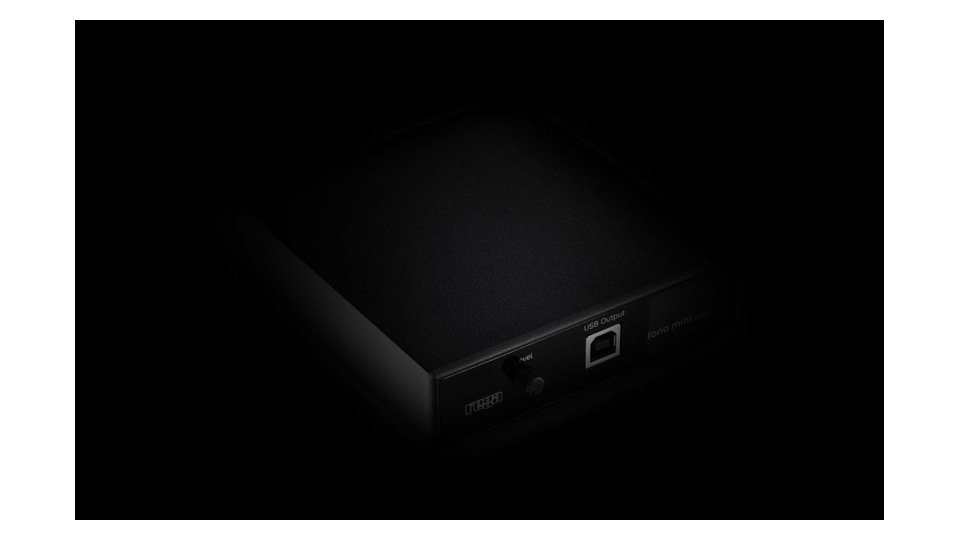
Rega Fono Mini A2D MK2
The first aspect to look for in the official product information for the Rega Fono Mini A2D MK2 is the connection method and usage conditions. It combines a phono stage for MM cartridges with USB output, allowing record signals to be recorded onto a computer. The front control adjusts the USB output level. Therefore, assess how this product provides advantages in scenarios of 'connecting an MM turntable to an amp and digitizing it on a PC', alongside its compatibility with your current devices and space.
It does not directly support MC cartridges. Ensure that the waveform does not exceed 0dB during USB recording tests, and check the turntable's grounding structure and potential hum before connecting. Adjust the front level to prevent clipping in the USB recording waveform, and prepare separate equipment for MC cartridges.
It does not directly support MC cartridges. Ensure that the waveform does not exceed 0dB during USB recording tests, and check the turntable's grounding structure and potential hum before connecting. Adjust the front level to prevent clipping in the USB recording waveform, and prepare separate equipment for MC cartridges.
브랜드 Rega
모델 Fono Mini A2D MK2
제품 유형 USB 녹음 지원 MM 포노앰프
추천 용도 MM 턴테이블을 앰프에 연결하고 PC로 디지털화하기
구매 확인 MM 전용·USB 출력 레벨과 접지 방식
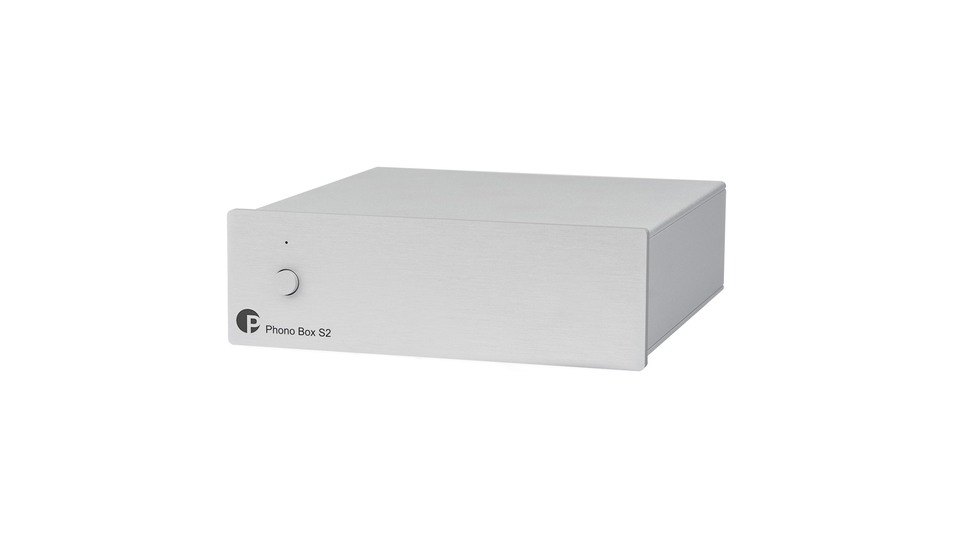
Pro-Ject Phono Box S2
The first thing to review in the official product information for the Pro-Ject Phono Box S2 is the connection method and usage conditions. It supports both MM and MC cartridges, providing gain options of 40·43·60·63dB and settings for input impedance and capacitance. It houses a dual mono circuit in a small metal chassis. Thus, consider how this product will benefit you in scenarios of 'changing settings on a small unit according to cartridge changes', along with how well it connects with your current equipment and space.
It's convenient to check the DIP switch locations beneath the unit beforehand. Start with the manufacturer's recommended load and capacitance values, keeping the power and signal wires separate. Set the DIP switches beneath the unit before installation and note the settings to reduce confusion when changing cartridges.
It's convenient to check the DIP switch locations beneath the unit beforehand. Start with the manufacturer's recommended load and capacitance values, keeping the power and signal wires separate. Set the DIP switches beneath the unit before installation and note the settings to reduce confusion when changing cartridges.
브랜드 Pro-Ject
모델 Phono Box S2
제품 유형 조절형 MM·MC 포노 프리앰프
추천 용도 카트리지 교체에 맞춰 작은 본체의 설정을 바꾸기
구매 확인 40~63dB 게인·입력 임피던스와 하단 스위치
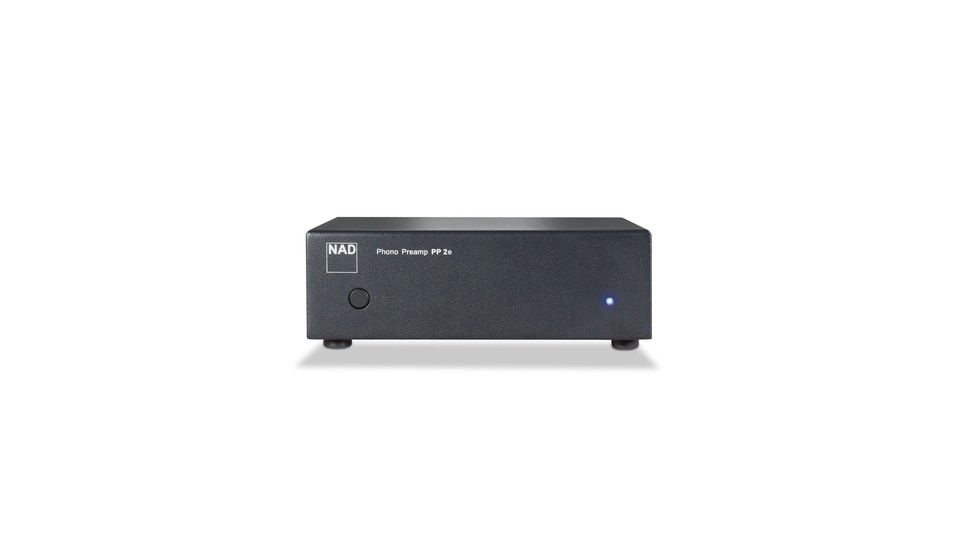
NAD PP 2e
In the official product information for the NAD PP 2e, the first items to check are the connection method and usage conditions. It allows you to select MM or MC input via a rear switch and connects to the amp through RCA output. It features an automatic standby function to reduce power consumption when not in use. Therefore, evaluate how this product provides advantages for 'connecting MM and MC turntables with a simple switch', as well as its compatibility with your current devices and environment.
Be sure to set the switch correctly to match the cartridge type being used at any one time. It lacks detailed load adjustment functions, so confirm that it meets the recommended conditions for the cartridge and keep the power adapter separated from the signal line. After matching the MM·MC selection switch to the cartridge type, check the grounding and hum, and assess the necessity for detailed load adjustments.
Be sure to set the switch correctly to match the cartridge type being used at any one time. It lacks detailed load adjustment functions, so confirm that it meets the recommended conditions for the cartridge and keep the power adapter separated from the signal line. After matching the MM·MC selection switch to the cartridge type, check the grounding and hum, and assess the necessity for detailed load adjustments.
브랜드 NAD
모델 PP 2e
제품 유형 MM·MC 선택형 포노 프리앰프
추천 용도 단순한 스위치로 MM과 MC 턴테이블을 연결하기
구매 확인 MM/MC 입력 선택·자동 전원과 외부 어댑터
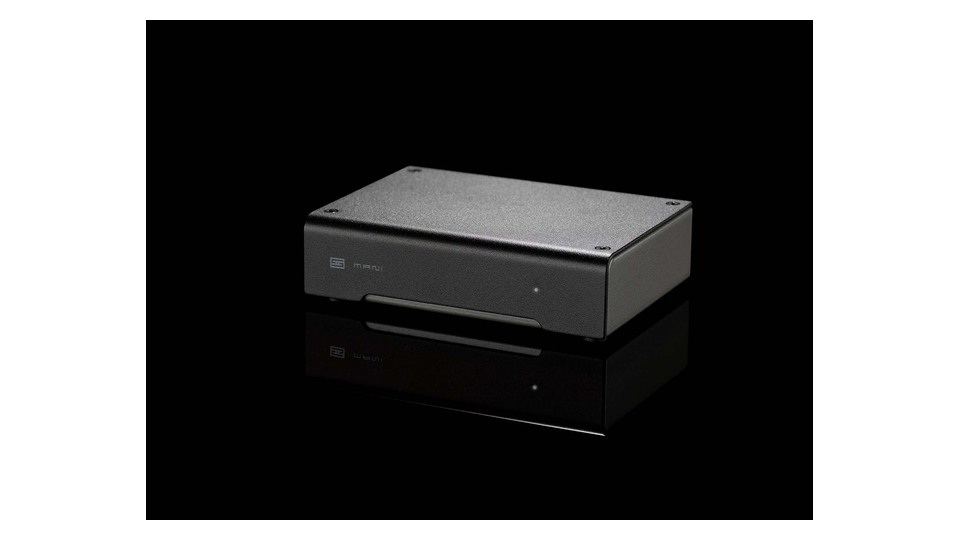
Schiit Mani 2
In the official product information for the Schiit Mani 2, the first thing to review is the connection method and usage conditions. It offers gain of 33·42·48·60dB and various resistance and capacitance settings, compatible with MM and multiple MC cartridges. It uses a passive RIAA network with manual selection. Thus, determine how this product excels in situations of 'finely adjusting gain and load in a compact system', and evaluate its connectability to your existing devices and space.
Check the power adapter specifications for the ordering region. Adjust the switch under the unit to match the cartridge’s recommended values before connecting, as excessively high gain can increase both noise and clipping. Since raising the gain too high can also make noise worse, start increasing it from lower levels, and confirm the voltage of the power adapter you will use before ordering.
Check the power adapter specifications for the ordering region. Adjust the switch under the unit to match the cartridge’s recommended values before connecting, as excessively high gain can increase both noise and clipping. Since raising the gain too high can also make noise worse, start increasing it from lower levels, and confirm the voltage of the power adapter you will use before ordering.
브랜드 Schiit Audio
모델 Mani 2
제품 유형 다단 게인 MM·MC 포노 프리앰프
추천 용도 작은 시스템에서 게인과 부하를 세밀하게 조절하기
구매 확인 미국 전원 옵션·4단 게인과 6개 부하 설정
For simple MM and USB recording, the Fono Mini A2D MK2 is a good choice, while the Phono Box S2 and ZEN Phono 3 are great for adjustable MM·MC beginners. The NAD PP 2e offers straightforward MM·MC switching, while the Mani 2 focuses on various gain, load, and compact systems. Noting cartridge specifications and the current amp inputs will help reduce purchasing unnecessary features.
After installation, check for hum by turning on one device at a low volume at a time. When replacing cartridges, remember to adjust the settings according to the new output voltage and recommended load. Avoid using excessively long cables and do not place the phono amplifier directly on top of the power supply. For digital recordings, test the input levels and file format beforehand to avoid clipping.
After installation, check for hum by turning on one device at a low volume at a time. When replacing cartridges, remember to adjust the settings according to the new output voltage and recommended load. Avoid using excessively long cables and do not place the phono amplifier directly on top of the power supply. For digital recordings, test the input levels and file format beforehand to avoid clipping.
At a glance
5 items
As part of the Coupang Partners program, this post may earn a commission from qualifying purchases.
Comments 0
Log in to leave a comment.
Be the first to comment.
How about these lists?


You might also like


🎲
Not ready to stop here?
Wondering what to read next is the biggest waste of time.
Let the dice decide — you won't know what pops up until you roll.
If you don't press it… won't you wonder forever? 👀