Collection
Smart Home
2026.06.08
Smart Home Appliances You Turn On and Off with a Single Word
A smart home you can run with a single finger or a single word
‘Smart Home Devices You Can Switch On and Off With a Single Word’ is a list focused on picking real devices whose functions don’t overlap when you’re just getting started with voice and app automation. Smart home products may share the same feature names, yet differ in how they communicate, which hub they need, and how they’re installed, so deciding based on a single device can easily leave your automations broken. In this article, we sort out the job each product will handle and look at the features you’ll actually use day to day, along with what you need to have in place.
The most realistic way to build your setup is to start by connecting two devices you’ll use every day, such as a hub and lighting, confirm that notifications and remote control are stable, and then add sensors and power devices. Before buying, check each product against the following: platform compatibility, whether a hub is required, installation method, power rating, and privacy and manual operation. Rather than counting the features on the app screen, decide in advance how things behave when the internet goes down, how family members can operate them directly, and who will check things when a problem comes up, and you’ll keep automation from getting in the way of daily life.
The most realistic way to build your setup is to start by connecting two devices you’ll use every day, such as a hub and lighting, confirm that notifications and remote control are stable, and then add sensors and power devices. Before buying, check each product against the following: platform compatibility, whether a hub is required, installation method, power rating, and privacy and manual operation. Rather than counting the features on the app screen, decide in advance how things behave when the internet goes down, how family members can operate them directly, and who will check things when a problem comes up, and you’ll keep automation from getting in the way of daily life.
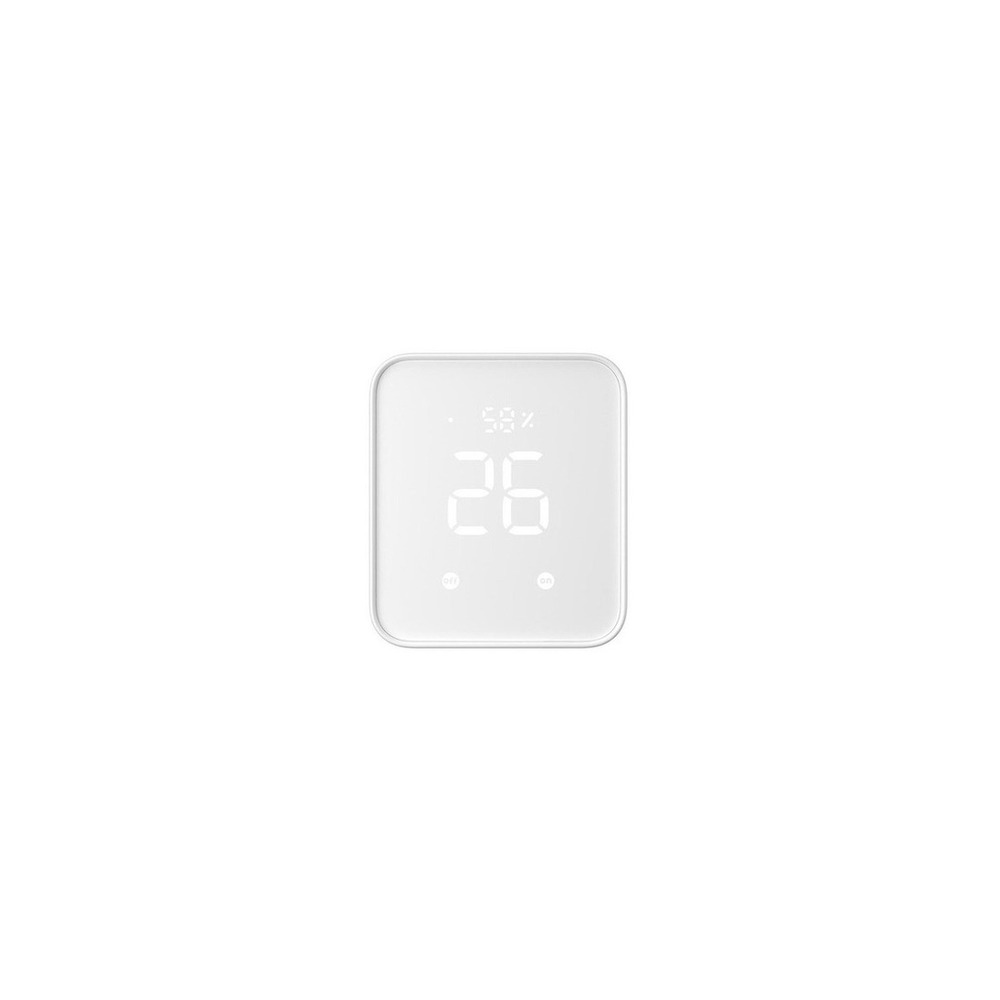
SwitchBot Hub 2 (Matter Support)
The SwitchBot Hub 2 (Matter-enabled) made it into ‘Smart Home Devices You Can Switch On and Off With a Single Word’ because its role, controlling Bluetooth devices remotely and serving as the center of your Matter integration, ties directly to the purpose of this list. You’ll especially feel the advantages of the SwitchBot Hub 2 (Matter-enabled) when you group several SwitchBot devices together and control them from outside the home. That said, the SwitchBot Hub 2 (Matter-enabled) isn’t a product you can simply connect and forget. The compatibility requirement to check first for the SwitchBot Hub 2 (Matter-enabled) is listed as ‘check the list of Wi-Fi, Bluetooth, and Matter-supported devices,’ and the power requirement as ‘constant USB power,’ so compare these against your actual home environment.
The installation requirement to review before setting up the SwitchBot Hub 2 (Matter-enabled) is ‘place it in a central spot in the home where Wi-Fi and each device’s signal can reach.’ Use this as the basis for deciding on placement and traffic flow first. When weighing setup costs, confirm that ‘basic hub functions require no subscription,’ and manage the SwitchBot Hub 2 (Matter-enabled) account and records under the principle of ‘managing the remote-control account, infrared remote data, and family permissions.’ For the first few days after installing the SwitchBot Hub 2 (Matter-enabled), test both the automation results and manual operation. Right before buying, it’s safest to recheck the SwitchBot Hub 2 (Matter-enabled) model name, included components, ratings, and availability on the linked source page.
The installation requirement to review before setting up the SwitchBot Hub 2 (Matter-enabled) is ‘place it in a central spot in the home where Wi-Fi and each device’s signal can reach.’ Use this as the basis for deciding on placement and traffic flow first. When weighing setup costs, confirm that ‘basic hub functions require no subscription,’ and manage the SwitchBot Hub 2 (Matter-enabled) account and records under the principle of ‘managing the remote-control account, infrared remote data, and family permissions.’ For the first few days after installing the SwitchBot Hub 2 (Matter-enabled), test both the automation results and manual operation. Right before buying, it’s safest to recheck the SwitchBot Hub 2 (Matter-enabled) model name, included components, ratings, and availability on the linked source page.
브랜드 SwitchBot
주요 용도 Bluetooth 기기를 원격 제어하고 Matter 연동의 중심으로 사용
알맞은 상황 SwitchBot 기기를 여러 개 묶어 외부에서도 제어할 때
호환 조건 Wi-Fi·Bluetooth·Matter 지원 기기 목록 확인
전원 USB 상시 전원
설치 확인 집 중앙의 Wi-Fi와 각 기기 통신이 닿는 위치에 배치
구독 기본 허브 기능은 구독 없음
개인정보·안전 원격제어 계정·적외선 리모컨 데이터와 가족 권한 관리
이미지 출처 검증된 쿠팡 상품 이미지
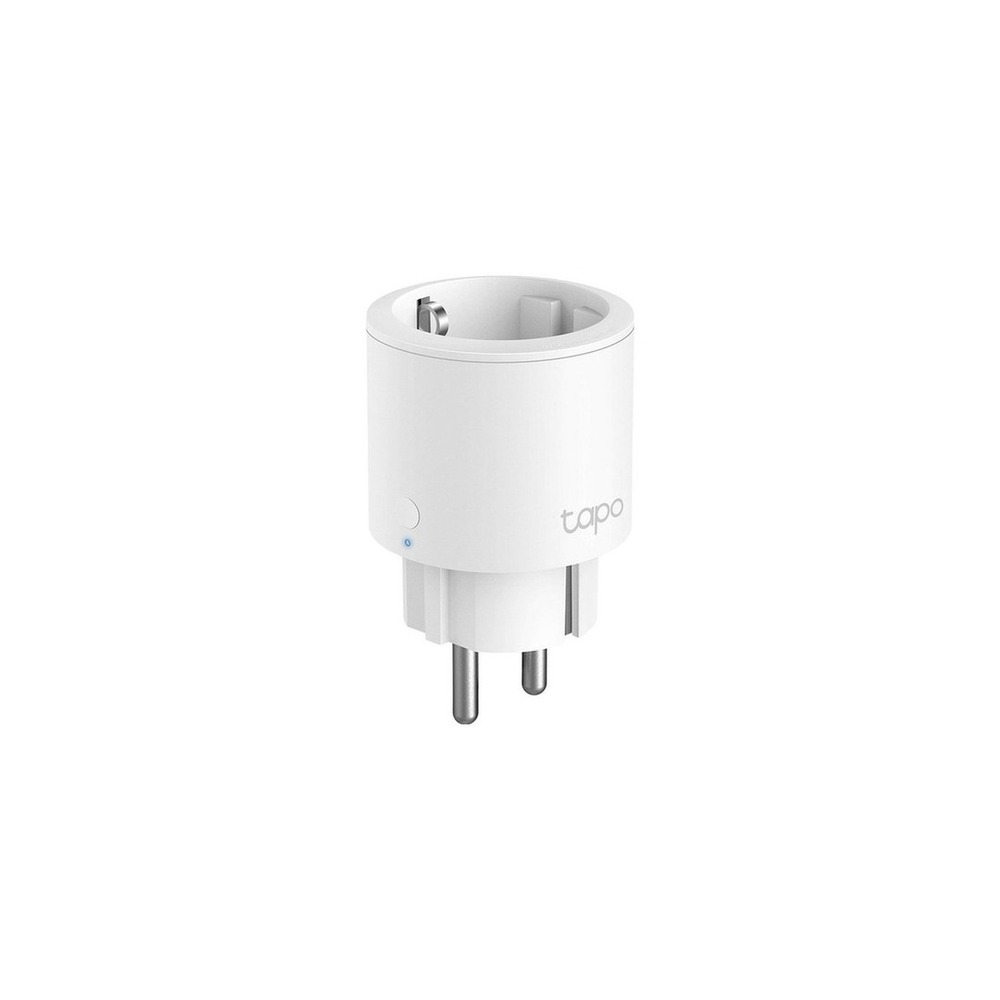
TP-Link Tapo P115 Smart Plug
The TP-Link Tapo P115 Smart Plug made it into ‘Smart Home Devices You Can Switch On and Off With a Single Word’ because its role, managing power to small appliances with the app, schedules, and energy monitoring, ties directly to the purpose of this list. From this list’s perspective in particular, you’ll feel the advantages of the TP-Link Tapo P115 Smart Plug when comparing its 16A rating and power measurement together. That said, the TP-Link Tapo P115 Smart Plug isn’t a product you can simply connect and forget. The compatibility requirement for the TP-Link Tapo P115 Smart Plug is listed as ‘check support for the Tapo app, 2.4GHz Wi-Fi, and voice platforms,’ and the power requirement as ‘a household outlet and the product’s rating,’ so compare these against your actual home environment.
The installation requirement for the TP-Link Tapo P115 Smart Plug is ‘check space for adjacent plugs, grounding, and network connection.’ Use this as the basis for deciding on placement and traffic flow first. When weighing setup costs, confirm that ‘basic functions require no subscription,’ and manage the TP-Link Tapo P115 Smart Plug account and records under the principle of ‘managing the Tapo account and family sharing permissions.’ For the first few days after installing the TP-Link Tapo P115 Smart Plug, test both the automation results and manual operation. Right before buying, it’s safest to recheck the TP-Link Tapo P115 Smart Plug model name, included components, ratings, and availability on the linked source page.
The installation requirement for the TP-Link Tapo P115 Smart Plug is ‘check space for adjacent plugs, grounding, and network connection.’ Use this as the basis for deciding on placement and traffic flow first. When weighing setup costs, confirm that ‘basic functions require no subscription,’ and manage the TP-Link Tapo P115 Smart Plug account and records under the principle of ‘managing the Tapo account and family sharing permissions.’ For the first few days after installing the TP-Link Tapo P115 Smart Plug, test both the automation results and manual operation. Right before buying, it’s safest to recheck the TP-Link Tapo P115 Smart Plug model name, included components, ratings, and availability on the linked source page.
브랜드 TP-Link Tapo
주요 용도 앱과 일정, 에너지 모니터링으로 소형 가전 전원을 관리
알맞은 상황 16A 정격과 전력 측정 기능을 함께 비교할 때
호환 조건 Tapo 앱·2.4GHz Wi-Fi와 음성 플랫폼 지원 확인
전원 가정용 콘센트와 제품 정격
설치 확인 인접 플러그 공간과 접지·네트워크 연결 확인
구독 기본 기능은 구독 없음
개인정보·안전 Tapo 계정과 가족 공유 권한 관리
이미지 출처 검증된 쿠팡 상품 이미지
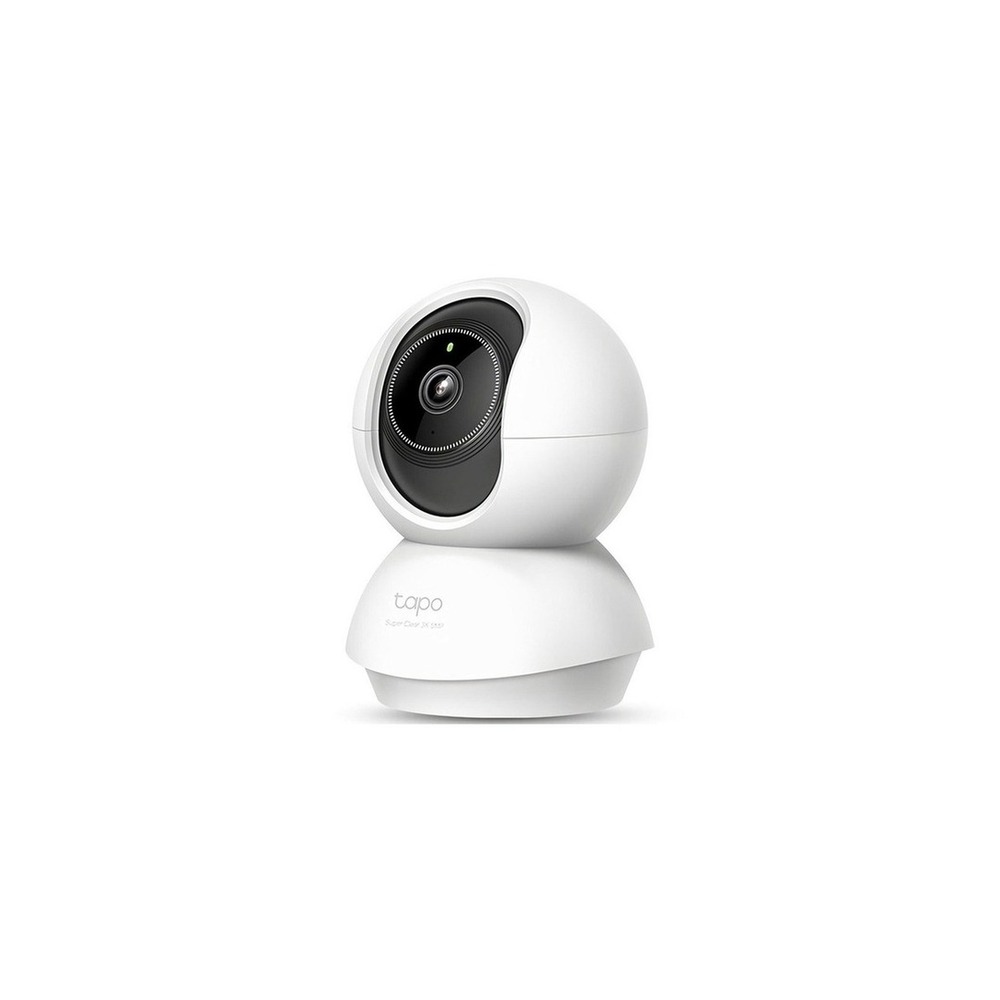
TP-Link Tapo C230 Home Camera
The TP-Link Tapo C230 Home Camera made it into ‘Smart Home Devices You Can Switch On and Off With a Single Word’ because its role, checking indoor movement and sound with a rotating camera, ties directly to the purpose of this list. You’ll especially feel the advantages of the TP-Link Tapo C230 Home Camera when you want a wide view of the living room or your pet’s living space. That said, the TP-Link Tapo C230 Home Camera isn’t a product you can simply connect and forget. The compatibility requirement for the TP-Link Tapo C230 Home Camera is listed as ‘check support for the Tapo app, 2.4GHz Wi-Fi, microSD, and cloud,’ and the power requirement as ‘constant USB power,’ so compare these against your actual home environment.
The installation requirement for the TP-Link Tapo C230 Home Camera is ‘check blind spots, the power cable, and measures to keep the camera from tipping over.’ Use this as the basis for deciding on placement and traffic flow first. When weighing costs, confirm that ‘cloud storage is an optional subscription, and local storage depends on card requirements,’ and manage the TP-Link Tapo C230 Home Camera account and records under the principle of ‘two-factor authentication, camera sharing, microphone permissions, and notice of recording.’ For the first few days after installing the TP-Link Tapo C230 Home Camera, test both the automation results and manual operation. Right before buying, it’s safest to recheck the TP-Link Tapo C230 Home Camera model name, included components, ratings, and availability on the linked source page.
The installation requirement for the TP-Link Tapo C230 Home Camera is ‘check blind spots, the power cable, and measures to keep the camera from tipping over.’ Use this as the basis for deciding on placement and traffic flow first. When weighing costs, confirm that ‘cloud storage is an optional subscription, and local storage depends on card requirements,’ and manage the TP-Link Tapo C230 Home Camera account and records under the principle of ‘two-factor authentication, camera sharing, microphone permissions, and notice of recording.’ For the first few days after installing the TP-Link Tapo C230 Home Camera, test both the automation results and manual operation. Right before buying, it’s safest to recheck the TP-Link Tapo C230 Home Camera model name, included components, ratings, and availability on the linked source page.
브랜드 TP-Link Tapo
주요 용도 회전형 카메라로 실내 움직임과 소리를 확인
알맞은 상황 거실이나 반려동물 생활 공간을 넓게 볼 때
호환 조건 Tapo 앱·2.4GHz Wi-Fi·microSD와 클라우드 지원 확인
전원 상시 USB 전원
설치 확인 촬영 사각과 전원선, 카메라 전도 방지 확인
구독 클라우드 저장은 선택 구독, 로컬 저장은 카드 조건 확인
개인정보·안전 2단계 인증·카메라 공유·마이크 권한과 촬영 고지
이미지 출처 검증된 쿠팡 상품 이미지
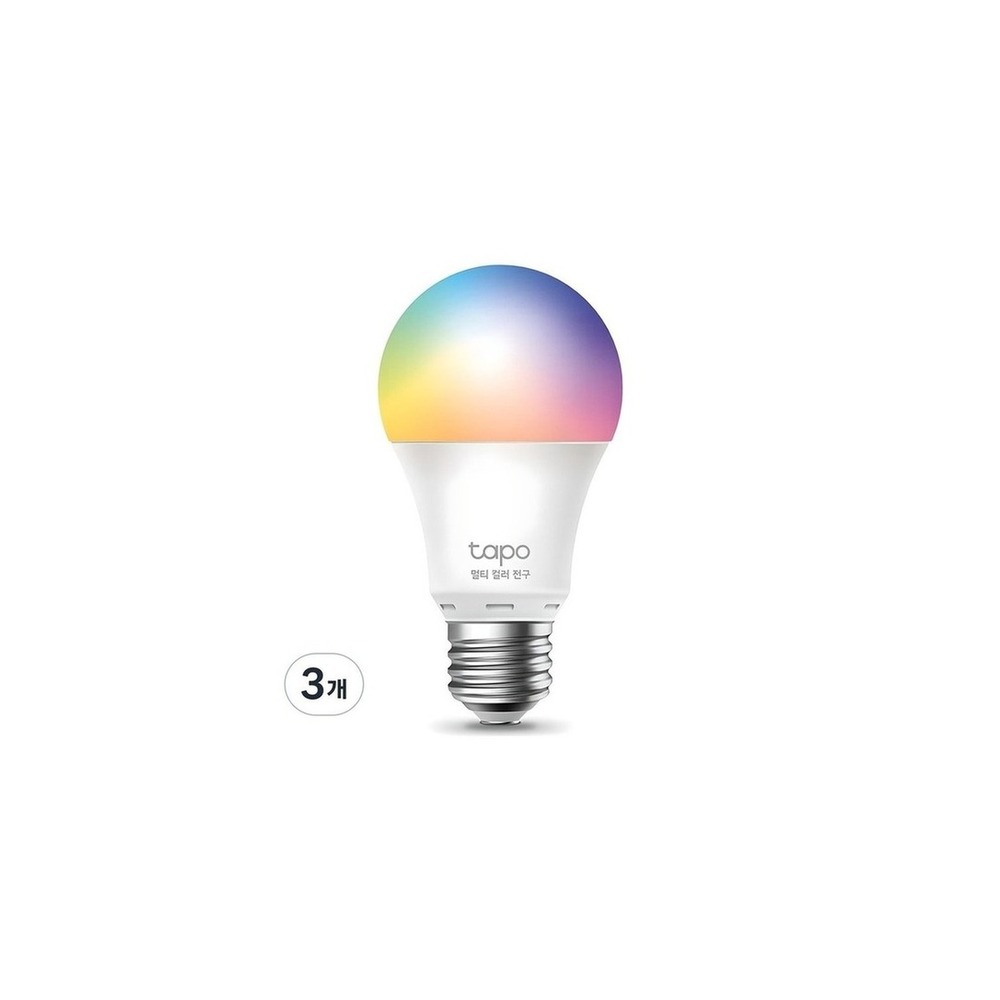
TP-Link Tapo L530E Smart Bulb
The TP-Link Tapo L530E Smart Bulb made it into ‘Smart Home Devices You Can Switch On and Off With a Single Word’ because its role, controlling color and brightness over Wi-Fi, ties directly to the purpose of this list. You’ll especially feel the advantages of the TP-Link Tapo L530E Smart Bulb when starting with just one or two bulbs and no separate hub. That said, the TP-Link Tapo L530E Smart Bulb isn’t a product you can simply connect and forget. The compatibility requirement for the TP-Link Tapo L530E Smart Bulb is listed as ‘check the Tapo app, 2.4GHz Wi-Fi, and supported voice assistants,’ and the power requirement as ‘constant power to an E26 socket,’ so compare these against your actual home environment.
The installation requirement for the TP-Link Tapo L530E Smart Bulb is ‘check the socket standard and conditions for use in enclosed fixtures.’ Use this as the basis for deciding on placement and traffic flow first. When weighing the cost of the whole setup, confirm that ‘basic functions require no subscription,’ and manage the TP-Link Tapo L530E Smart Bulb account and records under the principle of ‘Tapo account security and managing shared user permissions.’ For the first few days after installing the TP-Link Tapo L530E Smart Bulb with this list as a reference, test both the automation results and manual operation. Right before buying, it’s safest to recheck the TP-Link Tapo L530E Smart Bulb model name, included components, ratings, and availability on the linked source page.
The installation requirement for the TP-Link Tapo L530E Smart Bulb is ‘check the socket standard and conditions for use in enclosed fixtures.’ Use this as the basis for deciding on placement and traffic flow first. When weighing the cost of the whole setup, confirm that ‘basic functions require no subscription,’ and manage the TP-Link Tapo L530E Smart Bulb account and records under the principle of ‘Tapo account security and managing shared user permissions.’ For the first few days after installing the TP-Link Tapo L530E Smart Bulb with this list as a reference, test both the automation results and manual operation. Right before buying, it’s safest to recheck the TP-Link Tapo L530E Smart Bulb model name, included components, ratings, and availability on the linked source page.
브랜드 TP-Link Tapo
주요 용도 Wi-Fi로 색상과 밝기를 제어
알맞은 상황 별도 허브 없이 전구 한두 개부터 시작할 때
호환 조건 Tapo 앱과 2.4GHz Wi-Fi, 지원 음성비서 확인
전원 E26 소켓 상시 전원
설치 확인 소켓 규격과 밀폐형 등기구 사용 조건 확인
구독 기본 기능은 구독 없음
개인정보·안전 Tapo 계정 보안과 공유 사용자 권한 관리
이미지 출처 검증된 쿠팡 상품 이미지
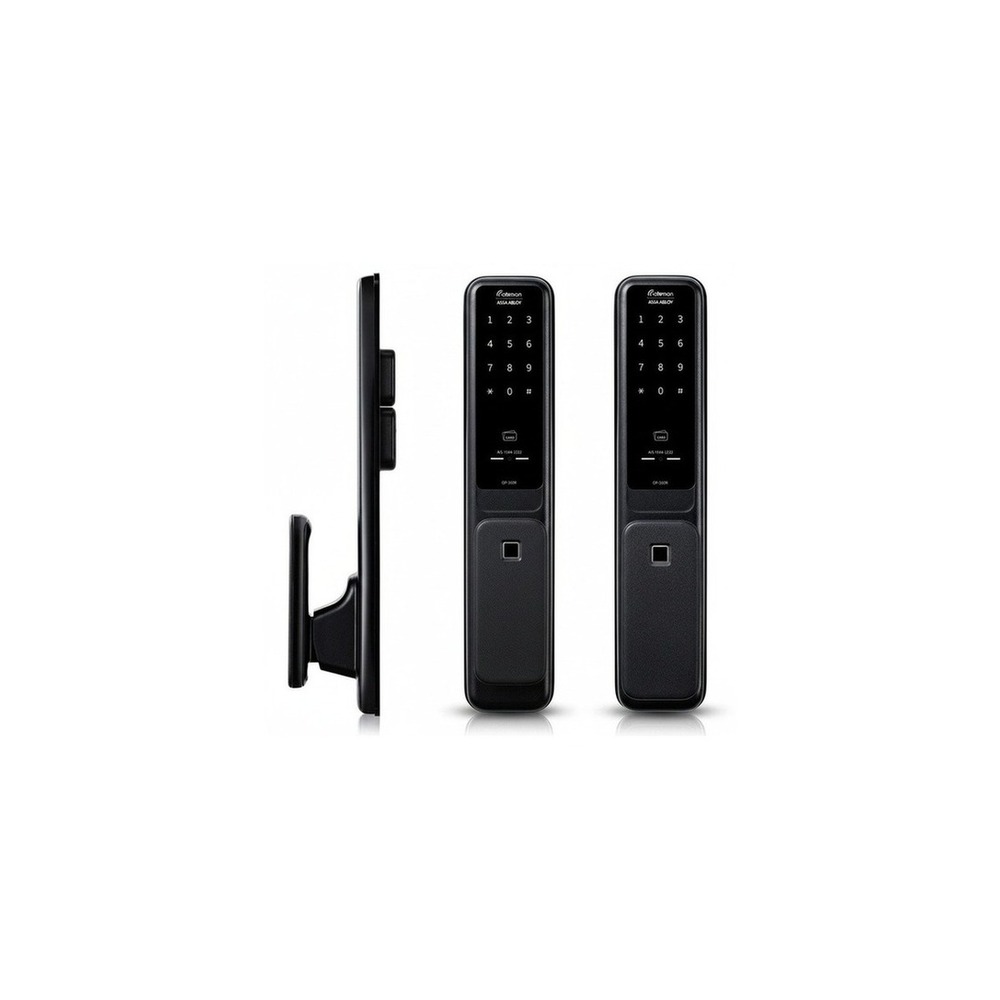
Gateman GP-350R Door Lock
The Gateman GP-350R Door Lock made it into ‘Smart Home Devices You Can Switch On and Off With a Single Word’ because its role, managing front-door entry with fingerprints and passcodes, ties directly to the purpose of this list. Households that want both a push-pull handle and fingerprint authentication will especially feel the advantages of the Gateman GP-350R Door Lock. That said, the Gateman GP-350R Door Lock isn’t a product you can simply connect and forget. The compatibility requirement for the Gateman GP-350R Door Lock is listed as ‘standalone by default; check whether network features are a separate option,’ and the power requirement as ‘AA batteries and external emergency power,’ so compare these against your actual home environment.
The installation requirement for the Gateman GP-350R Door Lock is ‘check drilling and reinforcement plates for your front door’s specifications, and professional installation.’ Use this as the basis for deciding on placement and traffic flow first. When weighing costs, confirm that ‘basic functions require no monthly subscription,’ and manage the Gateman GP-350R Door Lock account and records under the principle of ‘reviewing the scope of sharing when using entry logs and temporary passcodes.’ For the first few days after installing the Gateman GP-350R Door Lock, test both the automation results and manual operation. Right before buying, it’s safest to recheck the Gateman GP-350R Door Lock model name, included components, ratings, and availability on the linked source page.
The installation requirement for the Gateman GP-350R Door Lock is ‘check drilling and reinforcement plates for your front door’s specifications, and professional installation.’ Use this as the basis for deciding on placement and traffic flow first. When weighing costs, confirm that ‘basic functions require no monthly subscription,’ and manage the Gateman GP-350R Door Lock account and records under the principle of ‘reviewing the scope of sharing when using entry logs and temporary passcodes.’ For the first few days after installing the Gateman GP-350R Door Lock, test both the automation results and manual operation. Right before buying, it’s safest to recheck the Gateman GP-350R Door Lock model name, included components, ratings, and availability on the linked source page.
브랜드 게이트맨
주요 용도 지문과 비밀번호로 현관 출입을 관리
알맞은 상황 푸시풀 손잡이와 지문 인증을 함께 원하는 가정
호환 조건 기본은 독립형이며 네트워크 기능은 별도 옵션 여부 확인
전원 AA 건전지와 외부 비상전원
설치 확인 현관문 규격에 따른 타공·보강판과 기사 설치 확인
구독 기본 기능은 월 구독 없음
개인정보·안전 출입 기록·임시번호 기능 사용 시 공유 범위 점검
이미지 출처 검증된 쿠팡 상품 이미지
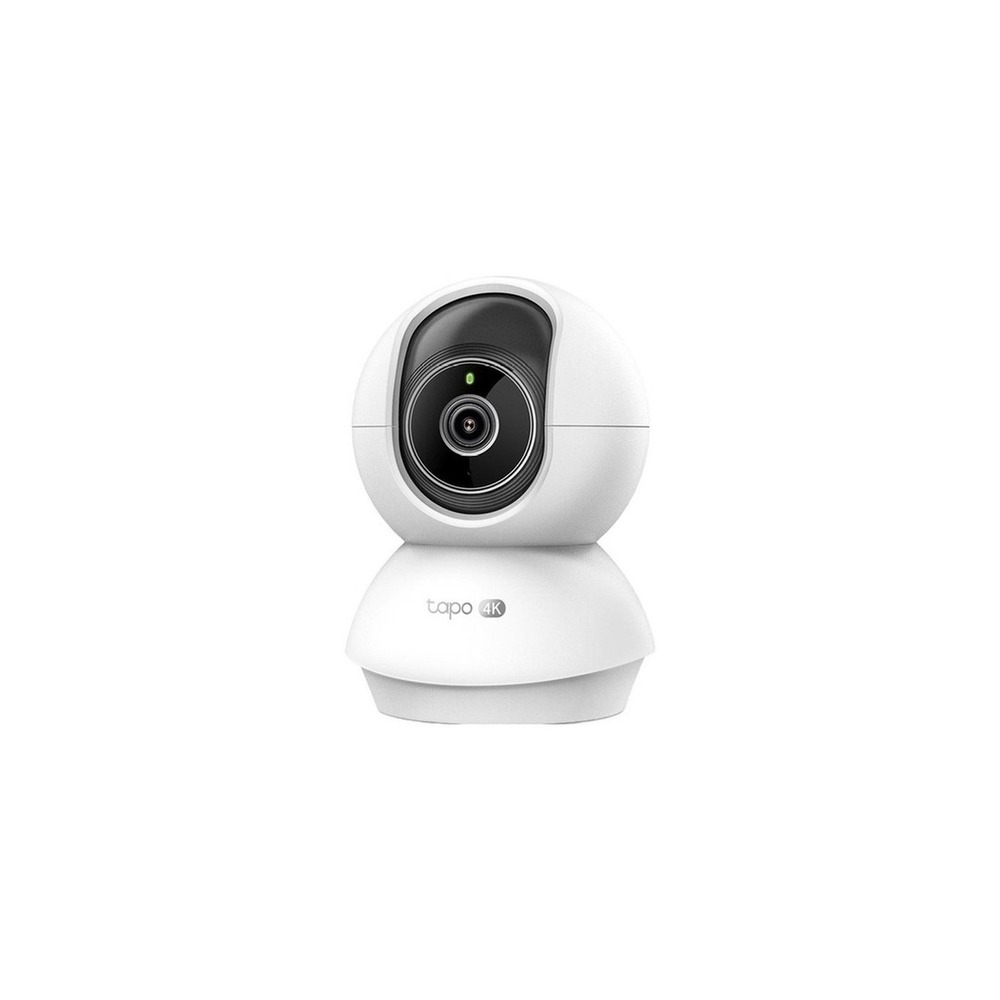
TP-Link Tapo C250 Home Cam
The TP-Link Tapo C250 Home Camera made it into ‘Smart Home Devices You Can Switch On and Off With a Single Word’ because its role, making use of high-resolution indoor video and rotating tracking, ties directly to the purpose of this list. You’ll especially feel the advantages of the TP-Link Tapo C250 Home Camera when you want to check a large space in high resolution while you’re out. That said, the TP-Link Tapo C250 Home Camera isn’t a product you can simply connect and forget. The compatibility requirement for the TP-Link Tapo C250 Home Camera is listed as ‘check support for the Tapo app, Wi-Fi, storage method, and detection features,’ and the power requirement as ‘constant USB power,’ so compare these against your actual home environment.
The installation requirement for the TP-Link Tapo C250 Home Camera is ‘space for the lens to rotate, tidy power cables, and testing the privacy settings.’ Use this as the basis for deciding on placement and traffic flow first. When weighing setup costs, confirm that ‘cloud features are an optional subscription,’ and manage the TP-Link Tapo C250 Home Camera account and records under the principle of ‘account security, shared users, and managing how long recordings are kept.’ For the first few days after installing the TP-Link Tapo C250 Home Camera, test both the automation results and manual operation. Right before buying, it’s safest to recheck the TP-Link Tapo C250 Home Camera model name, included components, ratings, and availability on the linked source page.
The installation requirement for the TP-Link Tapo C250 Home Camera is ‘space for the lens to rotate, tidy power cables, and testing the privacy settings.’ Use this as the basis for deciding on placement and traffic flow first. When weighing setup costs, confirm that ‘cloud features are an optional subscription,’ and manage the TP-Link Tapo C250 Home Camera account and records under the principle of ‘account security, shared users, and managing how long recordings are kept.’ For the first few days after installing the TP-Link Tapo C250 Home Camera, test both the automation results and manual operation. Right before buying, it’s safest to recheck the TP-Link Tapo C250 Home Camera model name, included components, ratings, and availability on the linked source page.
브랜드 TP-Link Tapo
주요 용도 고해상도 실내 영상과 회전 추적 기능을 활용
알맞은 상황 외출 중 넓은 공간을 고해상도로 확인하고 싶을 때
호환 조건 Tapo 앱·Wi-Fi·저장 방식과 감지 기능 지원 확인
전원 상시 USB 전원
설치 확인 렌즈 회전 공간과 전원선 정리, 프라이버시 설정 시험
구독 클라우드 기능은 선택 구독
개인정보·안전 계정 보안·공유 사용자·녹화 보관 기간 관리
이미지 출처 검증된 쿠팡 상품 이미지
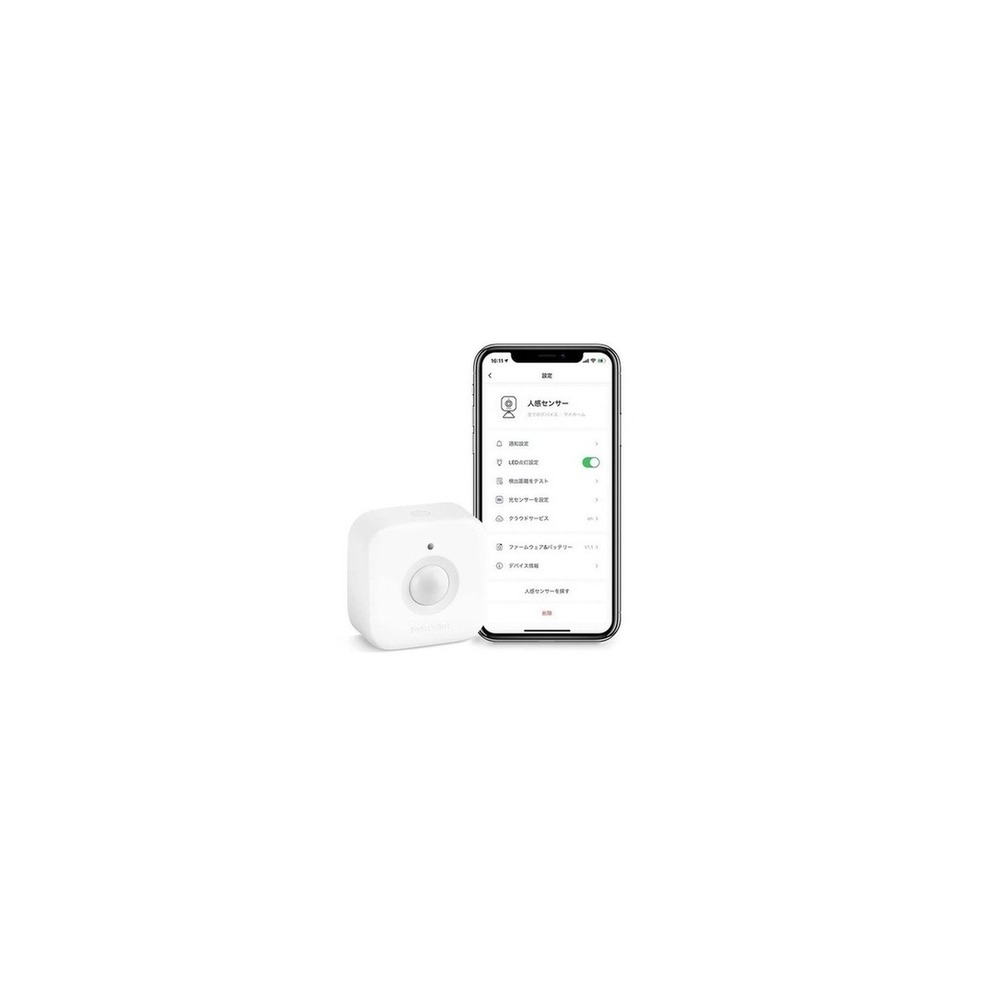
SwitchBot Bot Smart Switch
The SwitchBot Bot Smart Switch made it into ‘Smart Home Devices You Can Switch On and Off With a Single Word’ because its role, automating existing wall switches or buttons by physically pressing them, ties directly to the purpose of this list. If you rent and can’t touch the wiring, you’ll especially feel the advantages of the SwitchBot Bot Smart Switch. That said, the SwitchBot Bot Smart Switch isn’t a product you can simply connect and forget. The compatibility requirement for the SwitchBot Bot Smart Switch is listed as ‘Bluetooth by default; remote and voice control require a compatible Hub,’ and the power requirement as ‘built-in battery,’ so compare these against your actual home environment.
The installation requirement to review alongside the SwitchBot Bot Smart Switch is ‘check the button shape and adhesive surface, and have a pull strap ready for removal.’ Use this as the basis for deciding on placement and traffic flow first. When weighing costs, confirm that ‘basic control requires no subscription,’ and manage the SwitchBot Bot Smart Switch account and records under the principle of ‘sharing the hub account and limiting remote execution permissions.’ For the first few days after installing the SwitchBot Bot Smart Switch, test both the automation results and manual operation. Right before buying, it’s safest to recheck the SwitchBot Bot Smart Switch model name, included components, ratings, and availability on the linked source page.
The installation requirement to review alongside the SwitchBot Bot Smart Switch is ‘check the button shape and adhesive surface, and have a pull strap ready for removal.’ Use this as the basis for deciding on placement and traffic flow first. When weighing costs, confirm that ‘basic control requires no subscription,’ and manage the SwitchBot Bot Smart Switch account and records under the principle of ‘sharing the hub account and limiting remote execution permissions.’ For the first few days after installing the SwitchBot Bot Smart Switch, test both the automation results and manual operation. Right before buying, it’s safest to recheck the SwitchBot Bot Smart Switch model name, included components, ratings, and availability on the linked source page.
브랜드 SwitchBot
주요 용도 기존 벽 스위치나 버튼을 물리적으로 눌러 자동화
알맞은 상황 배선을 건드릴 수 없는 전·월세 집
호환 조건 Bluetooth 기본, 원격·음성 제어는 호환 Hub 필요
전원 내장 배터리
설치 확인 버튼 형태와 접착면을 확인하고 제거용 보조끈 확보
구독 기본 제어는 구독 없음
개인정보·안전 허브 계정 공유와 원격 실행 권한 제한
이미지 출처 검증된 쿠팡 상품 이미지
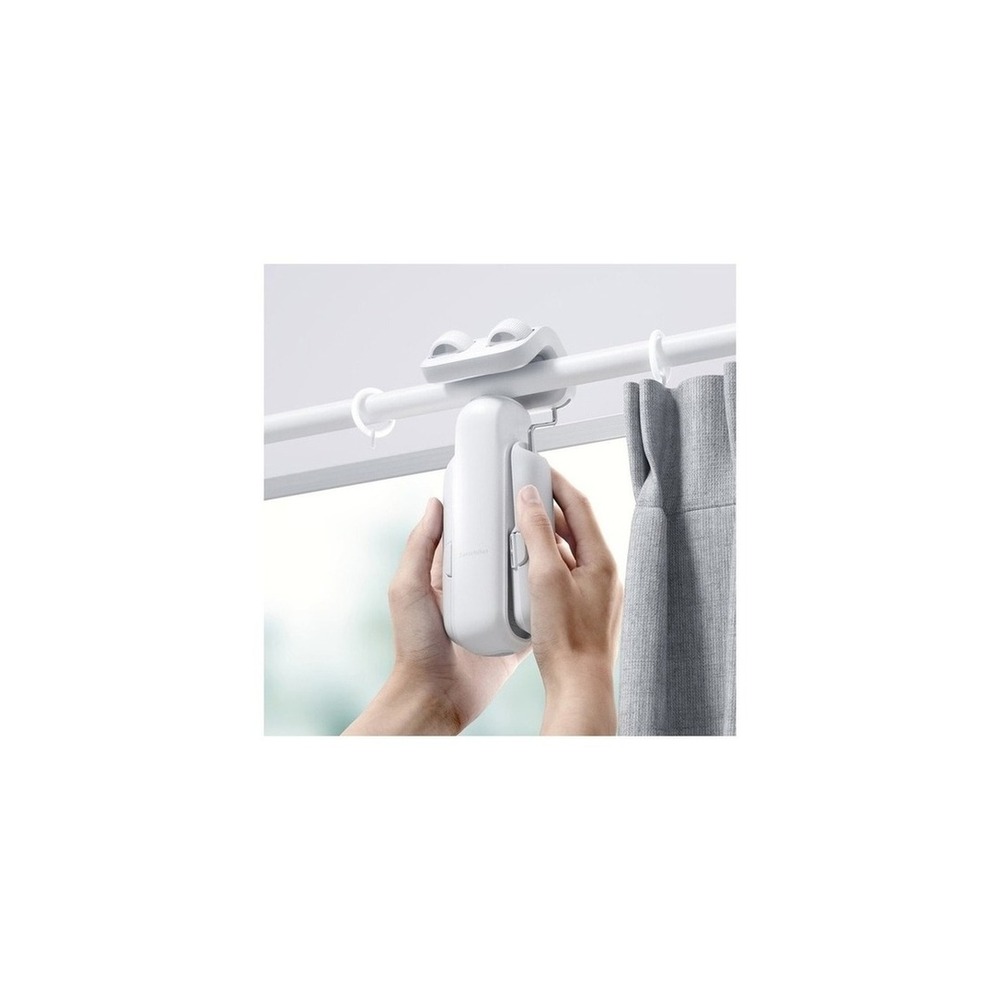
SwitchBot Curtain 3
The SwitchBot Curtain 3 made it into ‘Smart Home Devices You Can Switch On and Off With a Single Word’ because its role, automatically opening and closing curtains along your existing curtain rail, ties directly to the purpose of this list. You’ll especially feel the advantages of the SwitchBot Curtain 3 when you want wake-up and sunset automations without any curtain box construction. That said, the SwitchBot Curtain 3 isn’t a product you can simply connect and forget. The compatibility requirement to check for the SwitchBot Curtain 3 is listed as ‘check the model for your rail type and the Hub and Matter integration requirements,’ and the power requirement as ‘rechargeable battery,’ so compare these against your actual home environment.
The installation requirement to look at for the SwitchBot Curtain 3 is ‘check curtain weight, rail shape, obstructions along the track, and the risk of falling.’ Use this as the basis for deciding on placement and traffic flow first. When weighing costs, confirm that ‘basic app control requires no subscription,’ and manage the SwitchBot Curtain 3 account and records under the principle of ‘checking location and sunrise automation permissions and family account sharing.’ For the first few days after installing the SwitchBot Curtain 3, test both the automation results and manual operation. Right before buying, it’s safest to recheck the SwitchBot Curtain 3 model name, included components, ratings, and availability on the linked source page.
The installation requirement to look at for the SwitchBot Curtain 3 is ‘check curtain weight, rail shape, obstructions along the track, and the risk of falling.’ Use this as the basis for deciding on placement and traffic flow first. When weighing costs, confirm that ‘basic app control requires no subscription,’ and manage the SwitchBot Curtain 3 account and records under the principle of ‘checking location and sunrise automation permissions and family account sharing.’ For the first few days after installing the SwitchBot Curtain 3, test both the automation results and manual operation. Right before buying, it’s safest to recheck the SwitchBot Curtain 3 model name, included components, ratings, and availability on the linked source page.
브랜드 SwitchBot
주요 용도 기존 커튼 레일을 따라 커튼을 자동 개폐
알맞은 상황 커튼 박스 공사 없이 기상·일몰 자동화를 원할 때
호환 조건 레일 유형별 모델과 Hub·Matter 연동 조건 확인
전원 충전식 배터리
설치 확인 커튼 무게·레일 형상·주행 간섭과 낙하 위험 확인
구독 기본 앱 제어는 구독 없음
개인정보·안전 위치·일출 자동화 권한과 가족 계정 공유 확인
이미지 출처 검증된 쿠팡 상품 이미지
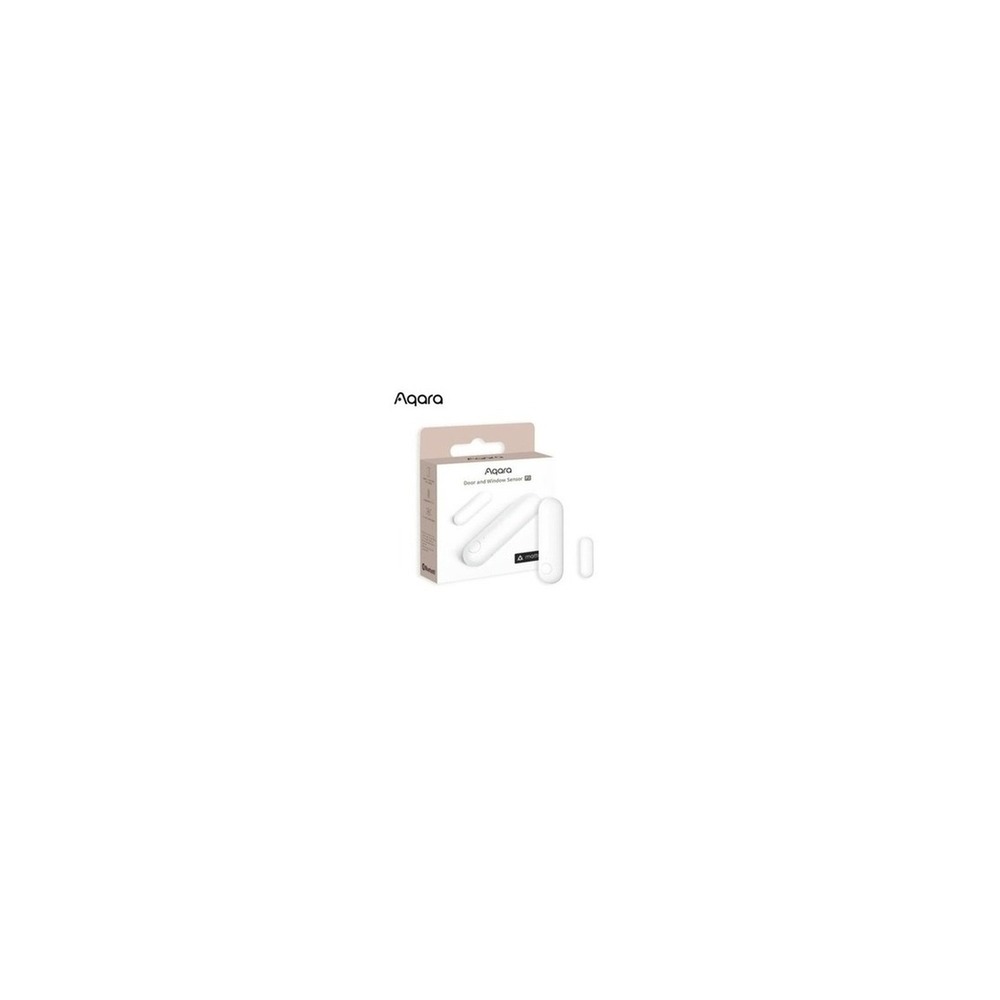
Aqara Door and Window Sensor P2
The Aqara Door and Window Sensor P2 made it into ‘Smart Home Devices You Can Switch On and Off With a Single Word’ because its role, using whether doors and windows are open for automations and alerts, ties directly to the purpose of this list. From this list’s perspective in particular, you’ll feel the advantages of the Aqara Door and Window Sensor P2 when linking the status of your front door or balcony door with other devices. That said, the Aqara Door and Window Sensor P2 isn’t a product you can simply connect and forget. The compatibility requirement to check for the Aqara Door and Window Sensor P2 is listed as ‘check Matter over Thread support and whether a Thread Border Router is required,’ and the power requirement as ‘replaceable battery,’ so compare these against your actual home environment.
The installation requirement for the Aqara Door and Window Sensor P2 is ‘check the gap between the sensor and magnet, the mounting surface, and how the door moves.’ Use this as the basis for deciding on placement and traffic flow first. When weighing setup costs, confirm that ‘basic sensor use requires no subscription,’ and manage the Aqara Door and Window Sensor P2 account and records under the principle of ‘limiting which household members share open/close logs and external alerts.’ For the first few days after installing the Aqara Door and Window Sensor P2 with this list as a reference, test both the automation results and manual operation. Right before buying, it’s safest to recheck the Aqara Door and Window Sensor P2 model name, included components, ratings, and availability on the linked source page.
The installation requirement for the Aqara Door and Window Sensor P2 is ‘check the gap between the sensor and magnet, the mounting surface, and how the door moves.’ Use this as the basis for deciding on placement and traffic flow first. When weighing setup costs, confirm that ‘basic sensor use requires no subscription,’ and manage the Aqara Door and Window Sensor P2 account and records under the principle of ‘limiting which household members share open/close logs and external alerts.’ For the first few days after installing the Aqara Door and Window Sensor P2 with this list as a reference, test both the automation results and manual operation. Right before buying, it’s safest to recheck the Aqara Door and Window Sensor P2 model name, included components, ratings, and availability on the linked source page.
브랜드 Aqara
주요 용도 문·창문의 열림 상태를 자동화와 알림에 사용
알맞은 상황 현관이나 베란다 문 상태를 다른 기기와 연동할 때
호환 조건 Matter over Thread 지원과 Thread Border Router 필요 여부 확인
전원 교체형 배터리
설치 확인 센서와 자석 간격·부착면·문 움직임 확인
구독 기본 센서 사용은 구독 없음
개인정보·안전 열림 기록과 외부 알림을 공유할 구성원 제한
이미지 출처 검증된 쿠팡 상품 이미지
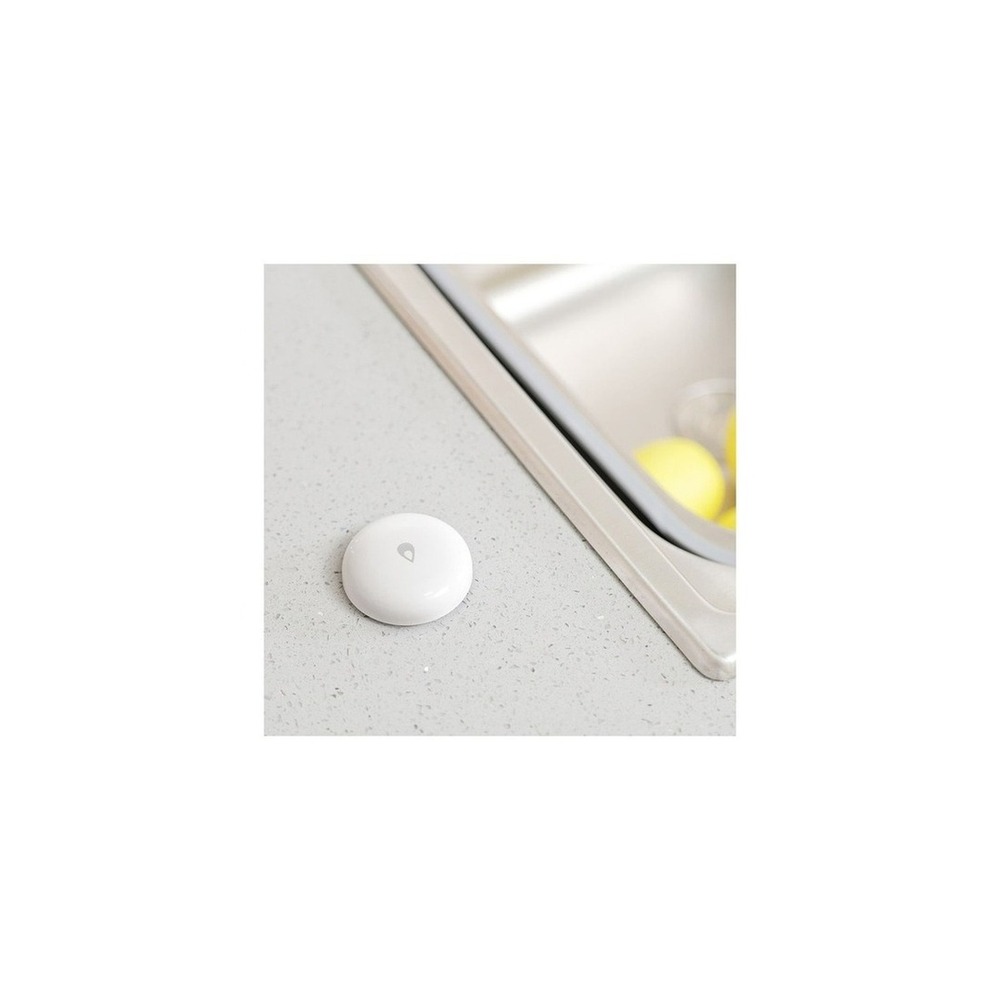
Aqara Smart Water Leak Sensor T1 (Official Genuine Product)
The Aqara Smart Water Leak Sensor T1 (official genuine product) made it into ‘Smart Home Devices You Can Switch On and Off With a Single Word’ because its role, detecting water contact on the floor and triggering alerts and automations, ties directly to the purpose of this list. From this list’s perspective in particular, you’ll feel the advantages of the Aqara Smart Water Leak Sensor T1 (official genuine product) when keeping an eye on the areas around the sink, washing machine, and boiler pipes. That said, the Aqara Smart Water Leak Sensor T1 (official genuine product) isn’t a product you can simply connect and forget. The compatibility requirement for the Aqara Smart Water Leak Sensor T1 (official genuine product) is listed as ‘check for a compatible Aqara Hub and Zigbee support,’ and the power requirement as ‘replaceable battery,’ so compare these against your actual home environment.
The installation requirement for the Aqara Smart Water Leak Sensor T1 (official genuine product) is ‘place it so the sensor contacts touch the floor and won’t get pushed away when mopping with water.’ Use this as the basis for deciding on placement and traffic flow first. When weighing setup costs, confirm that ‘basic alerts require no subscription,’ and manage the Aqara Smart Water Leak Sensor T1 (official genuine product) account and records under the principle of ‘designating someone to respond while you’re away, since alerts don’t actually shut off the water.’ For the first few days after installing the Aqara Smart Water Leak Sensor T1 (official genuine product), test both the automation results and manual operation. Right before buying, it’s safest to recheck the Aqara Smart Water Leak Sensor T1 (official genuine product) model name, included components, ratings, and availability on the linked source page.
The installation requirement for the Aqara Smart Water Leak Sensor T1 (official genuine product) is ‘place it so the sensor contacts touch the floor and won’t get pushed away when mopping with water.’ Use this as the basis for deciding on placement and traffic flow first. When weighing setup costs, confirm that ‘basic alerts require no subscription,’ and manage the Aqara Smart Water Leak Sensor T1 (official genuine product) account and records under the principle of ‘designating someone to respond while you’re away, since alerts don’t actually shut off the water.’ For the first few days after installing the Aqara Smart Water Leak Sensor T1 (official genuine product), test both the automation results and manual operation. Right before buying, it’s safest to recheck the Aqara Smart Water Leak Sensor T1 (official genuine product) model name, included components, ratings, and availability on the linked source page.
브랜드 Aqara
주요 용도 바닥의 물 접촉을 감지해 알림·자동화를 실행
알맞은 상황 싱크대·세탁기·보일러 배관 주변을 살필 때
호환 조건 호환 Aqara Hub와 Zigbee 지원 확인
전원 교체형 배터리
설치 확인 센서 접점이 바닥에 닿고 물청소에 떠밀리지 않게 배치
구독 기본 알림은 구독 없음
개인정보·안전 알림이 실제 차단을 대신하지 않으므로 부재 중 대응자를 지정
이미지 출처 검증된 쿠팡 상품 이미지
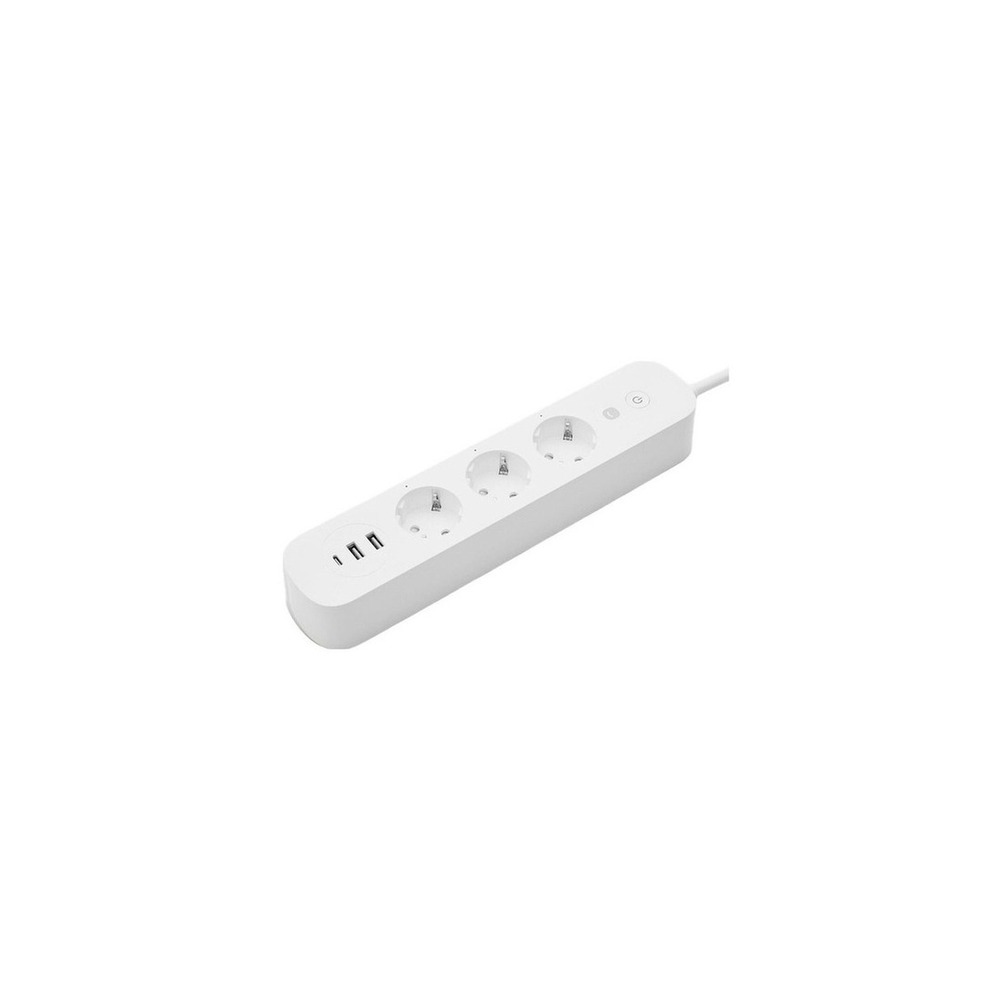
Hejhome Smart High-Capacity Power Strip Guard GKW-PS191
The Hejhome Smart High-Capacity Power Strip Guard GKW-PS191 made it into ‘Smart Home Devices You Can Switch On and Off With a Single Word’ because its role, scheduling and cutting power to multiple devices at the power-strip level, ties directly to the purpose of this list. You’ll especially feel the advantages of the Hejhome Smart High-Capacity Power Strip Guard GKW-PS191 when managing several devices together on a TV stand or desk. That said, the Hejhome Smart High-Capacity Power Strip Guard GKW-PS191 isn’t a product you can simply connect and forget. The compatibility requirement for the Hejhome Smart High-Capacity Power Strip Guard GKW-PS191 is listed as ‘check the Hejhome app, Wi-Fi, and which circuits can be controlled,’ and the power requirement as ‘the total rating and the combined load of connected appliances,’ so compare these against your actual home environment.
The installation requirement for the Hejhome Smart High-Capacity Power Strip Guard GKW-PS191 is ‘avoid floor heat and moisture, and install with the cable fully extended.’ Use this as the basis for deciding on placement and traffic flow first. When weighing the cost of this setup, confirm that ‘basic app functions require no subscription,’ and manage the Hejhome Smart High-Capacity Power Strip Guard GKW-PS191 account and records under the principle of ‘checking account permissions and whether firmware updates are provided.’ For the first few days after installing the Hejhome Smart High-Capacity Power Strip Guard GKW-PS191, test both the automation results and manual operation. Right before buying, it’s safest to recheck the Hejhome Smart High-Capacity Power Strip Guard GKW-PS191 model name, included components, ratings, and availability on the linked source page.
The installation requirement for the Hejhome Smart High-Capacity Power Strip Guard GKW-PS191 is ‘avoid floor heat and moisture, and install with the cable fully extended.’ Use this as the basis for deciding on placement and traffic flow first. When weighing the cost of this setup, confirm that ‘basic app functions require no subscription,’ and manage the Hejhome Smart High-Capacity Power Strip Guard GKW-PS191 account and records under the principle of ‘checking account permissions and whether firmware updates are provided.’ For the first few days after installing the Hejhome Smart High-Capacity Power Strip Guard GKW-PS191, test both the automation results and manual operation. Right before buying, it’s safest to recheck the Hejhome Smart High-Capacity Power Strip Guard GKW-PS191 model name, included components, ratings, and availability on the linked source page.
브랜드 Hejhome
주요 용도 여러 기기의 전원을 멀티탭 단위로 예약·차단
알맞은 상황 TV장이나 책상에서 여러 기기를 묶어 관리할 때
호환 조건 Hejhome 앱·Wi-Fi와 제어 가능한 회로 범위 확인
전원 총 정격과 연결 가전의 합산 부하
설치 확인 바닥 열·습기를 피하고 케이블을 펼쳐 설치
구독 기본 앱 기능은 구독 없음
개인정보·안전 계정 권한과 펌웨어 제공 여부 확인
이미지 출처 검증된 쿠팡 상품 이미지
Once you’ve chosen your candidates, don’t install every device from ‘Smart Home Devices You Can Switch On and Off With a Single Word’ at once; test the one feature you’ll use most for about a week first. Connect two devices you’ll use every day, such as a hub and lighting, confirm that notifications and remote control are stable, then add sensors and power devices, repeating this during the hours you actually live in the space, and you’ll quickly find unnecessary alerts, dead spots in coverage, and behaviors that bother your family. At this stage, also check whether the basic functions can be used manually.
On your final pre-purchase checklist, write down the following: platform compatibility, whether a hub is required, installation method, power rating, and privacy and manual operation. If you also check battery and consumable replacement cycles, how widely the account is shared, and the reset procedure needed before reselling or moving, it becomes easier to estimate upkeep costs. For any installation involving electricity, water, or entry security, don’t rely on the wording of a sales page alone; prioritize the manufacturer’s guidance and the rules of your building management.
On your final pre-purchase checklist, write down the following: platform compatibility, whether a hub is required, installation method, power rating, and privacy and manual operation. If you also check battery and consumable replacement cycles, how widely the account is shared, and the reset procedure needed before reselling or moving, it becomes easier to estimate upkeep costs. For any installation involving electricity, water, or entry security, don’t rely on the wording of a sales page alone; prioritize the manufacturer’s guidance and the rules of your building management.
At a glance
11 items
SwitchBot Hub 2 (Matter Support)
SwitchBotUSB 상시 전원기본 허브 기능은 구독 없음
TP-Link Tapo P115 Smart Plug
TP-Link Tapo가정용 콘센트와 제품 정격기본 기능은 구독 없음
TP-Link Tapo C230 Home Camera
TP-Link Tapo상시 USB 전원검증된 쿠팡 상품 이미지
TP-Link Tapo L530E Smart Bulb
TP-Link TapoE26 소켓 상시 전원기본 기능은 구독 없음
Gateman GP-350R Door Lock
게이트맨AA 건전지와 외부 비상전원기본 기능은 월 구독 없음
TP-Link Tapo C250 Home Cam
TP-Link Tapo상시 USB 전원클라우드 기능은 선택 구독
SwitchBot Bot Smart Switch
SwitchBot내장 배터리기본 제어는 구독 없음
SwitchBot Curtain 3
SwitchBot충전식 배터리기본 앱 제어는 구독 없음
Aqara Door and Window Sensor P2
Aqara교체형 배터리기본 센서 사용은 구독 없음
Aqara Smart Water Leak Sensor T1 (Official Genuine Product)
Aqara교체형 배터리기본 알림은 구독 없음
Hejhome Smart High-Capacity Power Strip Guard GKW-PS191
Hejhome기본 앱 기능은 구독 없음검증된 쿠팡 상품 이미지
As part of the Coupang Partners program, this post may earn a commission from qualifying purchases.
Comments 0
Log in to leave a comment.
Be the first to comment.
How about these lists?


You might also like


🎲
Not ready to stop here?
Wondering what to read next is the biggest waste of time.
Let the dice decide — you won't know what pops up until you roll.
If you don't press it… won't you wonder forever? 👀