
Collection
Smart Home
2026.10.06
Smart Home Devices to Prioritize in Homes with Kids
Real products that help with door safety, nighttime movement, power management, and common area safety
The list of 'Smart Home Devices to Prioritize in Homes with Kids' focuses on assisting with dangerous areas like doors, power sources, and nighttime movement without continuously monitoring every action of a child. While smart home products may share similar functionality names, variations in communication methods, hubs, and installation conditions can lead to broken automation if decisions are based on a single device. This article will differentiate the roles of each product and explore the practical features and preparations that will be frequently used in daily life.
The suggested sequence begins by determining the child's age and specific risk areas. Testing sensors in locations such as balconies, entryways, and storage closets is more practical, with notifications starting off limited to caregivers. Before making a purchase, it's essential to compare the following conditions for each product: camera privacy, swallowing risks of small batteries and magnets, risk of adhesive parts falling off, and manual usability when the child needs to press switches directly. By specifying operational methods when the internet is disconnected, how family members can manipulate the devices directly, and who to contact if issues arise, automation can be made less intrusive in daily life.
The suggested sequence begins by determining the child's age and specific risk areas. Testing sensors in locations such as balconies, entryways, and storage closets is more practical, with notifications starting off limited to caregivers. Before making a purchase, it's essential to compare the following conditions for each product: camera privacy, swallowing risks of small batteries and magnets, risk of adhesive parts falling off, and manual usability when the child needs to press switches directly. By specifying operational methods when the internet is disconnected, how family members can manipulate the devices directly, and who to contact if issues arise, automation can be made less intrusive in daily life.
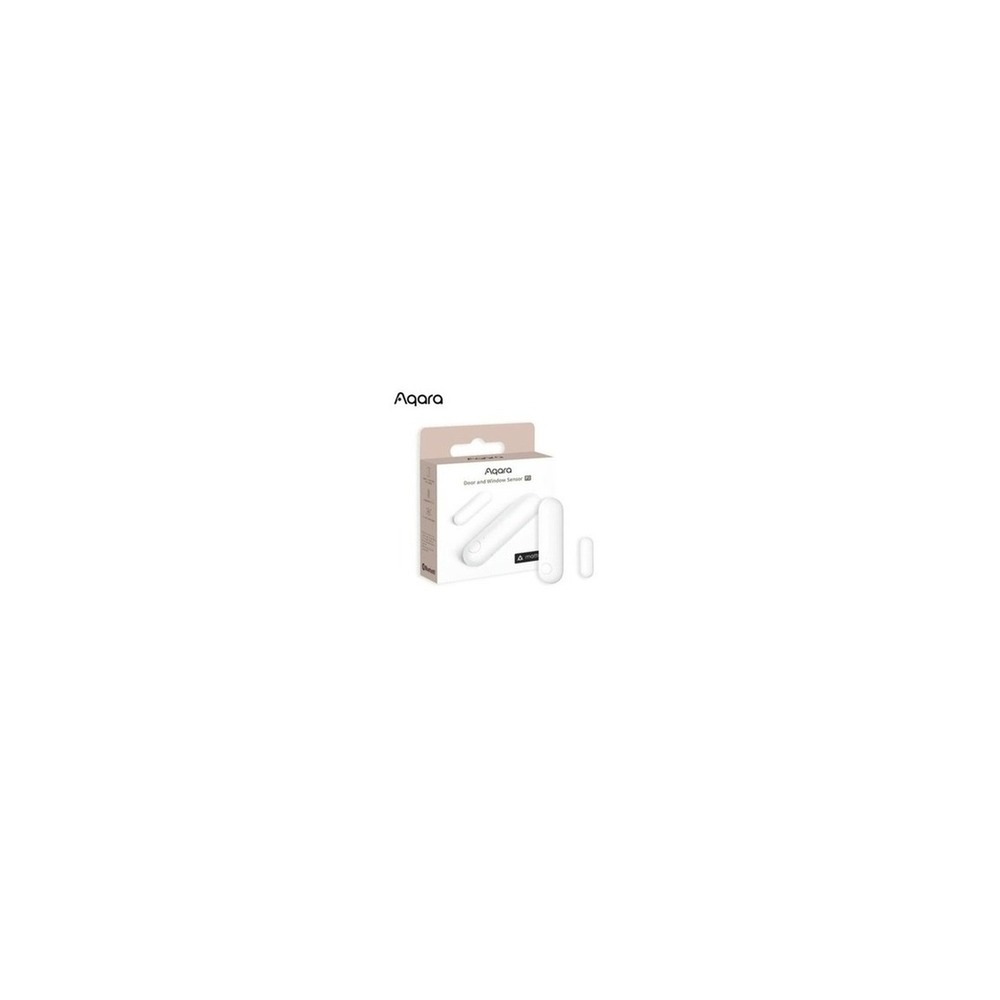
Aqara Door Window Sensor P2
Aqara Door and Window Sensor P2
The inclusion of the Aqara Door and Window Sensor P2 in the 'Smart Home Devices to Prioritize in Homes with Kids' is due to its direct connection to the purpose of supporting automation conditions for balcony, entryway, and storage closet doors. Particularly from the perspective of 'Smart Home Devices to Prioritize in Homes with Kids,' it is easy to appreciate the benefits of the Thread-based platform used in homes with children. However, the Aqara Door and Window Sensor P2 is not a product that simply connects and operates immediately. The compatibility conditions for the Aqara Door and Window Sensor P2 to be confirmed from 'Smart Home Devices to Prioritize in Homes with Kids' are 'check support for Matter over Thread and whether a Thread Border Router is needed,' and the power condition is indicated as 'replaceable battery', so it must be contrasted with the actual home environment.
The installation conditions to be considered for the Aqara Door and Window Sensor P2 in line with the needs of 'Smart Home Devices to Prioritize in Homes with Kids' are 'checking the distance between sensor and magnet, the attachment surface, and door movement.' Based on these conditions, define the location and movement paths first. When calculating the cost of the components of the 'Smart Home Devices to Prioritize in Homes with Kids,' confirm that 'basic sensor use does not require a subscription,' and manage Aqara's account and records based on the principle of 'limiting members who can share opening records and external notifications.' After installing the Aqara Door and Window Sensor P2, refer to 'Smart Home Devices to Prioritize in Homes with Kids' and test both automation outcomes and manual operations together during the first few days. Before purchase, it is safe to again check the model number, components, specifications, and sales status of the Aqara Door and Window Sensor P2 connected to 'Smart Home Devices to Prioritize in Homes with Kids.'
The installation conditions to be considered for the Aqara Door and Window Sensor P2 in line with the needs of 'Smart Home Devices to Prioritize in Homes with Kids' are 'checking the distance between sensor and magnet, the attachment surface, and door movement.' Based on these conditions, define the location and movement paths first. When calculating the cost of the components of the 'Smart Home Devices to Prioritize in Homes with Kids,' confirm that 'basic sensor use does not require a subscription,' and manage Aqara's account and records based on the principle of 'limiting members who can share opening records and external notifications.' After installing the Aqara Door and Window Sensor P2, refer to 'Smart Home Devices to Prioritize in Homes with Kids' and test both automation outcomes and manual operations together during the first few days. Before purchase, it is safe to again check the model number, components, specifications, and sales status of the Aqara Door and Window Sensor P2 connected to 'Smart Home Devices to Prioritize in Homes with Kids.'
브랜드 Aqara
주요 용도 베란다·현관·수납장 문 열림을 Matter 자동화 조건으로 사용
알맞은 상황 Thread 기반 플랫폼을 쓰는 아이 있는 집
호환 조건 Matter over Thread 지원과 Thread Border Router 필요 여부 확인
전원 교체형 배터리
설치 확인 센서와 자석 간격·부착면·문 움직임 확인
구독 기본 센서 사용은 구독 없음
개인정보·보안 열림 기록과 외부 알림을 공유할 구성원 제한
이미지 출처 기존 검증 쿠팡 상품 이미지
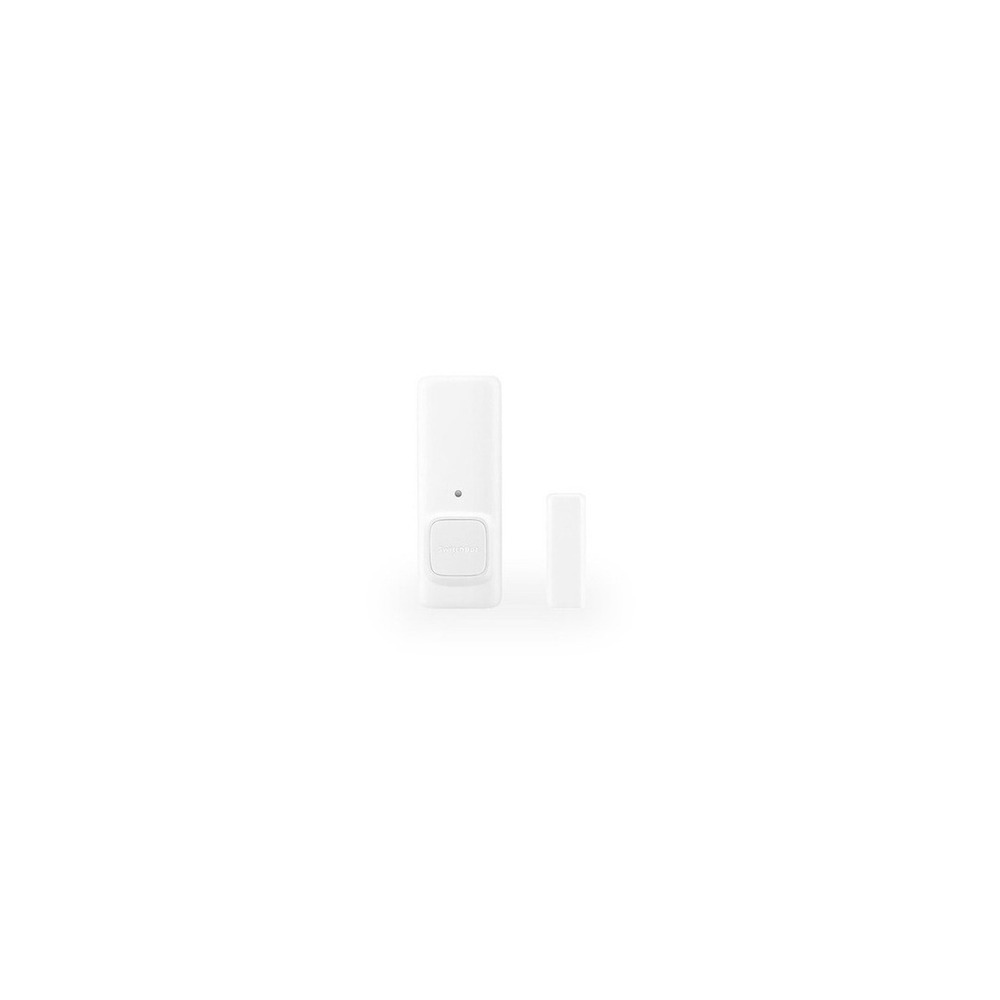
SwitchBot Contact Sensor Door Open
Switchbot Contact Sensor - Door Open Sensor
The inclusion of the Switchbot Contact Sensor - Door Open in the 'Smart Home Devices to Prioritize in Homes with Kids' is directly linked to its purpose of detecting door openings and movements to notify about access to risk areas. Particularly from the perspective of 'Smart Home Devices to Prioritize in Homes with Kids,' it is easy to appreciate the advantages of the Switchbot Contact Sensor when checking access to entryways or multipurpose rooms. However, the Switchbot Contact Sensor - Door Open is not merely a product that will work after connection. The compatibility conditions provided for the Switchbot Contact Sensor - Door Open in 'Smart Home Devices to Prioritize in Homes with Kids' are 'remote notifications require compatible SwitchBot Hub and app,' with power conditions indicated as 'replaceable battery,' so it must be contrasted with the actual home environment.
The installation conditions to be considered for the Switchbot Contact Sensor in line with the needs of 'Smart Home Devices to Prioritize in Homes with Kids' are 'checking the distance between the sensor and magnet and the direction of motion detection.' Based on these conditions, define the location and movement paths first. When calculating the costs of the 'Smart Home Devices to Prioritize in Homes with Kids' components, confirm that 'basic automation does not require a subscription,' and manage the account and records for the Switchbot Contact Sensor based on the principle of 'limiting accounts that can view access records and notification recipients.' After installing the Switchbot Contact Sensor - Door Open, refer to 'Smart Home Devices to Prioritize in Homes with Kids' and test both automation outcomes and manual operations together during the first few days. Before purchase, it is safe to again check the model number, components, specifications, and sales status of the Switchbot Contact Sensor - Door Open connected to 'Smart Home Devices to Prioritize in Homes with Kids.'
The installation conditions to be considered for the Switchbot Contact Sensor in line with the needs of 'Smart Home Devices to Prioritize in Homes with Kids' are 'checking the distance between the sensor and magnet and the direction of motion detection.' Based on these conditions, define the location and movement paths first. When calculating the costs of the 'Smart Home Devices to Prioritize in Homes with Kids' components, confirm that 'basic automation does not require a subscription,' and manage the account and records for the Switchbot Contact Sensor based on the principle of 'limiting accounts that can view access records and notification recipients.' After installing the Switchbot Contact Sensor - Door Open, refer to 'Smart Home Devices to Prioritize in Homes with Kids' and test both automation outcomes and manual operations together during the first few days. Before purchase, it is safe to again check the model number, components, specifications, and sales status of the Switchbot Contact Sensor - Door Open connected to 'Smart Home Devices to Prioritize in Homes with Kids.'
브랜드 SwitchBot
주요 용도 문 열림과 움직임을 함께 감지해 위험 구역 접근을 알림
알맞은 상황 현관이나 다용도실 출입을 확인할 때
호환 조건 원격 알림은 호환 SwitchBot Hub와 앱 필요
전원 교체형 배터리
설치 확인 센서·자석 간격과 모션 감지 방향 확인
구독 기본 자동화는 구독 없음
개인정보·보안 출입 기록을 볼 수 있는 계정과 알림 수신자 제한
이미지 출처 기존 검증 쿠팡 상품 이미지
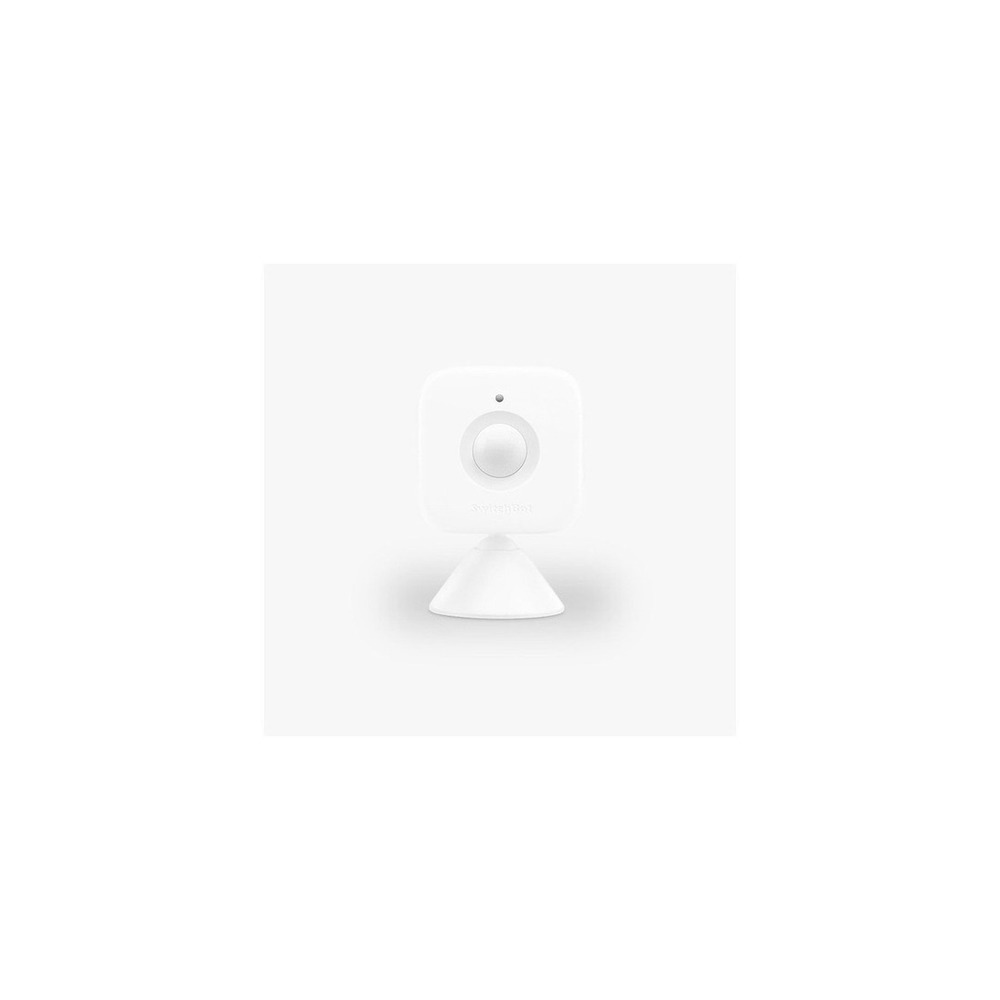
SwitchBot Motion Sensor
SwitchBot - Motion Sensor Smart Movement Detection
The inclusion of the SwitchBot Motion Sensor in the 'Smart Home Devices to Prioritize in Homes with Kids' is directly related to using it to detect corridor movements and turn on nighttime lighting. Particularly from the perspective of 'Smart Home Devices to Prioritize in Homes with Kids,' it is easy to feel the benefits of the SwitchBot Motion Sensor for wanting to illuminate the movement path of a child waking up from sleep. However, the SwitchBot Motion Sensor is not just a product that will work after connection. The compatibility conditions for the SwitchBot Motion Sensor to be confirmed from 'Smart Home Devices to Prioritize in Homes with Kids' are 'remote automation requires compatible SwitchBot Hub,' with power conditions indicated as 'replaceable battery,' so it must be contrasted with the actual home environment.
The installation conditions for the SwitchBot Motion Sensor in line with the needs of 'Smart Home Devices to Prioritize in Homes with Kids' are 'testing the detection range before attaching double-sided tape and the magnet.' Based on these conditions, define the location and movement paths first. When calculating the costs of the components for 'Smart Home Devices to Prioritize in Homes with Kids,' confirm that 'basic functions do not require a subscription,' and manage the account and records of the SwitchBot Motion Sensor based on the principle of 'checking the detection records that reveal life patterns and the sharing range of notifications.' After installing the SwitchBot Motion Sensor, refer to 'Smart Home Devices to Prioritize in Homes with Kids' and test both automation results and manual operations together during the first few days. Before purchase, it is safe to again check the model number, components, specifications, and sales status of the SwitchBot Motion Sensor connected to 'Smart Home Devices to Prioritize in Homes with Kids.'
The installation conditions for the SwitchBot Motion Sensor in line with the needs of 'Smart Home Devices to Prioritize in Homes with Kids' are 'testing the detection range before attaching double-sided tape and the magnet.' Based on these conditions, define the location and movement paths first. When calculating the costs of the components for 'Smart Home Devices to Prioritize in Homes with Kids,' confirm that 'basic functions do not require a subscription,' and manage the account and records of the SwitchBot Motion Sensor based on the principle of 'checking the detection records that reveal life patterns and the sharing range of notifications.' After installing the SwitchBot Motion Sensor, refer to 'Smart Home Devices to Prioritize in Homes with Kids' and test both automation results and manual operations together during the first few days. Before purchase, it is safe to again check the model number, components, specifications, and sales status of the SwitchBot Motion Sensor connected to 'Smart Home Devices to Prioritize in Homes with Kids.'
브랜드 SwitchBot
주요 용도 복도 움직임을 감지해 야간 조명을 켜는 조건으로 활용
알맞은 상황 잠에서 깬 아이의 이동 경로를 밝히고 싶은 집
호환 조건 원격 자동화는 호환 SwitchBot Hub 필요
전원 교체형 배터리
설치 확인 양면테이프·자석 부착 전 감지 범위 시험
구독 기본 기능은 구독 없음
개인정보·보안 생활 패턴이 드러나는 감지 기록과 알림 공유 범위 확인
이미지 출처 기존 검증 쿠팡 상품 이미지
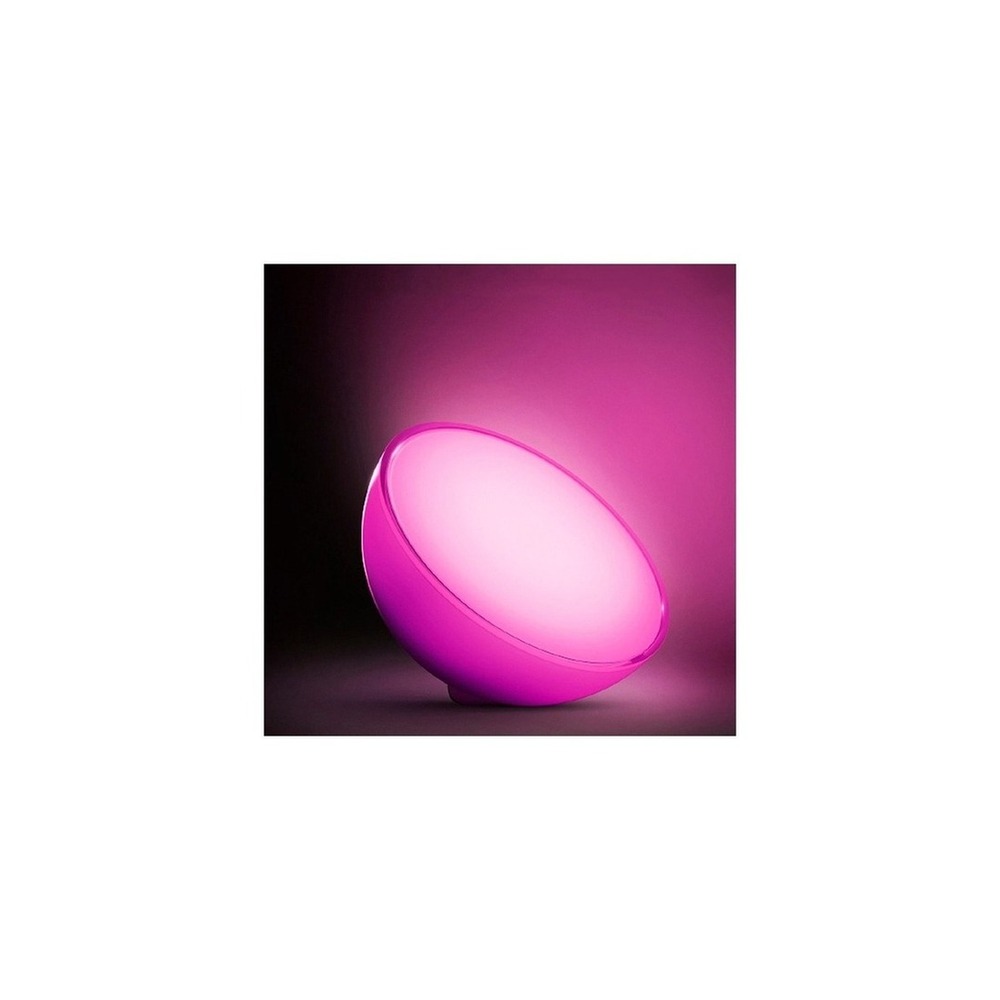
Philips Hue Go Ver.2 Mood Light
The inclusion of the Philips Hue Go Ver.2 Mood Light in the 'Smart Home Devices to Prioritize in Homes with Kids' is directly connected to its use for reducing glare during feeding and bedtime with rechargeable indirect lighting. Especially from the perspective of 'Smart Home Devices to Prioritize in Homes with Kids,' it is easy to appreciate the advantages of the Philips Hue Go Ver.2 Mood Light when gently illuminating the bedside without any construction. However, the Philips Hue Go Ver.2 Mood Light is not merely a product that works once connected. The compatibility conditions for the Philips Hue Go Ver.2 Mood Light to be confirmed from 'Smart Home Devices to Prioritize in Homes with Kids' are 'check for Bluetooth and Hue Bridge support and app compatibility,' with power conditions indicated as 'rechargeable battery and power adapter,' so it must be contrasted with the actual home environment.
The installation conditions for the Philips Hue Go Ver.2 Mood Light in line with the needs of 'Smart Home Devices to Prioritize in Homes with Kids' are 'placing it on a flat surface and securing the charging cable's movement path.' Based on these conditions, define the location and movement paths first. When calculating the costs of components for 'Smart Home Devices to Prioritize in Homes with Kids,' confirm that 'basic control does not require a subscription,' and manage the account and records for the Philips Hue Go Ver.2 Mood Light based on the principle of 'verifying remote control accounts and location-based automation permissions.' After installing the Philips Hue Go Ver.2 Mood Light, refer to 'Smart Home Devices to Prioritize in Homes with Kids' and test both automation results and manual operations together during the first few days. Before purchase, it is safe to again check the model number, components, specifications, and sales status of the Philips Hue Go Ver.2 Mood Light connected to 'Smart Home Devices to Prioritize in Homes with Kids.'
The installation conditions for the Philips Hue Go Ver.2 Mood Light in line with the needs of 'Smart Home Devices to Prioritize in Homes with Kids' are 'placing it on a flat surface and securing the charging cable's movement path.' Based on these conditions, define the location and movement paths first. When calculating the costs of components for 'Smart Home Devices to Prioritize in Homes with Kids,' confirm that 'basic control does not require a subscription,' and manage the account and records for the Philips Hue Go Ver.2 Mood Light based on the principle of 'verifying remote control accounts and location-based automation permissions.' After installing the Philips Hue Go Ver.2 Mood Light, refer to 'Smart Home Devices to Prioritize in Homes with Kids' and test both automation results and manual operations together during the first few days. Before purchase, it is safe to again check the model number, components, specifications, and sales status of the Philips Hue Go Ver.2 Mood Light connected to 'Smart Home Devices to Prioritize in Homes with Kids.'
브랜드 필립스 Hue
주요 용도 충전식 간접광으로 수유·취침 시간의 눈부심을 줄임
알맞은 상황 침대 옆을 공사 없이 부드럽게 밝힐 때
호환 조건 Bluetooth·Hue Bridge 지원 범위와 앱 확인
전원 충전식 배터리와 전원 어댑터
설치 확인 평평한 곳에 두고 충전선 동선 확보
구독 기본 제어는 구독 없음
개인정보·보안 원격제어 계정과 위치 기반 자동화 권한 확인
이미지 출처 기존 검증 쿠팡 상품 이미지
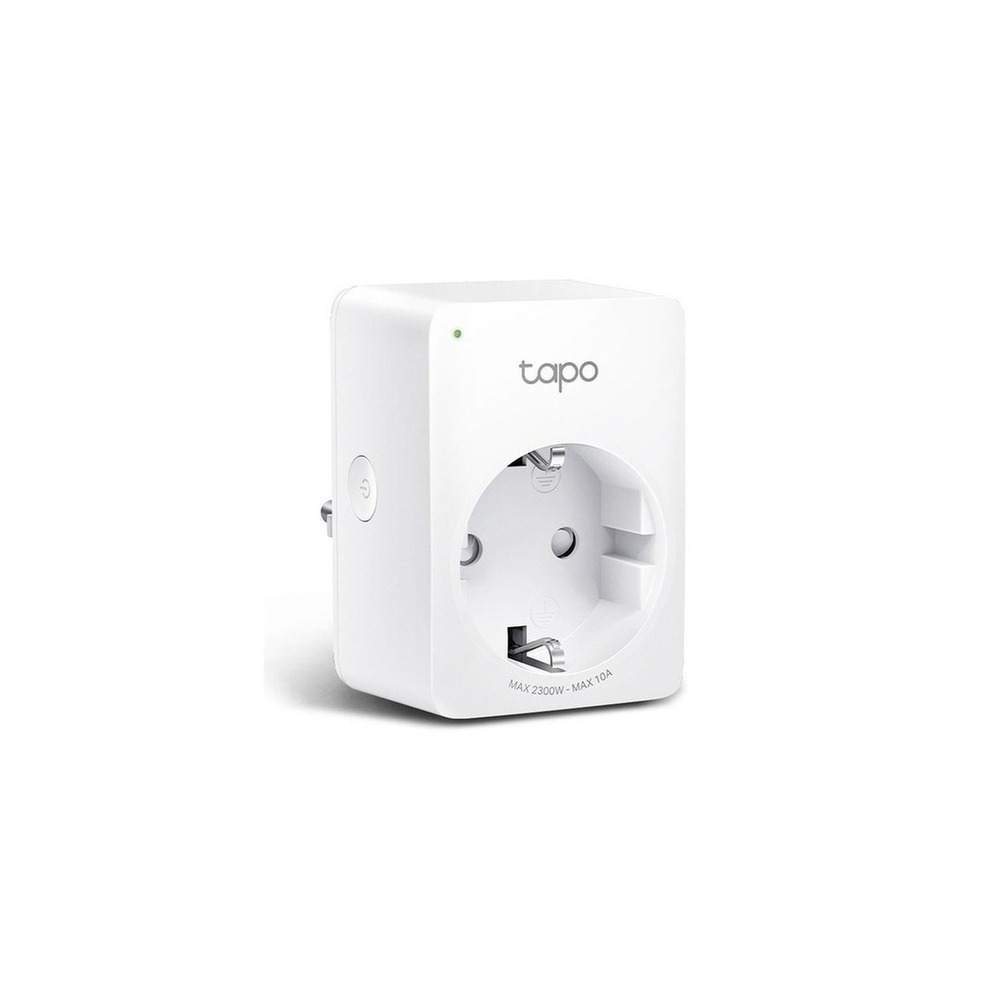
TP-Link Tapo P100 Smart Plug
TP-Link Tapo P100 Mini Wi-Fi Power Plug
The inclusion of the TP-Link Tapo P100 smart plug in 'Smart Home Devices to Prioritize in Homes with Kids' is connected to managing the power of small appliances through scheduling and remote control, which is directly related to the purpose of the list. Particularly from the perspective of 'Smart Home Devices to Prioritize in Homes with Kids,' it is easy to appreciate the advantages of the TP-Link Tapo P100 smart plug when controlling devices with appropriate ratings, such as a humidifier or a desk lamp, in a limited manner. However, the TP-Link Tapo P100 smart plug is not simply a product that will work after connection. The compatibility conditions for the TP-Link Tapo P100 smart plug to be confirmed in 'Smart Home Devices to Prioritize in Homes with Kids' are 'check for Tapo app, 2.4GHz Wi-Fi, and supported voice assistants,' and the power condition is indicated as 'home outlet, within product's rated load,' so it must be contrasted with the actual home environment.
The installation conditions for the TP-Link Tapo P100 smart plug in line with the needs of 'Smart Home Devices to Prioritize in Homes with Kids' are 'plug into a wall outlet and check for interference with surrounding outlets.' Based on these conditions, define the location and movement paths first. When calculating the costs of the 'Smart Home Devices to Prioritize in Homes with Kids,' confirm that 'basic control does not require a subscription,' and manage the account and records of the TP-Link Tapo P100 smart plug based on the principle of 'managing shared accounts and external remote access rights.' After installing the TP-Link Tapo P100 smart plug, refer to 'Smart Home Devices to Prioritize in Homes with Kids' and test both automation results and manual operations together during the first few days. Before purchase, it is safe to again check the model number, components, specifications, and sales status of the TP-Link Tapo P100 smart plug connected to 'Smart Home Devices to Prioritize in Homes with Kids.'
The installation conditions for the TP-Link Tapo P100 smart plug in line with the needs of 'Smart Home Devices to Prioritize in Homes with Kids' are 'plug into a wall outlet and check for interference with surrounding outlets.' Based on these conditions, define the location and movement paths first. When calculating the costs of the 'Smart Home Devices to Prioritize in Homes with Kids,' confirm that 'basic control does not require a subscription,' and manage the account and records of the TP-Link Tapo P100 smart plug based on the principle of 'managing shared accounts and external remote access rights.' After installing the TP-Link Tapo P100 smart plug, refer to 'Smart Home Devices to Prioritize in Homes with Kids' and test both automation results and manual operations together during the first few days. Before purchase, it is safe to again check the model number, components, specifications, and sales status of the TP-Link Tapo P100 smart plug connected to 'Smart Home Devices to Prioritize in Homes with Kids.'
브랜드 TP-Link Tapo
주요 용도 예약과 원격 차단으로 소형 생활가전의 전원을 관리
알맞은 상황 가습기·스탠드처럼 정격이 맞는 기기를 제한적으로 제어할 때
호환 조건 Tapo 앱·2.4GHz Wi-Fi·지원 음성비서 확인
전원 가정용 콘센트, 제품 정격 내 부하
설치 확인 벽 콘센트에 꽂고 주변 콘센트 간섭 확인
구독 기본 제어는 구독 없음
개인정보·보안 공유 계정과 외부 원격접속 권한 관리
이미지 출처 기존 검증 쿠팡 상품 이미지
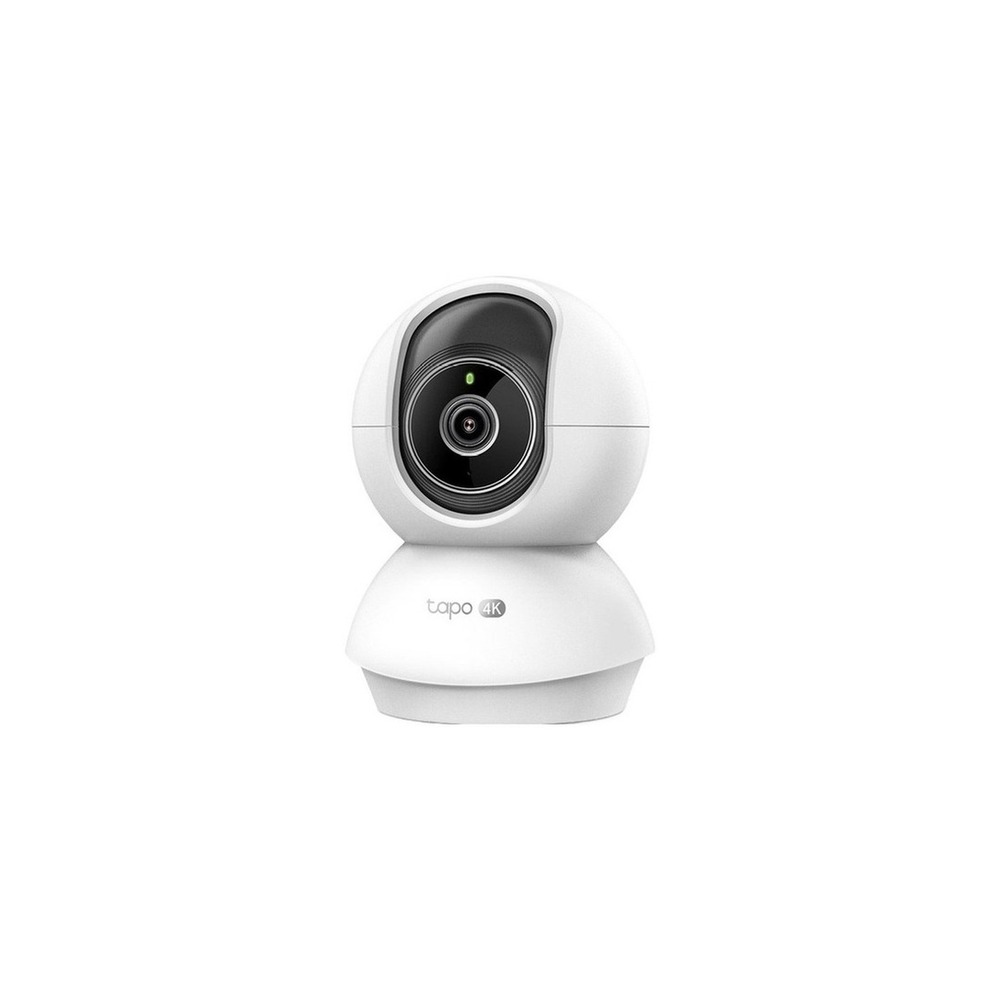
TP-Link Tapo C250 Home Camera
TP-Link Tapo C250 Indoor Rotating AI Home Security Wi-Fi Camera
The inclusion of the TP-Link Tapo C250 home camera in 'Smart Home Devices to Prioritize in Homes with Kids' is directly related to checking shared play areas in high resolution and setting privacy zones, which aligns with the purpose of the list. Particularly from the perspective of 'Smart Home Devices to Prioritize in Homes with Kids,' it is easy to appreciate the benefits of the TP-Link Tapo C250 home camera during brief moments when caregivers are absent in shared spaces. However, the TP-Link Tapo C250 home camera is not merely a product that will function once connected. The compatibility conditions for the TP-Link Tapo C250 home camera to be confirmed from 'Smart Home Devices to Prioritize in Homes with Kids' are 'check for Tapo app, Wi-Fi, storage methods, and detection functions,' with power conditions indicated as 'constant USB power,' so it must be contrasted with the actual home environment.
The installation conditions for the TP-Link Tapo C250 home camera in line with the needs of 'Smart Home Devices to Prioritize in Homes with Kids' are 'checking the space for lens rotation and managing the power cable, testing privacy settings.' Based on these conditions, define the location and movement paths first. When calculating the costs of the components for 'Smart Home Devices to Prioritize in Homes with Kids,' confirm that 'cloud features require optional subscriptions,' and manage the account and records of the TP-Link Tapo C250 home camera based on the principle of 'account security, shared users, and management of recording retention periods.' After installing the TP-Link Tapo C250 home camera, refer to 'Smart Home Devices to Prioritize in Homes with Kids' and test both automation results and manual operations together during the first few days. Before purchase, it is safe to again check the model number, components, specifications, and sales status of the TP-Link Tapo C250 home camera connected to 'Smart Home Devices to Prioritize in Homes with Kids.'
The installation conditions for the TP-Link Tapo C250 home camera in line with the needs of 'Smart Home Devices to Prioritize in Homes with Kids' are 'checking the space for lens rotation and managing the power cable, testing privacy settings.' Based on these conditions, define the location and movement paths first. When calculating the costs of the components for 'Smart Home Devices to Prioritize in Homes with Kids,' confirm that 'cloud features require optional subscriptions,' and manage the account and records of the TP-Link Tapo C250 home camera based on the principle of 'account security, shared users, and management of recording retention periods.' After installing the TP-Link Tapo C250 home camera, refer to 'Smart Home Devices to Prioritize in Homes with Kids' and test both automation results and manual operations together during the first few days. Before purchase, it is safe to again check the model number, components, specifications, and sales status of the TP-Link Tapo C250 home camera connected to 'Smart Home Devices to Prioritize in Homes with Kids.'
브랜드 TP-Link Tapo
주요 용도 공용 놀이 공간을 고해상도로 확인하고 프라이버시 구역을 설정
알맞은 상황 보호자가 부재한 짧은 시간의 공용 공간
호환 조건 Tapo 앱·Wi-Fi·저장 방식과 감지 기능 지원 확인
전원 상시 USB 전원
설치 확인 렌즈 회전 공간과 전원선 정리, 프라이버시 설정 시험
구독 클라우드 기능은 선택 구독
개인정보·보안 계정 보안·공유 사용자·녹화 보관 기간 관리
이미지 출처 기존 검증 쿠팡 상품 이미지
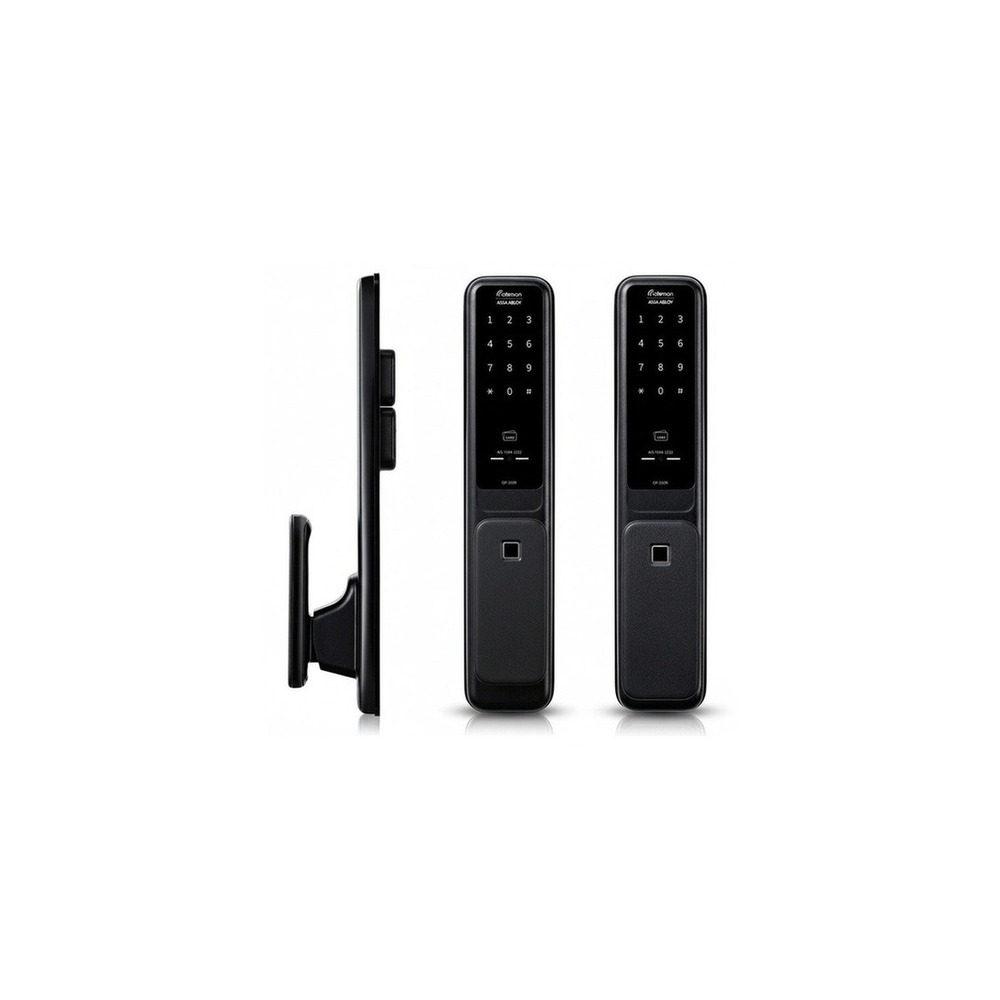
GateMan GP-350R Door Lock
GateMan GP-350R Door Lock with Installation
The inclusion of the GateMan GP-350R door lock in 'Smart Home Devices to Prioritize in Homes with Kids' is connected to reducing password exposure through fingerprint authentication and managing access to the entryway, which directly aligns with the purpose of the list. Particularly from the perspective of 'Smart Home Devices to Prioritize in Homes with Kids,' it is easy to appreciate the advantages of the GateMan GP-350R door lock in homes with school-age children who frequently lose their keys. However, the GateMan GP-350R door lock is not just a product that works with a simple connection. The compatibility conditions for the GateMan GP-350R door lock to be confirmed from 'Smart Home Devices to Prioritize in Homes with Kids' are 'the basic model is standalone and optional for network functionality,' with power conditions indicated as 'AA batteries and external emergency power,' so it must be contrasted with the actual home environment.
The installation conditions for the GateMan GP-350R door lock in line with the needs of 'Smart Home Devices to Prioritize in Homes with Kids' are 'checking the drilling and reinforcement plate according to the entry door specifications and the installation by a technician.' Based on these conditions, define the location and movement paths first. In evaluating the costs of the 'Smart Home Devices to Prioritize in Homes with Kids,' confirm that 'basic functions do not require a monthly subscription,' and manage the account and records for the GateMan GP-350R door lock based on the principle of 'checking access records and the sharing range when using temporary number features.' After installing the GateMan GP-350R door lock, refer to 'Smart Home Devices to Prioritize in Homes with Kids' and test both automation results and manual operations together during the first few days. Before purchase, it is safe to again check the model number, components, specifications, and sales status of the GateMan GP-350R door lock connected to 'Smart Home Devices to Prioritize in Homes with Kids.'
The installation conditions for the GateMan GP-350R door lock in line with the needs of 'Smart Home Devices to Prioritize in Homes with Kids' are 'checking the drilling and reinforcement plate according to the entry door specifications and the installation by a technician.' Based on these conditions, define the location and movement paths first. In evaluating the costs of the 'Smart Home Devices to Prioritize in Homes with Kids,' confirm that 'basic functions do not require a monthly subscription,' and manage the account and records for the GateMan GP-350R door lock based on the principle of 'checking access records and the sharing range when using temporary number features.' After installing the GateMan GP-350R door lock, refer to 'Smart Home Devices to Prioritize in Homes with Kids' and test both automation results and manual operations together during the first few days. Before purchase, it is safe to again check the model number, components, specifications, and sales status of the GateMan GP-350R door lock connected to 'Smart Home Devices to Prioritize in Homes with Kids.'
브랜드 게이트맨
주요 용도 지문 인증으로 비밀번호 노출을 줄이고 현관 출입을 관리
알맞은 상황 열쇠를 자주 잃어버리는 학령기 자녀가 있는 집
호환 조건 기본은 독립형이며 네트워크 기능은 별도 옵션 여부 확인
전원 AA 건전지와 외부 비상전원
설치 확인 현관문 규격에 따른 타공·보강판과 기사 설치 확인
구독 기본 기능은 월 구독 없음
개인정보·보안 출입 기록·임시번호 기능 사용 시 공유 범위 점검
이미지 출처 기존 검증 쿠팡 상품 이미지
Once you have selected candidates, it's advisable not to install all devices from the 'Smart Home Devices to Prioritize in Homes with Kids' at once. Start by testing the most frequently used feature for about a week. After determining the child's age and risk areas, install sensors in one location, such as a balcony, entryway, or storage closet, and restrict notifications to caregivers during realistic hours. Repeating this will help quickly identify unnecessary notifications, communication shadows, and movements that inconvenience family members. It's also important to check if basic functions can be used manually during this initial stage.
Before final purchase, create a checklist that includes the following: camera privacy, swallowing risks of small batteries and magnets, the risk of adhesive parts falling off, and manual usability when the child needs to press switches directly. Confirming battery and consumable replacement cycles, account sharing ranges, and necessary initialization procedures before resale or moving can help predict management costs. For installations related to electricity, water, and security, don't just trust the phrases on the sales pages — prioritize the manufacturer's guidelines and the regulations of the managing entity.
Before final purchase, create a checklist that includes the following: camera privacy, swallowing risks of small batteries and magnets, the risk of adhesive parts falling off, and manual usability when the child needs to press switches directly. Confirming battery and consumable replacement cycles, account sharing ranges, and necessary initialization procedures before resale or moving can help predict management costs. For installations related to electricity, water, and security, don't just trust the phrases on the sales pages — prioritize the manufacturer's guidelines and the regulations of the managing entity.
한눈에 보기
7개
Aqara Door Window Sensor P2
Aqara · 베란다·현관·수납장 문 열림을 Matter 자동화 조건으로 사용 · Thread 기반 플랫폼을 쓰는 아이 있는 집 · Matter over Thread 지원과 Thread Border Router 필요 여부 확인 · 교체형 배터리 · 센서와 자석 간격·부착면·문 움직임 확인 · 기본 센서 사용은 구독 없음 · 열림 기록과 외부 알림을 공유할 구성원 제한 · 기존 검증 쿠팡 상품 이미지
SwitchBot Contact Sensor Door Open
SwitchBot · 문 열림과 움직임을 함께 감지해 위험 구역 접근을 알림 · 현관이나 다용도실 출입을 확인할 때 · 원격 알림은 호환 SwitchBot Hub와 앱 필요 · 교체형 배터리 · 센서·자석 간격과 모션 감지 방향 확인 · 기본 자동화는 구독 없음 · 출입 기록을 볼 수 있는 계정과 알림 수신자 제한 · 기존 검증 쿠팡 상품 이미지
SwitchBot Motion Sensor
SwitchBot · 복도 움직임을 감지해 야간 조명을 켜는 조건으로 활용 · 잠에서 깬 아이의 이동 경로를 밝히고 싶은 집 · 원격 자동화는 호환 SwitchBot Hub 필요 · 교체형 배터리 · 양면테이프·자석 부착 전 감지 범위 시험 · 기본 기능은 구독 없음 · 생활 패턴이 드러나는 감지 기록과 알림 공유 범위 확인 · 기존 검증 쿠팡 상품 이미지
Philips Hue Go Ver.2 Mood Light
필립스 Hue · 충전식 간접광으로 수유·취침 시간의 눈부심을 줄임 · 침대 옆을 공사 없이 부드럽게 밝힐 때 · Bluetooth·Hue Bridge 지원 범위와 앱 확인 · 충전식 배터리와 전원 어댑터 · 평평한 곳에 두고 충전선 동선 확보 · 기본 제어는 구독 없음 · 원격제어 계정과 위치 기반 자동화 권한 확인 · 기존 검증 쿠팡 상품 이미지
TP-Link Tapo P100 Smart Plug
TP-Link Tapo · 예약과 원격 차단으로 소형 생활가전의 전원을 관리 · 가습기·스탠드처럼 정격이 맞는 기기를 제한적으로 제어할 때 · Tapo 앱·2.4GHz Wi-Fi·지원 음성비서 확인 · 가정용 콘센트, 제품 정격 내 부하 · 벽 콘센트에 꽂고 주변 콘센트 간섭 확인 · 기본 제어는 구독 없음 · 공유 계정과 외부 원격접속 권한 관리 · 기존 검증 쿠팡 상품 이미지
TP-Link Tapo C250 Home Camera
TP-Link Tapo · 공용 놀이 공간을 고해상도로 확인하고 프라이버시 구역을 설정 · 보호자가 부재한 짧은 시간의 공용 공간 · Tapo 앱·Wi-Fi·저장 방식과 감지 기능 지원 확인 · 상시 USB 전원 · 렌즈 회전 공간과 전원선 정리, 프라이버시 설정 시험 · 클라우드 기능은 선택 구독 · 계정 보안·공유 사용자·녹화 보관 기간 관리 · 기존 검증 쿠팡 상품 이미지
GateMan GP-350R Door Lock
게이트맨 · 지문 인증으로 비밀번호 노출을 줄이고 현관 출입을 관리 · 열쇠를 자주 잃어버리는 학령기 자녀가 있는 집 · 기본은 독립형이며 네트워크 기능은 별도 옵션 여부 확인 · AA 건전지와 외부 비상전원 · 현관문 규격에 따른 타공·보강판과 기사 설치 확인 · 기본 기능은 월 구독 없음 · 출입 기록·임시번호 기능 사용 시 공유 범위 점검 · 기존 검증 쿠팡 상품 이미지
이 포스팅은 쿠팡 파트너스 활동의 일환으로, 이에 따른 일정액의 수수료를 제공받습니다.
댓글 0
로그인 후 댓글을 작성할 수 있습니다.
첫 댓글을 남겨보세요.
이런 리스트는 어때요?


이런 리스트도 추천해요


🎲
여기서 멈추기엔 아쉽잖아?
다음에 뭘 볼지 고민하는 시간이 제일 아까워.
주사위가 대신 골라줄게 — 무슨 리스트가 튀어나올지는 굴려봐야 알지.
안 누르면… 평생 궁금하지 않겠어? 👀
