FPV Drone Collection for Learning to Fly Through Goggles
Collection Drones 2026.08.01

FPV Drone Collection for Learning to Fly Through Goggles

Choose the right model for your skill level, from complete sets to practice-friendly whoops and HD cinewhoops

FPV drones provide a unique immersion by allowing you to pilot while seeing from the front perspective through goggles, which is a different experience compared to regular camera drones. The difficulty varies significantly between ready-to-fly kits and custom-built cinewhoops.

This collection features actual products from the manufacturer's official pages, sorted by purpose. In the FPV list, it's important to check not only the drones but also the compatibility of goggles, controllers, receivers, and video transmission methods along with simulator learning stages.

Wearing goggles limits your peripheral vision, making it essential to have a spotter and operate in controlled areas. After familiarizing yourself with throttle and directional control using a simulator, you can transition to actual flights. Remember that not all regulations are determined solely by the weight of the drone; you should also check restrictions based on filming intent and flying locations. Pay attention to the differences between standalone drones and combos, and include the actual costs of controllers, batteries, chargers, and storage devices. The official maximum flight times and transmission distances are under test conditions, so operate return batteries and visibility conservatively. Developing a habit of checking firmware, home points, propeller, and battery status before flying can reduce equipment loss and accidents. Not all regulations are determined solely by the weight of the drone; you should also check restrictions based on filming intent and flying locations.
DJI Avata 360
DJI Avata 360

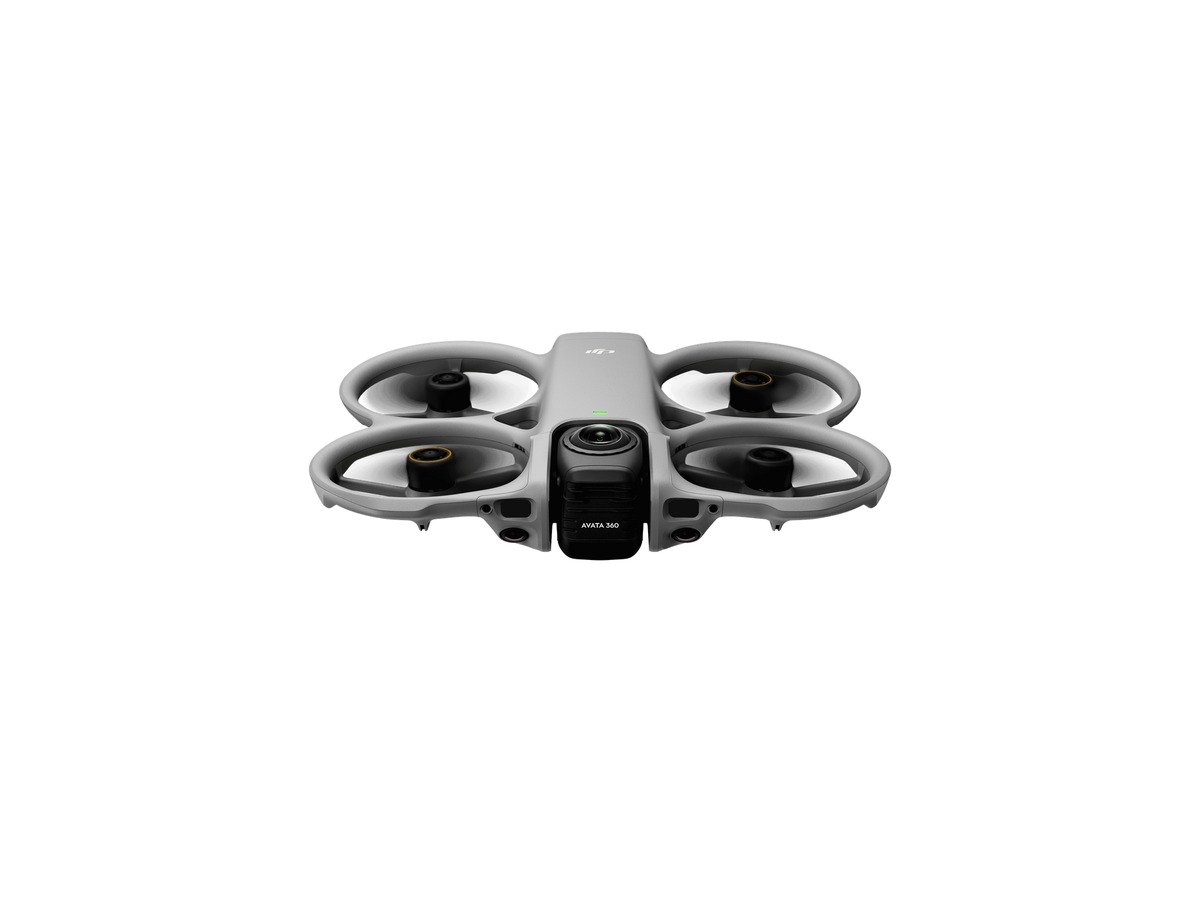
With its dual sensors, DJI Avata 360 allows you to shoot 8K video in 360 degrees and switch to single lens mode, enabling you to redefine your viewpoint after filming. The standalone package may not include a controller or goggles, and functionalities vary depending on shooting and control methods, so be sure to check the compatibility chart. You can find the product name and main components on the manufacturer's official page. In the FPV list, be sure to confirm the compatibility of goggles, controllers, receivers, and video transmission methods along with simulator learning stages. It's a good idea to compare actual combos and compatible accessories before making a purchase.
바로가기
DJI Avata 2

DJI Avata 2

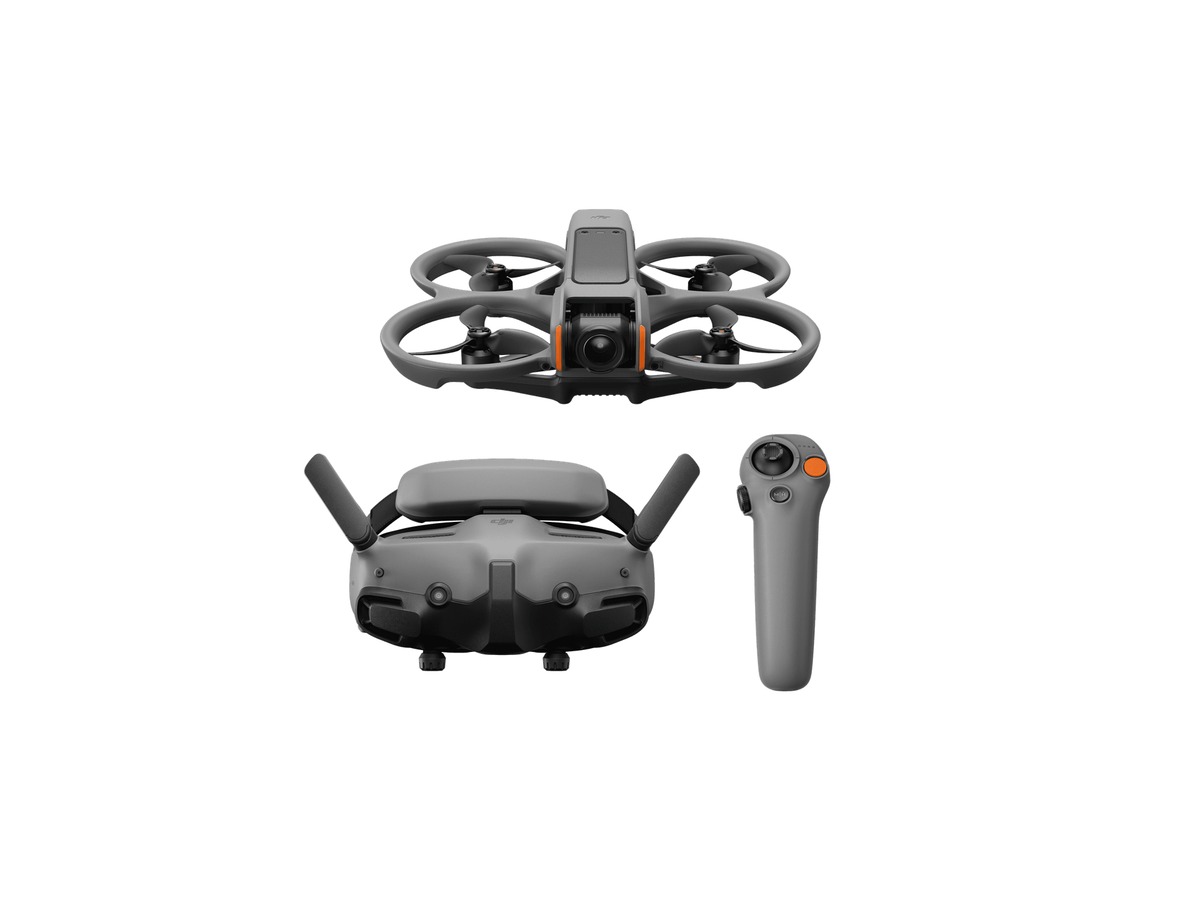
The DJI Avata 2 features an integrated propeller guard and a 1/1.3-inch sensor, making it relatively easy to start with an all-in-one FPV setup that combines goggles and motion controls. Since it’s difficult to see your surroundings while using the goggles, having a spotter and a safety zone is essential, and you should engage in manual mode only after simulator practice. You can find the product name and main components on the manufacturer's official page. In the FPV list, check the compatibility of goggles, controllers, receivers, and video transmission methods along with simulator learning stages. It’s advisable to compare actual combos and compatible accessories before making a purchase.
바로가기
DJI FPV

DJI FPV

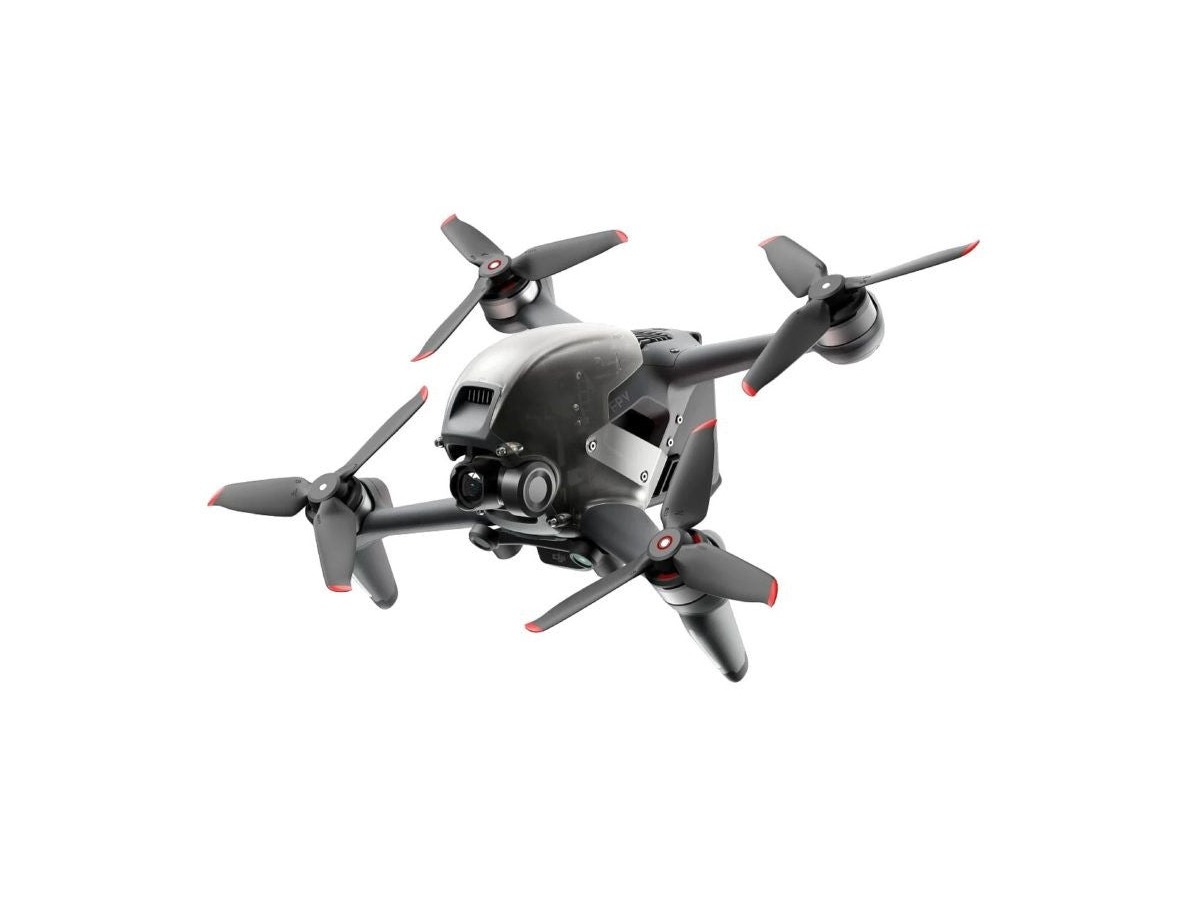
The DJI FPV offers GPS stabilization, a first-person view via goggles, and manual flight mode in one package, serving as a bridge for transitioning from conventional shooting drones to FPV. Since the risk of collisions is greater than with protective cinewhoops, you should not use manual mode without ample simulator training and a spacious area. You can find the product name and main components on the manufacturer's official page. In the FPV list, confirm the compatibility of goggles, controllers, receivers, and video transmission methods along with simulator learning stages. Make sure to compare actual combos and compatible accessories prior to your purchase.
바로가기
BETAFPV Cetus X FPV Kit

BETAFPV Cetus X FPV Kit

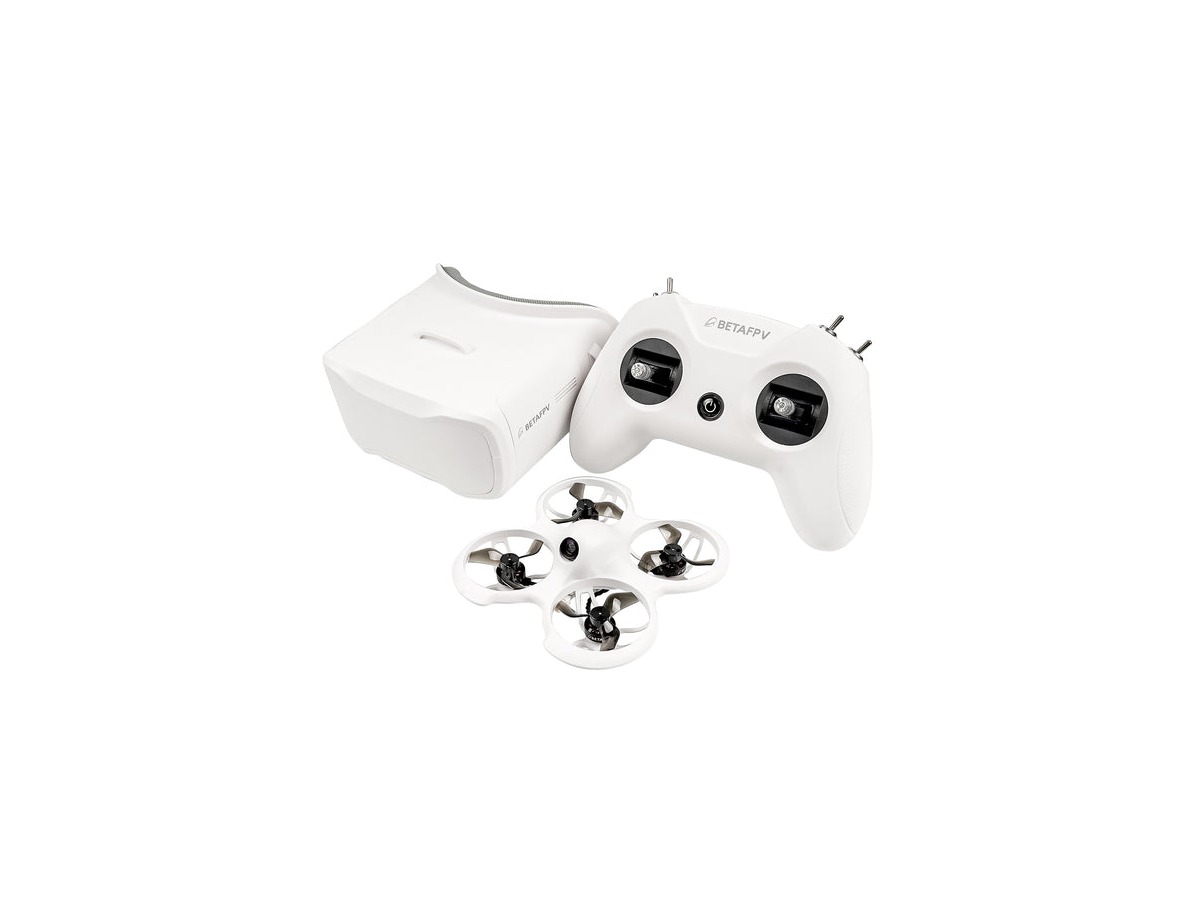
The BETAFPV Cetus X FPV Kit combines a 2S whoop drone with LiteRadio 3 and VR03 goggles, making it easy to learn basic flight and advance to stronger maneuvers with Betaflight. Be sure to check the official page for variations in configuration, availability, battery shipping, receiver protocols, and simulator compatibility. You can find the product name and main components on the manufacturer's official page. In the FPV list, confirm the compatibility of goggles, controllers, receivers, and video transmission methods along with simulator learning stages. It's a good idea to compare actual combos and compatible accessories before making a purchase.
바로가기
BETAFPV Cetus Pro FPV Kit

BETAFPV Cetus Pro FPV Kit

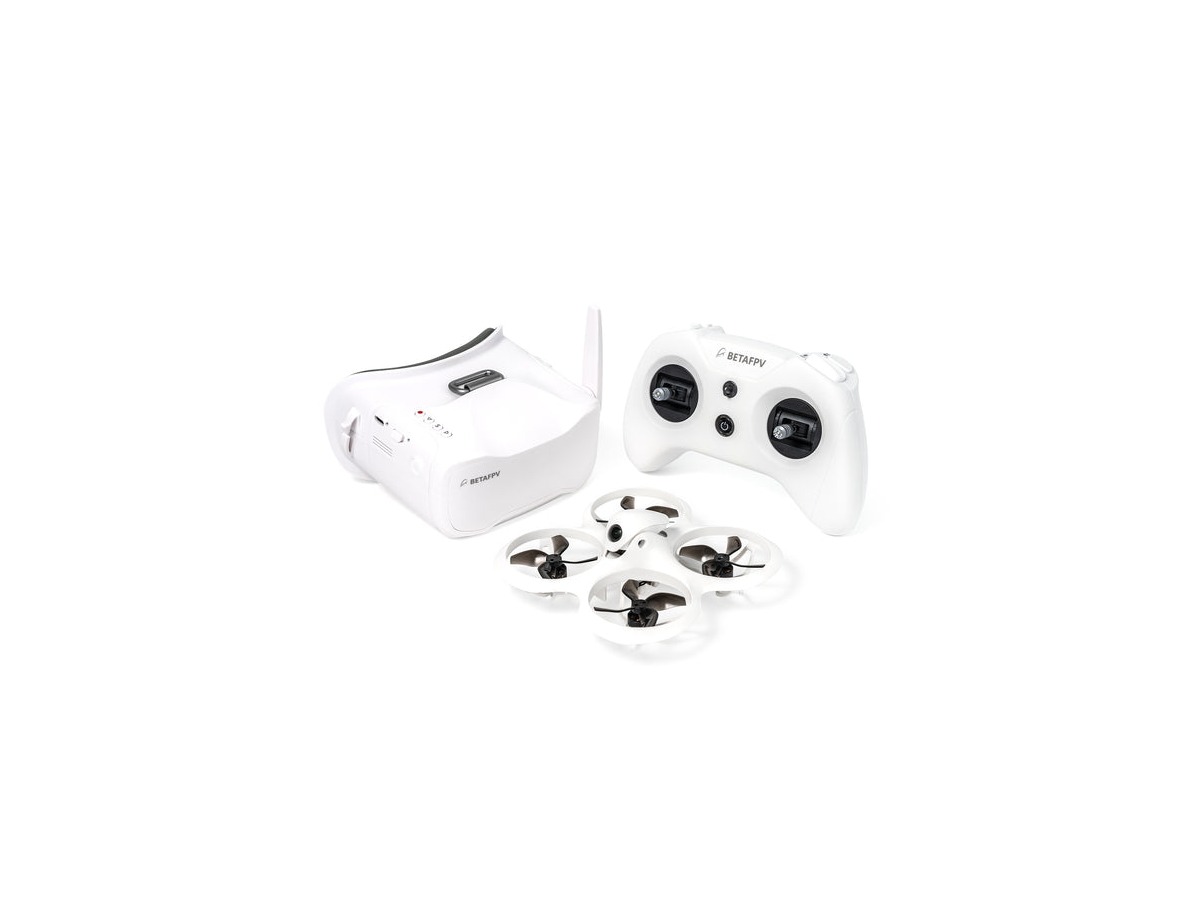
The BETAFPV Cetus Pro FPV Kit is a great option for beginners, featuring a 1S protective whoop and altitude-holding assistance, all packed in one bag for slow indoor practice. Even with assisting functions, it is not fully automatic, so you’ll be learning directional control and battery management in a space free of people and pets. You can find the product name and main components on the manufacturer's official page. In the FPV list, confirm the compatibility of goggles, controllers, receivers, and video transmission methods along with simulator learning stages. It's advisable to compare actual combos and compatible accessories before making a purchase.
바로가기
BETAFPV Aquila16 FPV Kit

BETAFPV Aquila16 FPV Kit

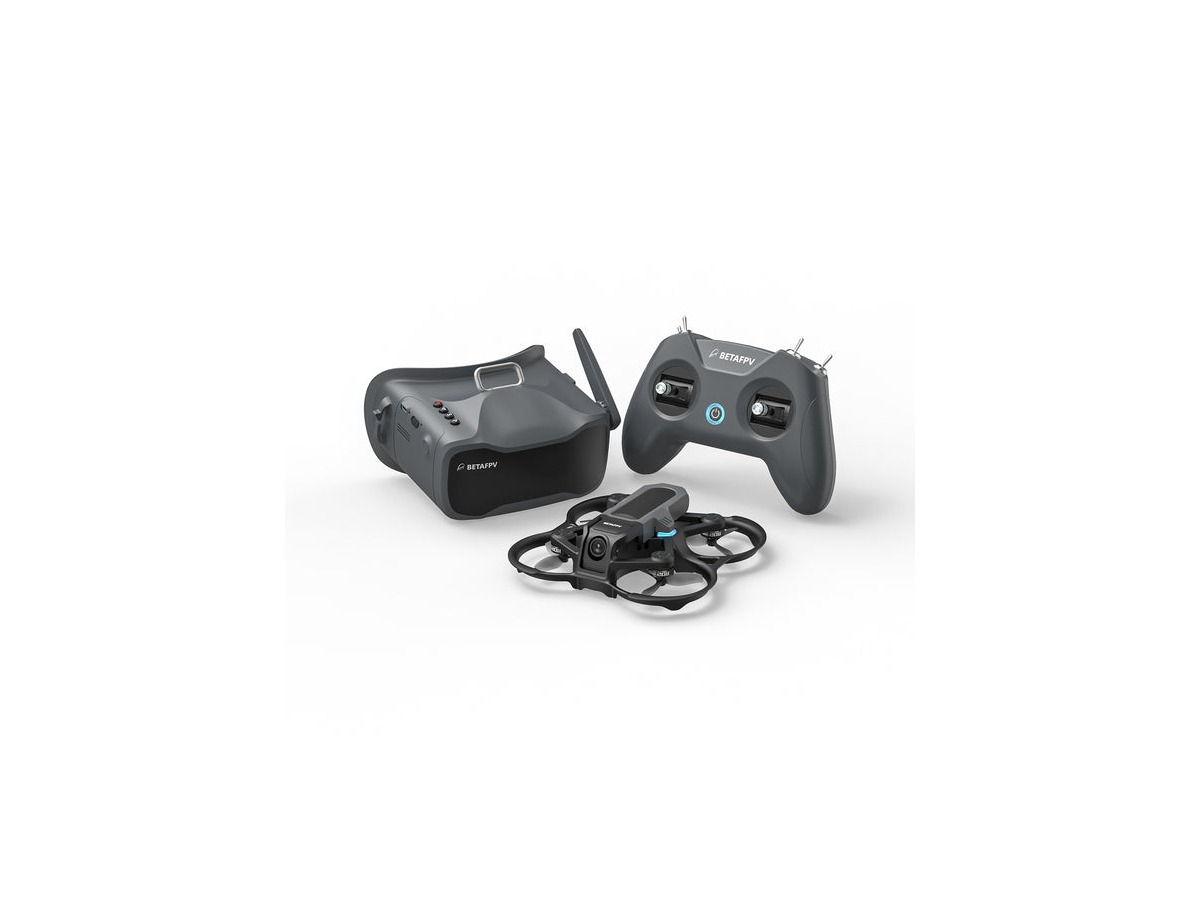
The BETAFPV Aquila16 FPV Kit is designed as a starter kit composed of a ducted drone, goggles, and controller, allowing for step-by-step practice in various flight modes. Consider the receiver and video system based on the kit version, as well as regulations on battery shipping and supply of spare propellers abroad. You can find the product name and main components on the manufacturer's official page. In the FPV list, confirm the compatibility of goggles, controllers, receivers, and video transmission methods along with simulator learning stages. It’s a good idea to compare actual combos and compatible accessories before your purchase.
바로가기
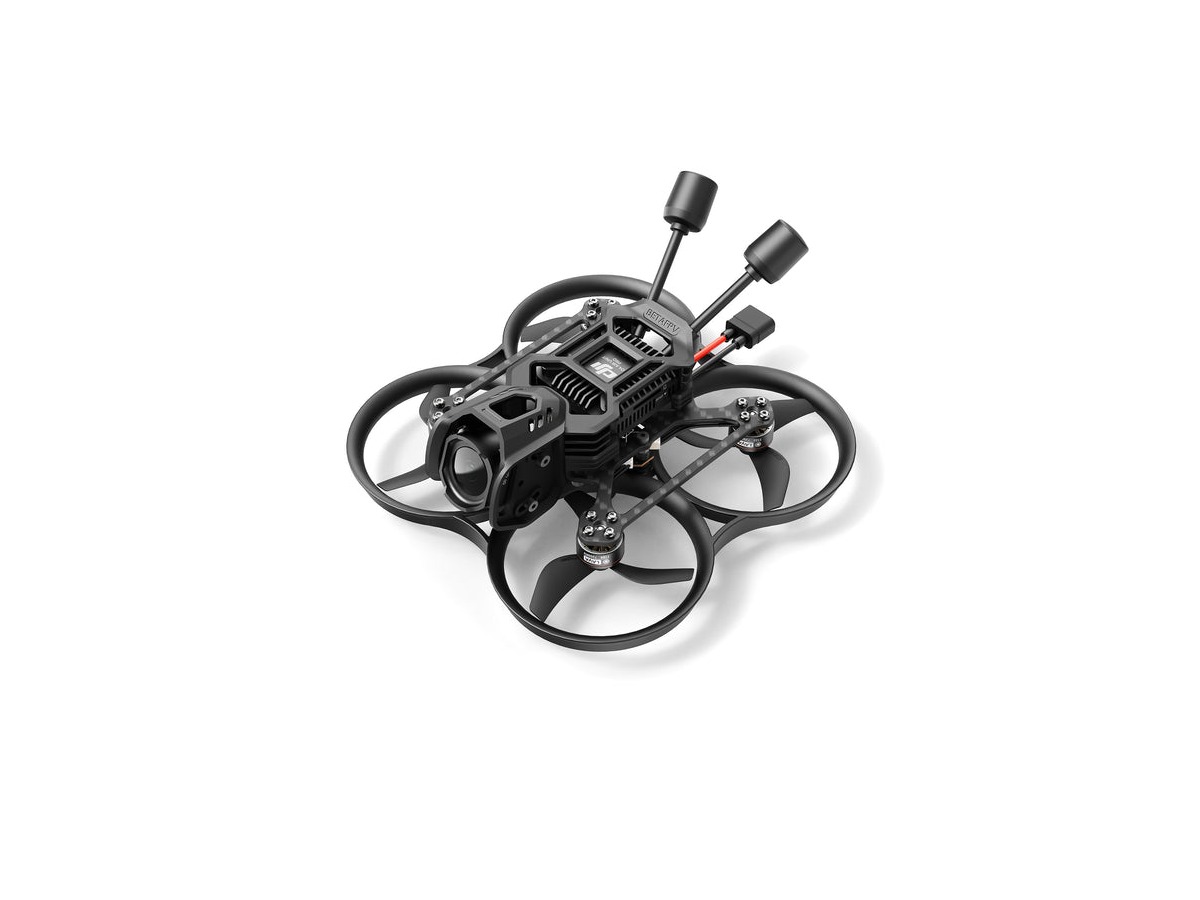
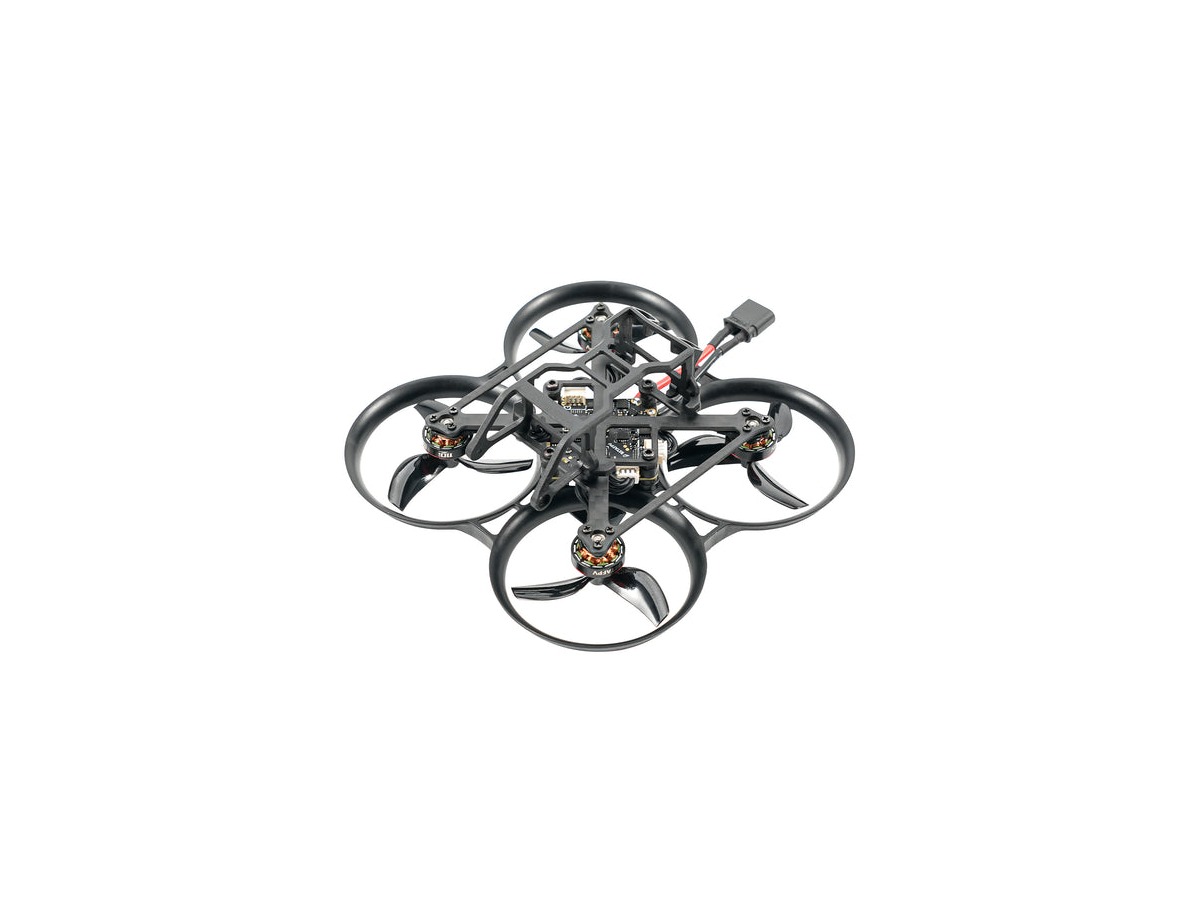
BETAFPV Pavo20 Pro

BETAFPV Pavo20 Pro

The BETAFPV Pavo20 Pro focuses on producing smooth footage in compact spaces, equipped to carry HD digital video devices due to its 2-inch cinewhoop design. As a BNF or PNP configuration, it may not include a camera and VTX, making it necessary to set up the receiver, goggles, video device, and battery yourself. You can find the product name and main components on the manufacturer's official page. In the FPV list, confirm the compatibility of goggles, controllers, receivers, and video transmission methods along with simulator learning stages. Comparing actual combos and compatible accessories before your purchase is recommended.
바로가기
BETAFPV Pavo Pico

BETAFPV Pavo Pico

The BETAFPV Pavo Pico is a lightweight cinewhoop platform weighing around 100g, allowing for an indoor and outdoor close-up shooting setup when combined with HD video devices like the DJI O3. Be cautious as the official package may not include the camera and HD VTX, so ensure you have the capability to assemble and set it up correctly. You can find the product name and main components on the manufacturer's official page. In the FPV list, check the compatibility of goggles, controllers, receivers, and video transmission methods along with simulator learning stages. It's advisable to compare actual combos and compatible accessories before your purchase.
바로가기

A good choice is not necessarily the most expensive or feature-heavy product but the one that naturally fits into your actual shooting and operation style. In the FPV list, it's important to check not only the drones but also the compatibility of goggles, controllers, receivers, and video transmission methods along with simulator learning stages.

Before purchasing, compare standalone drones and combos, app and controller compatibility, as well as battery and warranty coverage in a list. For overseas models, verify domestic service and radio compliance separately.

After flying, check the drone and propellers and back up the original footage and logs. Respect the privacy of individuals and property while maintaining visibility in authorized areas, which should always come first above all functions. Developing a habit of checking firmware, home points, propeller, and battery status before flying can reduce equipment loss and accidents. The official maximum flight times and transmission distances are under test conditions, so operate return batteries and visibility conservatively. Pay attention to the differences between standalone drones and combos, and include the actual costs of controllers, batteries, chargers, and storage devices. Not all regulations are determined solely by the weight of the drone; you should also check restrictions based on filming intent and flying locations. Developing a habit of checking firmware, home points, propeller, and battery status before flying can reduce equipment loss and accidents. The official maximum flight times and transmission distances are under test conditions, so operate return batteries and visibility conservatively.

댓글 0

로그인 후 댓글을 작성할 수 있습니다.

첫 댓글을 남겨보세요.

이런 리스트는 어때요?

이런 리스트도 추천해요
🎲

여기서 멈추기엔 아쉽잖아?

다음에 뭘 볼지 고민하는 시간이 제일 아까워.
주사위가 대신 골라줄게 — 무슨 리스트가 튀어나올지는 굴려봐야 알지.
안 누르면… 평생 궁금하지 않겠어? 👀

All menu
Login required
Log in
Categories
Language
Display mode

Drum roll… picking a list!

모하지
Use Mohazi as an app
Open it from your home screen and browse faster.
On iPhone, tap the Share button at the bottom of Safari, then choose “Add to Home Screen” to use it like an app.