Smart Pet Care Setup for Pets Left Alone
How to Choose Home Cameras, Sensors, and Power Control Products According to Your Pet’s Routine
The recommended setup starts with testing the angle and notifications of one home camera rather than mistakenly focusing on devices that replace feeding, watering, and littering. You can then gradually add door, leak, and power sensors. Before making a purchase, compare the following conditions for each product: camera blind spots and power cord chewability, local vs. cloud storage, night vision quality, sensor malfunction, and the caregiver's direct verification system. By setting rules for what happens when the internet is disconnected, how family members can operate the devices directly, and who to check with when issues arise, you can minimize disruptions caused by automation in your daily life.
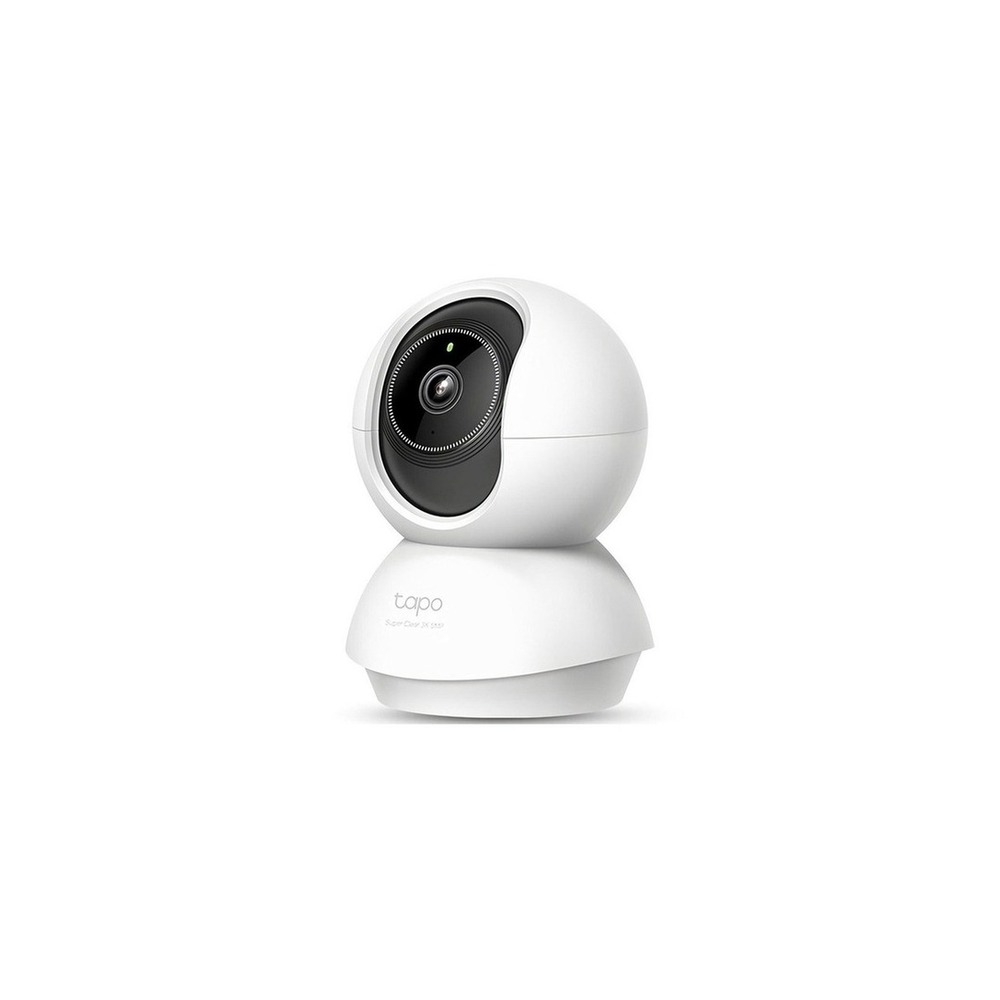
TP-Link Tapo C230 Home Cam
Tapo 3K 5MP Rotatable Smart Home Wi-Fi Camera, Tapo C230, 1 unit
The installation conditions for the TP-Link Tapo C230 home camera are ‘shooting angle and power cord management, and camera tampering prevention’. First, set the location and movement path based on this condition. When evaluating the costs of the setup, confirm that ‘cloud storage is optional subscription, and local storage conditions are verified’. Manage the accounts and records of the TP-Link Tapo C230 home camera based on the principles of ‘two-step verification, camera sharing, microphone permissions and recording notifications’. After installing the TP-Link Tapo C230 home camera, it is advisable to test the results of automation and manual operations for the first few days together. Before your final purchase, it is prudent to double-check the model name, components, ratings, and sale status of the TP-Link Tapo C230 home camera in the original document.
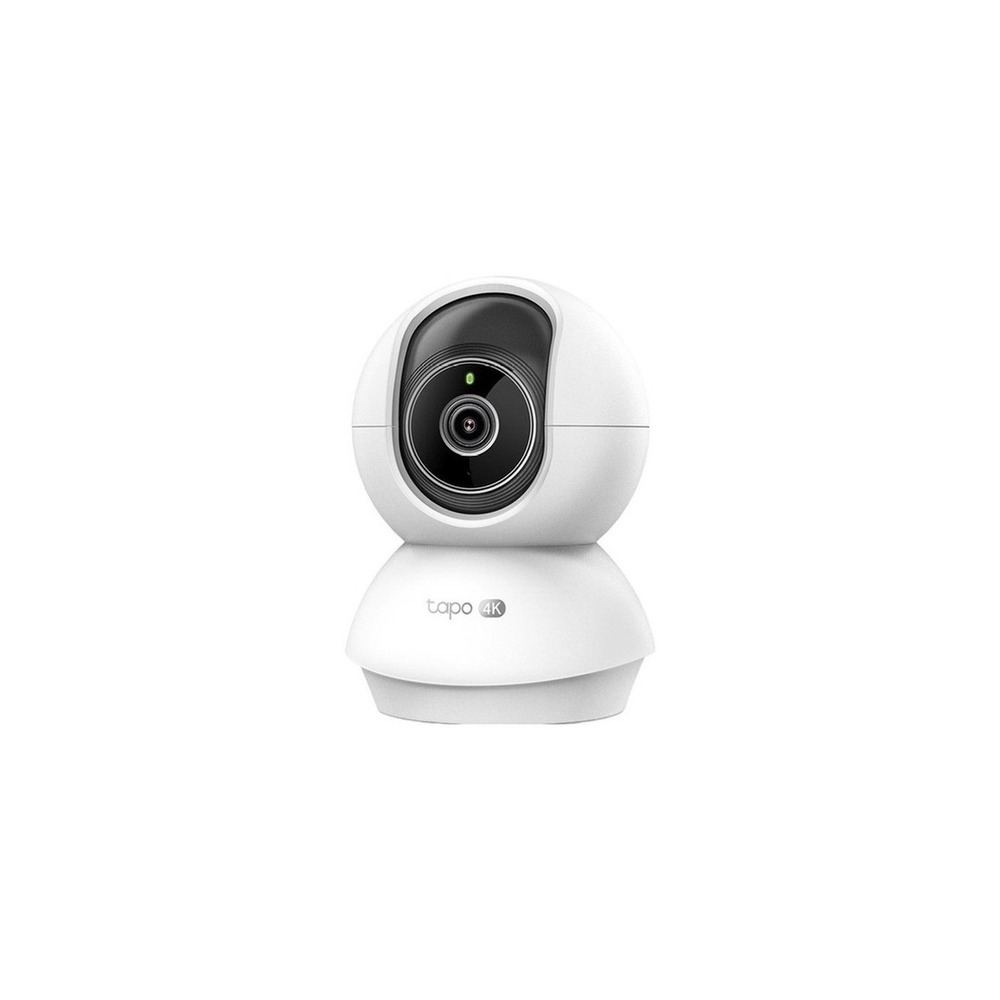
TP-Link Tapo C250 Home Cam
TP-Link 4K 8 Million Pixel Indoor Rotatable AI Home Security Wi-Fi Camera, 1 unit, Tapo C250
The installation conditions for the TP-Link Tapo C250 home camera to be inspected are ‘lens rotation space and power cord organization, and privacy settings verification’. Set the location and movement path based on these conditions first. When evaluating the costs of this setup, check that ‘cloud features are optional subscription’, and manage the TP-Link Tapo C250 home camera’s accounts and records based on the principles of ‘account security, shared users, and recording retention period management’. After installing the TP-Link Tapo C250 home camera, it is advisable to also test the results of automation and manual operation in the initial days. Before finalizing your purchase, it is a good idea to verify the model name, components, ratings, and sale status of the TP-Link Tapo C250 home camera in the linked original document.
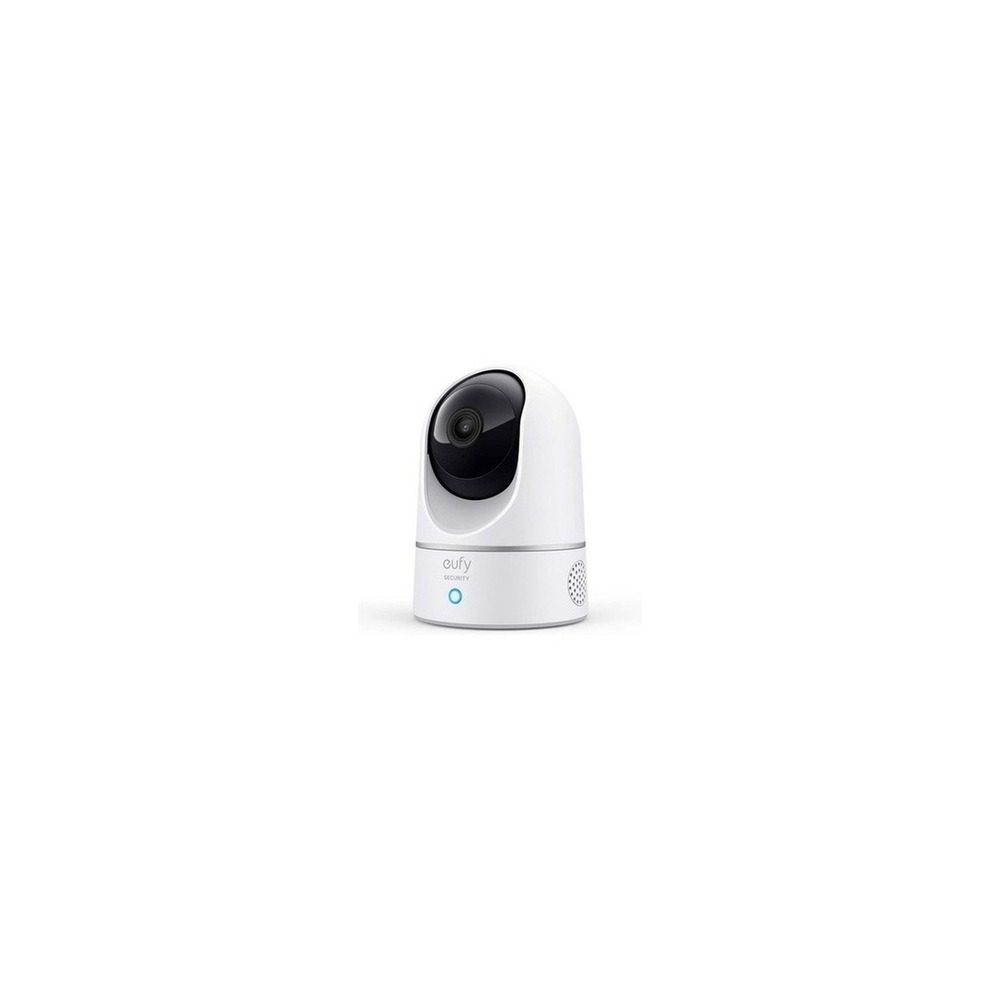
eufy E220 Indoor Cam
eufy Security Indoor Camera CCTV E220 Pan & Tilt Night Vision Motion Tracking HomeBase 3 Compatible
The installation conditions for the eufy E220 Indoor Cam that should be examined are ‘shooting angle and network shadow, and securing the power cord’. Set the location and movement paths first based on these conditions. When considering the costs, confirm that ‘certain cloud features require an optional subscription’ and manage the eufy E220 Indoor Cam’s accounts and records based on the principle that ‘local video access and users' shared permissions should be restricted’. After installing the eufy E220 Indoor Cam, it is recommended to test automation results alongside manual operations during the initial days. Before your purchase, it is advisable to verify the model name, components, ratings, and sale status of the eufy E220 Indoor Cam in the original document.
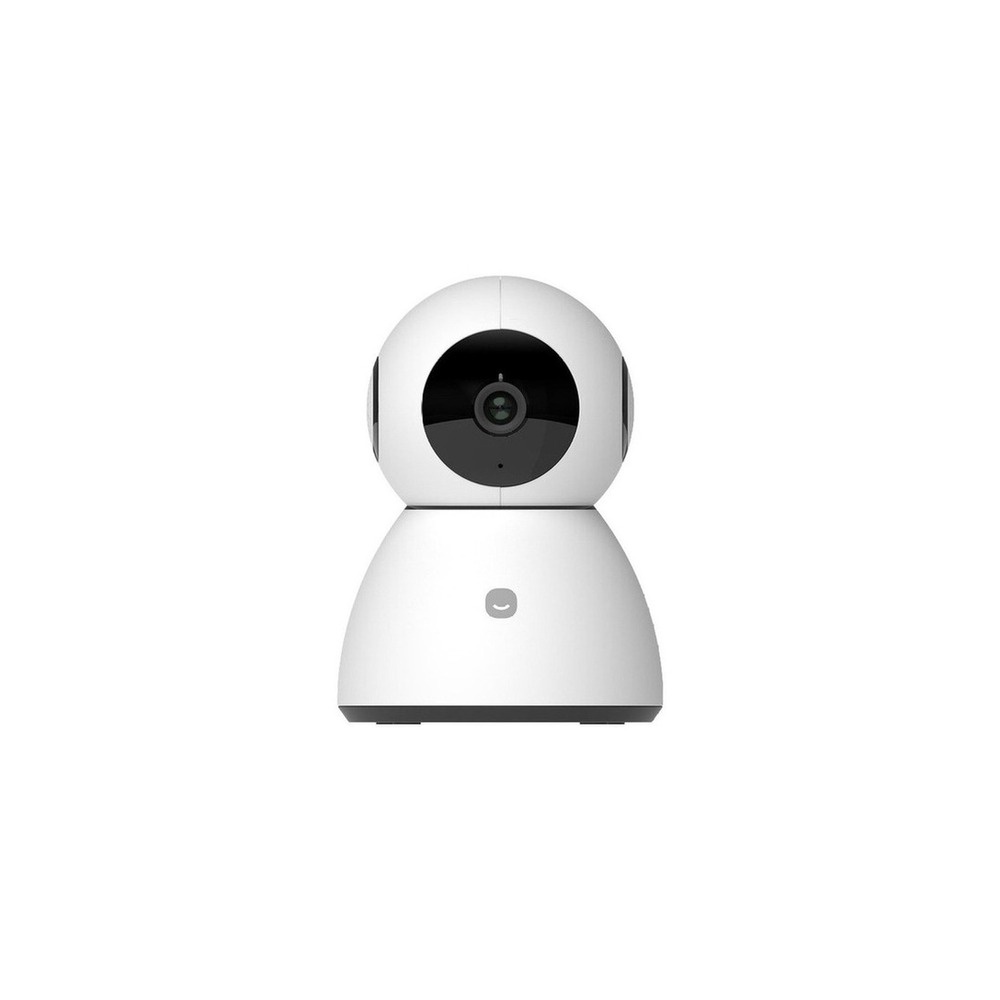
HeyHome Smart Home Camera
Heyhome Smart Home Camera 5MP Pro G2 Indoor, 1 unit, GKW-MC503
The installation conditions for the Heyhome Smart Home Camera that need to be checked are ‘avoidance of private areas and notifying the subject of the installation'. Set the location and movement path based on these conditions first. When assessing the costs of this setup, check that ‘cloud storage costs align with product and service conditions’, and manage the accounts and records of the Heyhome Smart Home Camera under the principles of ‘passwords, shared accounts, video retention periods, and device reset verification’. After installing the Heyhome Smart Home Camera, it is advisable to test automation results alongside manual operations in the initial days. Before purchasing, ensure the model name, components, ratings, and sale status of the Heyhome Smart Home Camera in the linked original document are re-checked.

SwitchBot Motion Sensor
SwitchBot - Motion Sensor SwitchBot Smart Motion Detection
The installation conditions for the SwitchBot motion sensor include testing the detection range before attaching double-sided tape or magnets. Establish the location and movement paths based on these conditions first. When examining costs for the setup, confirm that ‘basic functions do not require a subscription’ and manage the SwitchBot motion sensor’s accounts and records by checking the range of notifications shared and detection logs that reveal your living patterns. After installing the SwitchBot motion sensor, test the results of automation and manual operations together in the initial days. Before making a purchase, always verify the model name, components, ratings, and sale status of the SwitchBot motion sensor linked in the original document.
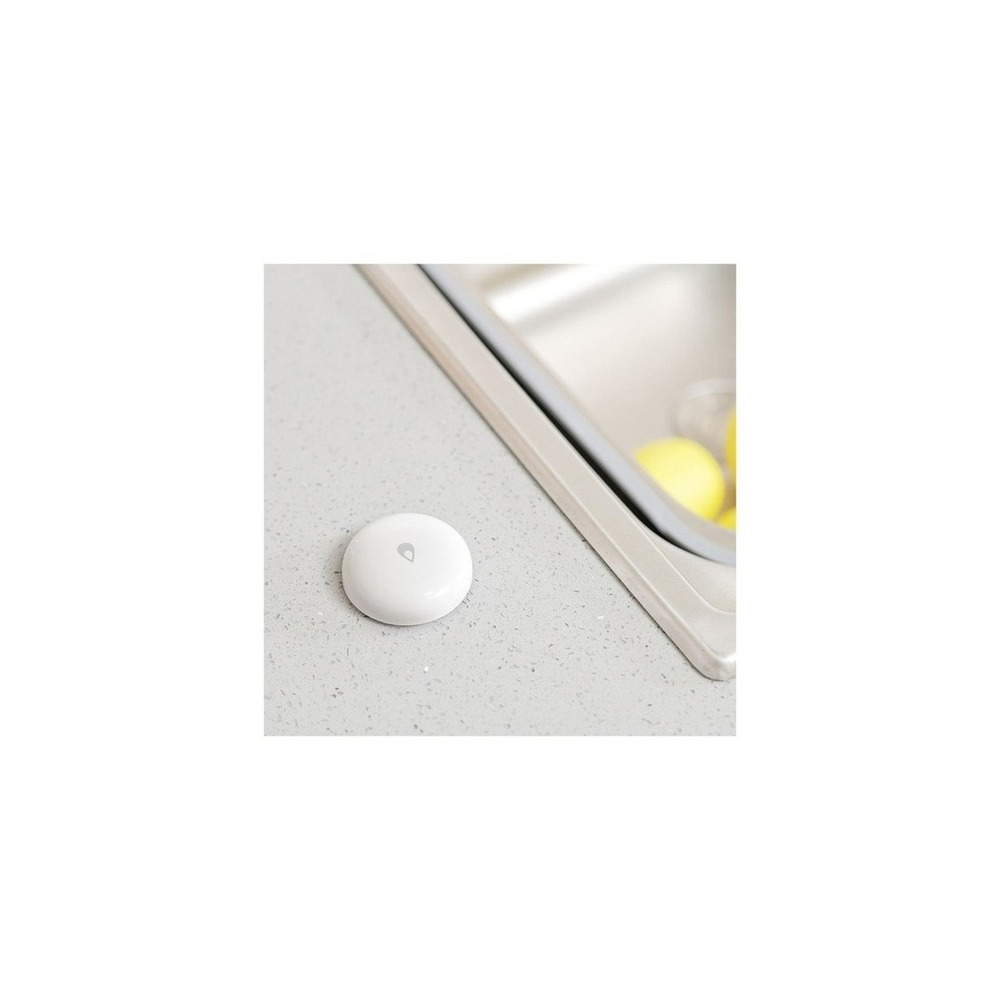
Aqara Smart Leak Detection Sensor T1
[Official Product] Aqara Smart Leak Detection Sensor T1
The installation conditions for the official Aqara Smart Leak Detection Sensor T1 are that ‘the sensor contact point should touch the floor and be positioned to avoid being moved by water cleaning’. Determine the location and movement paths based on these conditions. When estimating the costs for the setup, ensure that ‘basic notifications do not require a subscription’ and manage the records and accounts of the official Aqara Smart Leak Detection Sensor T1 based on the principle that ‘notifications do not replace actual responses, thus it’s important to designate a contact person during absenteeism’. After installing the official Aqara Smart Leak Detection Sensor T1, initially test automated results against manual handling during the first few days. Before finalizing the purchase, it is advised to recheck the model name, components, ratings, and sales status of the official Aqara Smart Leak Detection Sensor T1 in the linked original document.
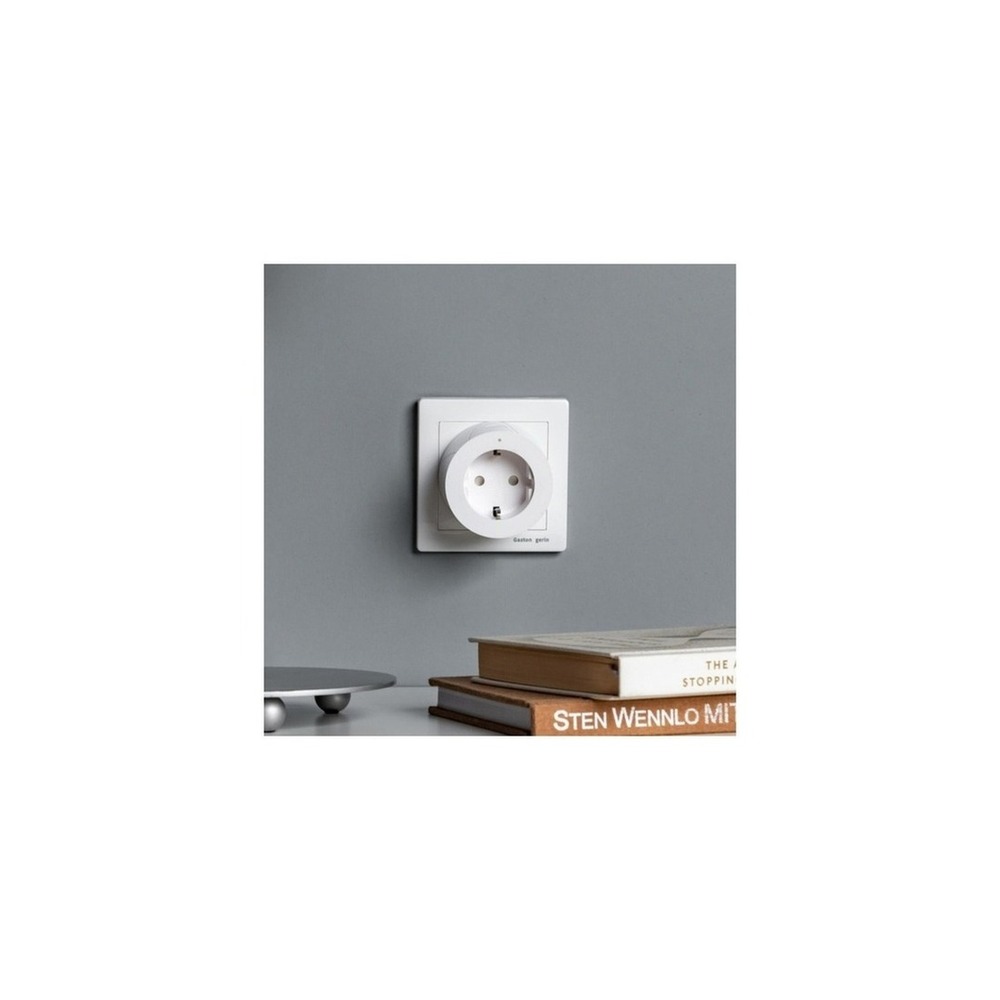
Officially Certified Aqara Smart Plug
[Official Certification] Aqara Smart Plug
The installation conditions for the officially certified Aqara Smart Plug are to ‘check the hub communication distance and grounding, and ensure the availability of outlet space'. Establish the location and movement paths based on these conditions first. When assessing the costs, confirm that ‘basic automation does not require a subscription’, and manage the accounts and records of the officially certified Aqara Smart Plug under the principles of ‘verifying hub administrator accounts and automation execution rights’. After installing the officially certified Aqara Smart Plug, test the results of automation alongside manual operations in the initial days. Before your purchase, verify the model name, components, ratings, and sale status of the officially certified Aqara Smart Plug connected to the original document.
Before finalizing your purchase, jot down the following on your checklist: camera blind spots and power cord chewability, local vs. cloud storage, night vision quality, sensor malfunction, and the caregiver's direct verification system. Consider the battery and consumable replacement cycles, the scope for account sharing, and the reset procedures needed before resale or moving to help estimate management costs. For installations involving electric, water, and entry security, do not solely trust the wording on the sales page; prioritize the manufacturer's guidance and regulations from the managing authority.
As part of the Coupang Partners program, this post may earn a commission from qualifying purchases.
Comments 0
Log in to leave a comment.
Be the first to comment.
How about these lists?


You might also like


Not ready to stop here?
Wondering what to read next is the biggest waste of time.
Let the dice decide — you won't know what pops up until you roll.
If you don't press it… won't you wonder forever? 👀