
Smart Home Setup to Reduce Seasonal Appliance Electricity Usage
Real Products for Managing Humidifiers, Dehumidifiers, and Fans with Temperature and Humidity Records
A realistic starting point would be to record temperature and humidity and power consumption over a week, apply scheduled shutdowns and automation to just one safe plug-in appliance, and then compare the results. Before purchasing, you need to compare the following conditions for each product: Prohibition of remote operation for heating devices, characteristics of motor device restarts, power rating of the plugs, and prohibition of arbitrary power shutdown for air conditioners and boilers. Additionally, determining how the app functions when the internet is disconnected, how family members can manually control it, and whom to check with if issues arise can help reduce disruptions caused by automation in daily life.
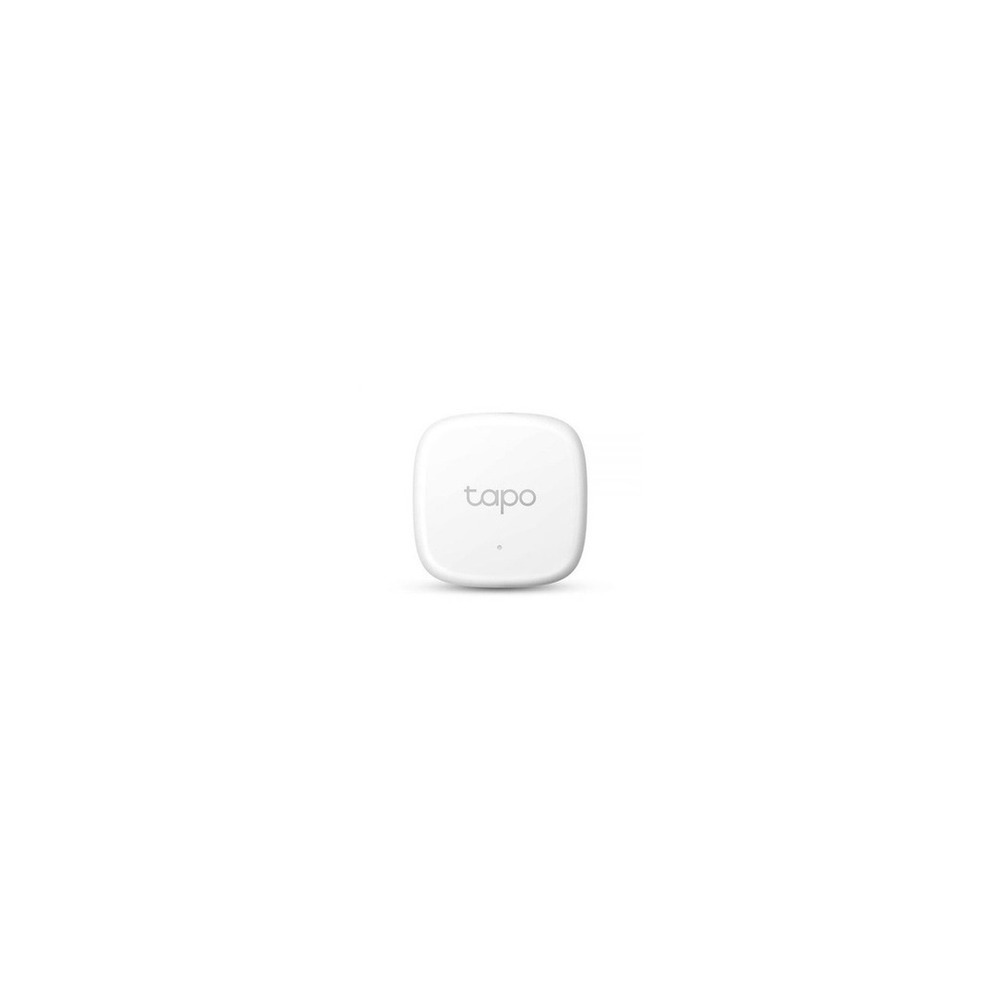
TP-Link Tapo T310 Thermo-Hygro Sensor
TP-Link Tapo T310 Smart Temperature and Humidity Sensor with Wi-Fi Hub Monitoring Alarm
For installation, the TP-Link Tapo T310 sensor should be mounted in a location that avoids direct contact with water while ensuring adequate airflow. Establish a location and pathway based on this condition. While calculating costs for the 'Smart Home Setup to Reduce Seasonal Appliance Electricity Usage,' confirm that 'basic sensor functions do not require a subscription,' and manage the Tapo T310 account and records using the principle of 'managing lifestyle pattern data and family sharing permissions.' After installing the Tapo T310 according to this guide, test both automation results and manual control in the initial days. Just before purchase, it’s wise to double-check the model number, components, ratings, and sales status of the Tapo T310 linked to this setup.
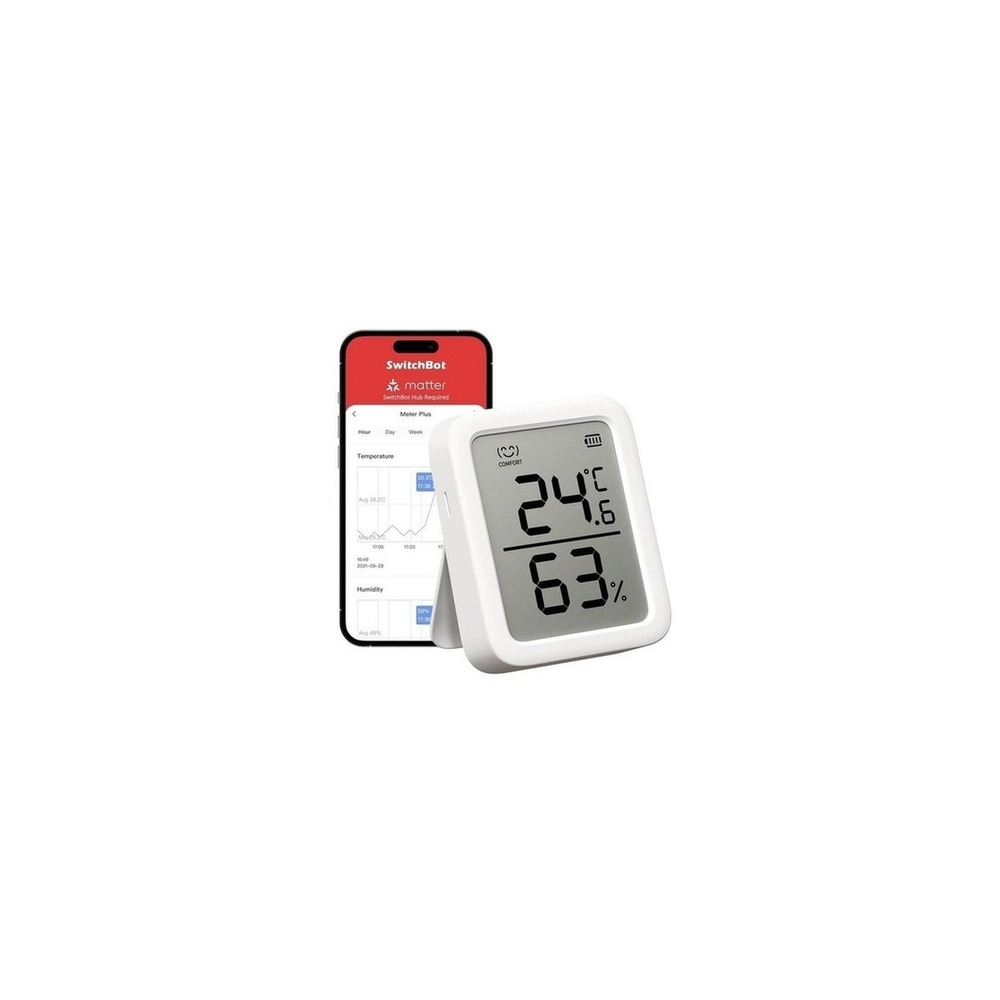
SwitchBot Thermo-Hygrometer Plus
SwitchBot Hygrometer Plus - Alexa-Enabled Digital Thermometer and Hygrometer with Large Display and Alarm
The installation conditions for the SwitchBot Hygrometer Plus according to the 'Smart Home Setup to Reduce Seasonal Appliance Electricity Usage' involve placing it away from direct sunlight, mist from humidifiers, and window sills. Define locations and pathways based on this condition. When calculating costs, check that 'basic measurements do not require a subscription,' and manage the SwitchBot Hygrometer Plus account and records following the principle of 'cloud synchronization of long-term environmental records and verifying shared account access.' After installing the Hygrometer Plus using this guide, test both automation results and manual control in the initial days. Before the purchase, it’s prudent to confirm the model name, components, ratings, and sales status of the Hygrometer Plus linked to this setup.
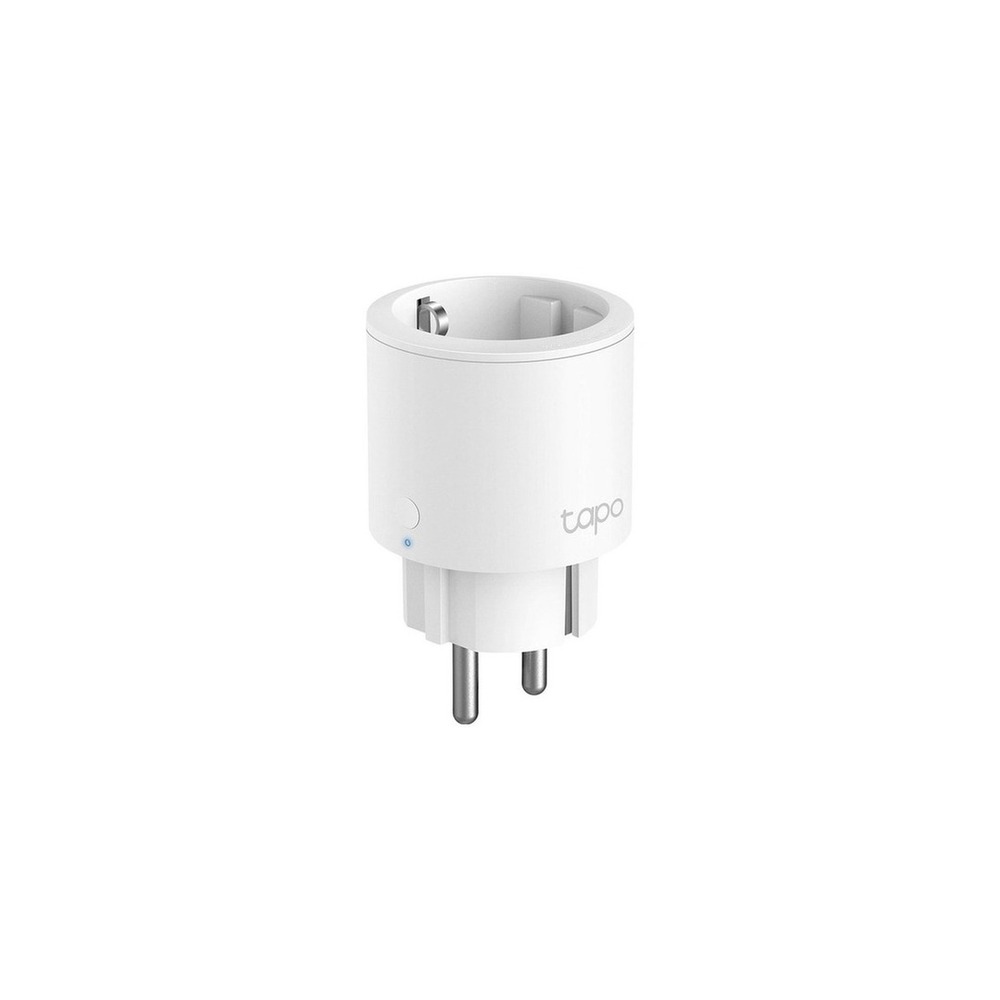
TP-Link Tapo P115 Smart Plug
TP-Link 16A Energy Monitoring IoT Smart Wi-Fi Plug, Tapo P115, 1 Piece
For installation in line with the setup, the installation requirements for the TP-Link Tapo P115 involve confirming adjacent plug spaces and grounding/network connections. Establish location and pathway based on this condition. While evaluating costs for the 'Smart Home Setup to Reduce Seasonal Appliance Electricity Usage,' check that 'basic functions do not require a subscription,' and manage the Tapo P115 account and records using 'management of Tapo account and family sharing permissions.' After installing the Tapo P115 following this guide, remember to test both automation results and manual control in the initial days. Just before purchase, ensure to confirm the model number, components, ratings, and sales status of the Tapo P115 from the linked information.
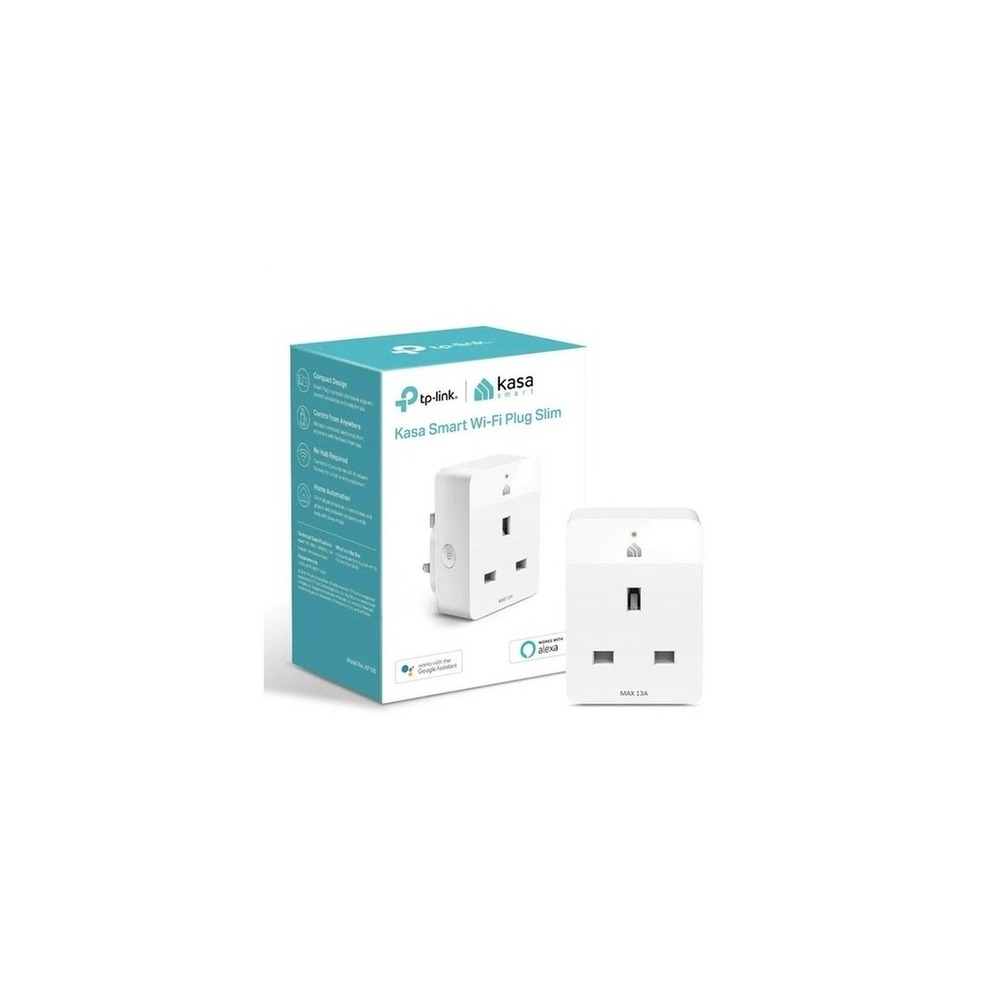
TP-Link Tapo P110 Smart Plug
TP-Link Tapo P110 Power 4-WiFi Socket Smart Plug
The installation requirements for the TP-Link Tapo P110 according to the setup involve checking grounding status and interference between the plug and the appliance. Use this condition to start determining the location and flow. When calculating costs, ensure 'basic functionalities do not require a subscription' and manage the Tapo P110’s accounts and records with the 'users' pattern data linked to the account for sharing scope.' After installing the Tapo P110 with this reference, test both automation results and manual control during the initial days. Right before purchase, double-check the model name, components, ratings, and sales status of the Tapo P110 connected to this guide.
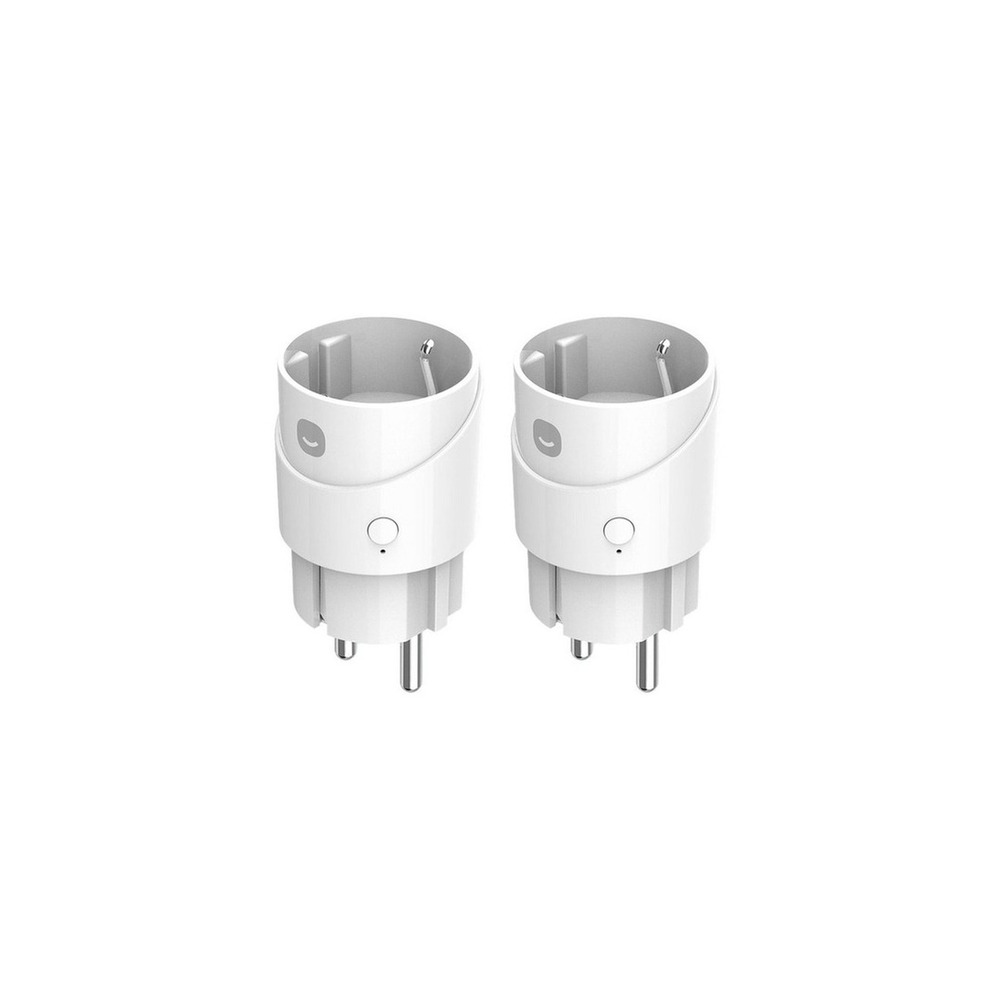
Heyhome Smart Plug
HeyHome Matter Remote-Controlled Smart Plug 1 Output GKMW-PG191
For the installation of the HeyHome smart plug in accordance with the setup, ensure to check the spacing between wall sockets and power strips. Define the location and pathways based on this condition. While assessing costs of the 'Smart Home Setup to Reduce Seasonal Appliance Electricity Usage,' confirm that 'basic control does not require a subscription,' and manage accounts and records of the HeyHome smart plug following 'inviting family to accounts and verifying remote control permissions.' After installing the HeyHome smart plug based on this guide, test both automation results and manual operations during the initial days. Before purchasing, it's wise to recheck the model number, components, ratings, and sales status of the HeyHome smart plug linked to this document.
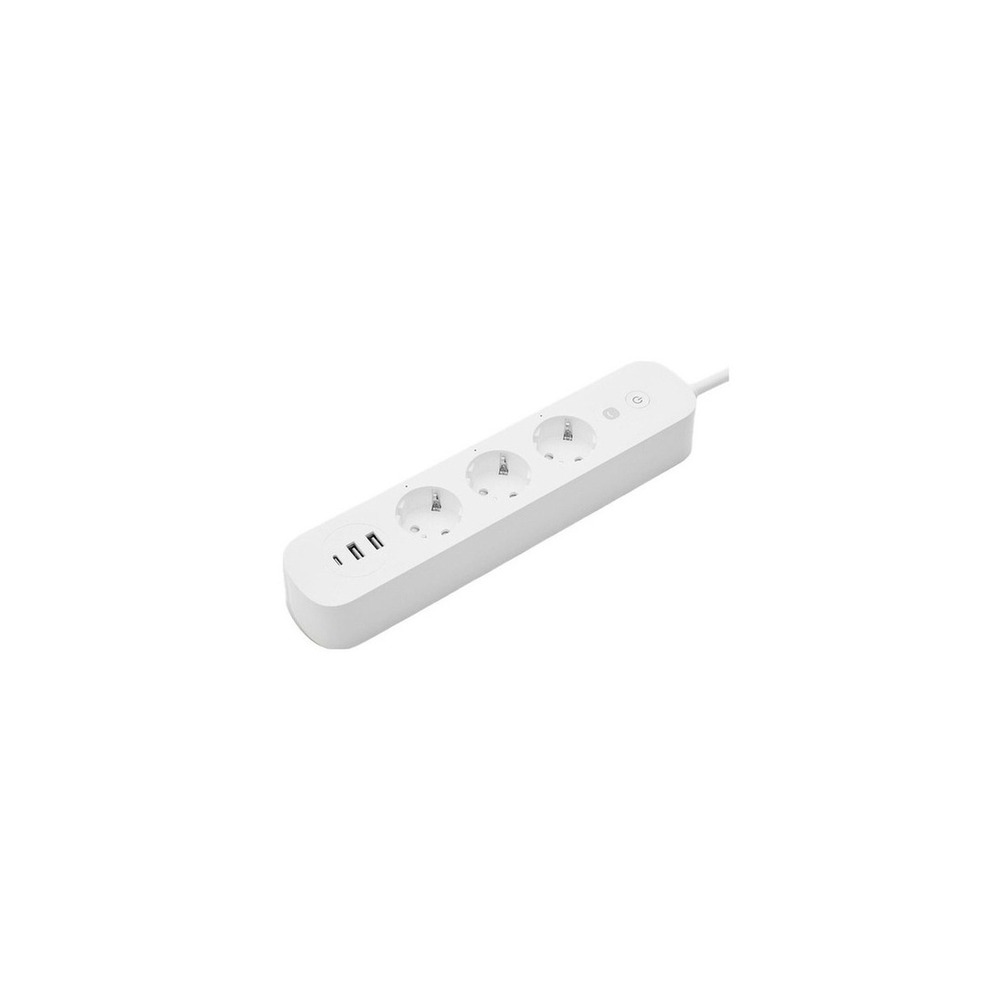
Heyhome Smart High-Capacity Multi-Tap Guard GKW-PS191
HeyHome 16A Smart High-Capacity Power Strip Guard GKW-PS191, 1 Piece, Single Color, 1.5m
For installation per the setup, the conditions for the HeyHome smart high-capacity power strip guard GKW-PS191 should avoid floor heat and moisture while ensuring cables are unwound during installation. This condition also helps in determining the location and flow. While calculating costs in the 'Smart Home Setup to Reduce Seasonal Appliance Electricity Usage,' confirm that 'basic app features do not require a subscription,' and manage accounts and records of the HeyHome smart high-capacity power strip guard GKW-PS191 with 'checking account permissions and firmware availability.' After installing according to this guide, test automation results and manual operations. Just before purchasing, double-check the model name, components, ratings, and sales status of the HeyHome smart high-capacity power strip guard GKW-PS191 as per the connected information.
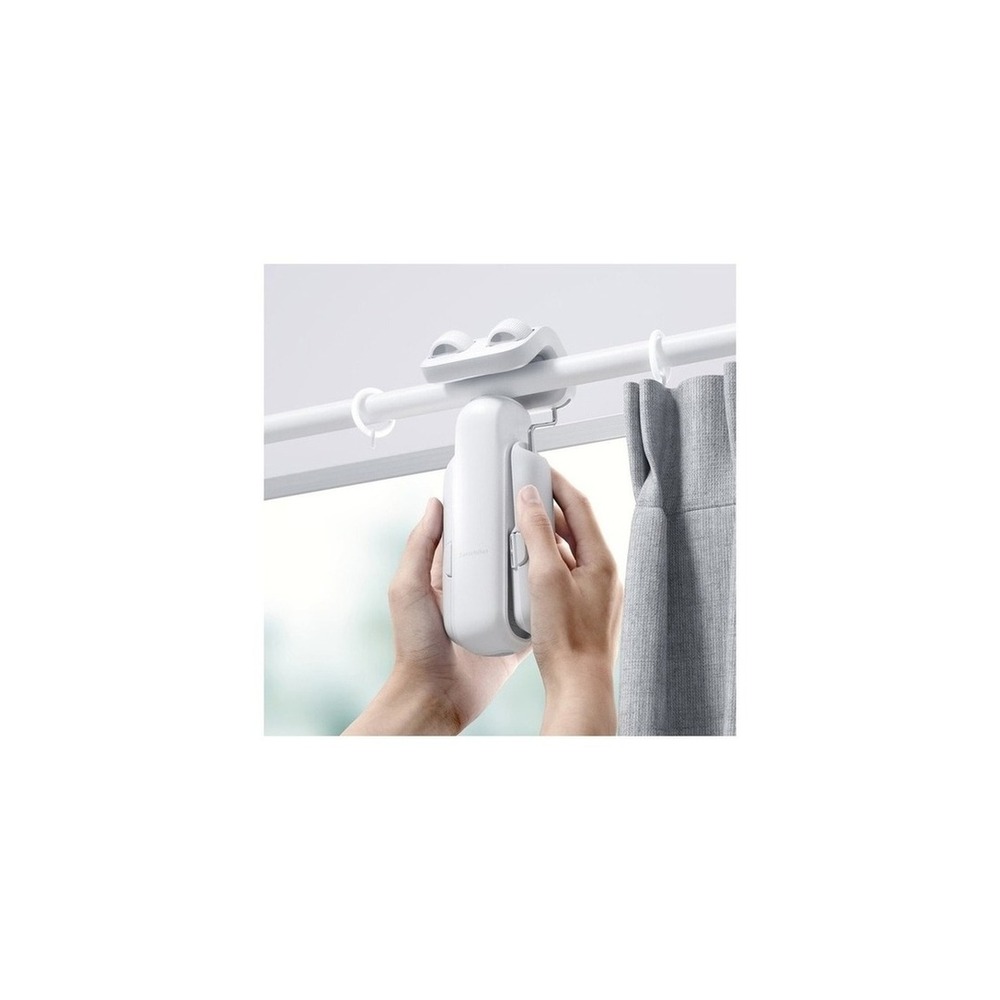
SwitchBot Curtain 3
SwitchBot Curtain Version 3 Rod Type 42 x 51 x 173 mm
For installation conditions aligned with the setup, ensure the curtain’s weight, rail shape, travel interference, and drooping hazards are checked prior. Use these conditions to guide your choices for placement and flow. When assessing costs for the 'Smart Home Setup to Reduce Seasonal Appliance Electricity Usage,' confirm that 'basic app control does not require a subscription,' and manage the SwitchBot Curtain 3 account and records following principles that check 'location and sunrise automation permissions' along with family account sharing. After installation, conduct tests on both automation results and manual controls. Before finalizing the purchase, verify the model name, components, ratings, and sales status for SwitchBot Curtain 3 linked to this setup.
Before the final purchase, keep this checklist: Prohibition of remote operation for heating devices, characteristics of motor device restarts, power ratings, and prohibition of arbitrary power shutdown for air conditioners and boilers. Staying informed about battery and consumable replacement cycles, account sharing scopes, and initial setup procedures required before reselling or moving can help you anticipate management costs. For installations related to electricity, water, and entry security, don’t rely solely on the wording on the sales page; prioritize instructions from the manufacturer and regulations from the managing entity.
이 포스팅은 쿠팡 파트너스 활동의 일환으로, 이에 따른 일정액의 수수료를 제공받습니다.
댓글 0
로그인 후 댓글을 작성할 수 있습니다.
첫 댓글을 남겨보세요.
이런 리스트는 어때요?


이런 리스트도 추천해요


여기서 멈추기엔 아쉽잖아?
다음에 뭘 볼지 고민하는 시간이 제일 아까워.
주사위가 대신 골라줄게 — 무슨 리스트가 튀어나올지는 굴려봐야 알지.
안 누르면… 평생 궁금하지 않겠어? 👀
