
Collection
Digital Devices
2026.09.15
Official Features Expanding Your Device's Limits Without Jailbreaking
Manufacturer-Supported Alternatives for Automation, Customization, and Development
People pursue jailbreaking for various reasons, such as screen customization, automation, multitasking, and running development apps. Many recent devices include official features that cater to these demands, such as iPhone Shortcuts, Good Lock, Steam Deck Desktop Mode, and Xbox Developer Mode.
However, just because a feature is official doesn’t mean all risks are eliminated. It's essential to verify supported models, whether data initialization is necessary, and the conditions for developer registration, and to use the information provided in the manufacturer's documents. Since official policies and device-specific support may be updated, it's a good idea to double-check the manufacturer's guidelines before use.
However, just because a feature is official doesn’t mean all risks are eliminated. It's essential to verify supported models, whether data initialization is necessary, and the conditions for developer registration, and to use the information provided in the manufacturer's documents. Since official policies and device-specific support may be updated, it's a good idea to double-check the manufacturer's guidelines before use.
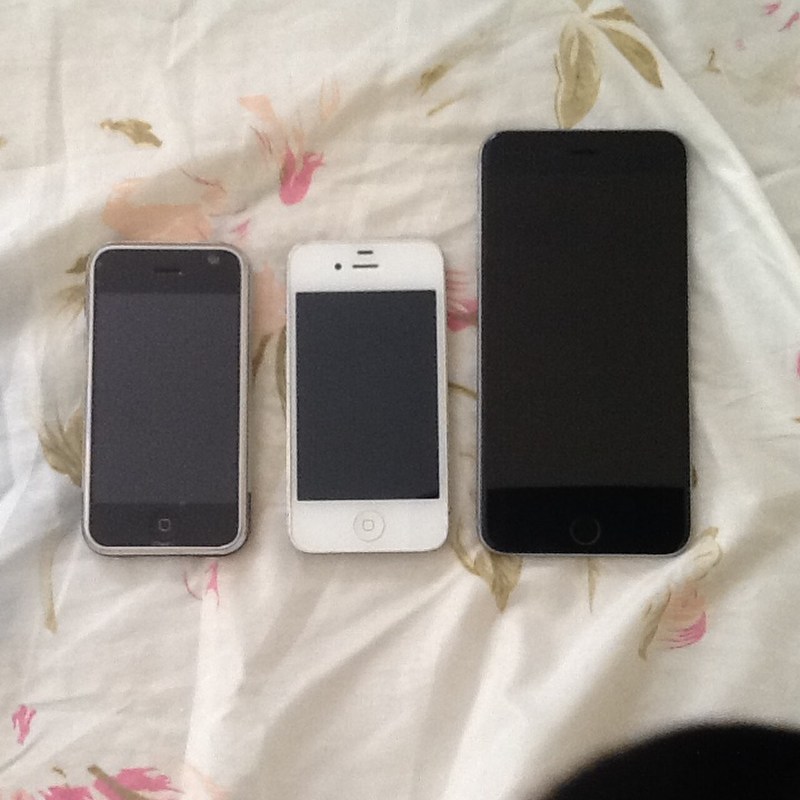
iPhone Shortcuts
iPhone Shortcuts is Apple's official automation feature. The focus here is on currently supported models, and in the context of device modification, it involves app connections and automating repetitive tasks. Even when using the term ‘jailbreak,’ the act of bypassing iOS's permission restrictions, changing the Android bootloader status, or executing unauthorized code on a console have different technical and legal implications. Therefore, descriptions that do not distinguish between device names, generations, and operating system versions cannot serve as a basis for determining the current state.
The first risk to consider is the caution required with shared shortcuts that have excessive permissions. Unauthorized modifications can lead to not only update failures or data loss but also impacts on finance and authentication apps, cloud synchronization, online accounts, and repair policies. Just because research cases on older devices have been released doesn’t mean your current main device is safe. This list does not include vulnerability names, tool distribution sources, or installation orders; it only addresses the results from the manufacturer's support documents and conditions that users need to verify.
If the purpose is functionality extension, start by verifying only the actions you’ve validated yourself. Official channels are likely to resolve similar needs while maintaining update and recovery support. If there are specific purposes like preserving discontinued devices or conducting security research, ownership, copyright, and access control laws can vary by country, so professional validation is necessary before distribution or sharing. It's useful to separate devices containing work materials and payment information from experimental ones and to back up important data separately, regardless of any changes made.
The first risk to consider is the caution required with shared shortcuts that have excessive permissions. Unauthorized modifications can lead to not only update failures or data loss but also impacts on finance and authentication apps, cloud synchronization, online accounts, and repair policies. Just because research cases on older devices have been released doesn’t mean your current main device is safe. This list does not include vulnerability names, tool distribution sources, or installation orders; it only addresses the results from the manufacturer's support documents and conditions that users need to verify.
If the purpose is functionality extension, start by verifying only the actions you’ve validated yourself. Official channels are likely to resolve similar needs while maintaining update and recovery support. If there are specific purposes like preserving discontinued devices or conducting security research, ownership, copyright, and access control laws can vary by country, so professional validation is necessary before distribution or sharing. It's useful to separate devices containing work materials and payment information from experimental ones and to back up important data separately, regardless of any changes made.
기기 유형 공식 자동화 기능
제조사 Apple
관련 시기 현재 지원
주요 위험 과도한 권한을 가진 공유 단축어 주의
공식 대안 검증한 동작만 직접 구성
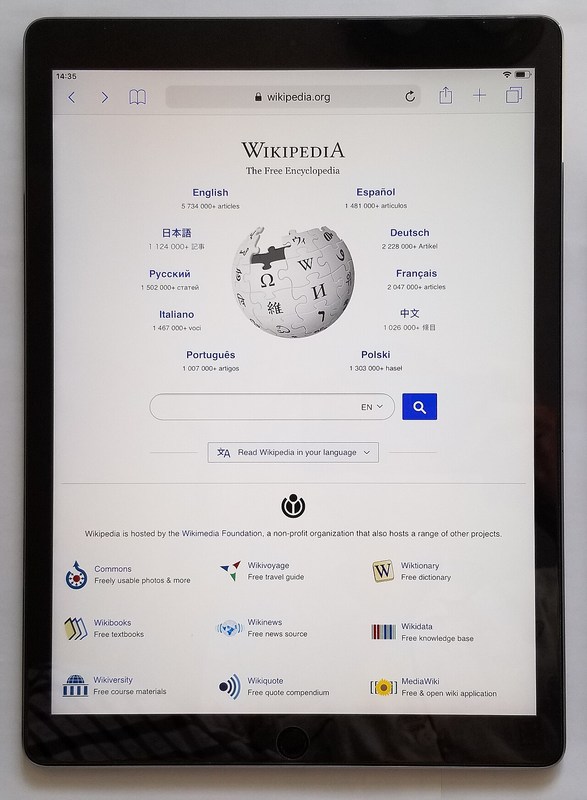
iPad Stage Manager
iPad Stage Manager is Apple's official multitasking feature. The focus here is on supported models, and in the context of device modification, it involves working with multiple windows and external displays. Even when using the term ‘jailbreak,’ bypassing iOS's permission restrictions, changing the Android bootloader status, or executing unauthorized code on a console have different technical and legal implications. Therefore, descriptions that do not distinguish between device names, generations, and operating system versions cannot serve as a basis for determining the current state.
The first risk to consider is the differences in supported features by model. Unauthorized modifications can affect not only update failures or data loss but also finance and authentication apps, cloud synchronization, online accounts, and repair policies. Just because research cases on older devices have been released doesn’t mean your current main device is safe. This list does not include vulnerability names, tool distribution sources, or installation orders; it only addresses the results from the manufacturer's support documents and conditions that users need to verify.
If the purpose is functionality extension, check the compatibility confirmation in Apple’s support documents first. Official channels are likely to resolve similar needs while maintaining update and recovery support. If there are specific purposes like preserving discontinued devices or conducting security research, ownership, copyright, and access control laws can vary by country, so professional validation is necessary before distribution or sharing. It's useful to separate devices containing work materials and payment information from experimental ones and to back up important data separately, regardless of any changes made.
The first risk to consider is the differences in supported features by model. Unauthorized modifications can affect not only update failures or data loss but also finance and authentication apps, cloud synchronization, online accounts, and repair policies. Just because research cases on older devices have been released doesn’t mean your current main device is safe. This list does not include vulnerability names, tool distribution sources, or installation orders; it only addresses the results from the manufacturer's support documents and conditions that users need to verify.
If the purpose is functionality extension, check the compatibility confirmation in Apple’s support documents first. Official channels are likely to resolve similar needs while maintaining update and recovery support. If there are specific purposes like preserving discontinued devices or conducting security research, ownership, copyright, and access control laws can vary by country, so professional validation is necessary before distribution or sharing. It's useful to separate devices containing work materials and payment information from experimental ones and to back up important data separately, regardless of any changes made.
기기 유형 공식 멀티태스킹 기능
제조사 Apple
관련 시기 지원 모델
주요 위험 모델별 지원 기능 차이
공식 대안 Apple 지원 문서에서 호환 확인
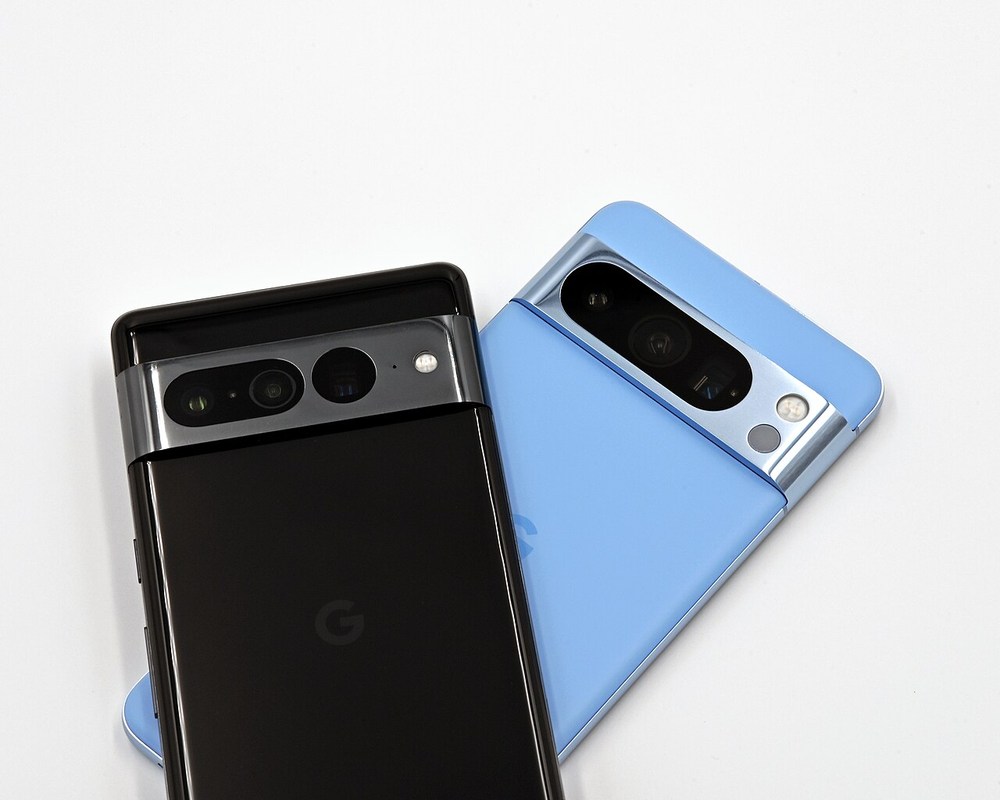
Android Official Bootloader Status
Android Official Bootloader Status is a developer feature introduced by Google and AOSP. The focus here is on the variations by device, and in the context of device modification, it involves the manufacturer explicitly managing the locked and unlocked states. Even when using the term ‘jailbreak,’ bypassing iOS's permission restrictions, changing the Android bootloader status, or executing unauthorized code on a console have different technical and legal implications. Therefore, descriptions that do not distinguish between device names, generations, and operating system versions cannot serve as a basis for determining the current state.
The first risk to consider is initialization, security warnings, and manufacturer restrictions. Unauthorized modifications can affect not only update failures or data loss but also finance and authentication apps, cloud synchronization, online accounts, and repair policies. Just because research cases on older devices have been released doesn’t mean your current main device is safe. This list does not include vulnerability names, tool distribution sources, or installation orders; it only addresses the results from the manufacturer's support documents and conditions that users need to verify.
If the purpose is functionality extension, first confirm the supported models and manufacturer policies. Official channels are likely to resolve similar needs while maintaining update and recovery support. If there are specific purposes like preserving discontinued devices or conducting security research, ownership, copyright, and access control laws can vary by country, so professional validation is necessary before distribution or sharing. It's useful to separate devices containing work materials and payment information from experimental ones and to back up important data separately, regardless of any changes made.
The first risk to consider is initialization, security warnings, and manufacturer restrictions. Unauthorized modifications can affect not only update failures or data loss but also finance and authentication apps, cloud synchronization, online accounts, and repair policies. Just because research cases on older devices have been released doesn’t mean your current main device is safe. This list does not include vulnerability names, tool distribution sources, or installation orders; it only addresses the results from the manufacturer's support documents and conditions that users need to verify.
If the purpose is functionality extension, first confirm the supported models and manufacturer policies. Official channels are likely to resolve similar needs while maintaining update and recovery support. If there are specific purposes like preserving discontinued devices or conducting security research, ownership, copyright, and access control laws can vary by country, so professional validation is necessary before distribution or sharing. It's useful to separate devices containing work materials and payment information from experimental ones and to back up important data separately, regardless of any changes made.
기기 유형 개발자 기능
제조사 Google·AOSP
관련 시기 기기별 상이
주요 위험 초기화와 보안 경고, 제조사 제한
공식 대안 지원 모델과 제조사 정책 우선 확인
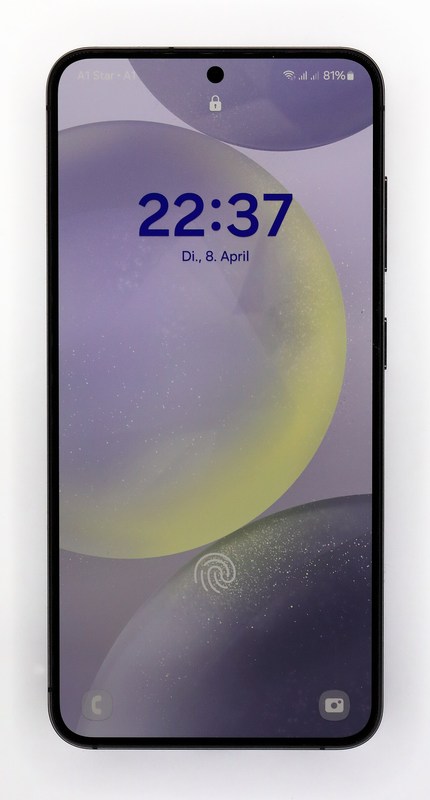
Samsung Good Lock
Samsung Good Lock is an official customization app introduced by Samsung. The focus here is on supported regions and devices, and in the context of device modification, it involves officially expanding the One UI screen and actions through modules. Even when using the term ‘jailbreak,’ bypassing iOS's permission restrictions, changing the Android bootloader status, or executing unauthorized code on a console have different technical and legal implications. Therefore, descriptions that do not distinguish between device names, generations, and operating system versions cannot serve as a basis for determining the current state.
The first risk to consider is the OS compatibility differences by module. Unauthorized modifications can affect not only update failures or data loss but also finance and authentication apps, cloud synchronization, online accounts, and repair policies. Just because research cases on older devices have been released doesn’t mean your current main device is safe. This list does not include vulnerability names, tool distribution sources, or installation orders; it only addresses the results from the manufacturer's support documents and conditions that users need to verify.
If the purpose is functionality extension, start by confirming the official distribution available via the Galaxy Store. Official channels are likely to resolve similar needs while maintaining update and recovery support. If there are specific purposes like preserving discontinued devices or conducting security research, ownership, copyright, and access control laws can vary by country, so professional validation is necessary before distribution or sharing. It's useful to separate devices containing work materials and payment information from experimental ones and to back up important data separately, regardless of any changes made.
The first risk to consider is the OS compatibility differences by module. Unauthorized modifications can affect not only update failures or data loss but also finance and authentication apps, cloud synchronization, online accounts, and repair policies. Just because research cases on older devices have been released doesn’t mean your current main device is safe. This list does not include vulnerability names, tool distribution sources, or installation orders; it only addresses the results from the manufacturer's support documents and conditions that users need to verify.
If the purpose is functionality extension, start by confirming the official distribution available via the Galaxy Store. Official channels are likely to resolve similar needs while maintaining update and recovery support. If there are specific purposes like preserving discontinued devices or conducting security research, ownership, copyright, and access control laws can vary by country, so professional validation is necessary before distribution or sharing. It's useful to separate devices containing work materials and payment information from experimental ones and to back up important data separately, regardless of any changes made.
기기 유형 공식 사용자화 앱
제조사 Samsung
관련 시기 지원 지역·기기
주요 위험 모듈별 OS 호환 차이
공식 대안 Galaxy Store 공식 배포판 이용
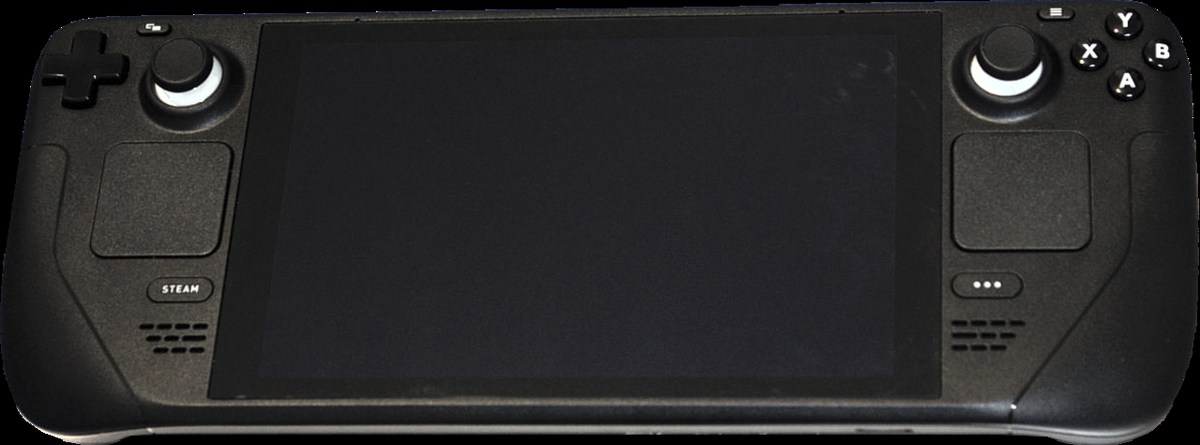
Steam Deck Desktop Mode
Steam Deck Desktop Mode is an official desktop environment introduced by Valve. The focus here is on the time since 2022, and in the context of device modification, it involves the official provision of Linux desktop and app installations. Even when using the term ‘jailbreak,’ bypassing iOS's permission restrictions, changing the Android bootloader status, or executing unauthorized code on a console have different technical and legal implications. Therefore, descriptions that do not distinguish between device names, generations, and operating system versions cannot serve as a basis for determining the current state.
The first risk to consider is managing modified files and update compatibility. Unauthorized modifications can affect not only update failures or data loss but also finance and authentication apps, cloud synchronization, online accounts, and repair policies. Just because research cases on older devices have been released doesn’t mean your current main device is safe. This list does not include vulnerability names, tool distribution sources, or installation orders; it only addresses the results from the manufacturer's support documents and conditions that users need to verify.
If the purpose is functionality extension, start by confirming the recovery image and utilizing SteamOS updates. Official channels are likely to resolve similar needs while maintaining update and recovery support. If there are specific purposes like preserving discontinued devices or conducting security research, ownership, copyright, and access control laws can vary by country, so professional validation is necessary before distribution or sharing. It's useful to separate devices containing work materials and payment information from experimental ones and to back up important data separately, regardless of any changes made.
The first risk to consider is managing modified files and update compatibility. Unauthorized modifications can affect not only update failures or data loss but also finance and authentication apps, cloud synchronization, online accounts, and repair policies. Just because research cases on older devices have been released doesn’t mean your current main device is safe. This list does not include vulnerability names, tool distribution sources, or installation orders; it only addresses the results from the manufacturer's support documents and conditions that users need to verify.
If the purpose is functionality extension, start by confirming the recovery image and utilizing SteamOS updates. Official channels are likely to resolve similar needs while maintaining update and recovery support. If there are specific purposes like preserving discontinued devices or conducting security research, ownership, copyright, and access control laws can vary by country, so professional validation is necessary before distribution or sharing. It's useful to separate devices containing work materials and payment information from experimental ones and to back up important data separately, regardless of any changes made.
기기 유형 공식 데스크톱 환경
제조사 Valve
관련 시기 2022년 이후
주요 위험 변경한 파일과 업데이트 호환성 관리
공식 대안 복구 이미지와 SteamOS 업데이트 활용
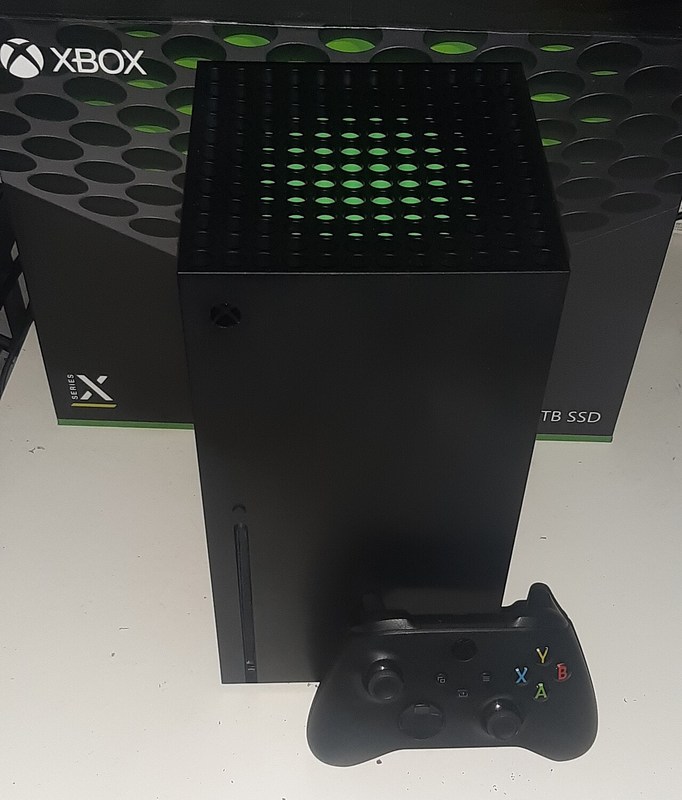
Xbox Developer Mode
Xbox Developer Mode is an official development environment introduced by Microsoft. The focus here is on supported consoles, and in the context of device modification, it involves registered developers testing apps in sandbox mode. Even when using the term ‘jailbreak,’ bypassing iOS's permission restrictions, changing the Android bootloader status, or executing unauthorized code on a console have different technical and legal implications. Therefore, descriptions that do not distinguish between device names, generations, and operating system versions cannot serve as a basis for determining the current state.
The first risk to consider is the requirements for developer registration and mode switching. Unauthorized modifications can affect not only update failures or data loss but also finance and authentication apps, cloud synchronization, online accounts, and repair policies. Just because research cases on older devices have been released doesn’t mean your current main device is safe. This list does not include vulnerability names, tool distribution sources, or installation orders; it only addresses the results from the manufacturer's support documents and conditions that users need to verify.
If the purpose is functionality extension, first check the compliance with Microsoft’s official documents and Store policies. Official channels are likely to resolve similar needs while maintaining update and recovery support. If there are specific purposes like preserving discontinued devices or conducting security research, ownership, copyright, and access control laws can vary by country, so professional validation is necessary before distribution or sharing. It's useful to separate devices containing work materials and payment information from experimental ones and to back up important data separately, regardless of any changes made.
The first risk to consider is the requirements for developer registration and mode switching. Unauthorized modifications can affect not only update failures or data loss but also finance and authentication apps, cloud synchronization, online accounts, and repair policies. Just because research cases on older devices have been released doesn’t mean your current main device is safe. This list does not include vulnerability names, tool distribution sources, or installation orders; it only addresses the results from the manufacturer's support documents and conditions that users need to verify.
If the purpose is functionality extension, first check the compliance with Microsoft’s official documents and Store policies. Official channels are likely to resolve similar needs while maintaining update and recovery support. If there are specific purposes like preserving discontinued devices or conducting security research, ownership, copyright, and access control laws can vary by country, so professional validation is necessary before distribution or sharing. It's useful to separate devices containing work materials and payment information from experimental ones and to back up important data separately, regardless of any changes made.
기기 유형 공식 개발 환경
제조사 Microsoft
관련 시기 지원 콘솔
주요 위험 개발자 등록·모드 전환 조건
공식 대안 Microsoft 공식 문서와 Store 정책 준수
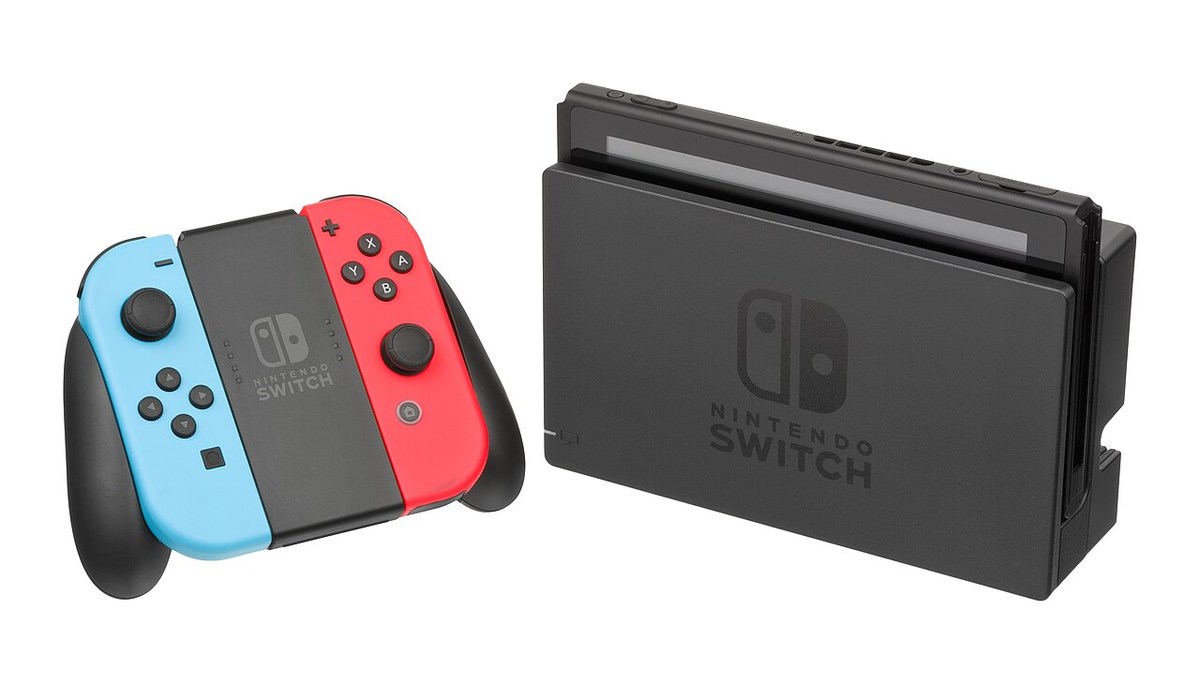
Nintendo Switch Official Features
Nintendo Switch Official Features are the basic functionalities introduced by Nintendo for the console. The focus here is on currently supported features, and in the context of device modification, it involves utilizing parental controls, data cloud, and button mapping. Even when using the term ‘jailbreak,’ bypassing iOS's permission restrictions, changing the Android bootloader status, or executing unauthorized code on a console have different technical and legal implications. Therefore, descriptions that do not distinguish between device names, generations, and operating system versions cannot serve as a basis for determining the current state.
The first risk to consider is subscription and region-specific support differences. Unauthorized modifications can affect not only update failures or data loss but also finance and authentication apps, cloud synchronization, online accounts, and repair policies. Just because research cases on older devices have been released doesn’t mean your current main device is safe. This list does not include vulnerability names, tool distribution sources, or installation orders; it only addresses the results from the manufacturer's support documents and conditions that users need to verify.
If the purpose is functionality extension, confirm the available features on the Nintendo support page first. Official channels are likely to resolve similar needs while maintaining update and recovery support. If there are specific purposes like preserving discontinued devices or conducting security research, ownership, copyright, and access control laws can vary by country, so professional validation is necessary before distribution or sharing. It's useful to separate devices containing work materials and payment information from experimental ones and to back up important data separately, regardless of any changes made.
The first risk to consider is subscription and region-specific support differences. Unauthorized modifications can affect not only update failures or data loss but also finance and authentication apps, cloud synchronization, online accounts, and repair policies. Just because research cases on older devices have been released doesn’t mean your current main device is safe. This list does not include vulnerability names, tool distribution sources, or installation orders; it only addresses the results from the manufacturer's support documents and conditions that users need to verify.
If the purpose is functionality extension, confirm the available features on the Nintendo support page first. Official channels are likely to resolve similar needs while maintaining update and recovery support. If there are specific purposes like preserving discontinued devices or conducting security research, ownership, copyright, and access control laws can vary by country, so professional validation is necessary before distribution or sharing. It's useful to separate devices containing work materials and payment information from experimental ones and to back up important data separately, regardless of any changes made.
기기 유형 콘솔 기본 기능
제조사 Nintendo
관련 시기 현재 지원
주요 위험 구독과 지역별 지원 차이
공식 대안 Nintendo 지원 페이지에서 기능 확인
Official alternatives are likely to achieve your goals while maintaining security updates and account services. Shortcuts and Good Lock are better suited for everyday customization, while Desktop Mode and Developer Mode are more appropriate for development and experimentation. Since the purpose of each feature varies, don't just choose based on the name alone.
Before making changes, first confirm the backup and recovery methods as well as the requirements for work and finance apps. It is also common for desired functionalities to be added through operating system updates, so checking the latest settings and support documents and reconsidering the necessity of unauthorized modifications is advisable. Official policies and device-specific support may be updated, so it's safer to confirm the manufacturer's guidance before use.
Before making changes, first confirm the backup and recovery methods as well as the requirements for work and finance apps. It is also common for desired functionalities to be added through operating system updates, so checking the latest settings and support documents and reconsidering the necessity of unauthorized modifications is advisable. Official policies and device-specific support may be updated, so it's safer to confirm the manufacturer's guidance before use.
At a glance
7 items
iPhone Shortcuts
공식 자동화 기능Apple현재 지원
iPad Stage Manager
공식 멀티태스킹 기능Apple지원 모델
Android Official Bootloader Status
개발자 기능Google·AOSP기기별 상이
Samsung Good Lock
공식 사용자화 앱Samsung지원 지역·기기
Steam Deck Desktop Mode
공식 데스크톱 환경Valve2022년 이후
Xbox Developer Mode
공식 개발 환경Microsoft지원 콘솔
Nintendo Switch Official Features
콘솔 기본 기능Nintendo현재 지원
As part of the Coupang Partners program, this post may earn a commission from qualifying purchases.
Comments 0
Log in to leave a comment.
Be the first to comment.
How about these lists?


You might also like


🎲
Not ready to stop here?
Wondering what to read next is the biggest waste of time.
Let the dice decide — you won't know what pops up until you roll.
If you don't press it… won't you wonder forever? 👀
