
Collection
Studying Abroad
2026.10.10
Academic Tools for Organizing Overseas University Assignments and Papers
Practical services to assist with literature collection, citation, co-authoring, and utilizing school accounts
In your first semester abroad, the way you manage materials impacts your grades just as much as your English skills. Downloading paper PDFs only to forget their sources, losing track of the latest files for group assignments, or manually adjusting citation formats can cut into your reading and writing time. On the other hand, installing too many tools can complicate synchronization and account management, preventing you from fully utilizing the features you need.
This list gathers practical academic services used for literature searches, reference management, co-authoring, note-taking, and leveraging school accounts. It focuses on workflows that manage sources and revision history, rather than listing tools that write assignments with AI. It's advisable to first check the academic ethics and data privacy regulations of your university and then select and connect only the necessary features.
This list gathers practical academic services used for literature searches, reference management, co-authoring, note-taking, and leveraging school accounts. It focuses on workflows that manage sources and revision history, rather than listing tools that write assignments with AI. It's advisable to first check the academic ethics and data privacy regulations of your university and then select and connect only the necessary features.
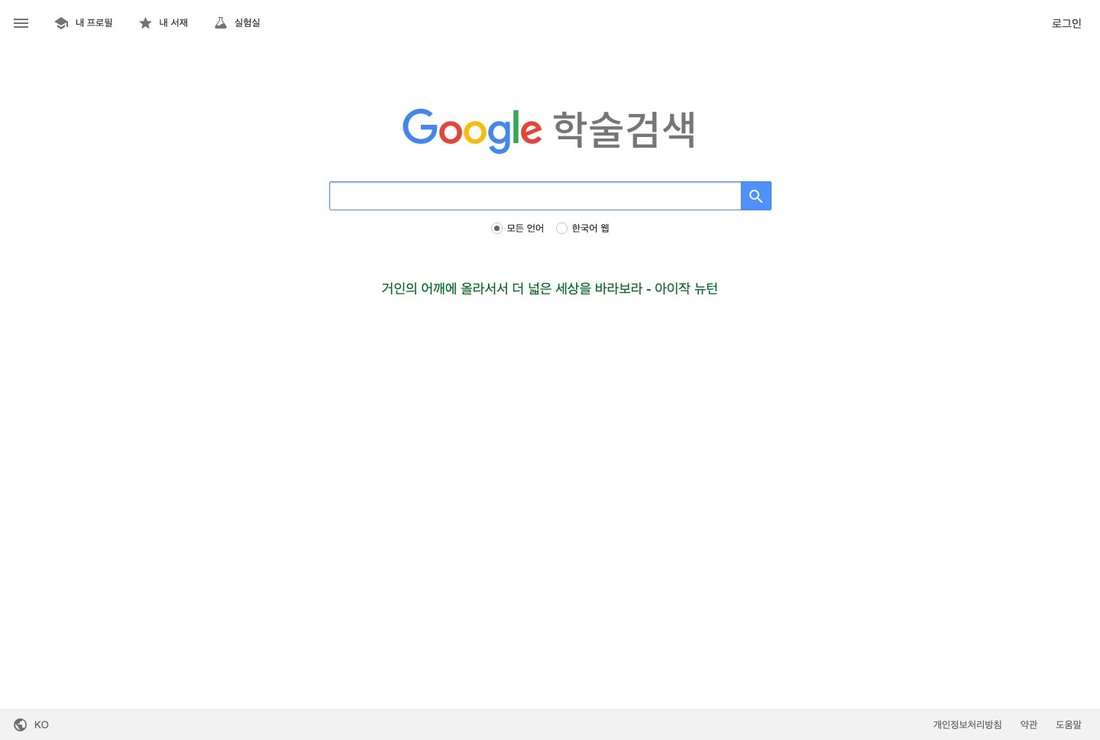
Google Scholar
Google Scholar is a free academic search service that allows you to search for academic papers, books, theses, and citation relationships. In the context of academic tools for organizing overseas university assignments and papers, this item serves not just as a name-listed option, but as a benchmark to show what to compare in the preparation phase. This tool is particularly useful when searching for core literature and subsequent citations in your major, but it does not guarantee admission, visa, credit recognition, or contract safety.
Before using it, make sure to verify the journal, publisher, and original information since search results do not guarantee peer-review status. Then, read about the target audience, costs, and processing times on the official Google Scholar page, and check if there are any specific conditions based on your nationality and home university. Save and date the verified pages and conditions, and leave a record of your inquiries via email to prepare for any changes in schedules or disputes.
Before using it, make sure to verify the journal, publisher, and original information since search results do not guarantee peer-review status. Then, read about the target audience, costs, and processing times on the official Google Scholar page, and check if there are any specific conditions based on your nationality and home university. Save and date the verified pages and conditions, and leave a record of your inquiries via email to prepare for any changes in schedules or disputes.
서비스 역할 학술 논문·책·학위논문과 인용 관계를 검색하는 무료 학술 검색 서비스
활용 시점 전공 주제의 핵심 문헌과 후속 인용 자료를 찾을 때
확인할 점 검색 결과가 동료평가 여부를 보증하지 않으므로 저널·출판사와 원문 정보를 확인한다.
공식 정보 https://scholar.google.com/
이미지 출처 https://scholar.google.com/
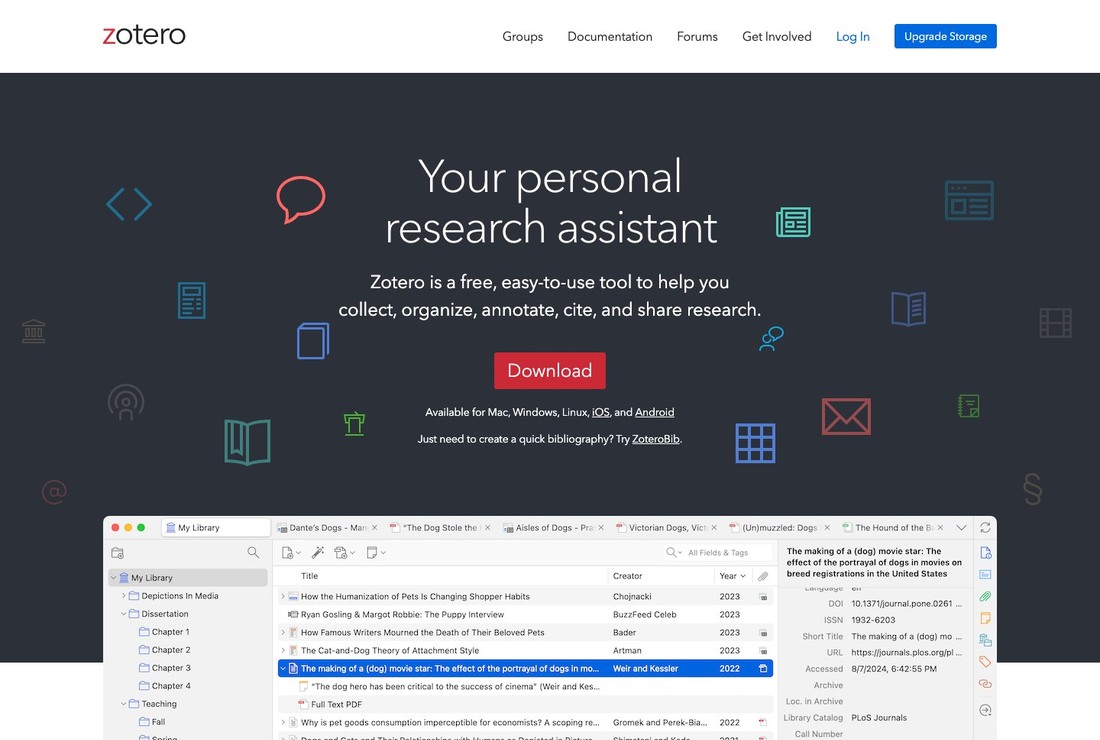
Zotero
You can consider Zotero when managing reading materials and paper sources from various subjects in one place. This open-source tool collects web materials and PDFs and generates citations and reference lists. Although there are many similar services, the specific target countries and degree levels, as well as payment and cancellation structures differ, so it's necessary to read Zotero's current guidelines. This tool is particularly useful for managing subject-specific reading materials and paper sources in one place, but it does not guarantee admission, visa, credit recognition, or contract safety.
Before using it, compare the automatically collected author names, publication years, and DOIs with the original documents. Then, check Zotero's official page for the target audience, costs, and processing times, and determine if there are any specific conditions based on your nationality and home university. Before entering personal or payment information into Zotero, verify the official domain and refund/preservation policies, and keep a separate record of the submission screen.
Before using it, compare the automatically collected author names, publication years, and DOIs with the original documents. Then, check Zotero's official page for the target audience, costs, and processing times, and determine if there are any specific conditions based on your nationality and home university. Before entering personal or payment information into Zotero, verify the official domain and refund/preservation policies, and keep a separate record of the submission screen.
서비스 역할 웹 자료와 PDF를 수집하고 인용·참고문헌을 생성하는 오픈소스 도구
활용 시점 과목별 읽기자료와 논문 출처를 한곳에서 관리할 때
확인할 점 자동 수집된 저자·연도·DOI를 원문과 대조하고 동기화 저장공간을 확인한다.
공식 정보 https://www.zotero.org/
이미지 출처 https://www.zotero.org/
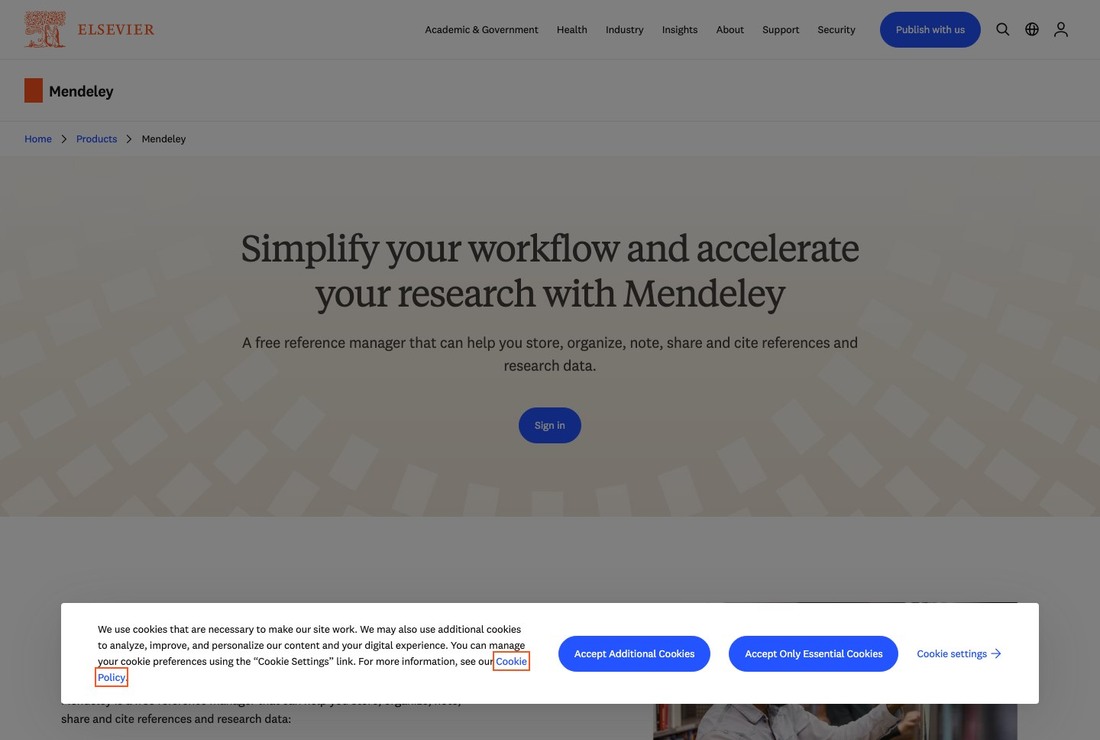
Mendeley Reference Manager
The role of Mendeley Reference Manager is to provide reference management software that organizes PDFs and offers citation plugins. Past user reviews are merely references for understanding the flow, and the actual availability and schedule should be determined based on the latest notices from Mendeley Reference Manager. This tool is especially useful when connecting a literature library with Word citations, but it does not guarantee admission, visa, credit recognition, or contract safety.
Before using it, check the supported word processors, cloud storage capacities, and the accuracy of metadata. Then, examine Mendeley Reference Manager's official page for the target audience, costs, and processing times, and see if there are any specific conditions based on your nationality and home university. If the requirements from your school differ from Mendeley Reference Manager's guidelines, prioritize the responses from the receiving institution, and confirm important decisions in writing rather than verbally.
Before using it, check the supported word processors, cloud storage capacities, and the accuracy of metadata. Then, examine Mendeley Reference Manager's official page for the target audience, costs, and processing times, and see if there are any specific conditions based on your nationality and home university. If the requirements from your school differ from Mendeley Reference Manager's guidelines, prioritize the responses from the receiving institution, and confirm important decisions in writing rather than verbally.
서비스 역할 PDF 정리와 인용 플러그인을 제공하는 참고문헌 관리 소프트웨어
활용 시점 문헌 라이브러리와 Word 인용을 연결할 때
확인할 점 지원되는 워드프로세서, 클라우드 용량과 메타데이터 정확성을 확인한다.
공식 정보 https://www.mendeley.com/reference-management/reference-manager
이미지 출처 https://www.elsevier.com/en-gb/products/mendeley
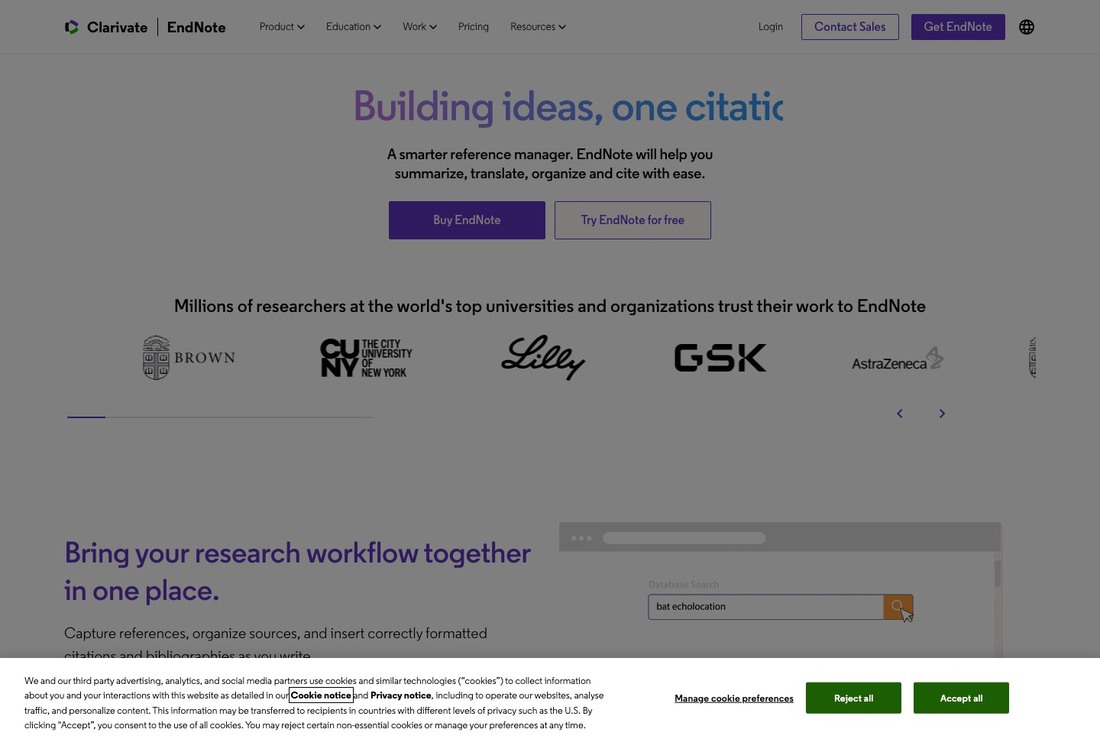
EndNote
The reason EndNote is included on this list is that it provides a real option for research requiring complex literature management or those with a university license. Do not make decisions based solely on search results or guidance screens from EndNote, but ensure to check the contractual conditions of the associated institutions, universities, and vendors. This tool is particularly useful for research that requires complex literature management with a university license, but it does not guarantee admission, visa, credit recognition, or contract safety.
Before using it, confirm the version provided by your school, personal purchase conditions, and shared library permissions. Next, read about the target audience, costs, and processing times on EndNote's official page, and see if there are any specific conditions based on your nationality and home university. Since deadlines and costs for EndNote may change, check again right before applying and compare it with other options on the same list based on the same criteria.
Before using it, confirm the version provided by your school, personal purchase conditions, and shared library permissions. Next, read about the target audience, costs, and processing times on EndNote's official page, and see if there are any specific conditions based on your nationality and home university. Since deadlines and costs for EndNote may change, check again right before applying and compare it with other options on the same list based on the same criteria.
서비스 역할 대규모 참고문헌 라이브러리와 학술지별 인용 양식을 관리하는 소프트웨어
활용 시점 대학 라이선스가 있거나 복잡한 문헌 관리가 필요한 연구에서
확인할 점 학교 제공 버전과 개인 구매 조건, 공동 라이브러리 권한을 확인한다.
공식 정보 https://endnote.com/
이미지 출처 https://endnote.com/
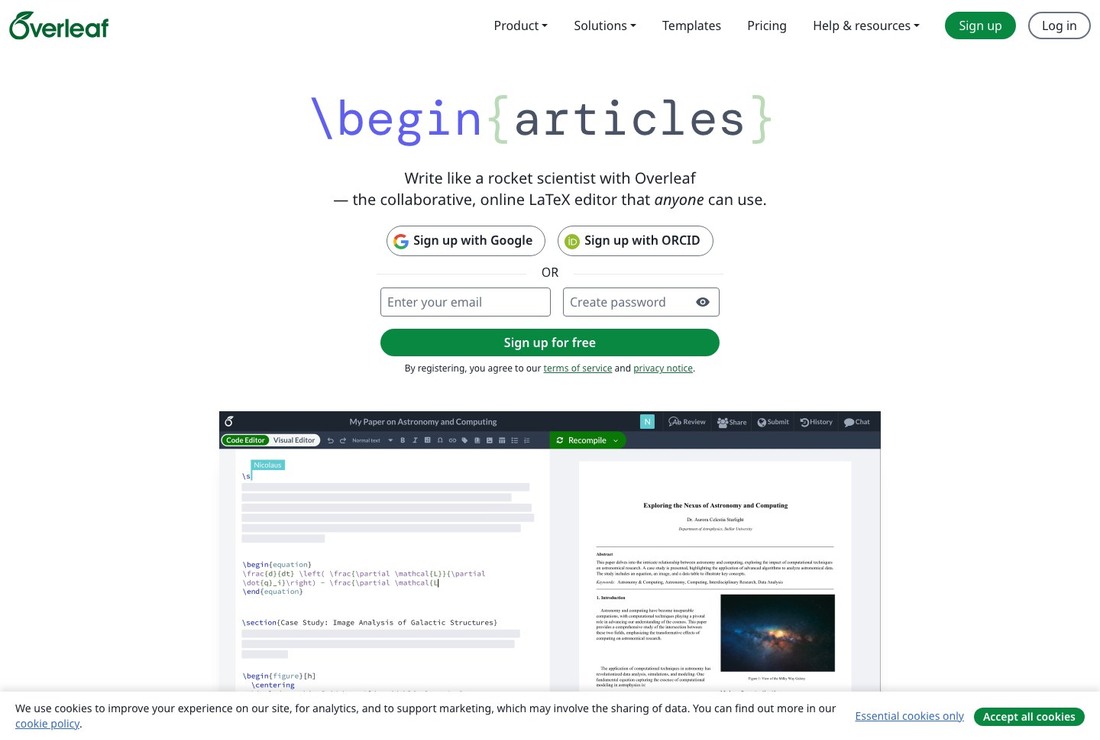
Overleaf
Overleaf is a writing service that allows for collaborative editing and compiling of LaTeX documents in a browser. In the context of academic tools for organizing overseas university assignments and papers, this item serves not just as a name-listed option, but as a benchmark to show what to compare in the preparation phase. This tool is particularly useful for collaboratively writing reports and papers that have many equations, tables, and references, but it does not guarantee admission, visa, credit recognition, or contract safety.
Before using it, check the latest version of the school templates, the number of collaborators, and project visibility settings. Then, read about the target audience, costs, and processing times on Overleaf's official page, and verify if there are any specific conditions based on your nationality and home university. Save the pages and conditions you verified on Overleaf and date them, and keep a record of your inquiries via email to prepare for any changes in schedules or disputes.
Before using it, check the latest version of the school templates, the number of collaborators, and project visibility settings. Then, read about the target audience, costs, and processing times on Overleaf's official page, and verify if there are any specific conditions based on your nationality and home university. Save the pages and conditions you verified on Overleaf and date them, and keep a record of your inquiries via email to prepare for any changes in schedules or disputes.
서비스 역할 브라우저에서 LaTeX 문서를 공동 편집하고 컴파일하는 집필 서비스
활용 시점 수식·표·참고문헌이 많은 보고서와 논문을 함께 작성할 때
확인할 점 학교 템플릿의 최신 버전, 공동편집 인원과 프로젝트 공개 설정을 확인한다.
공식 정보 https://www.overleaf.com/
이미지 출처 https://www.overleaf.com/
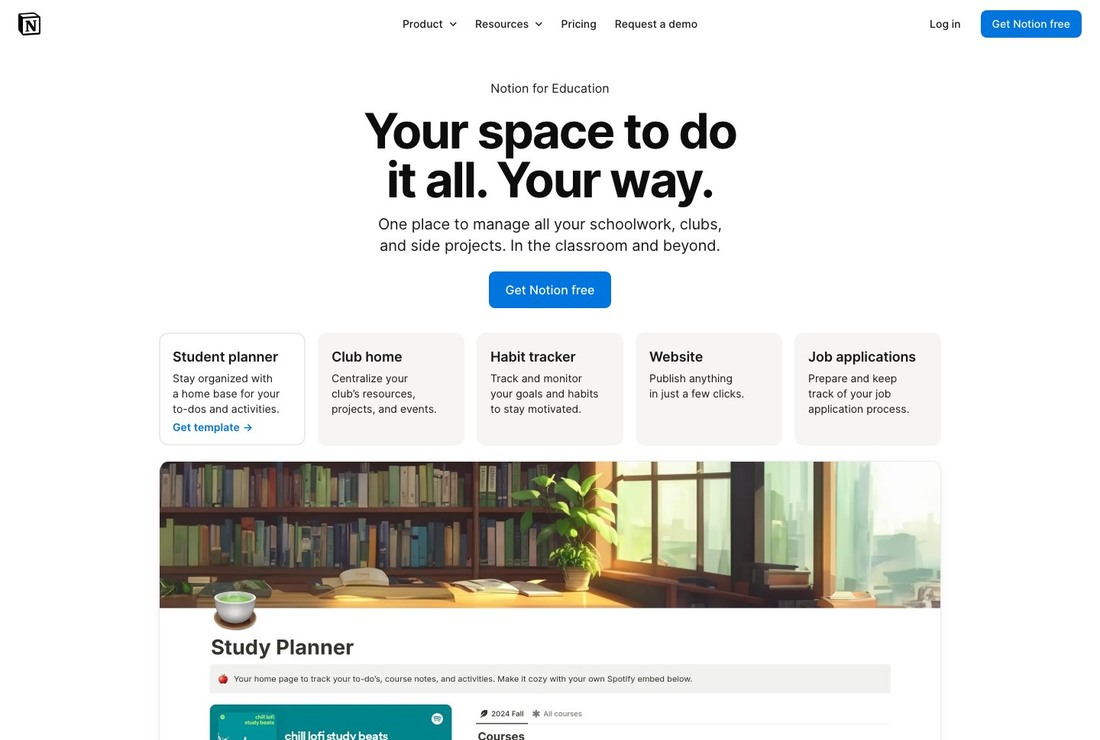
Notion for Education
You might look into Notion for Education when organizing course syllabi, reading lists, and team assignments in one workspace. This service offers a collaboration platform for students and educators that structures notes and projects together. Although there are many similar services, the specific target countries and degree levels, as well as payment and cancellation structures differ, so it's important to read Notion for Education's current guidelines. This tool is particularly useful for organizing course syllabi, reading lists, and team assignments in one workspace, but it does not guarantee admission, visa, credit recognition, or contract safety.
Before using it, check the school email verification requirements, guest and file upload restrictions, and how to transfer data after graduation. Then, read about the target audience, costs, and processing times on Notion for Education's official page, and see if there are any specific conditions based on your nationality and home university. Before entering personal or payment information into Notion for Education, verify the official domain and refund/preservation policies, and keep a separate record of the submission screen.
Before using it, check the school email verification requirements, guest and file upload restrictions, and how to transfer data after graduation. Then, read about the target audience, costs, and processing times on Notion for Education's official page, and see if there are any specific conditions based on your nationality and home university. Before entering personal or payment information into Notion for Education, verify the official domain and refund/preservation policies, and keep a separate record of the submission screen.
서비스 역할 학생·교육자 대상 플랜으로 노트와 프로젝트를 구성하는 협업 서비스
활용 시점 강의계획·읽기목록·팀 과제를 한 작업공간에서 정리할 때
확인할 점 학교 이메일 인증 조건과 게스트·파일 업로드 제한, 졸업 뒤 데이터 이전 방법을 확인한다.
공식 정보 https://www.notion.com/product/notion-for-education
이미지 출처 https://www.notion.com/product/notion-for-education
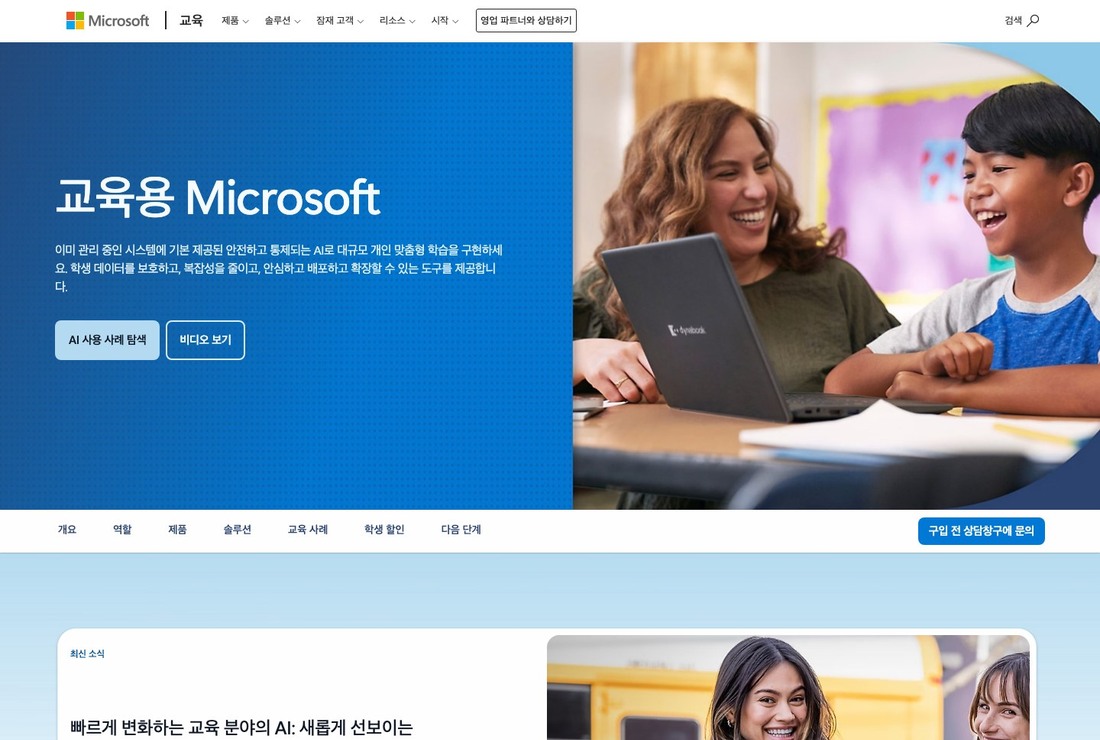
Microsoft 365 Education
The role of Microsoft 365 Education is to provide educational services offering Office and collaboration features to qualified school accounts. Past user reviews are merely references for understanding the flow, and the actual availability and schedule should be determined based on the latest notices from Microsoft 365 Education. This tool is especially useful when using Word, Excel, PowerPoint, and Teams with a school account, but it does not guarantee admission, visa, credit recognition, or contract safety.
Before using it, confirm the licensing scope by university, whether desktop apps are provided, and when accounts will terminate after graduation. Then, read about the target audience, costs, and processing times on Microsoft 365 Education's official page, and check if there are any specific conditions based on your nationality and home university. If the requirements from your school differ from Microsoft 365 Education's guidelines, prioritize the responses from the receiving institution and confirm important decisions in writing rather than verbally.
Before using it, confirm the licensing scope by university, whether desktop apps are provided, and when accounts will terminate after graduation. Then, read about the target audience, costs, and processing times on Microsoft 365 Education's official page, and check if there are any specific conditions based on your nationality and home university. If the requirements from your school differ from Microsoft 365 Education's guidelines, prioritize the responses from the receiving institution and confirm important decisions in writing rather than verbally.
서비스 역할 자격을 갖춘 학교 계정에 Office와 협업 기능을 제공하는 교육 서비스
활용 시점 Word·Excel·PowerPoint와 Teams를 학교 계정으로 사용할 때
확인할 점 대학별 라이선스 범위, 데스크톱 앱 제공 여부와 졸업 후 계정 종료 시점을 확인한다.
공식 정보 https://www.microsoft.com/en-us/education/products/office-365-education
이미지 출처 https://www.microsoft.com/en-us/education/products/office-365-education
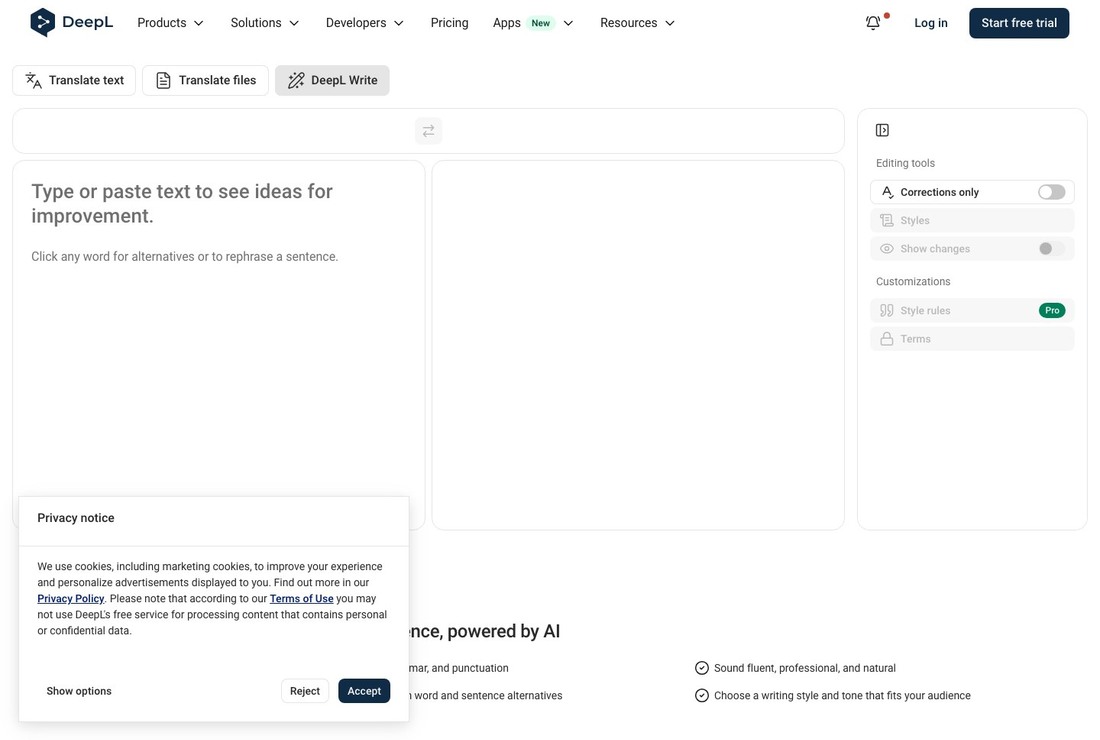
DeepL Write
The reason DeepL Write is included on this list is that it provides a real option for reviewing awkward expressions in your drafts. Do not make decisions based solely on search results or guidance screens from DeepL Write, but ensure to check the contractual conditions of the associated institutions, universities, and vendors. This tool is particularly useful for reviewing awkward expressions in your drafts, but it does not guarantee admission, visa, credit recognition, or contract safety.
Before using it, check the AI and proofreading tool policy related to the subject, as well as the privacy handling conditions for unpublished research materials. Then, read about the target audience, costs, and processing times on DeepL Write's official page, and determine if there are any specific conditions based on your nationality and home university. Since deadlines and costs for DeepL Write may change, check again right before applying and compare it with other options on the same list based on the same criteria.
Before using it, check the AI and proofreading tool policy related to the subject, as well as the privacy handling conditions for unpublished research materials. Then, read about the target audience, costs, and processing times on DeepL Write's official page, and determine if there are any specific conditions based on your nationality and home university. Since deadlines and costs for DeepL Write may change, check again right before applying and compare it with other options on the same list based on the same criteria.
서비스 역할 지원 언어의 문법·표현 대안을 제시하는 문장 교정 서비스
활용 시점 자신이 작성한 초안의 어색한 표현을 검토할 때
확인할 점 과목의 AI·교정 도구 정책과 미공개 연구자료의 개인정보 처리 조건을 확인한다.
공식 정보 https://www.deepl.com/write
이미지 출처 https://www.deepl.com/write
Start with just one literature search tool, one reference manager, and one writing tool to test on a small assignment. If you align your folder and tagging rules, PDF filenames, and shared document permissions from the beginning, it will be easier to find materials even if team members change. Always verify that the references created by citation plugins match the author's name, edition, DOI, and pages with the original document before submission.
Paid features accessed through your school account may terminate after graduation or leave, so prepare backup options for your personal materials. Sensitive research materials and interview files should not be haphazardly uploaded to general cloud storage; instead, use your university's approved repositories. If you've used translation or proofreading services, it's wise to check the permissible scope by subject and data handling conditions for unpublished manuscripts to prevent issues relating to academic ethics.
Paid features accessed through your school account may terminate after graduation or leave, so prepare backup options for your personal materials. Sensitive research materials and interview files should not be haphazardly uploaded to general cloud storage; instead, use your university's approved repositories. If you've used translation or proofreading services, it's wise to check the permissible scope by subject and data handling conditions for unpublished manuscripts to prevent issues relating to academic ethics.
At a glance
8 items
Google Scholar
학술 논문·책·학위논문과 인용 관계를 검색하는 무료 학술 검색 서비스 · 전공 주제의 핵심 문헌과 후속 인용 자료를 찾을 때 · 검색 결과가 동료평가 여부를 보증하지 않으므로 저널·출판사와 원문 정보를 확인한다. · https://scholar.google.com/ · https://scholar.google.com/
Zotero
웹 자료와 PDF를 수집하고 인용·참고문헌을 생성하는 오픈소스 도구 · 과목별 읽기자료와 논문 출처를 한곳에서 관리할 때 · 자동 수집된 저자·연도·DOI를 원문과 대조하고 동기화 저장공간을 확인한다. · https://www.zotero.org/ · https://www.zotero.org/
Mendeley Reference Manager
PDF 정리와 인용 플러그인을 제공하는 참고문헌 관리 소프트웨어 · 문헌 라이브러리와 Word 인용을 연결할 때 · 지원되는 워드프로세서, 클라우드 용량과 메타데이터 정확성을 확인한다. · https://www.mendeley.com/reference-management/reference-manager · https://www.elsevier.com/en-gb/products/mendeley
EndNote
대규모 참고문헌 라이브러리와 학술지별 인용 양식을 관리하는 소프트웨어 · 대학 라이선스가 있거나 복잡한 문헌 관리가 필요한 연구에서 · 학교 제공 버전과 개인 구매 조건, 공동 라이브러리 권한을 확인한다. · https://endnote.com/ · https://endnote.com/
Overleaf
브라우저에서 LaTeX 문서를 공동 편집하고 컴파일하는 집필 서비스 · 수식·표·참고문헌이 많은 보고서와 논문을 함께 작성할 때 · 학교 템플릿의 최신 버전, 공동편집 인원과 프로젝트 공개 설정을 확인한다. · https://www.overleaf.com/ · https://www.overleaf.com/
Notion for Education
학생·교육자 대상 플랜으로 노트와 프로젝트를 구성하는 협업 서비스 · 강의계획·읽기목록·팀 과제를 한 작업공간에서 정리할 때 · 학교 이메일 인증 조건과 게스트·파일 업로드 제한, 졸업 뒤 데이터 이전 방법을 확인한다. · https://www.notion.com/product/notion-for-education · https://www.notion.com/product/notion-for-education
Microsoft 365 Education
자격을 갖춘 학교 계정에 Office와 협업 기능을 제공하는 교육 서비스 · Word·Excel·PowerPoint와 Teams를 학교 계정으로 사용할 때 · 대학별 라이선스 범위, 데스크톱 앱 제공 여부와 졸업 후 계정 종료 시점을 확인한다. · https://www.microsoft.com/en-us/education/products/office-365-education · https://www.microsoft.com/en-us/education/products/office-365-education
DeepL Write
지원 언어의 문법·표현 대안을 제시하는 문장 교정 서비스 · 자신이 작성한 초안의 어색한 표현을 검토할 때 · 과목의 AI·교정 도구 정책과 미공개 연구자료의 개인정보 처리 조건을 확인한다. · https://www.deepl.com/write · https://www.deepl.com/write
As part of the Coupang Partners program, this post may earn a commission from qualifying purchases.
Comments 0
Log in to leave a comment.
Be the first to comment.
How about these lists?


You might also like


🎲
Not ready to stop here?
Wondering what to read next is the biggest waste of time.
Let the dice decide — you won't know what pops up until you roll.
If you don't press it… won't you wonder forever? 👀
 Log in or sign up with KakaoTalk in 5 seconds