
Collection
Digital Devices
2026.09.09
Continuous Apple Workflow from Shooting to Editing
Smoothly connecting the capturing, sorting, editing, and color checking of photos and videos with actual Apple products
Photography and video equipment take time not just dependent on the performance of a single product but throughout the entire process of file transfer. Quickly checking captured scenes, editing on a large screen, and inspecting color and sound need to flow naturally to lead to great results. This collection arranges Apple products in the order from shooting to final output.
Instead of only comparing the iPhone's camera, we also explore the iPad's on-site checks, the Mac's editing performance, and the displays and input tools. You don’t need to have all the products. After identifying which step you tend to wait for the longest or repeat the most, you can choose products that help reduce those bottlenecks.
Instead of only comparing the iPhone's camera, we also explore the iPad's on-site checks, the Mac's editing performance, and the displays and input tools. You don’t need to have all the products. After identifying which step you tend to wait for the longest or repeat the most, you can choose products that help reduce those bottlenecks.

iPhone 17 Pro
The iPhone 17 Pro features the A19 Pro chip, a pro camera system, and a Center Stage front camera. In this workflow, it serves as the camera necessary for telephoto and high-performance shooting. Instead of deciding based solely on the product name or generation, counting how often this role is repeated in your photography and videography workflow clarifies its necessity. Make sure that your existing devices are adequate for the same tasks.
On shooting days, secure battery life and available storage first, and after shooting, it's best to separate the locations for original, edited, and backup files. Evaluate whether this product actually reduces file transfer or checking times. List the apps and files you use frequently and see if there are steps that the iPhone 17 Pro can streamline. Visiting a store to check size, handling, screen, and sound can also reduce misunderstandings arising from specifications alone.
Key considerations before purchase include storage capacity per shooting format and heating/battery life. Storage capacities, connection specifications, and included items may vary by model and options, and some software features can be influenced by device, language, and regional conditions. It's safer to sum up needed accessories and service costs and then re-check against Apple's latest technology specifications and compatibility list.
On shooting days, secure battery life and available storage first, and after shooting, it's best to separate the locations for original, edited, and backup files. Evaluate whether this product actually reduces file transfer or checking times. List the apps and files you use frequently and see if there are steps that the iPhone 17 Pro can streamline. Visiting a store to check size, handling, screen, and sound can also reduce misunderstandings arising from specifications alone.
Key considerations before purchase include storage capacity per shooting format and heating/battery life. Storage capacities, connection specifications, and included items may vary by model and options, and some software features can be influenced by device, language, and regional conditions. It's safer to sum up needed accessories and service costs and then re-check against Apple's latest technology specifications and compatibility list.
제품군 iPhone
활용 역할 망원과 고성능 촬영이 필요한 첫 번째 카메라
구매 전 확인 촬영 포맷별 저장 용량과 발열·배터리
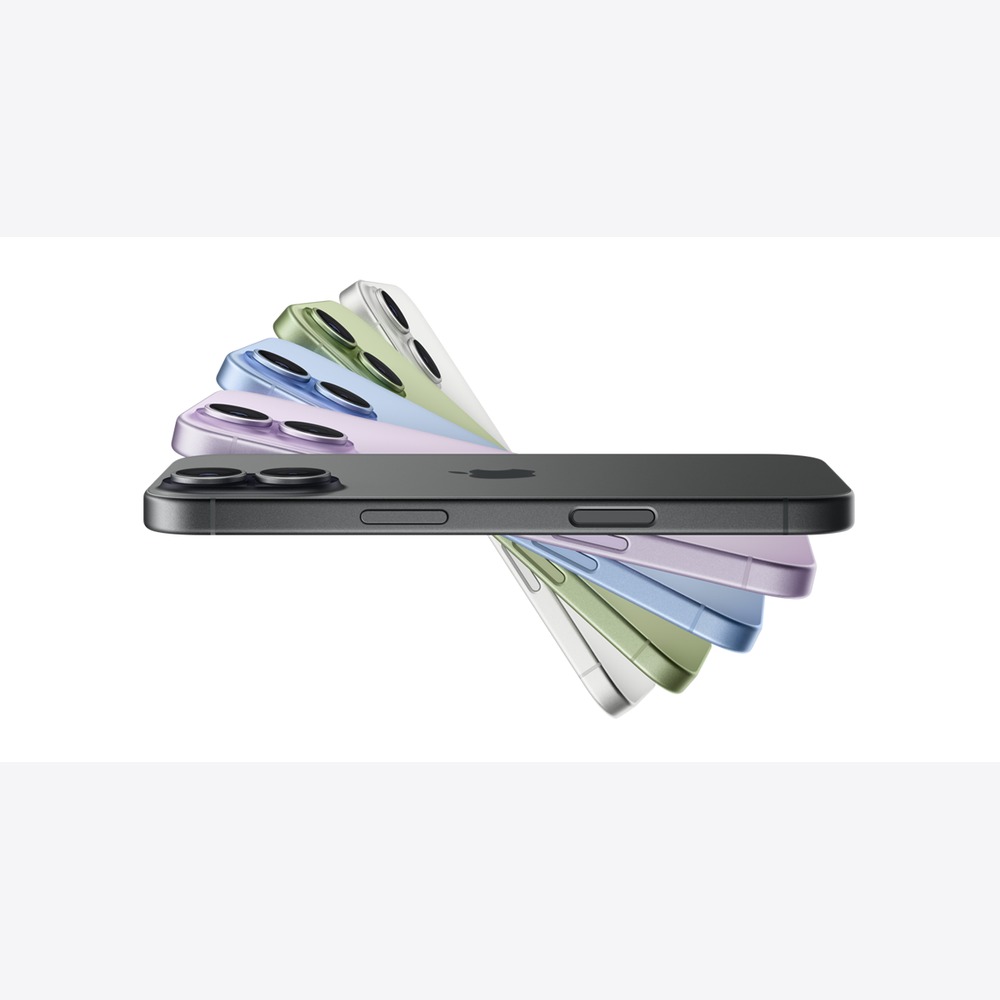
iPhone 17
The iPhone 17 comes with the A19 chip, a 15.9cm ProMotion display, and a Center Stage front camera. When placed in the actual usage order, it serves as a balanced camera for light everyday video and interview shooting. Instead of deciding based solely on the product name or generation, counting how often this role is repeated in your photography and videography workflow clarifies its necessity. Make sure that your existing devices are adequate for the same tasks.
On shooting days, secure battery life and available storage first, and after shooting, it's best to separate the locations for original, edited, and backup files. Evaluate whether this product actually reduces file transfer or checking times. List the apps and files you use frequently and see if there are steps that the iPhone 17 can streamline. Visiting a store to check size, handling, screen, and sound can also reduce misunderstandings arising from specifications alone.
Key considerations before purchase include the necessary lens range and stabilization method. Storage capacities, connection specifications, and included items may vary by model and options, and some software features can be influenced by device, language, and regional conditions. It's safer to sum up needed accessories and service costs and then re-check against Apple's latest technology specifications and compatibility list.
On shooting days, secure battery life and available storage first, and after shooting, it's best to separate the locations for original, edited, and backup files. Evaluate whether this product actually reduces file transfer or checking times. List the apps and files you use frequently and see if there are steps that the iPhone 17 can streamline. Visiting a store to check size, handling, screen, and sound can also reduce misunderstandings arising from specifications alone.
Key considerations before purchase include the necessary lens range and stabilization method. Storage capacities, connection specifications, and included items may vary by model and options, and some software features can be influenced by device, language, and regional conditions. It's safer to sum up needed accessories and service costs and then re-check against Apple's latest technology specifications and compatibility list.
제품군 iPhone
활용 역할 가벼운 일상 영상과 인터뷰 촬영의 균형형 카메라
구매 전 확인 필요한 렌즈 범위와 흔들림 보정 방식

iPad Pro
The iPad Pro features the M5 chip, two screen sizes, and Apple Pencil support. To summarize the reason for purchase in one sentence: it’s a tool for quickly sorting and correcting originals on a large screen on-site. Instead of deciding based solely on the product name or generation, counting how often this role is repeated in your photography and videography workflow clarifies its necessity. Make sure that your existing devices are adequate for the same tasks.
On shooting days, secure battery life and available storage first, and after shooting, it's best to separate the locations for original, edited, and backup files. Evaluate whether this product actually reduces file transfer or checking times. List the apps and files you use frequently and see if there are steps that the iPad Pro can streamline. Visiting a store to check size, handling, screen, and sound can also reduce misunderstandings arising from specifications alone.
Key considerations before purchase include the difference between desktop app versions and features. Storage capacities, connection specifications, and included items may vary by model and options, and some software features can be influenced by device, language, and regional conditions. It's safer to sum up needed accessories and service costs and then re-check against Apple's latest technology specifications and compatibility list.
On shooting days, secure battery life and available storage first, and after shooting, it's best to separate the locations for original, edited, and backup files. Evaluate whether this product actually reduces file transfer or checking times. List the apps and files you use frequently and see if there are steps that the iPad Pro can streamline. Visiting a store to check size, handling, screen, and sound can also reduce misunderstandings arising from specifications alone.
Key considerations before purchase include the difference between desktop app versions and features. Storage capacities, connection specifications, and included items may vary by model and options, and some software features can be influenced by device, language, and regional conditions. It's safer to sum up needed accessories and service costs and then re-check against Apple's latest technology specifications and compatibility list.
제품군 iPad
활용 역할 현장에서 큰 화면으로 원본을 선별하고 빠르게 보정하는 도구
구매 전 확인 편집 앱의 데스크톱 버전과 기능 차이

Apple Pencil Pro
The Apple Pencil Pro provides precise input and creative control on supported iPads. When connected with other devices, it serves as an input tool for handling masks and detailed correction areas by hand. Instead of deciding based solely on the product name or generation, counting how often this role is repeated in your photography and videography workflow clarifies its necessity. Make sure that your existing devices are adequate for the same tasks.
On shooting days, secure battery life and available storage first, and after shooting, it's best to separate the locations for original, edited, and backup files. Evaluate whether this product actually reduces file transfer or checking times. List the apps and files you use frequently and see if there are steps that the Apple Pencil Pro can streamline. Visiting a store to check size, handling, screen, and sound can also reduce misunderstandings arising from specifications alone.
Key considerations before purchase include compatibility with the iPad model you will use and precision functionalities. Storage capacities, connection specifications, and included items may vary by model and options, and some software features can be influenced by device, language, and regional conditions. It's safer to sum up needed accessories and service costs and then re-check against Apple's latest technology specifications and compatibility list.
On shooting days, secure battery life and available storage first, and after shooting, it's best to separate the locations for original, edited, and backup files. Evaluate whether this product actually reduces file transfer or checking times. List the apps and files you use frequently and see if there are steps that the Apple Pencil Pro can streamline. Visiting a store to check size, handling, screen, and sound can also reduce misunderstandings arising from specifications alone.
Key considerations before purchase include compatibility with the iPad model you will use and precision functionalities. Storage capacities, connection specifications, and included items may vary by model and options, and some software features can be influenced by device, language, and regional conditions. It's safer to sum up needed accessories and service costs and then re-check against Apple's latest technology specifications and compatibility list.
제품군 iPad 액세서리
활용 역할 마스크와 세밀한 보정 영역을 손으로 다루는 입력 도구
구매 전 확인 사용할 iPad 모델과 정밀 기능의 호환
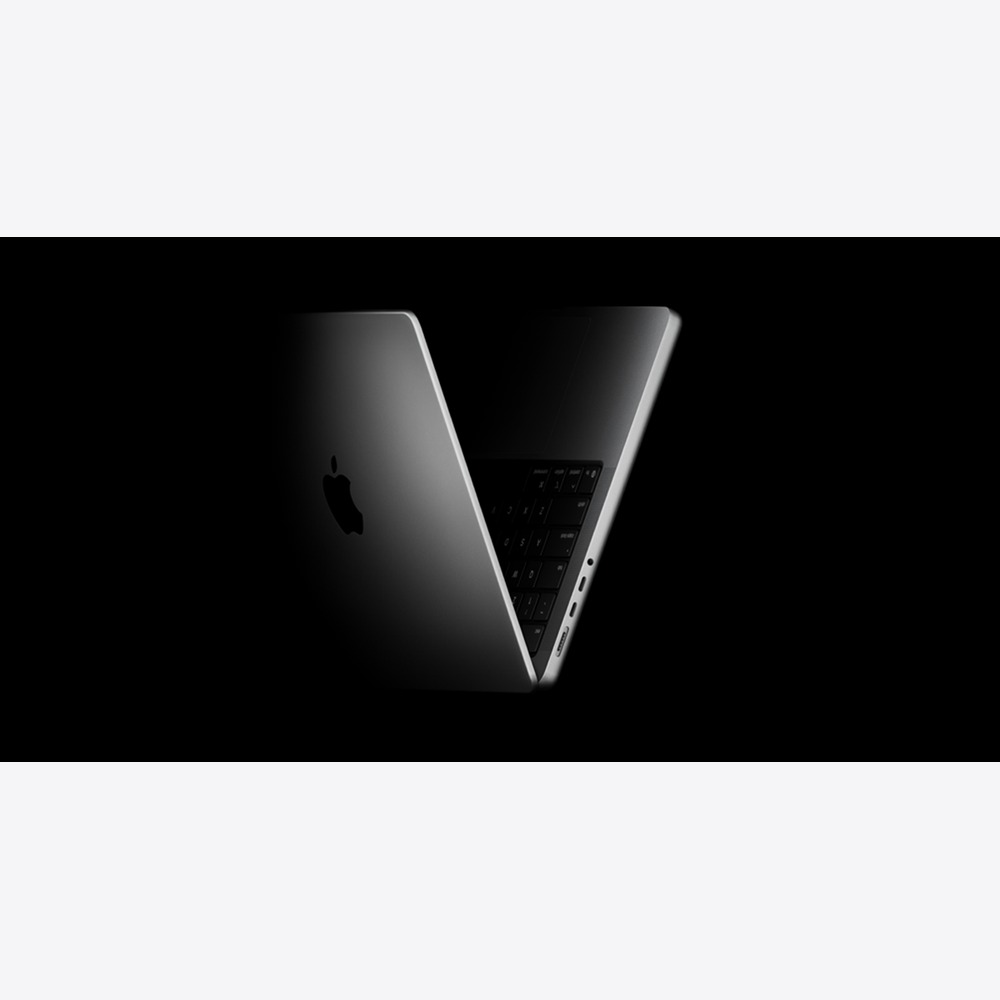
MacBook Pro
The MacBook Pro is a professional-grade laptop featuring an M5 class chip and a Liquid Retina XDR display. From the role assignment in this workflow, it serves as the main device for handling high-resolution projects while moving between shooting locations and editing suites. Instead of deciding based solely on the product name or generation, counting how often this role is repeated in your photography and videography workflow clarifies its necessity. Make sure that your existing devices are adequate for the same tasks.
On shooting days, secure battery life and available storage first, and after shooting, it's best to separate the locations for original, edited, and backup files. Evaluate whether this product actually reduces file transfer or checking times. List the apps and files you use frequently and see if there are steps that the MacBook Pro can streamline. Visiting a store to check size, handling, screen, and sound can also reduce misunderstandings arising from specifications alone.
Key considerations before purchase include codec-specific performance and memory/storage. Storage capacities, connection specifications, and included items may vary by model and options, and some software features can be influenced by device, language, and regional conditions. It's safer to sum up needed accessories and service costs and then re-check against Apple's latest technology specifications and compatibility list.
On shooting days, secure battery life and available storage first, and after shooting, it's best to separate the locations for original, edited, and backup files. Evaluate whether this product actually reduces file transfer or checking times. List the apps and files you use frequently and see if there are steps that the MacBook Pro can streamline. Visiting a store to check size, handling, screen, and sound can also reduce misunderstandings arising from specifications alone.
Key considerations before purchase include codec-specific performance and memory/storage. Storage capacities, connection specifications, and included items may vary by model and options, and some software features can be influenced by device, language, and regional conditions. It's safer to sum up needed accessories and service costs and then re-check against Apple's latest technology specifications and compatibility list.
제품군 Mac
활용 역할 촬영지와 편집실을 오가며 고해상도 프로젝트를 처리하는 본체
구매 전 확인 코덱별 성능과 메모리·저장공간

Studio Display
The Studio Display is a high-resolution screen made to fit the Mac working environment, integrated with a camera and speakers. When placed in the actual usage order, it serves as a display that organizes the editing screen and video call equipment on one desk. Instead of deciding based solely on the product name or generation, counting how often this role is repeated in your photography and videography workflow clarifies its necessity. Make sure that your existing devices are adequate for the same tasks.
On shooting days, secure battery life and available storage first, and after shooting, it's best to separate the locations for original, edited, and backup files. Evaluate whether this product actually reduces file transfer or checking times. List the apps and files you use frequently and see if there are steps that the Studio Display can streamline. Visiting a store to check size, handling, screen, and sound can also reduce misunderstandings arising from specifications alone.
Key considerations before purchase include stand choice and compliance with the specifications of the Mac you are connecting to. Storage capacities, connection specifications, and included items may vary by model and options, and some software features can be influenced by device, language, and regional conditions. It's safer to sum up needed accessories and service costs and then re-check against Apple's latest technology specifications and compatibility list.
On shooting days, secure battery life and available storage first, and after shooting, it's best to separate the locations for original, edited, and backup files. Evaluate whether this product actually reduces file transfer or checking times. List the apps and files you use frequently and see if there are steps that the Studio Display can streamline. Visiting a store to check size, handling, screen, and sound can also reduce misunderstandings arising from specifications alone.
Key considerations before purchase include stand choice and compliance with the specifications of the Mac you are connecting to. Storage capacities, connection specifications, and included items may vary by model and options, and some software features can be influenced by device, language, and regional conditions. It's safer to sum up needed accessories and service costs and then re-check against Apple's latest technology specifications and compatibility list.
제품군 Apple 디스플레이
활용 역할 편집 화면과 영상 통화 장비를 한 책상에 정리하는 디스플레이
구매 전 확인 스탠드 선택과 연결할 Mac의 지원 규격
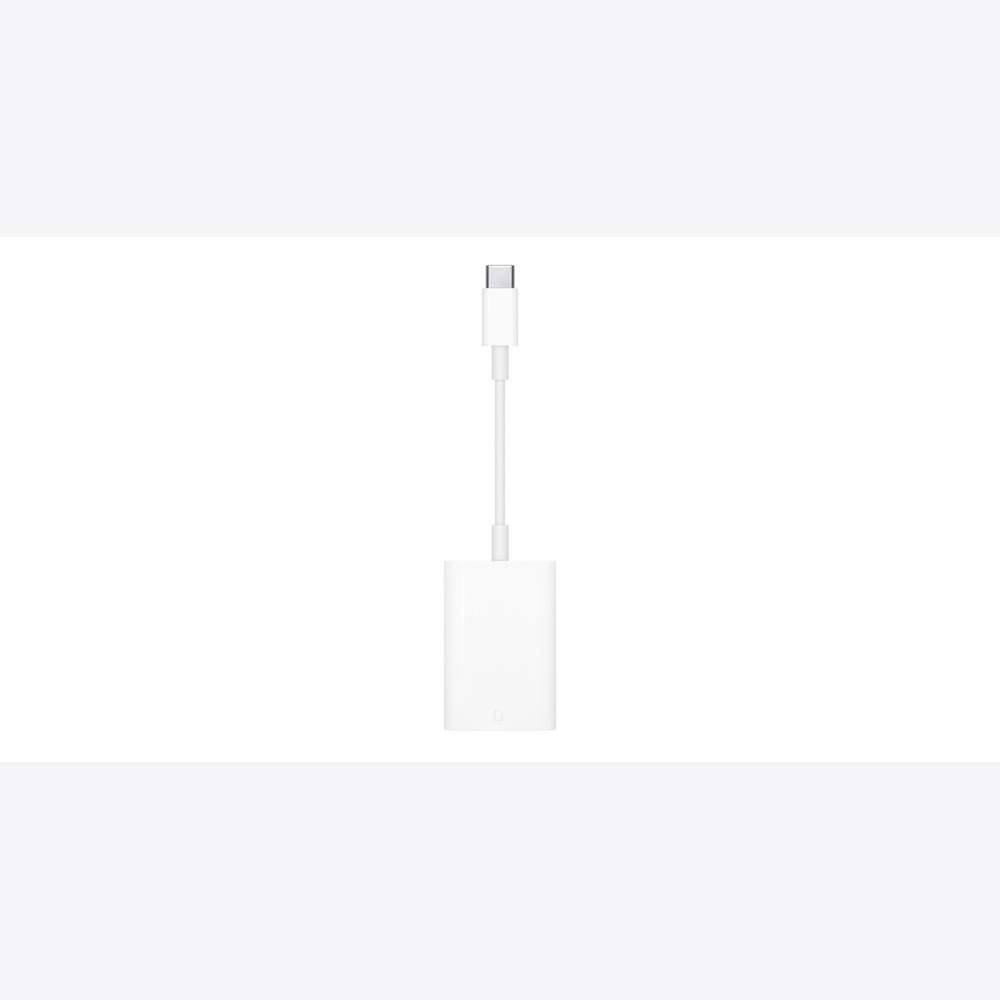
USB-C-SD Card Reader
The USB-C-SD Card Reader is a USB-C accessory used to transfer files from a camera's SD card to compatible Apple devices. To summarize the reason for purchase in one sentence: it’s a file transfer tool for moving camera originals to USB-C devices. Instead of deciding based solely on the product name or generation, counting how often this role is repeated in your photography and videography workflow clarifies its necessity. Make sure that your existing devices are adequate for the same tasks.
On shooting days, secure battery life and available storage first, and after shooting, it's best to separate the locations for original, edited, and backup files. Evaluate whether this product actually reduces file transfer or checking times. List the apps and files you use frequently and see if there are steps that the USB-C-SD Card Reader can streamline. Visiting a store to check size, handling, screen, and sound can also reduce misunderstandings arising from specifications alone.
Key considerations before purchase include card specifications and actual transfer speeds. Storage capacities, connection specifications, and included items may vary by model and options, and some software features can be influenced by device, language, and regional conditions. It's safer to sum up needed accessories and service costs and then re-check against Apple's latest technology specifications and compatibility list.
On shooting days, secure battery life and available storage first, and after shooting, it's best to separate the locations for original, edited, and backup files. Evaluate whether this product actually reduces file transfer or checking times. List the apps and files you use frequently and see if there are steps that the USB-C-SD Card Reader can streamline. Visiting a store to check size, handling, screen, and sound can also reduce misunderstandings arising from specifications alone.
Key considerations before purchase include card specifications and actual transfer speeds. Storage capacities, connection specifications, and included items may vary by model and options, and some software features can be influenced by device, language, and regional conditions. It's safer to sum up needed accessories and service costs and then re-check against Apple's latest technology specifications and compatibility list.
제품군 연결 액세서리
활용 역할 카메라 원본을 USB-C 기기로 옮기는 파일 전달 도구
구매 전 확인 카드 규격과 실제 전송 속도
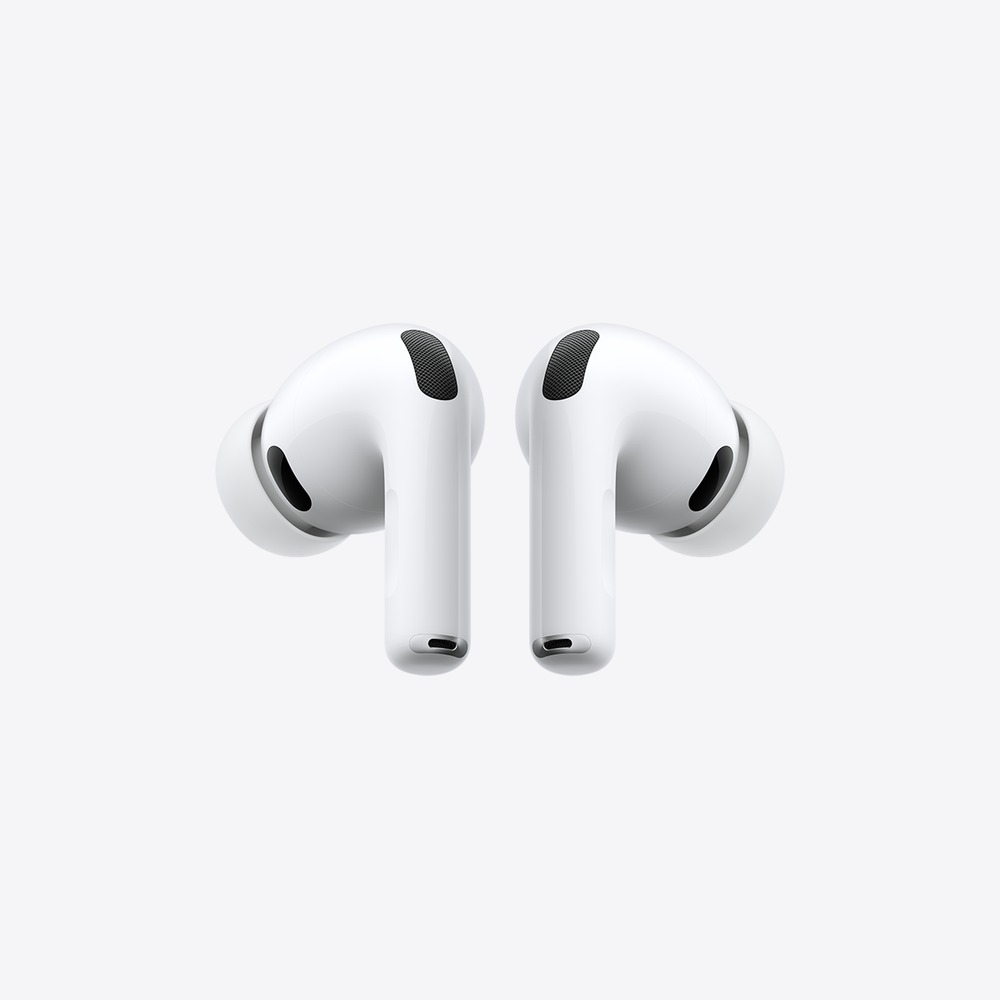
AirPods Pro 3
The AirPods Pro 3 are in-ear headphones featuring ANC, heart rate measurement while exercising, and auditory health functions. When connected with other devices, they serve as a portable listening tool to check dialogue and music in edits on the go. Instead of deciding based solely on the product name or generation, counting how often this role is repeated in your photography and videography workflow clarifies its necessity. Make sure that your existing devices are adequate for the same tasks.
On shooting days, secure battery life and available storage first, and after shooting, it's best to separate the locations for original, edited, and backup files. Evaluate whether this product actually reduces file transfer or checking times. List the apps and files you use frequently and see if there are steps that the AirPods Pro 3 can streamline. Visiting a store to check size, handling, screen, and sound can also reduce misunderstandings arising from specifications alone.
Key considerations before purchase include the fact that they cannot replace final mixing monitor equipment. Storage capacities, connection specifications, and included items may vary by model and options, and some software features can be influenced by device, language, and regional conditions. It's safer to sum up needed accessories and service costs and then re-check against Apple's latest technology specifications and compatibility list.
On shooting days, secure battery life and available storage first, and after shooting, it's best to separate the locations for original, edited, and backup files. Evaluate whether this product actually reduces file transfer or checking times. List the apps and files you use frequently and see if there are steps that the AirPods Pro 3 can streamline. Visiting a store to check size, handling, screen, and sound can also reduce misunderstandings arising from specifications alone.
Key considerations before purchase include the fact that they cannot replace final mixing monitor equipment. Storage capacities, connection specifications, and included items may vary by model and options, and some software features can be influenced by device, language, and regional conditions. It's safer to sum up needed accessories and service costs and then re-check against Apple's latest technology specifications and compatibility list.
제품군 AirPods
활용 역할 이동 중 편집본의 대사와 음악을 확인하는 휴대 청취 도구
구매 전 확인 최종 믹싱용 모니터 장비를 대신할 수 없다는 점
Quick startup shooting is handled by the iPhone, on-site sorting and pen corrections are taken care of by the iPad, while heavy editing and output responsibilities fall to the Mac and the display. Even small accessories like an SD card reader can be just as useful as high-performance devices if they reduce file transfer time. It’s advisable to start by changing the step where you often encounter bottlenecks.
Before purchasing, check the shooting format, editing app, storage space, and external display connection specifications. For tasks where color management is crucial, it's important to establish actual delivery standards and correction environments rather than solely relying on the screen's label. When you factor in the cost of backup storage devices and cables, you can build a stable production workflow without excessive setups.
Before purchasing, check the shooting format, editing app, storage space, and external display connection specifications. For tasks where color management is crucial, it's important to establish actual delivery standards and correction environments rather than solely relying on the screen's label. When you factor in the cost of backup storage devices and cables, you can build a stable production workflow without excessive setups.
At a glance
8 items
As part of the Coupang Partners program, this post may earn a commission from qualifying purchases.
Comments 0
Log in to leave a comment.
Be the first to comment.
How about these lists?


You might also like


🎲
Not ready to stop here?
Wondering what to read next is the biggest waste of time.
Let the dice decide — you won't know what pops up until you roll.
If you don't press it… won't you wonder forever? 👀
