
Collection
Cloud
2026.10.02
Cloud Solutions for Sending Video and Design Originals Without Hurdles
From Large File Transfers to Comments and Approvals on Drafts, Organizing Actual Media Services by Purpose
Cloud solutions for sending video and design originals without hurdles focus not on how much storage space you get, but on ensuring that your workflow remains uninterrupted. Transferring video and design originals to external collaborators and collecting feedback is not just about clicking the upload button. Even services that seem similar, like MASV and Frame.io, differ in their restoration methods, file ownership, and supported devices, so it’s essential to clarify your workflow before making a choice.
In the list of 'Cloud Solutions for Sending Video and Design Originals Without Hurdles,' key criteria include file size limits, link expiration, recipient permissions, and review comments. The fees and features for sending video and design originals to external collaborators can vary based on account types, regions, and service policies, so be sure to review each official site just before signing up. As a crucial piece of advice, do not rely solely on one service's sync folder as the sole source. It's best to upload a small test file, download, and restore it on another device before transferring all files to ensure safety.
In the list of 'Cloud Solutions for Sending Video and Design Originals Without Hurdles,' key criteria include file size limits, link expiration, recipient permissions, and review comments. The fees and features for sending video and design originals to external collaborators can vary based on account types, regions, and service policies, so be sure to review each official site just before signing up. As a crucial piece of advice, do not rely solely on one service's sync folder as the sole source. It's best to upload a small test file, download, and restore it on another device before transferring all files to ensure safety.

MASV
The reason MASV is featured in 'Cloud Solutions for Sending Video and Design Originals Without Hurdles' is because it can play a role in transferring large video projects to external collaborators and collecting feedback. Key points to note about this service are its browser-based portal and flow for sending large media files. MASV supports web, Windows, macOS, and Linux, but the actual scope of offerings may vary based on account types, pricing plans, and app versions, so it's essential to refer to the latest guidance on the official MASV page.
When testing the first option, MASV, be sure to complete the upload, share, and restore processes with a small number of copies first. In particular, don’t miss the item 'Check download environment before sending to ensure correct billing for transfer volume' to avoid file issues or unexpected costs and permission problems at crucial times. After testing, close the shared link and check the activity history and file status. Clearly distinguishing between the roles of the original, cloud copy, and separate backup makes it easier to later verify file size limits, link expiration, recipient permissions, and review comments within MASV.
When testing the first option, MASV, be sure to complete the upload, share, and restore processes with a small number of copies first. In particular, don’t miss the item 'Check download environment before sending to ensure correct billing for transfer volume' to avoid file issues or unexpected costs and permission problems at crucial times. After testing, close the shared link and check the activity history and file status. Clearly distinguishing between the roles of the original, cloud copy, and separate backup makes it easier to later verify file size limits, link expiration, recipient permissions, and review comments within MASV.
제공사 MASV
주요 용도 초대용량 영상 프로젝트 전달
지원 환경 웹·Windows·macOS·Linux
살펴볼 특징 브라우저 기반 포털과 전송 흐름으로 대형 미디어 파일을 전달
확인할 점 전송량 과금과 수신자의 다운로드 환경을 보내기 전에 확인
이미지 출처 공식 서비스 페이지 이미지: https://masv.io/cdn-cgi/image/format=jpeg,quality=80/https://masv.io/img-original/https%3A%2F%2Fcdn.prod.website-files.com%2F69f2bb1a3268ff2bfd7df335%2F6a46ce1e641e26e565039e3f_MASV%2520Feature%2520Image.png (페이지: https://masv.io/)
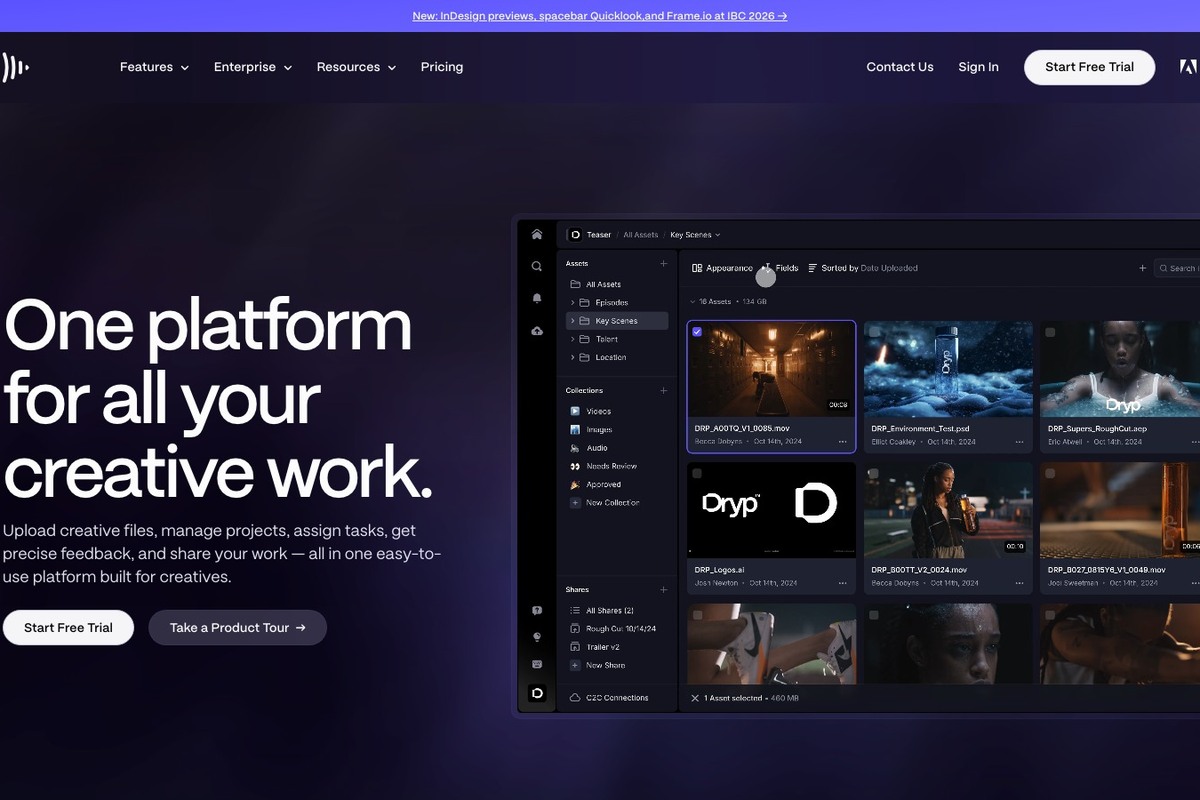
Frame.io
The reason Frame.io is included in 'Cloud Solutions for Sending Video and Design Originals Without Hurdles' is that it can take on the role of uploading videos and conducting frame-by-frame reviews while transferring video and design originals to external collaborators. A noteworthy feature of this service is its collaborative aspect that gathers comments and approval opinions overlaying video files. Frame.io supports web, desktop, and mobile, but, similar to other services, the actual scope may vary by account type, pricing plan, and app version, so be sure to check the latest guidance on Adobe's official page.
When testing the second option, Frame.io, begin by completing the upload, share, and restore process with a small number of copies. In particular, do not overlook the 'Establish team rules for whether the file is for original delivery or review proxy during upload' item to avoid file access or permission issues when needed, as well as unexpected costs. Once your test is done, close the shared link and verify the activity history and file status. Keeping track of the roles of the original, cloud copy, and separate backup simplifies later checking of file size limits, link expiration, recipient permissions, and review comments on Frame.io.
When testing the second option, Frame.io, begin by completing the upload, share, and restore process with a small number of copies. In particular, do not overlook the 'Establish team rules for whether the file is for original delivery or review proxy during upload' item to avoid file access or permission issues when needed, as well as unexpected costs. Once your test is done, close the shared link and verify the activity history and file status. Keeping track of the roles of the original, cloud copy, and separate backup simplifies later checking of file size limits, link expiration, recipient permissions, and review comments on Frame.io.
제공사 Adobe
주요 용도 영상 업로드와 프레임 단위 검토
지원 환경 웹·데스크톱·모바일
살펴볼 특징 영상 파일 위에 댓글과 승인 의견을 모으는 협업
확인할 점 원본 전달용인지 검토용 프록시인지 팀 규칙을 정해 업로드
이미지 출처 공식 페이지 화면: https://frame.io/
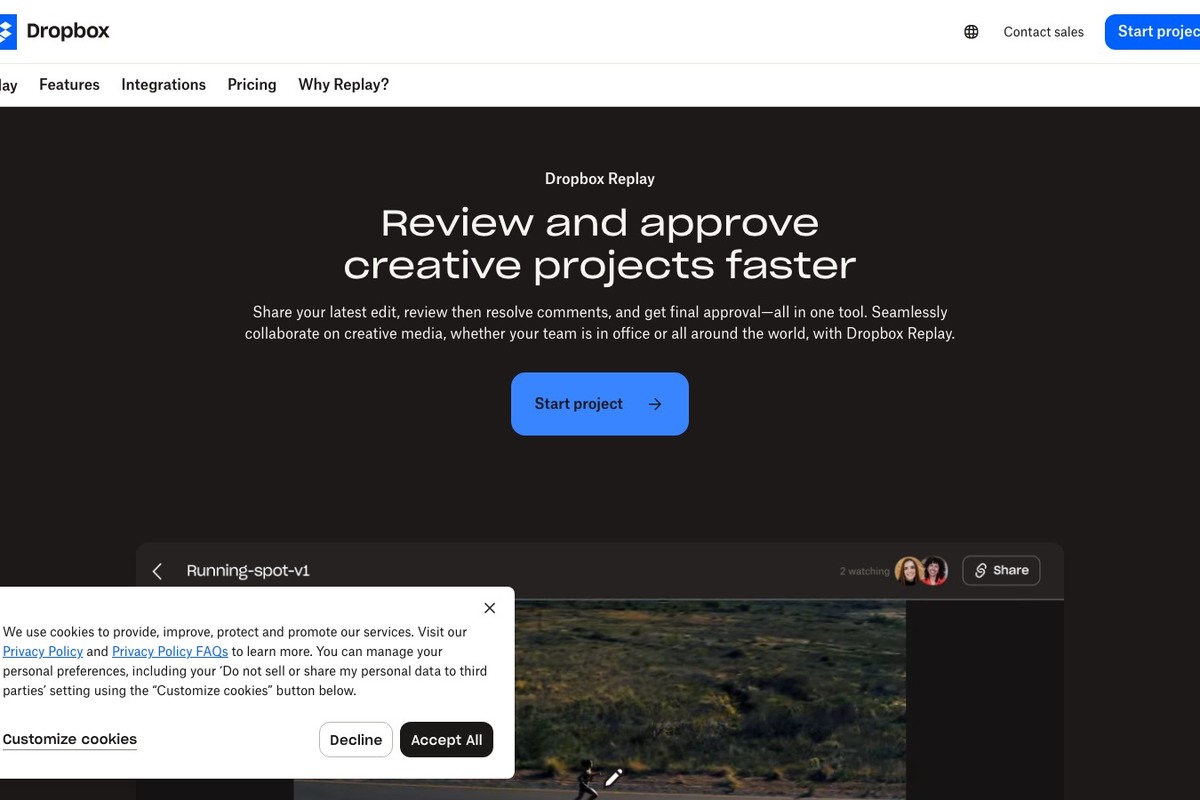
Dropbox Replay
Dropbox Replay is included in 'Cloud Solutions for Sending Video and Design Originals Without Hurdles' because it can fulfill the role of reviewing video, audio, and image drafts when transferring video and design originals and collecting feedback. Key features of this service include time-stamped comments and version comparisons for organizing feedback. Dropbox Replay supports web, but the actual range of services may vary based on account types, pricing plans, and app versions, so ensure you check the latest information on Dropbox's official page.
When testing the third option, Dropbox Replay, make sure to carry out the upload, share, and restore processes with a small number of copies first. Specifically, don’t miss the item 'Distinguish shared storage and review link permissions and confirm external visibility scope' as failing to do so can lead to issues retrieving the file or conflicts with permissions and unexpected costs. Once testing is complete, close the shared link and check the activity history and file status. Clearly distinguishing the roles of the original, cloud copy, and separate backup will make it easier to check file size limits, link expiration, recipient permissions, and review comments in Dropbox Replay later.
When testing the third option, Dropbox Replay, make sure to carry out the upload, share, and restore processes with a small number of copies first. Specifically, don’t miss the item 'Distinguish shared storage and review link permissions and confirm external visibility scope' as failing to do so can lead to issues retrieving the file or conflicts with permissions and unexpected costs. Once testing is complete, close the shared link and check the activity history and file status. Clearly distinguishing the roles of the original, cloud copy, and separate backup will make it easier to check file size limits, link expiration, recipient permissions, and review comments in Dropbox Replay later.
제공사 Dropbox
주요 용도 영상·오디오·이미지 시안 검토
지원 환경 웹
살펴볼 특징 시간 표시 댓글과 버전 비교로 피드백을 정리
확인할 점 저장소 공유와 검토 링크 권한을 구분하고 외부 공개 범위를 확인
이미지 출처 공식 페이지 화면: https://www.dropbox.com/replay

WeTransfer
WeTransfer is featured in 'Cloud Solutions for Sending Video and Design Originals Without Hurdles' for its capability to send large file links to external collaborators without installation when transferring video and design originals and gathering feedback. Notable features of this service include the simple transfer link that allows files to be sent to external recipients. WeTransfer supports web and mobile, and the actual scope may differ depending on account types, pricing plans, and app versions, so check the latest details on WeTransfer's official page.
When testing the fourth option, WeTransfer, start with a small copy to complete the upload, share, and restore processes thoroughly. Particularly, do not overlook 'Check conditions for link expiration, download limits, and password support,' as this could lead to issues retrieving files or conflicts with permissions and unexpected costs. After the test, close the shared link and confirm the activity history and file status. By categorizing the roles of the original, cloud copy, and separate backup, it becomes easier to later verify file size limits, link expiration, recipient permissions, and review comments within WeTransfer.
When testing the fourth option, WeTransfer, start with a small copy to complete the upload, share, and restore processes thoroughly. Particularly, do not overlook 'Check conditions for link expiration, download limits, and password support,' as this could lead to issues retrieving files or conflicts with permissions and unexpected costs. After the test, close the shared link and confirm the activity history and file status. By categorizing the roles of the original, cloud copy, and separate backup, it becomes easier to later verify file size limits, link expiration, recipient permissions, and review comments within WeTransfer.
제공사 WeTransfer
주요 용도 설치 없이 대용량 파일 링크 전달
지원 환경 웹·모바일
살펴볼 특징 간단한 전송 링크로 외부 수신자에게 파일을 전달
확인할 점 링크 만료와 다운로드 횟수, 비밀번호 지원 조건을 확인
이미지 출처 공식 서비스 페이지 이미지: https://wetransfer.com/wt-facebook.png (페이지: https://wetransfer.com/)

Box
Box is included in 'Cloud Solutions for Sending Video and Design Originals Without Hurdles' because it can handle the storage of large project files and permission sharing when transferring video and design originals and collecting feedback. Key points to consider about Box are its folder permissions and content management capabilities for structuring external collaboration. Box supports web, Windows, macOS, and mobile, with actual offerings varying based on account types, pricing plans, and app versions, so refer to Box's official page for the latest guidance.
While testing the fifth option, Box, initially complete the upload, share, and restore processes with a small number of copies. Pay particular attention to 'Check file size limits and permissions for external collaborators based on current pricing plans,' as missing this can lead to difficulties retracing files or running into unexpected costs and permission issues. After testing, close the shared link and review the activity history and file status. By separating the roles of the original, cloud copy, and separate backup, it will be easier to verify file size limits, link expiration, recipient permissions, and review comments in Box later.
While testing the fifth option, Box, initially complete the upload, share, and restore processes with a small number of copies. Pay particular attention to 'Check file size limits and permissions for external collaborators based on current pricing plans,' as missing this can lead to difficulties retracing files or running into unexpected costs and permission issues. After testing, close the shared link and review the activity history and file status. By separating the roles of the original, cloud copy, and separate backup, it will be easier to verify file size limits, link expiration, recipient permissions, and review comments in Box later.
제공사 Box
주요 용도 대형 프로젝트 파일 보관과 권한 공유
지원 환경 웹·Windows·macOS·모바일
살펴볼 특징 폴더 권한과 콘텐츠 관리 기능으로 외부 협업을 구성
확인할 점 파일 크기 한도와 외부 협업자 권한을 현재 요금제에서 확인
이미지 출처 공식 페이지 화면: https://www.box.com/
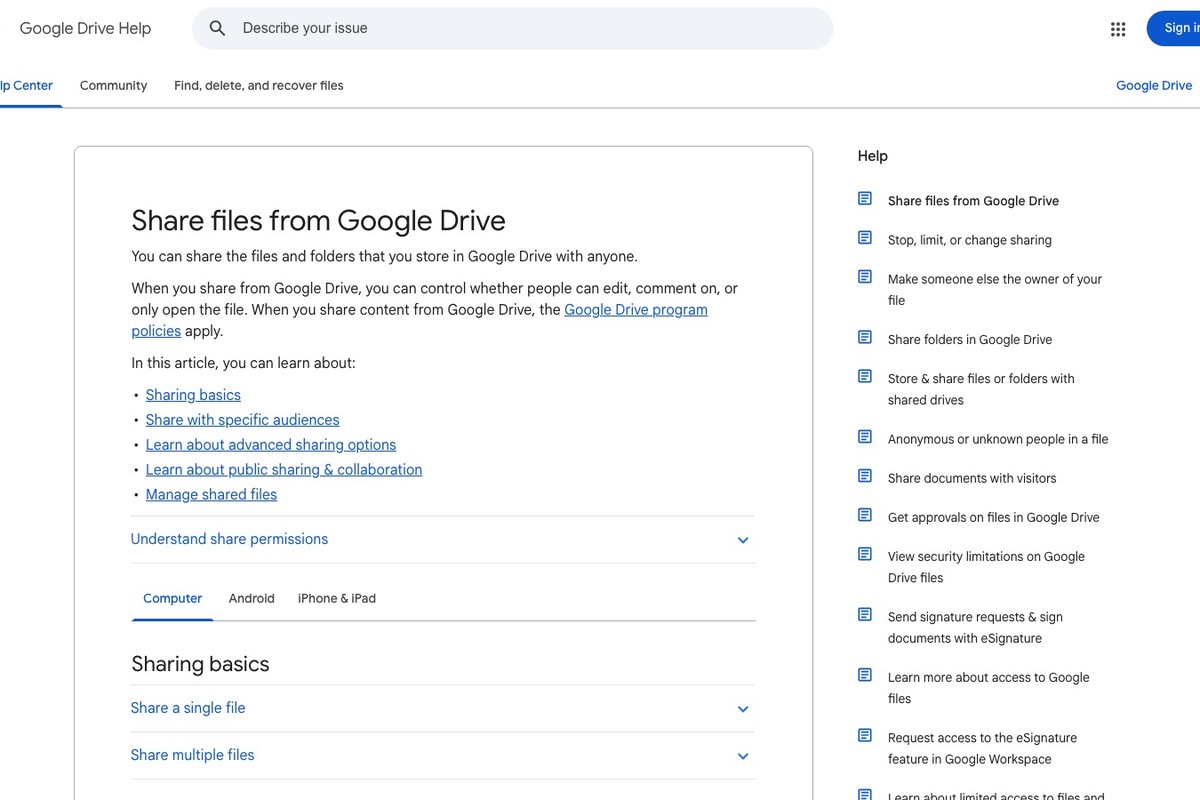
Google Drive Large File Sharing
The Google Drive Large File Sharing service is included in 'Cloud Solutions for Sending Video and Design Originals Without Hurdles' because it can perform the function of sharing links for video and design files when transferring originals to external collaborators and collecting feedback. A notable feature is the ability to set viewing, commenting, and editing permissions based on Google accounts. Google Drive Large File Sharing supports web, Windows, macOS, and mobile, and the actual features available may depend on account types, pricing plans, and app versions, so check Google’s official page for the latest instructions.
When testing the sixth option, Google Drive Large File Sharing, begin by completing the upload, share, and restore processes with a small number of copies. Specifically, don’t overlook 'Checking whether general access is restricted or disclosed to link holders before transfer,' as failing to check may result in being unable to retrieve files or unexpected costs and permission conflicts. After completing the test, close the shared link and verify activity history and file status. Clearly differentiating the roles of the original, cloud copy, and separate backup will make it easier to check file size limits, link expiration, recipient permissions, and review comments in Google Drive Large File Sharing later.
When testing the sixth option, Google Drive Large File Sharing, begin by completing the upload, share, and restore processes with a small number of copies. Specifically, don’t overlook 'Checking whether general access is restricted or disclosed to link holders before transfer,' as failing to check may result in being unable to retrieve files or unexpected costs and permission conflicts. After completing the test, close the shared link and verify activity history and file status. Clearly differentiating the roles of the original, cloud copy, and separate backup will make it easier to check file size limits, link expiration, recipient permissions, and review comments in Google Drive Large File Sharing later.
제공사 Google
주요 용도 영상·디자인 파일의 링크 공유
지원 환경 웹·Windows·macOS·모바일
살펴볼 특징 Google 계정 기반 보기·댓글·편집 권한을 설정
확인할 점 일반 액세스가 제한됨인지 링크 보유자 공개인지 전송 전에 점검
이미지 출처 공식 페이지 화면: https://support.google.com/drive/answer/2494822
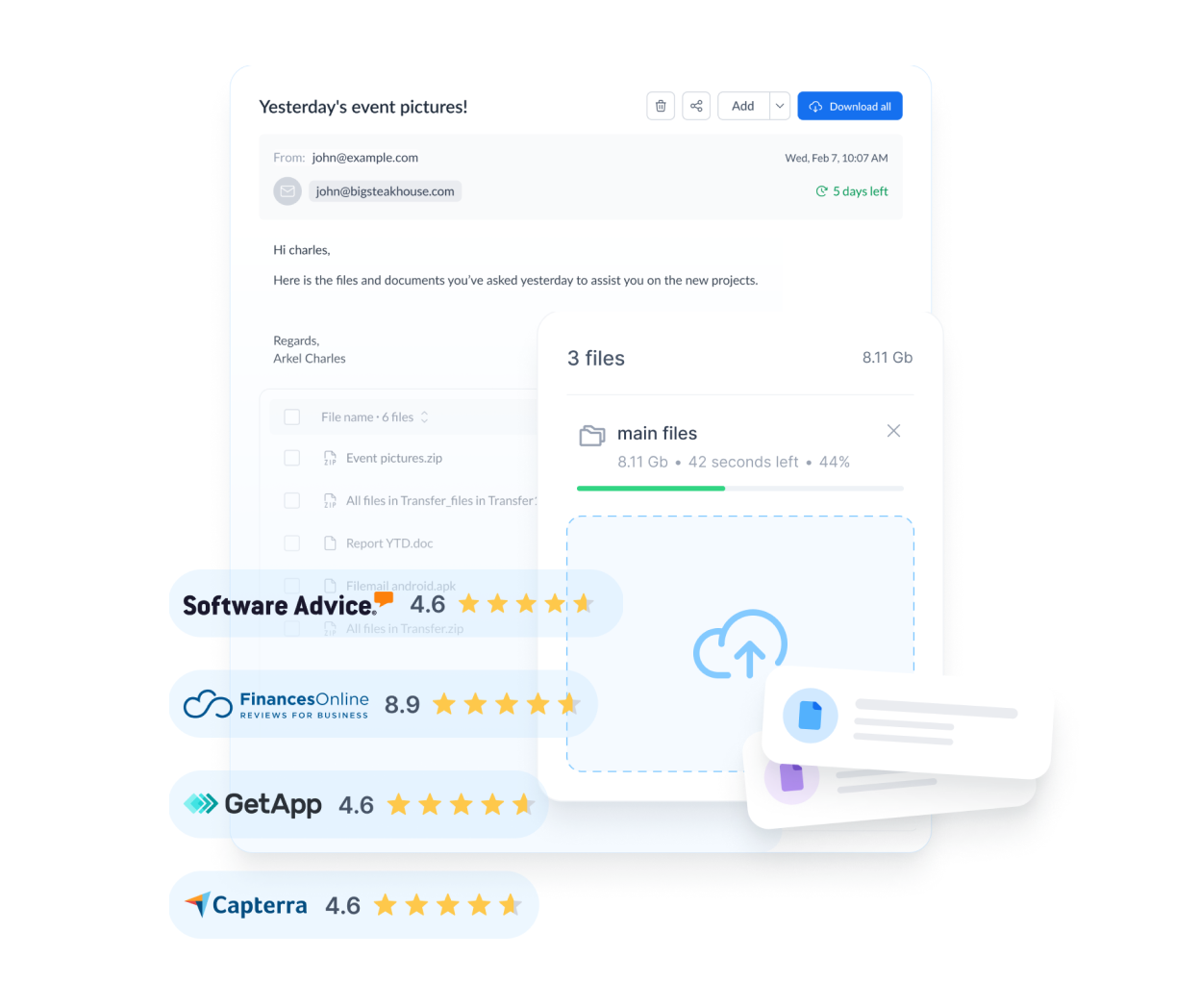
Filemail
Filemail is featured in 'Cloud Solutions for Sending Video and Design Originals Without Hurdles' because it enables large file transmissions and track downloads when sending video and design originals to external collaborators and gathering feedback. The key aspect of this service is that it allows users to send large files to recipients through programs and apps. Filemail supports web, Windows, macOS, Android, and iOS, with its actual features varying based on account types, pricing plans, and app versions, so ensure to check the latest information on Filemail's official page.
While testing the seventh option, Filemail, start with a small number of copies to complete the uploading, sharing, and restoring processes thoroughly. Particular attention should be given to the 'Verify free/paid transfer limits, storage duration, and encryption options' item, as missing it could result in difficulties accessing files or running into unexpected costs and permissions issues. Once testing is complete, close the shared link and check activity history and file status. Keeping track of the roles of the original, cloud copy, and separate backup will simplify the future review of file size limits, link expiration, recipient permissions, and review comments within Filemail.
While testing the seventh option, Filemail, start with a small number of copies to complete the uploading, sharing, and restoring processes thoroughly. Particular attention should be given to the 'Verify free/paid transfer limits, storage duration, and encryption options' item, as missing it could result in difficulties accessing files or running into unexpected costs and permissions issues. Once testing is complete, close the shared link and check activity history and file status. Keeping track of the roles of the original, cloud copy, and separate backup will simplify the future review of file size limits, link expiration, recipient permissions, and review comments within Filemail.
제공사 Filemail
주요 용도 대용량 파일 전송과 다운로드 추적
지원 환경 웹·Windows·macOS·Android·iOS
살펴볼 특징 브라우저와 앱을 통해 큰 파일을 수신자에게 전달
확인할 점 무료·유료 전송 한도와 보관 기간, 암호화 옵션을 확인
이미지 출처 공식 서비스 페이지 이미지: https://filemail.b-cdn.net/cms/filemail_ff4a1391c7.webp (페이지: https://www.filemail.com/)
When narrowing down options in the 'Cloud Solutions for Sending Video and Design Originals Without Hurdles,' it’s more accurate to think back to actual work done in a week than just looking at feature charts. During the transfer of video and design originals to external collaborators and the feedback collection, take notes on who creates the files, where edits happen, and who will store them after the project ends. Services like Filemail, which have clearly defined roles, may also present challenges if they do not align with your current setup, so it’s advisable to conduct initial tests with smaller files.
After making your final choice from the list of 'Cloud Solutions for Sending Video and Design Originals Without Hurdles,' double-check file size limits, link expiration, recipient permissions, and review comments in the settings screen. Accounts used for transferring video and design originals to external collaborators should have multi-factor authentication enabled, manage recovery codes and admin accounts separately, and regularly tidy up ended shared links and permissions. Lastly, do not just rely on backup success notifications; check and restore sample files every quarter. This way, the service you choose from the 'Cloud Solutions for Sending Video and Design Originals Without Hurdles' becomes a practical recovery tool rather than just a storage space.
After making your final choice from the list of 'Cloud Solutions for Sending Video and Design Originals Without Hurdles,' double-check file size limits, link expiration, recipient permissions, and review comments in the settings screen. Accounts used for transferring video and design originals to external collaborators should have multi-factor authentication enabled, manage recovery codes and admin accounts separately, and regularly tidy up ended shared links and permissions. Lastly, do not just rely on backup success notifications; check and restore sample files every quarter. This way, the service you choose from the 'Cloud Solutions for Sending Video and Design Originals Without Hurdles' becomes a practical recovery tool rather than just a storage space.
한눈에 보기
7개
MASV
MASV · 초대용량 영상 프로젝트 전달 · 웹·Windows·macOS·Linux · 브라우저 기반 포털과 전송 흐름으로 대형 미디어 파일을 전달 · 전송량 과금과 수신자의 다운로드 환경을 보내기 전에 확인 · 공식 서비스 페이지 이미지: https://masv.io/cdn-cgi/image/format=jpeg,quality=80/https://masv.io/img-original/https%3A%2F%2Fcdn.prod.website-files.com%2F69f2bb1a3268ff2bfd7df335%2F6a46ce1e641e26e565039e3f_MASV%2520Feature%2520Image.png (페이지: https://masv.io/)
Frame.io
Adobe · 영상 업로드와 프레임 단위 검토 · 웹·데스크톱·모바일 · 영상 파일 위에 댓글과 승인 의견을 모으는 협업 · 원본 전달용인지 검토용 프록시인지 팀 규칙을 정해 업로드 · 공식 페이지 화면: https://frame.io/
Dropbox Replay
Dropbox · 영상·오디오·이미지 시안 검토 · 웹 · 시간 표시 댓글과 버전 비교로 피드백을 정리 · 저장소 공유와 검토 링크 권한을 구분하고 외부 공개 범위를 확인 · 공식 페이지 화면: https://www.dropbox.com/replay
WeTransfer
WeTransfer · 설치 없이 대용량 파일 링크 전달 · 웹·모바일 · 간단한 전송 링크로 외부 수신자에게 파일을 전달 · 링크 만료와 다운로드 횟수, 비밀번호 지원 조건을 확인 · 공식 서비스 페이지 이미지: https://wetransfer.com/wt-facebook.png (페이지: https://wetransfer.com/)
Box
Box · 대형 프로젝트 파일 보관과 권한 공유 · 웹·Windows·macOS·모바일 · 폴더 권한과 콘텐츠 관리 기능으로 외부 협업을 구성 · 파일 크기 한도와 외부 협업자 권한을 현재 요금제에서 확인 · 공식 페이지 화면: https://www.box.com/
Google Drive Large File Sharing
Google · 영상·디자인 파일의 링크 공유 · 웹·Windows·macOS·모바일 · Google 계정 기반 보기·댓글·편집 권한을 설정 · 일반 액세스가 제한됨인지 링크 보유자 공개인지 전송 전에 점검 · 공식 페이지 화면: https://support.google.com/drive/answer/2494822
Filemail
Filemail · 대용량 파일 전송과 다운로드 추적 · 웹·Windows·macOS·Android·iOS · 브라우저와 앱을 통해 큰 파일을 수신자에게 전달 · 무료·유료 전송 한도와 보관 기간, 암호화 옵션을 확인 · 공식 서비스 페이지 이미지: https://filemail.b-cdn.net/cms/filemail_ff4a1391c7.webp (페이지: https://www.filemail.com/)
이 포스팅은 쿠팡 파트너스 활동의 일환으로, 이에 따른 일정액의 수수료를 제공받습니다.
댓글 0
로그인 후 댓글을 작성할 수 있습니다.
첫 댓글을 남겨보세요.
이런 리스트는 어때요?


이런 리스트도 추천해요


🎲
여기서 멈추기엔 아쉽잖아?
다음에 뭘 볼지 고민하는 시간이 제일 아까워.
주사위가 대신 골라줄게 — 무슨 리스트가 튀어나올지는 굴려봐야 알지.
안 누르면… 평생 궁금하지 않겠어? 👀
