
Collection
Studying Abroad
2026.10.10
An Education Discount Service that Reduces Costs with a Single Student Verification
A Real Program for Students Utilizing Development, Design, Devices, and Subscriptions
International students often face significant upfront costs for academic necessities such as laptops, software, development tools, and design subscriptions. It's easy to think that having a university email gives access to all available discounts, but the verification methods, supported countries and schools, and available products differ from service to service. Free plans may automatically revert to standard rates or limit features after graduation or when the verification expires.
This list compiles 8 actual student verification programs and educational stores. Instead of ranking by discount rate, it's categorized by usage such as development, cloud, design, devices, and creative tools. You should select only the products you need and check if your school already offers an institutional license to avoid duplicate payments. Prices and eligible countries can change, so always refer to the current conditions on the payment screen as your final basis.
This list compiles 8 actual student verification programs and educational stores. Instead of ranking by discount rate, it's categorized by usage such as development, cloud, design, devices, and creative tools. You should select only the products you need and check if your school already offers an institutional license to avoid duplicate payments. Prices and eligible countries can change, so always refer to the current conditions on the payment screen as your final basis.
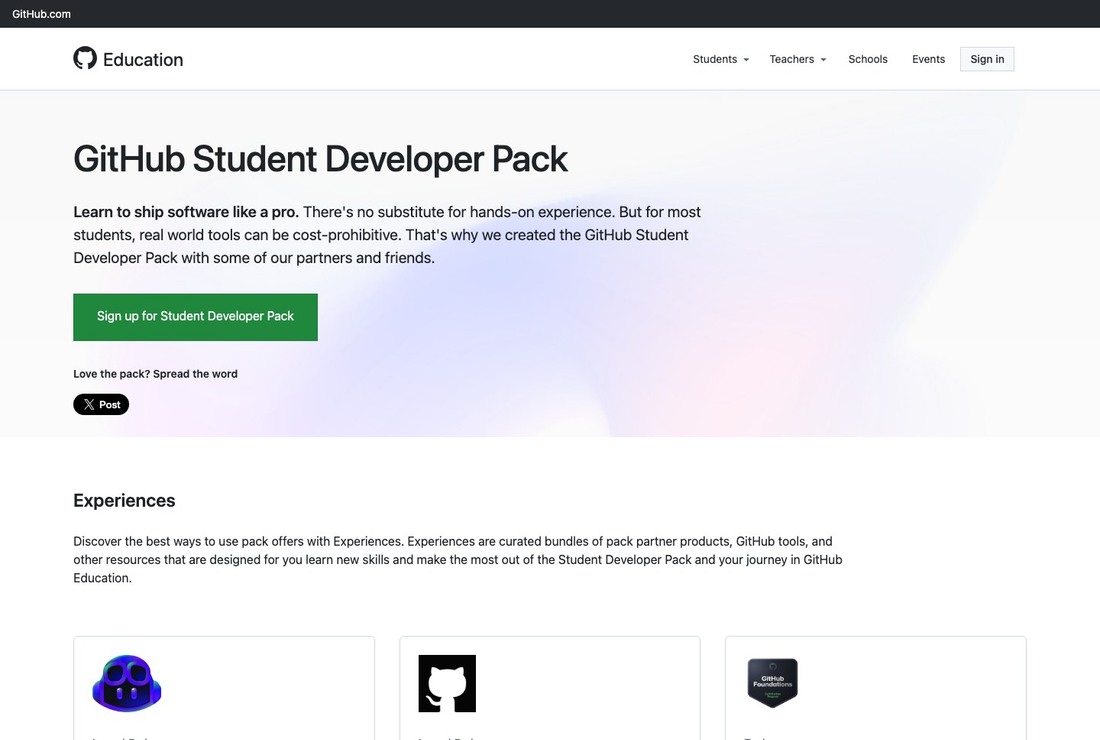
GitHub Student Developer Pack
The GitHub Student Developer Pack is a program that bundles benefits from development, cloud, and learning partners after student verification. In the context of the 'An Education Discount Service that Reduces Costs with a Single Student Verification', it is introduced not just as a simple recommendation, but as a real option that distinguishes qualifications and costs during the preparation stage. Even if you are familiar with the GitHub Student Developer Pack name, the same conditions do not apply to all international students. You must currently be enrolled and pass the school and student verification required by GitHub. If you do not meet this condition for the GitHub Student Developer Pack, you will need to find other paths or guidance from your school department first.
Before using, check the partner-specific provision periods, countries, separate account conditions, and verification renewal dates. Read through the current application target, necessary documents, processing periods, and cancellation/change regulations on the GitHub Student Developer Pack official page. The service information for the GitHub Student Developer Pack does not automatically guarantee admission, employment, visa approval, or delivery safety. If you need inquiries about the GitHub Student Developer Pack, store your responses and registration numbers to prepare for future schedule changes.
Before using, check the partner-specific provision periods, countries, separate account conditions, and verification renewal dates. Read through the current application target, necessary documents, processing periods, and cancellation/change regulations on the GitHub Student Developer Pack official page. The service information for the GitHub Student Developer Pack does not automatically guarantee admission, employment, visa approval, or delivery safety. If you need inquiries about the GitHub Student Developer Pack, store your responses and registration numbers to prepare for future schedule changes.
서비스 역할 학생 인증 후 개발·클라우드·학습 파트너 혜택을 묶어 제공하는 프로그램
활용 시점 컴퓨터공학 수업과 개인 개발 프로젝트에 도구가 필요할 때
이용 자격 현재 재학 중이며 GitHub가 요구하는 학교·학생 증빙 심사를 통과해야 한다.
확인할 점 파트너별 제공기간·국가·별도 계정 조건과 인증 갱신일을 확인한다.
공식 정보 https://education.github.com/pack
이미지 출처 https://education.github.com/pack
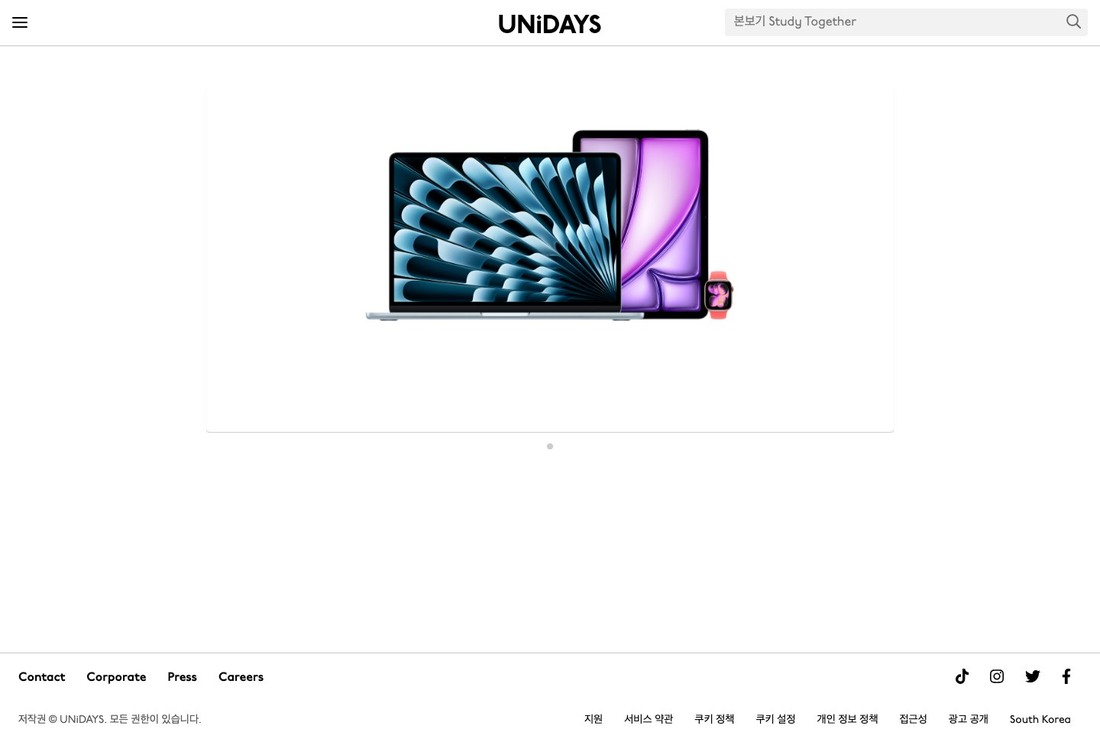
UNiDAYS
UNiDAYS is a service to check when looking for student benefits from device, fashion, and lifestyle brands in one place. Its core role is to verify student status and connect to country-specific discounts from participating brands. In the context of the 'An Education Discount Service that Reduces Costs with a Single Student Verification', it is introduced not just as a simple recommendation, but as a real option that distinguishes qualifications and costs during the preparation stage. The current eligibility and schedule released by UNiDAYS should take precedence over past user reviews. Particularly, you must be able to verify your student status at the supported schools and countries. If you do not meet this condition for UNiDAYS, you will need to find other paths or guidance from your school department first.
Before using, check the validity period for discount codes, the application scope for online and in-store, and the excluded products by brand. Read through the current application target, necessary documents, processing periods, and cancellation/change regulations on the UNiDAYS official page. The service information for UNiDAYS does not automatically guarantee admission, employment, visa approval, or delivery safety. When submitting sensitive documents to UNiDAYS, verify the official domain and privacy processing scope.
Before using, check the validity period for discount codes, the application scope for online and in-store, and the excluded products by brand. Read through the current application target, necessary documents, processing periods, and cancellation/change regulations on the UNiDAYS official page. The service information for UNiDAYS does not automatically guarantee admission, employment, visa approval, or delivery safety. When submitting sensitive documents to UNiDAYS, verify the official domain and privacy processing scope.
서비스 역할 학생 신분을 인증해 참여 브랜드의 국가별 할인으로 연결하는 서비스
활용 시점 기기·패션·생활 브랜드의 학생 혜택을 한곳에서 찾을 때
이용 자격 지원되는 학교와 국가에서 현재 학생 신분을 인증할 수 있어야 한다.
확인할 점 할인코드 유효기간, 온라인·매장 적용 범위와 브랜드별 제외 상품을 확인한다.
공식 정보 https://www.myunidays.com/
이미지 출처 https://www.myunidays.com/
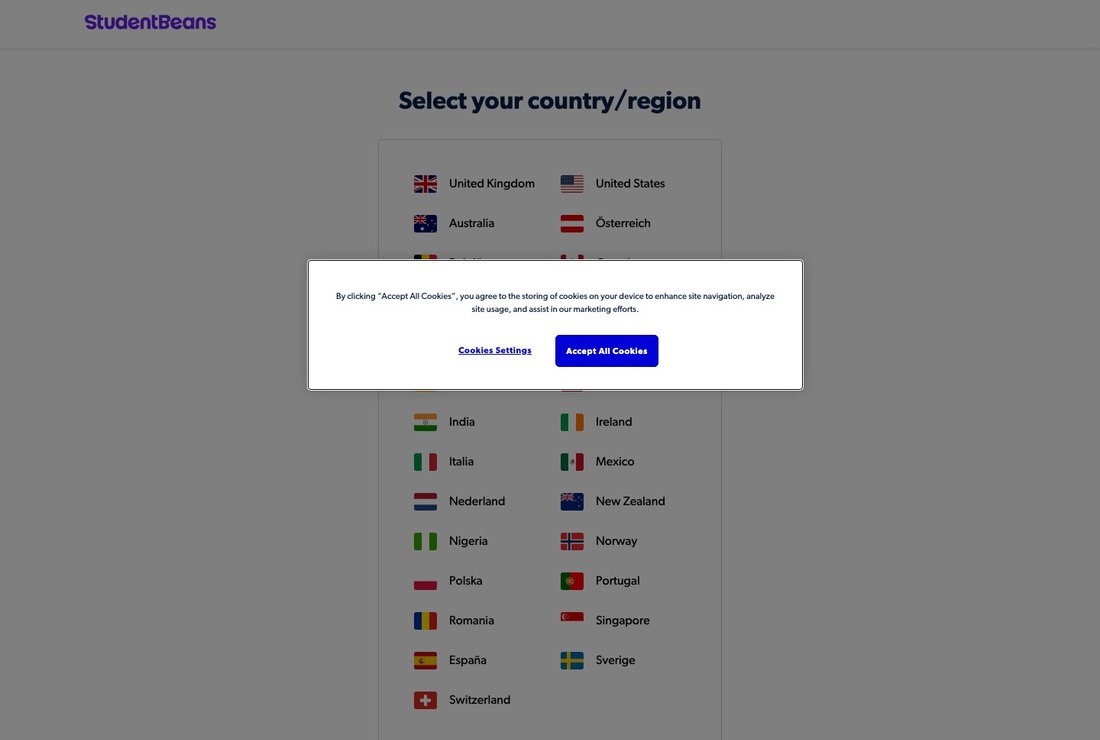
Student Beans
Student Beans is included in this list because it allows for comparing official procedures for student discount stores available in study-abroad countries. In the context of the 'An Education Discount Service that Reduces Costs with a Single Student Verification', it is introduced not just as a simple recommendation, but as a real option that distinguishes qualifications and costs during the preparation stage. If the summaries from schools or agencies differ from the official regulations from Student Beans, follow the standards set by the registration body. Particularly, eligibility for verification and benefits displayed can vary based on school, course, and country. If you do not meet this condition for Student Beans, you will need to find other paths or guidance from your school department first.
Before using, check for limitations on code reuse, minimum purchases, and automatic subscriptions from the sellers. Read through the current application target, necessary documents, processing periods, and cancellation/change regulations on the Student Beans official page. The service information for Student Beans does not automatically guarantee admission, employment, visa approval, or delivery safety. Saving the conditions and dates from the Student Beans screen can serve as a basis when verifying with schools or employers.
Before using, check for limitations on code reuse, minimum purchases, and automatic subscriptions from the sellers. Read through the current application target, necessary documents, processing periods, and cancellation/change regulations on the Student Beans official page. The service information for Student Beans does not automatically guarantee admission, employment, visa approval, or delivery safety. Saving the conditions and dates from the Student Beans screen can serve as a basis when verifying with schools or employers.
서비스 역할 재학 인증을 기반으로 브랜드 학생 할인코드를 제공하는 플랫폼
활용 시점 유학 국가에서 이용 가능한 학생 할인 매장을 비교할 때
이용 자격 학교·과정·국가에 따라 인증 가능 여부와 노출되는 혜택이 달라진다.
확인할 점 코드 재사용 제한, 최소 구매와 자동 구독 여부를 판매처에서 확인한다.
공식 정보 https://www.studentbeans.com/
이미지 출처 https://www.studentbeans.com/
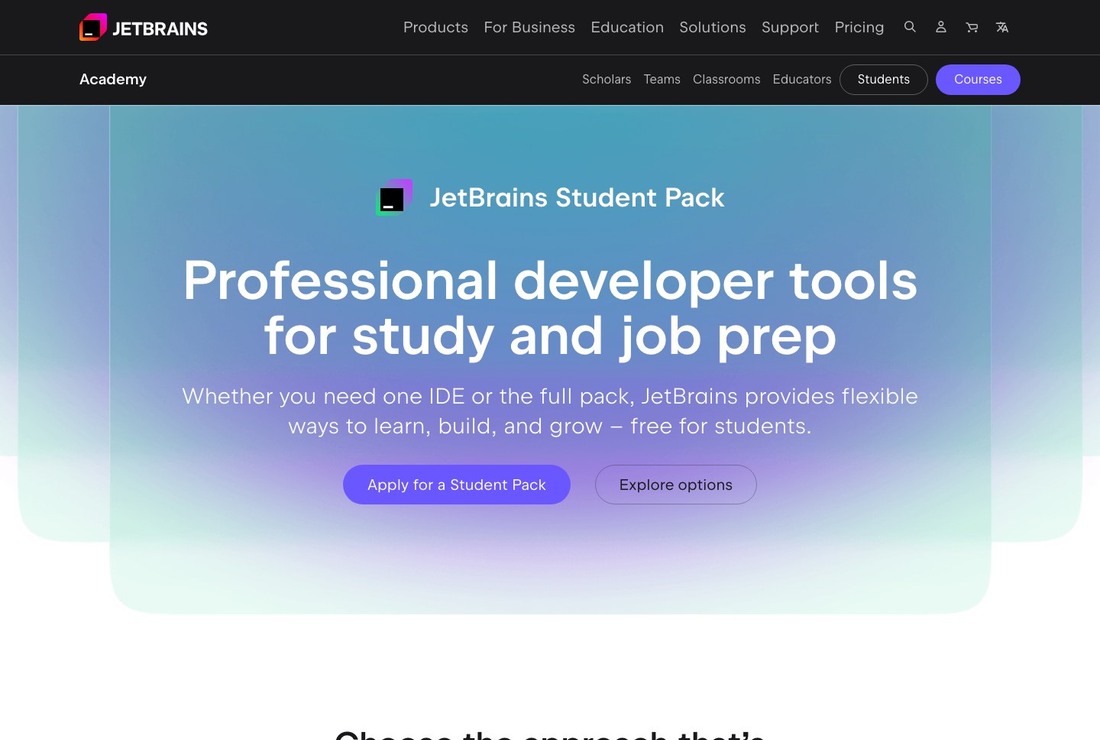
JetBrains Student Pack
The official information for the JetBrains Student Pack provides a starting point for understanding it as a program offering educational licenses for JetBrains development IDE to students and teachers. In the context of the 'An Education Discount Service that Reduces Costs with a Single Student Verification', it is introduced not just as a simple recommendation, but as a real option that distinguishes qualifications and costs during the preparation stage. Costs and processing periods can vary by region and time, so check again right before applying for the JetBrains Student Pack. You must be a student from an accredited educational institution and meet the conditions for educational use and regular re-verification. If you do not meet this condition for the JetBrains Student Pack, you will need to find other paths or guidance from your school department first.
Before using, check for limitations on commercial use, license transition after graduation, and personal account connections. Read through the current application target, necessary documents, processing periods, and cancellation/change regulations on the JetBrains Student Pack official page. The service information for the JetBrains Student Pack does not automatically guarantee admission, employment, visa approval, or delivery safety. After completing payment or application, check the status on the JetBrains Student Pack dashboard and email.
Before using, check for limitations on commercial use, license transition after graduation, and personal account connections. Read through the current application target, necessary documents, processing periods, and cancellation/change regulations on the JetBrains Student Pack official page. The service information for the JetBrains Student Pack does not automatically guarantee admission, employment, visa approval, or delivery safety. After completing payment or application, check the status on the JetBrains Student Pack dashboard and email.
서비스 역할 학생·교사에게 JetBrains 개발 IDE 교육용 라이선스를 제공하는 프로그램
활용 시점 프로그래밍 수업에서 IntelliJ IDEA·PyCharm 등 IDE를 사용할 때
이용 자격 공인 교육기관 학생이며 교육 목적 이용 조건과 정기 재인증을 충족해야 한다.
확인할 점 상업적 사용 제한, 졸업 후 라이선스 전환과 개인 계정 연결을 확인한다.
공식 정보 https://www.jetbrains.com/community/education/#students
이미지 출처 https://www.jetbrains.com/community/education/#students
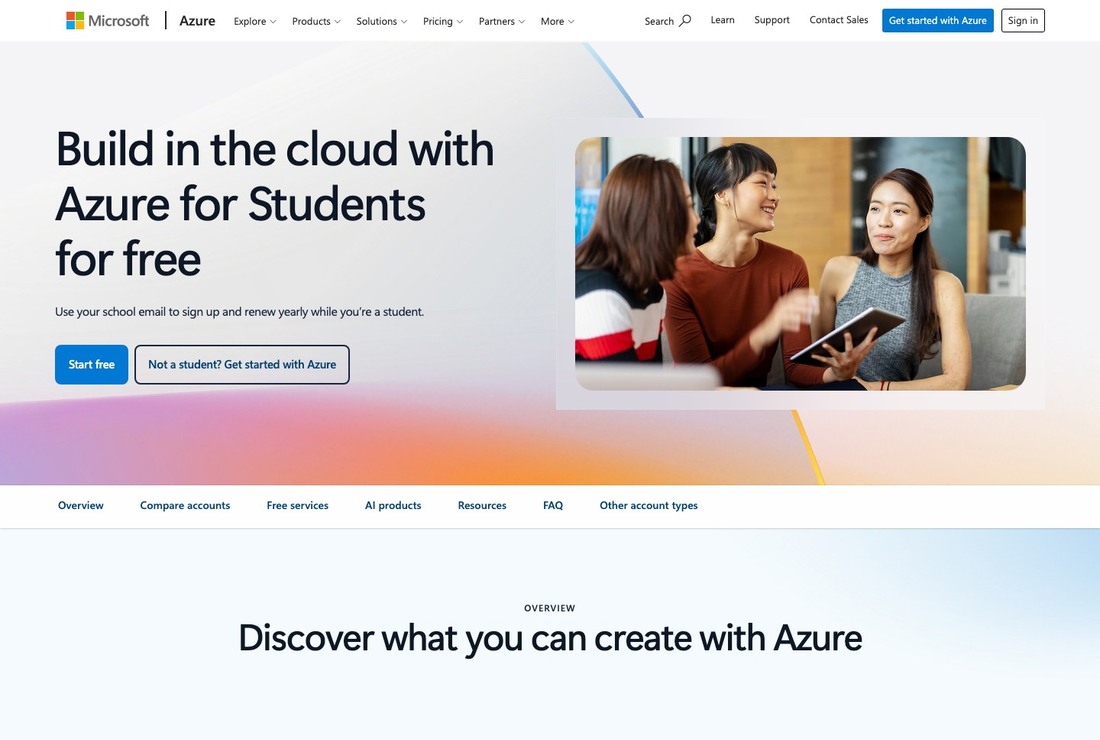
Microsoft Azure for Students
Microsoft Azure for Students is a student program that provides a certain amount of credits and selected cloud services without a credit card. In the context of the 'An Education Discount Service that Reduces Costs with a Single Student Verification', it is introduced not just as a simple recommendation, but as a real option that distinguishes qualifications and costs during the preparation stage. Even if the name Microsoft Azure for Students is familiar, the same conditions do not apply to all international students. You must be a student at an eligible higher education institution in the supported country and pass the school status verification. If you do not meet this condition for Microsoft Azure for Students, you will need to find other paths or guidance from your school department first.
Before using, check the expiration of free credits, service limits, and settings to prevent overcharges. Read through the current application target, necessary documents, processing periods, and cancellation/change regulations on the Microsoft Azure for Students official page. The service information for Microsoft Azure for Students does not automatically guarantee admission, employment, visa approval, or delivery safety. If you need inquiries about Microsoft Azure for Students, store your responses and registration numbers to prepare for future schedule changes.
Before using, check the expiration of free credits, service limits, and settings to prevent overcharges. Read through the current application target, necessary documents, processing periods, and cancellation/change regulations on the Microsoft Azure for Students official page. The service information for Microsoft Azure for Students does not automatically guarantee admission, employment, visa approval, or delivery safety. If you need inquiries about Microsoft Azure for Students, store your responses and registration numbers to prepare for future schedule changes.
서비스 역할 신용카드 없이 일정 크레딧과 일부 클라우드 서비스를 제공하는 학생 프로그램
활용 시점 클라우드 실습·웹 앱·데이터 프로젝트를 시험할 때
이용 자격 지원 국가의 적격 고등교육기관 학생이며 학교 신분 인증을 통과해야 한다.
확인할 점 무료 크레딧 만료, 서비스별 한도와 초과 과금 차단 설정을 확인한다.
공식 정보 https://azure.microsoft.com/en-us/free/students
이미지 출처 https://azure.microsoft.com/en-us/free/students
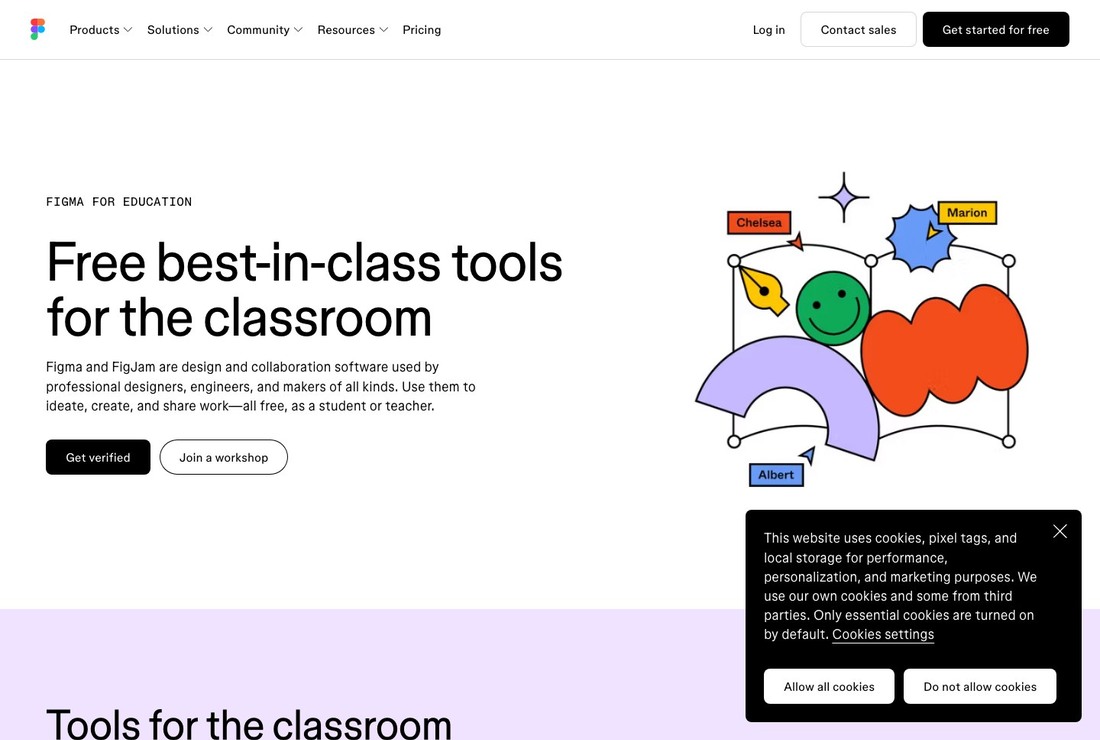
Figma for Education
Figma for Education is the service to check when collaborating on design, prototyping, and team projects. Its core role is to provide educational features of Figma and FigJam to students and educators. In the context of the 'An Education Discount Service that Reduces Costs with a Single Student Verification', it is introduced not just as a simple recommendation, but as a real option that distinguishes qualifications and costs during the preparation stage. Current targets and schedules released by Figma for Education should take precedence over past user reviews. Particularly, eligible student or educator status must be verified with school information and documentation. If you do not meet this condition for Figma for Education, you will need to find other paths or guidance from your school department first.
Before using, check the features of the educational plan, team ownership, file transfer after graduation, and re-verification conditions. Read through the current application target, necessary documents, processing periods, and cancellation/change regulations on the Figma for Education official page. The service information for Figma for Education does not automatically guarantee admission, employment, visa approval, or delivery safety. When submitting sensitive documents to Figma for Education, verify the official domain and privacy processing scope.
Before using, check the features of the educational plan, team ownership, file transfer after graduation, and re-verification conditions. Read through the current application target, necessary documents, processing periods, and cancellation/change regulations on the Figma for Education official page. The service information for Figma for Education does not automatically guarantee admission, employment, visa approval, or delivery safety. When submitting sensitive documents to Figma for Education, verify the official domain and privacy processing scope.
서비스 역할 학생·교육자에게 Figma와 FigJam의 교육용 기능을 제공하는 프로그램
활용 시점 디자인·프로토타이핑·팀 프로젝트를 공동 작업할 때
이용 자격 적격 학생·교육자 신분을 학교 정보와 증빙으로 확인받아야 한다.
확인할 점 교육 플랜 기능, 팀 소유권, 졸업 뒤 파일 이전과 재인증 조건을 확인한다.
공식 정보 https://www.figma.com/education/
이미지 출처 https://www.figma.com/education/
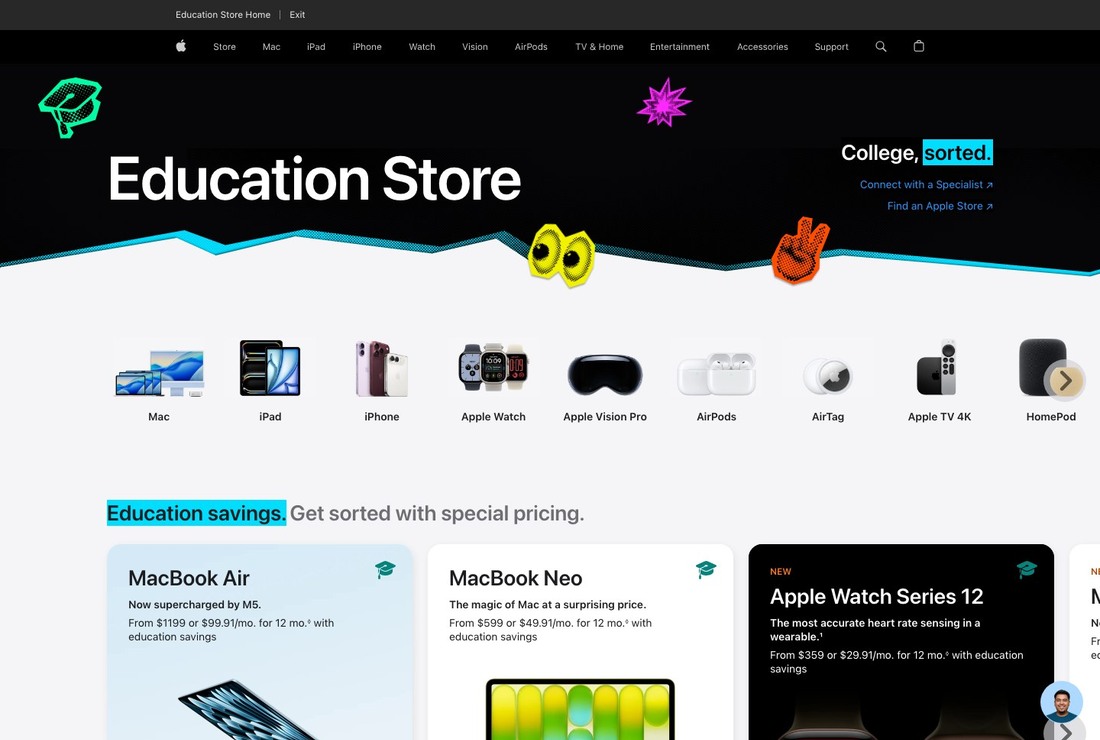
Apple Education Store
The reason for including the Apple Education Store in this list is that it allows you to check official procedures for purchasing Apple devices like Macs and iPads for academic use. In the context of the 'An Education Discount Service that Reduces Costs with a Single Student Verification', it is introduced not just as a simple recommendation, but as a real option that distinguishes qualifications and costs during the preparation stage. If the summaries from schools or agencies differ from the official regulations from the Apple Education Store, follow the standards set by the registration body. Particularly, you must meet the purchasing eligibility and quantity limits for the education store specific to your country. If you do not meet this condition for the Apple Education Store, you will need to find other paths or guidance from your school department first.
Before using, check local prices, taxes, warranty, verification methods, and promotion periods. Read through the current application target, necessary documents, processing periods, and cancellation/change regulations on the Apple Education Store official page. The service information for the Apple Education Store does not automatically guarantee admission, employment, visa approval, or delivery safety. Saving the conditions and dates from the Apple Education Store screen can serve as a basis when verifying with schools or employers.
Before using, check local prices, taxes, warranty, verification methods, and promotion periods. Read through the current application target, necessary documents, processing periods, and cancellation/change regulations on the Apple Education Store official page. The service information for the Apple Education Store does not automatically guarantee admission, employment, visa approval, or delivery safety. Saving the conditions and dates from the Apple Education Store screen can serve as a basis when verifying with schools or employers.
서비스 역할 대학생과 교육 관계자를 대상으로 교육 가격 제품을 판매하는 공식 스토어
활용 시점 학업용 Mac·iPad 등 Apple 기기를 구매할 때
이용 자격 국가별 교육 스토어의 구매 자격과 수량 제한을 충족해야 한다.
확인할 점 현지 가격·세금·보증, 인증 방식과 프로모션 기간을 확인한다.
공식 정보 https://www.apple.com/us-edu/store
이미지 출처 https://www.apple.com/us-edu/store
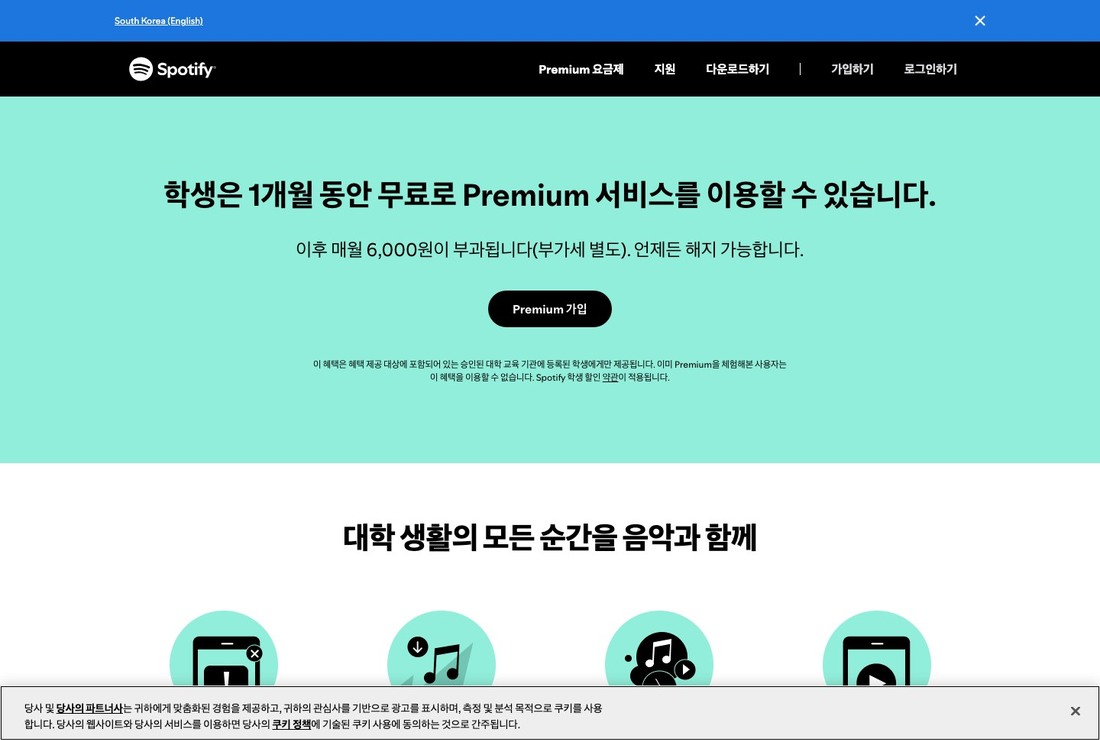
Spotify Premium Student
The official guidance for Spotify Premium Student provides an understanding that it is a service offering eligible college students a Premium subscription at a student rate for a limited time. In the context of the 'An Education Discount Service that Reduces Costs with a Single Student Verification', it is introduced not just as a simple recommendation, but as a real option that distinguishes qualifications and costs during the preparation stage. Costs and processing periods can vary by region and time, so check again right before applying for Spotify Premium Student. Specifically, you must be a student from an accredited higher education institution and pass the verification of enrollment. If you do not meet this condition for Spotify Premium Student, you will need to find other paths or guidance from your school department first.
Before using, check prices by country, provision periods, annual re-verification, and transition to standard rates after graduation. Read through the current application target, necessary documents, processing periods, and cancellation/change regulations on the Spotify Premium Student official page. The service information for Spotify Premium Student does not automatically guarantee admission, employment, visa approval, or delivery safety. After completing the payment or application, check the status on the Spotify Premium Student dashboard and email.
Before using, check prices by country, provision periods, annual re-verification, and transition to standard rates after graduation. Read through the current application target, necessary documents, processing periods, and cancellation/change regulations on the Spotify Premium Student official page. The service information for Spotify Premium Student does not automatically guarantee admission, employment, visa approval, or delivery safety. After completing the payment or application, check the status on the Spotify Premium Student dashboard and email.
서비스 역할 적격 대학생에게 일정 기간 학생 요금의 Premium 구독을 제공하는 서비스
활용 시점 유학 생활 중 음악·팟캐스트 구독 비용을 줄이고 싶을 때
이용 자격 지원 국가의 공인 고등교육기관 학생으로 재학 인증을 통과해야 한다.
확인할 점 국가별 가격·제공기간, 매년 재인증과 졸업 뒤 일반 요금 전환을 확인한다.
공식 정보 https://www.spotify.com/student/
이미지 출처 https://www.spotify.com/student/
Before applying for student benefits, check the free software and cloud storage provided by your school portal first. The features of a university license may be broader than personal discounts. When submitting your proof of enrollment, obscure unnecessary information like your student number and address, and only provide the minimum information required by the service. Also, ensure that your school email is not connected to recovery addresses after graduation.
Be sure to mark the expiration dates for free trials and student plans on your calendar. Being aware of auto-renewal fees, project export formats, and commercial use restrictions can reduce the chances of losing data or encountering unexpected charges right before graduation. Rather than using several tools simultaneously due to discounts, it's more efficient to choose one or two that are actually needed for your classes and major, and leave results in a format accessible to team members for joint projects.
Be sure to mark the expiration dates for free trials and student plans on your calendar. Being aware of auto-renewal fees, project export formats, and commercial use restrictions can reduce the chances of losing data or encountering unexpected charges right before graduation. Rather than using several tools simultaneously due to discounts, it's more efficient to choose one or two that are actually needed for your classes and major, and leave results in a format accessible to team members for joint projects.
At a glance
8 items
GitHub Student Developer Pack
학생 인증 후 개발·클라우드·학습 파트너 혜택을 묶어 제공하는 프로그램 · 컴퓨터공학 수업과 개인 개발 프로젝트에 도구가 필요할 때 · 현재 재학 중이며 GitHub가 요구하는 학교·학생 증빙 심사를 통과해야 한다. · 파트너별 제공기간·국가·별도 계정 조건과 인증 갱신일을 확인한다. · https://education.github.com/pack · https://education.github.com/pack
UNiDAYS
학생 신분을 인증해 참여 브랜드의 국가별 할인으로 연결하는 서비스 · 기기·패션·생활 브랜드의 학생 혜택을 한곳에서 찾을 때 · 지원되는 학교와 국가에서 현재 학생 신분을 인증할 수 있어야 한다. · 할인코드 유효기간, 온라인·매장 적용 범위와 브랜드별 제외 상품을 확인한다. · https://www.myunidays.com/ · https://www.myunidays.com/
Student Beans
재학 인증을 기반으로 브랜드 학생 할인코드를 제공하는 플랫폼 · 유학 국가에서 이용 가능한 학생 할인 매장을 비교할 때 · 학교·과정·국가에 따라 인증 가능 여부와 노출되는 혜택이 달라진다. · 코드 재사용 제한, 최소 구매와 자동 구독 여부를 판매처에서 확인한다. · https://www.studentbeans.com/ · https://www.studentbeans.com/
JetBrains Student Pack
학생·교사에게 JetBrains 개발 IDE 교육용 라이선스를 제공하는 프로그램 · 프로그래밍 수업에서 IntelliJ IDEA·PyCharm 등 IDE를 사용할 때 · 공인 교육기관 학생이며 교육 목적 이용 조건과 정기 재인증을 충족해야 한다. · 상업적 사용 제한, 졸업 후 라이선스 전환과 개인 계정 연결을 확인한다. · https://www.jetbrains.com/community/education/#students · https://www.jetbrains.com/community/education/#students
Microsoft Azure for Students
신용카드 없이 일정 크레딧과 일부 클라우드 서비스를 제공하는 학생 프로그램 · 클라우드 실습·웹 앱·데이터 프로젝트를 시험할 때 · 지원 국가의 적격 고등교육기관 학생이며 학교 신분 인증을 통과해야 한다. · 무료 크레딧 만료, 서비스별 한도와 초과 과금 차단 설정을 확인한다. · https://azure.microsoft.com/en-us/free/students · https://azure.microsoft.com/en-us/free/students
Figma for Education
학생·교육자에게 Figma와 FigJam의 교육용 기능을 제공하는 프로그램 · 디자인·프로토타이핑·팀 프로젝트를 공동 작업할 때 · 적격 학생·교육자 신분을 학교 정보와 증빙으로 확인받아야 한다. · 교육 플랜 기능, 팀 소유권, 졸업 뒤 파일 이전과 재인증 조건을 확인한다. · https://www.figma.com/education/ · https://www.figma.com/education/
Apple Education Store
대학생과 교육 관계자를 대상으로 교육 가격 제품을 판매하는 공식 스토어 · 학업용 Mac·iPad 등 Apple 기기를 구매할 때 · 국가별 교육 스토어의 구매 자격과 수량 제한을 충족해야 한다. · 현지 가격·세금·보증, 인증 방식과 프로모션 기간을 확인한다. · https://www.apple.com/us-edu/store · https://www.apple.com/us-edu/store
Spotify Premium Student
적격 대학생에게 일정 기간 학생 요금의 Premium 구독을 제공하는 서비스 · 유학 생활 중 음악·팟캐스트 구독 비용을 줄이고 싶을 때 · 지원 국가의 공인 고등교육기관 학생으로 재학 인증을 통과해야 한다. · 국가별 가격·제공기간, 매년 재인증과 졸업 뒤 일반 요금 전환을 확인한다. · https://www.spotify.com/student/ · https://www.spotify.com/student/
As part of the Coupang Partners program, this post may earn a commission from qualifying purchases.
Comments 0
Log in to leave a comment.
Be the first to comment.
How about these lists?


You might also like


🎲
Not ready to stop here?
Wondering what to read next is the biggest waste of time.
Let the dice decide — you won't know what pops up until you roll.
If you don't press it… won't you wonder forever? 👀
 Log in or sign up with KakaoTalk in 5 seconds