8 Smartphones to Choose Based on Photography and Video Recording Purposes
Collection Smartphones 2026.08.28

8 Smartphones to Choose Based on Photography and Video Recording Purposes

A curated selection of products that connect the necessary camera and body types based on shooting scenes such as zoom, portrait, vlogging, selfies, and editing on a large screen.

The smartphone camera doesn’t necessarily deliver the same results in portraits, performances, and travel videos just because it has a high pixel count. If you often shoot distant scenes, features like zoom angle and stabilization become crucial. For moving subjects like children or pets, focus and shutter response make a noticeable difference. For vlogs, you should consider not only the front camera but also the microphone, heat management, and display checking methods.

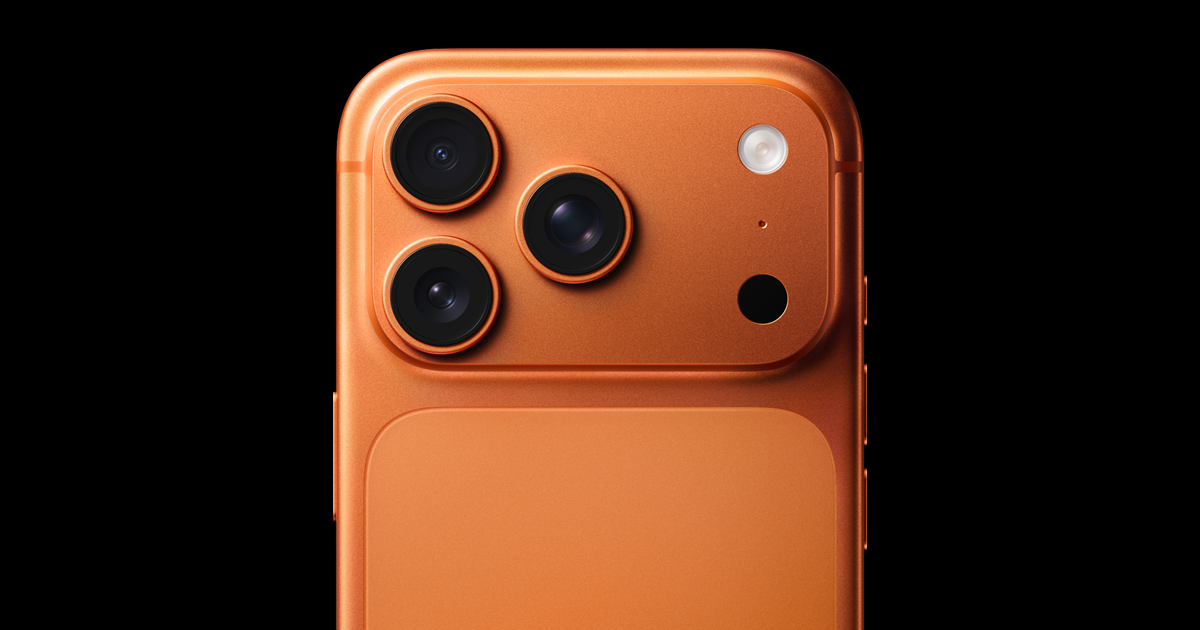
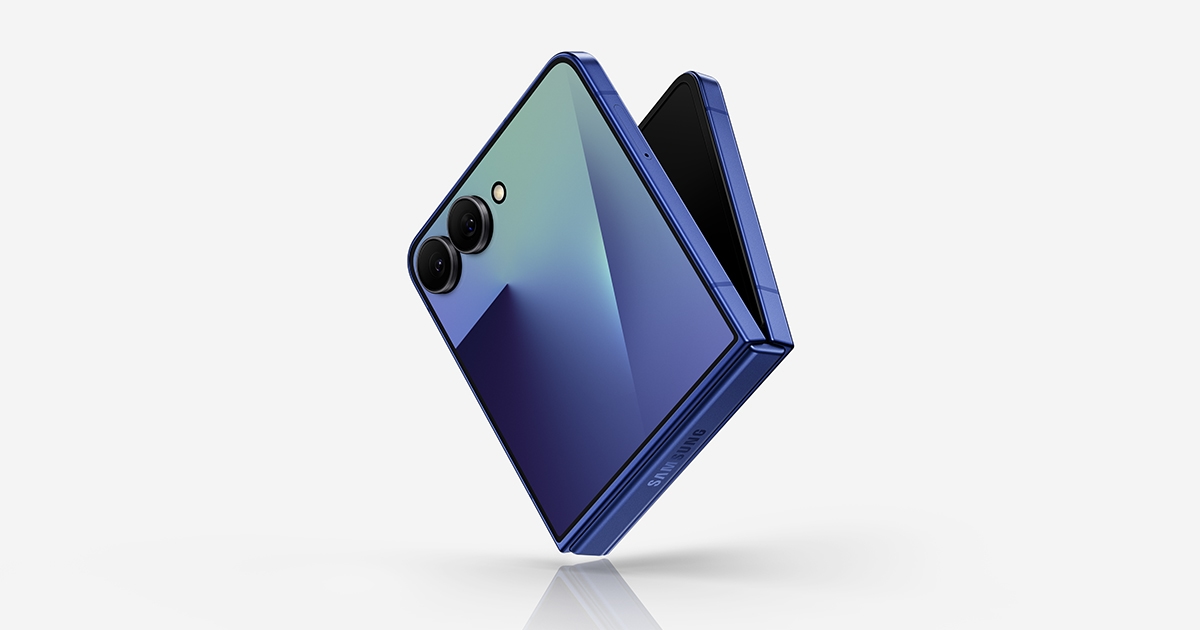
This list categorizes products from multi-camera options like the Galaxy S26 Ultra and iPhone 17 Pro series to the Galaxy Z Fold7, which is great for selecting results on a larger display, and the Galaxy Z Flip7, which is convenient for taking selfies when upright. Think about the scenarios where you will be shooting the most, such as daily recordings, zoom shots, short-form videos, long-duration clips, and editing after the shoot.
Galaxy S26 Ultra
Galaxy S26 Ultra

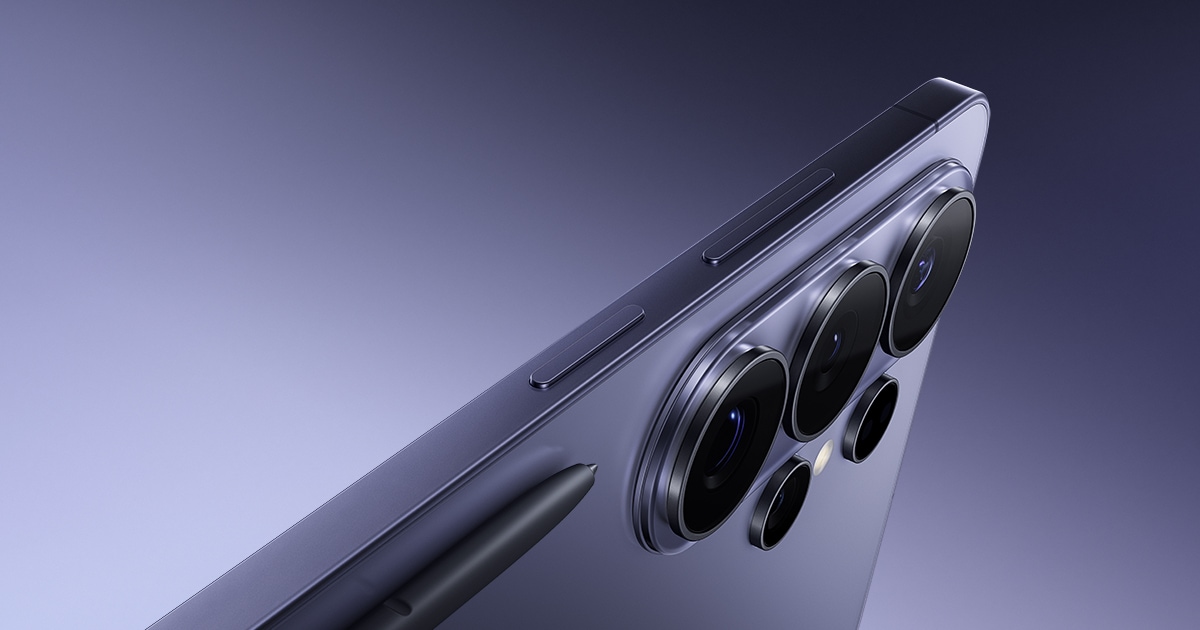
The key points for the Galaxy S26 Ultra highlight its suitability for users looking to capture distant scenes and multiple perspectives in a single device, such as for performances and travel. Don’t make decisions based solely on the product name or generation; before purchasing, confirm the actual image quality at your desired zoom range and check for nighttime stabilization through the official specifications and in-store experience. Carrier discounts and trade-in offers may vary, so it’s advisable to compare them separately with the prices for unlocked versions and total contract costs.
배터리 5,000mAh · 공식 비디오 재생 최대 31시간 화면 174.9mm QHD+ Dynamic AMOLED 2X · 최대 120Hz 무게 214g 소프트웨어 지원 보안 업데이트 2033년 2월 28일까지 주요 활용 S펜 · Samsung DeX · 대화면 멀티태스킹 공식 페이지 https://www.samsung.com/sec/smartphones/galaxy-s26-ultra/
iPhone 17 Pro Max

iPhone 17 Pro Max

The key points for the iPhone 17 Pro Max indicate that it is suitable for creators wanting to shoot long videos while monitoring on a large screen and utilizing pro-level cameras. Avoid deciding based solely on the product name or generation; before making a purchase, check the storage capacity for high-resolution videos and the heat generated during extended filming against the official specifications and in-store experience. Carrier discounts and trade-in offers may vary, so it’s best to compare these figures separately with the prices of unlocked versions and total contract costs.
배터리 공식 동영상 재생 최대 37시간 화면 17.4cm Super Retina XDR · ProMotion 무게 Apple 공식 제품 사양에서 확인 소프트웨어 지원 iOS 업데이트 제공 여부를 Apple 지원에서 확인 주요 활용 대화면 · 고성능 GPU · USB 3 공식 페이지 https://www.apple.com/kr/iphone-17-pro/
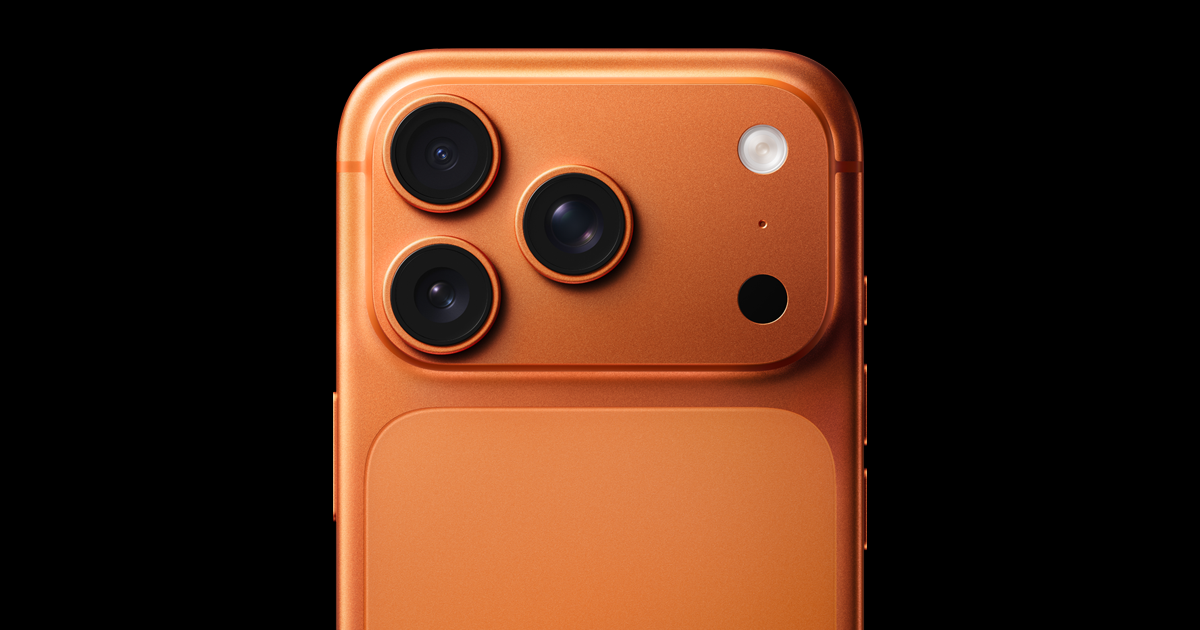
iPhone 17 Pro

iPhone 17 Pro

The key points for the iPhone 17 Pro show that it’s suitable for those looking to utilize multiple cameras and video creation features in a more compact device than the Pro Max. Don’t decide solely based on the product name or generation; before purchasing, check the battery life in a smaller body and compatibility with stabilization accessories through the official specifications and in-store testing. Carrier discounts and trade-in offers may vary, so it’s best to compare these independently with unlocked prices and total contract costs.
배터리 공식 제품 비교 페이지에서 동영상 재생 시간 확인 화면 Super Retina XDR · ProMotion 무게 Apple 공식 제품 사양에서 확인 소프트웨어 지원 iOS 업데이트 제공 여부를 Apple 지원에서 확인 주요 활용 고성능 GPU · ProMotion · USB 3 공식 페이지 https://www.apple.com/kr/iphone-17-pro/
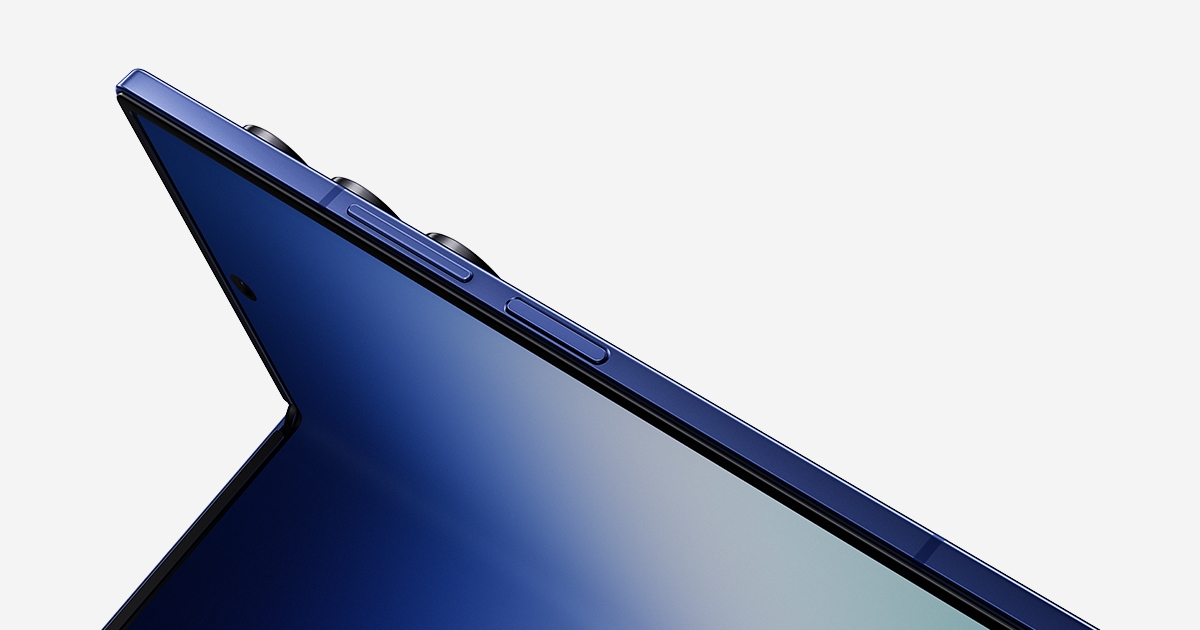
Galaxy Z Fold7

Galaxy Z Fold7

The key points for the Galaxy Z Fold7 emphasize its strengths in large-screen tasks that involve comparing photos or launching multiple apps for selection and editing. Don’t base your decision solely on the product name or generation; before buying, evaluate the color-checking method of the foldable screen and the grip during shooting through the official specifications and in-store testing. Carrier discounts and trade-in options may vary, so comparing these separately with prices for unlocked versions and total contract costs is recommended.
배터리 4,400mAh · 사용 패턴에 따라 대화면 소모 확인 필요 화면 대화면 폴더블 · 멀티 윈도우 중심 무게 215g 소프트웨어 지원 삼성 공식 제품 페이지에서 지원 정책 확인 주요 활용 분할 화면 · Samsung DeX · 접이식 대화면 공식 페이지 https://www.samsung.com/sec/smartphones/galaxy-z-fold7/
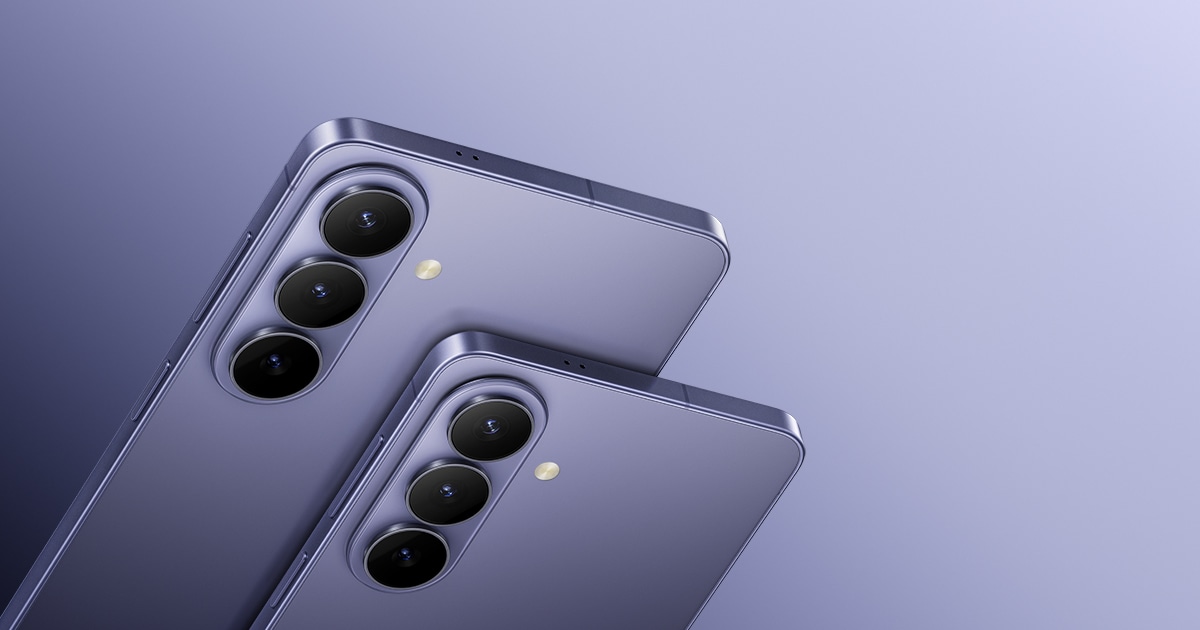
Galaxy S26+

Galaxy S26+

The key points for the Galaxy S26+ suggest it strikes a good balance for users wanting to check results on a large screen while preferring a simpler camera setup than the Ultra. Avoid making decisions based solely on product name or generation; before purchasing, determine the actual differences in results compared to the Ultra model and the range of zoom features through the official specs and in-store experience. Carrier discounts and trade-in offers can vary, so it's advisable to compare these separately with the prices for unlocked versions and total contract costs.
배터리 4,900mAh · 대화면 사용에 맞춘 용량 화면 169.1mm Dynamic AMOLED 2X · 최대 120Hz 무게 190g 소프트웨어 지원 삼성 공식 제품 페이지에서 지원 기한 확인 주요 활용 Samsung DeX · 대화면 · 균형 잡힌 무게 공식 페이지 https://www.samsung.com/sec/smartphones/galaxy-s26/
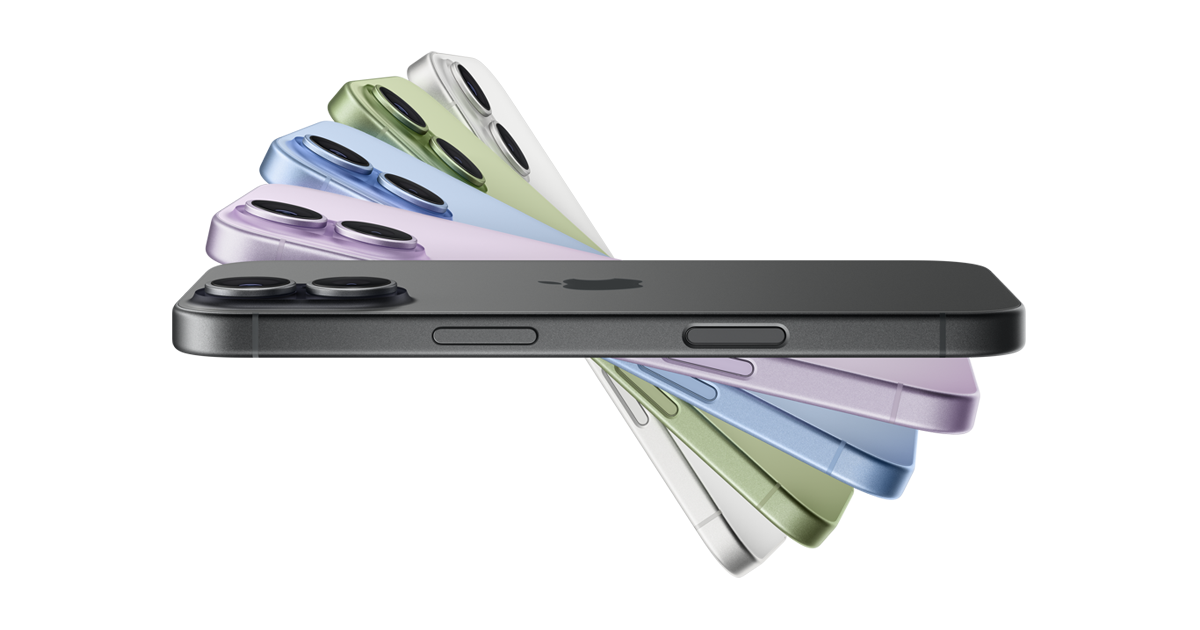
iPhone 17

iPhone 17

The key points for the iPhone 17 indicate it’s ideal for those wanting to consistently capture everyday photos and family videos for social media uploads without complex settings. Don’t decide only based on the product name or generation; before buying, assess whether the pro-specific formats and telephoto lenses are truly necessary using the official specs and in-store testing. Carrier discounts and trade-in offers may vary, so it’s best to compare these with the prices of unlocked versions and total contract costs.
배터리 공식 동영상 재생 최대 30시간 화면 15.9cm Super Retina XDR · ProMotion 무게 177g 소프트웨어 지원 iOS 업데이트 제공 여부를 Apple 지원에서 확인 주요 활용 ProMotion · Apple Intelligence · 256GB부터 공식 페이지 https://www.apple.com/kr/iphone-17/
Galaxy Z Flip7

Galaxy Z Flip7

The key points for the Galaxy Z Flip7 highlight its suitability for selfie and short-form content creation using an external screen preview and a half-folded upright shooting method. Avoid making decisions solely based on product name or generation; before purchasing, check the camera features supported on the external screen and battery duration during long shooting sessions against the official specifications and in-store experience. Carrier discounts and trade-in offers may vary, so comparing these independently with unlocked prices and total contract costs is advisable.
배터리 4,300mAh · 커버 화면 활용 시 본 화면 점등 감소 화면 플립형 메인 화면 · 대형 커버 화면 무게 188g 소프트웨어 지원 삼성 공식 제품 페이지에서 지원 정책 확인 주요 활용 커버 화면 · 플렉스 모드 · 접이식 휴대성 공식 페이지 https://www.samsung.com/sec/smartphones/galaxy-z-flip7/
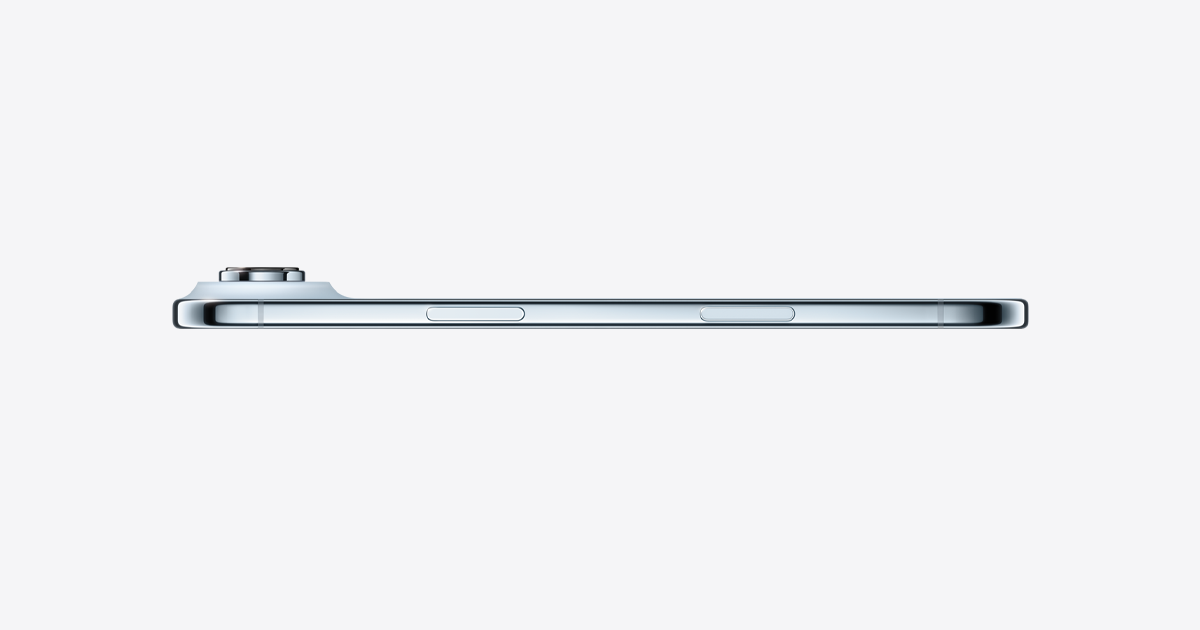
iPhone Air

iPhone Air

The key points for the iPhone Air indicate its suitability for users wanting to capture daily videos and travel memories with a thin and lightweight device, without necessarily requiring multiple rear lenses. Don’t rely solely on the product name or generation for decisions; before purchasing, confirm if the single rear camera can meet your desired perspectives using the official specifications and in-store experience. Carrier discounts and trade-in terms may vary, so it’s best to compare these with the prices for unlocked versions and total contract costs separately.

When choosing a camera phone, it's more accurate to test your easily fail-prone environments rather than relying solely on impressive sample reviews. Try filming in the store with backlighting, indoor movement, nighttime signage, and videos featuring zoom transitions to check how well the skin tone and stabilization perform, and the naturalness of lens switching. If selfies are a priority, the external display or tripod shooting method is also crucial for the results.

Before purchasing, check the file size of a single photo at your desired shooting resolution and assess the heat and battery consumption during extended recording. Also, consider compatibility with external microphones, gimbals, and cloud services, as well as additional costs. If you hardly use zoom or pro formats, opting for a lightweight standard model instead of a higher-end model and saving the remaining budget for storage and filming equipment is also a good strategy.

한눈에 보기 8개
Galaxy S26 Ultra
5,000mAh · 공식 비디오 재생 최대 31시간 · 174.9mm QHD+ Dynamic AMOLED 2X · 최대 120Hz · 214g · 보안 업데이트 2033년 2월 28일까지 · S펜 · Samsung DeX · 대화면 멀티태스킹 · https://www.samsung.com/sec/smartphones/galaxy-s26-ultra/
iPhone 17 Pro Max
공식 동영상 재생 최대 37시간 · 17.4cm Super Retina XDR · ProMotion · Apple 공식 제품 사양에서 확인 · iOS 업데이트 제공 여부를 Apple 지원에서 확인 · 대화면 · 고성능 GPU · USB 3 · https://www.apple.com/kr/iphone-17-pro/
iPhone 17 Pro
공식 제품 비교 페이지에서 동영상 재생 시간 확인 · Super Retina XDR · ProMotion · Apple 공식 제품 사양에서 확인 · iOS 업데이트 제공 여부를 Apple 지원에서 확인 · 고성능 GPU · ProMotion · USB 3 · https://www.apple.com/kr/iphone-17-pro/
Galaxy Z Fold7
4,400mAh · 사용 패턴에 따라 대화면 소모 확인 필요 · 대화면 폴더블 · 멀티 윈도우 중심 · 215g · 삼성 공식 제품 페이지에서 지원 정책 확인 · 분할 화면 · Samsung DeX · 접이식 대화면 · https://www.samsung.com/sec/smartphones/galaxy-z-fold7/
Galaxy S26+
4,900mAh · 대화면 사용에 맞춘 용량 · 169.1mm Dynamic AMOLED 2X · 최대 120Hz · 190g · 삼성 공식 제품 페이지에서 지원 기한 확인 · Samsung DeX · 대화면 · 균형 잡힌 무게 · https://www.samsung.com/sec/smartphones/galaxy-s26/
iPhone 17
공식 동영상 재생 최대 30시간 · 15.9cm Super Retina XDR · ProMotion · 177g · iOS 업데이트 제공 여부를 Apple 지원에서 확인 · ProMotion · Apple Intelligence · 256GB부터 · https://www.apple.com/kr/iphone-17/
Galaxy Z Flip7
4,300mAh · 커버 화면 활용 시 본 화면 점등 감소 · 플립형 메인 화면 · 대형 커버 화면 · 188g · 삼성 공식 제품 페이지에서 지원 정책 확인 · 커버 화면 · 플렉스 모드 · 접이식 휴대성 · https://www.samsung.com/sec/smartphones/galaxy-z-flip7/
iPhone Air

이 포스팅은 쿠팡 파트너스 활동의 일환으로, 이에 따른 일정액의 수수료를 제공받습니다.

댓글 0

로그인 후 댓글을 작성할 수 있습니다.

첫 댓글을 남겨보세요.

이런 리스트는 어때요?

이런 리스트도 추천해요

🎲

여기서 멈추기엔 아쉽잖아?

다음에 뭘 볼지 고민하는 시간이 제일 아까워.
주사위가 대신 골라줄게 — 무슨 리스트가 튀어나올지는 굴려봐야 알지.
안 누르면… 평생 궁금하지 않겠어? 👀

All menu
Login required
Log in
Categories
Language
Display mode

Drum roll… picking a list!

모하지
Use Mohazi as an app
Open it from your home screen and browse faster.
On iPhone, tap the Share button at the bottom of Safari, then choose “Add to Home Screen” to use it like an app.