A Handy Security Checklist to Avoid Online Shopping Phishing
Collection Security 2026.03.10

A Handy Security Checklist to Avoid Online Shopping Phishing

We've gathered key points to check in order to avoid phishing types that can easily trick you during the shopping process, such as discount texts, fake payment windows, and delivery notification links.

Online shopping phishing is becoming increasingly sophisticated, going beyond simple spam texts to mimic actual shopping site screens or encourage inputting credit card information. Phrases related to popular product discounts, delivery delays, payment errors, and coupon distributions take advantage of users' tendency to click hastily.

This list outlines good security habits to check before and after shopping. It's essential to verify the address before clicking a link, validate payment windows and customer service information, and revisit official apps or directly input addresses in case of any suspicious circumstances.

Accessing Official Apps Instead of Text Links

Access via Official App Instead of Text Links

Even if you receive delivery notifications or discount coupon texts, it’s safest to avoid clicking the link immediately and to access the shopping site through the official app or by directly entering the URL in your browser. While phishing sites can closely replicate screens, it’s challenging to fully replace the official app's login and order history.
확인 포인트 문자 링크, 공식 앱, 주문 내역

Check URL Spelling and Domain

Check the URL Spellings and Domain

Phishing sites often deceive by mixing hyphens, numbers, or just one letter difference with well-known shopping mall names. Before making a payment, slowly check the domain in the address bar, and it's better not to open links with short URLs or nonsensical strings.
확인 포인트 도메인, 철자, 짧은 링크

Be Suspicious of Requests for Full Card Information Re-Entry

Be Suspicious of Requests for Full Card Information Re-entry

You may need to enter card details during a normal payment process, but if you’re asked to re-enter your card number, expiry date, CVC, or even the first few digits of your password for resolving issues of an order already paid, there's a high chance of phishing. Especially if the payment window was opened via a text link, immediately close it and check your usage history through your card issuer’s app.
확인 포인트 CVC, 비밀번호, 재결제 요청

Be Wary of Unusually High Discounts

Be Cautious of Unusually High Discount Rates

Phrases like ‘extremely cheap popular products’, ‘limited quantity time deals’, or ‘free shipping only today’ are often used in phishing and scam sites. You should verify seller information, business registration numbers, customer service numbers, and the authenticity of purchase reviews together.
확인 포인트 할인율, 판매자 정보, 후기

Double-Checking Customer Service Numbers through Search

Reconfirm Customer Service Numbers via Search

The customer service number listed on a phishing site could be a number created by attackers. If you need to inquire about payment errors or refunds, don't just rely on the number listed on the site. It’s safer to double-check the customer service number through a portal search, the official shopping mall app, or the card issuer's app.
확인 포인트 공식 고객센터, 포털 검색, 카드사 앱

Keeping Notifications for International and Small Transactions Enabled

Keep Alerts for Overseas and Small Payments On

If your card information is leaked, small amounts may first be charged for test payments. By enabling notifications for overseas payments, online payments, and small transactions on your card issuer’s app, you can quickly notice any unusual transactions.
확인 포인트 카드 알림, 해외 결제 차단, 소액 결제

Checking Browser Autofill Information

Check Browser Auto-Saved Information
If you've shopped on a public PC or unfamiliar device, check to see if your card information and passwords have been saved in the browser. While auto-fill is convenient, lax device management can increase the risk of information leaks.
확인 포인트 자동완성, 저장 비밀번호, 공용 PC

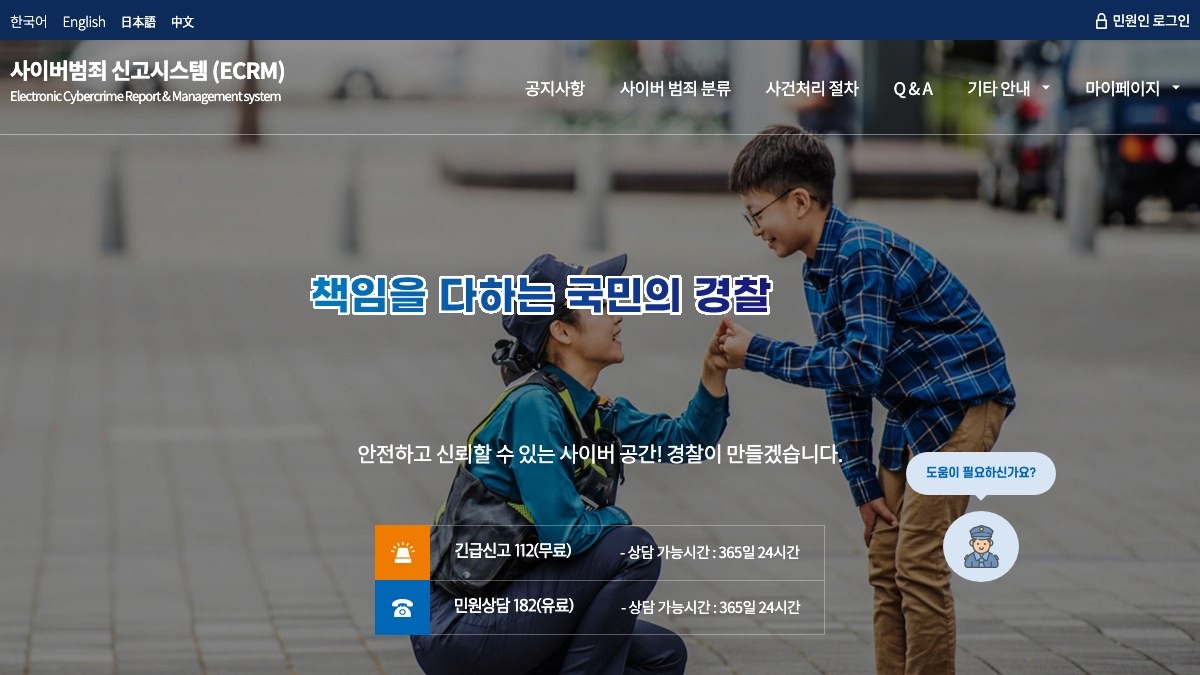
Korean National Police Agency Cybercrime Reporting System

Police Cyber Crime Reporting System

If you suspect phishing damage or have suffered actual monetary loss, you can check the reporting procedures through the police cyber crime reporting system. Keeping records of payment history, text captures, access addresses, and account information can help in the reporting and consultation processes.
특징 사이버범죄 신고 분류 공식 신고 유형 신고 채널 추천 활용 중고거래 사기 신고 확인 포인트 피해 증거, 문자 캡처, 결제 내역
바로가기

KISA Protection Nation

KISA Protection Country

Protection Country is an official channel where you can check information on preventing and reporting cyber security incidents like phishing, smishing, and malware. It’s good to verify basic response methods when you’re worried about suspicious URLs, malicious app installations, or personal information leaks.
유형 보안 정보 확인 포인트 피싱, 악성 앱, 개인정보 유출

Reporting Lost, Stolen, or Fraudulent Card Use to Your Card Issuer

Report Loss, Theft, or Fraudulent Use to Card Issuer

If you've entered card information or suspect fraudulent payments, contact your card issuer before the shopping site to verify the card suspension and dispute procedures. Since the risk of additional payments may increase as time passes, it's best to respond immediately after seeing any app notifications.
확인 포인트 카드 정지, 이의제기, 부정사용
Preventing phishing starts from the habit of not clicking hurriedly rather than relying on special techniques. No matter how convincing a text or messenger link may seem, always check by opening the official app directly, and be suspicious of any screens asking for card information or joint authentication certificates and easy payment passwords. If you've already entered your information, it's best to quickly contact your card issuer, bank, or the Cyber Crime Reporting Center of the police.

이 포스팅은 쿠팡 파트너스 활동의 일환으로, 이에 따른 일정액의 수수료를 제공받습니다.

댓글 0

로그인 후 댓글을 작성할 수 있습니다.

첫 댓글을 남겨보세요.

이런 리스트는 어때요?

이런 리스트도 추천해요

🎲

여기서 멈추기엔 아쉽잖아?

다음에 뭘 볼지 고민하는 시간이 제일 아까워.
주사위가 대신 골라줄게 — 무슨 리스트가 튀어나올지는 굴려봐야 알지.
안 누르면… 평생 궁금하지 않겠어? 👀

All menu
Login required
Log in
Categories
Language
Display mode

Drum roll… picking a list!

모하지
Use Mohazi as an app
Open it from your home screen and browse faster.
On iPhone, tap the Share button at the bottom of Safari, then choose “Add to Home Screen” to use it like an app.