Collection
Games
2026.11.26
Call of Duty: Modern Warfare 4: Can You Play It on Your Device?
PS5, Xbox Series, PC, Switch 2, and Edition Purchase Requirements
When you search for the new Call of Duty, earlier Modern Warfare titles and Warzone appear on the same store screen. If you are looking for the game released on October 23, 2026, it is best to first check whether the title ends with the number 4 and whether the generation of your current device matches. Support differs by generation even within PlayStation or Xbox, and on Nintendo hardware the Switch 2 is the target. On PC, you need to choose which store to buy from.
This article looks at the four device types together with the editions. If you plan to start on the same day as your friends, you can also use it to compare everyone's console and store account before buying.
PlayStation 5
To start on PlayStation, first look for the PS5 label in the store. The official launch platforms for Modern Warfare 4 include PS5, but no PS4 version is offered. Even if the previous game ran on your existing console, whether this game will run is a separate question. According to Sony, online play requires PlayStation Plus. If you choose the physical edition, also check whether your console has a disc drive.
Xbox Series X|S
The Xbox version launched on Series X and Series S. Because the product name is similar to Xbox One, it is a good idea to check the console's exact model name when looking at used products or connecting with a device someone else used. For digital purchases, sign in to the store with the account you will use, and if you want to play online, also look at the requirements that apply to that mode.
PC
The PC version is available on Steam, Battle.net, and Xbox PC. Choose based on the launcher and account you usually use, but before paying, check not only the CPU and graphics requirements but also the TPM 2.0 and Secure Boot requirements in the official PC guide. Confirming that your machine meets the requirements before installing the game reduces the chance of having to look things up again at launch after purchase.
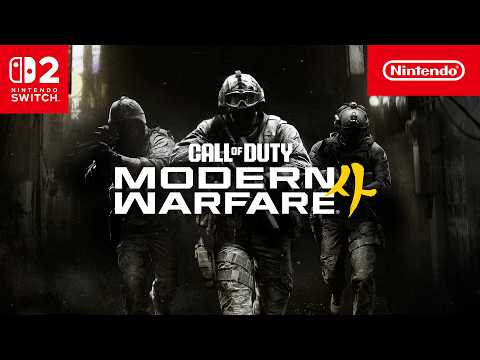
Nintendo Switch 2
On Nintendo hardware, the Switch 2 is the launch platform. If you are used to the original Switch box or console, check the product page for the Switch 2-exclusive label before ordering. Nintendo states that online multiplayer and DMZ require Nintendo Switch Online. Even if you mainly play in handheld mode, check the storage space and online connection requirements in advance.
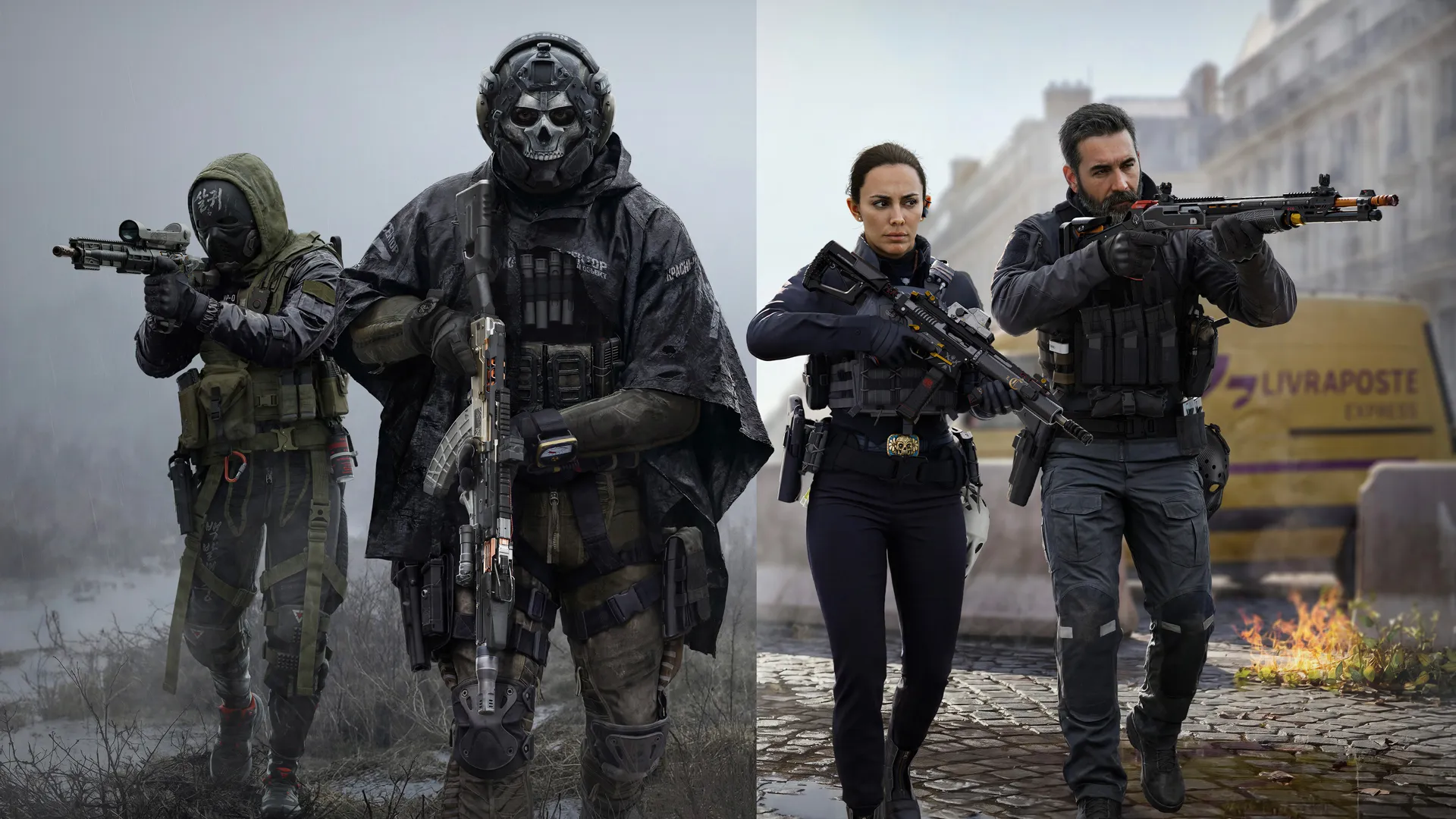
Standard and Vault Editions
You can buy the base game with the Standard edition, while the Vault Edition bundles additional digital perks such as Operator cosmetics. Someone who only wants to follow the campaign story and someone who will also use cosmetics or Battle Pass perks in online modes will experience the contents differently. In the edition table on your platform's store, check whether the base game is included and when the extra perks are delivered. Reading the extra perks separately from the requirements for the base game or the campaign unlock makes it easier to judge whether the Standard edition alone gives you access to the modes you want.
If you already own a console, check the console's name first; if you are on PC, compare the installation specs and the account you will use. If you are torn between a living-room device and a handheld, thinking about where you will actually play, the storage space for installation, and how often you will play online together makes the decision easier. When making plans with friends, look not only at the name of the base game but also at the modes you will join together and the online requirements each of you needs.
When choosing an edition, first confirm the base game, which includes the campaign, multiplayer, and DMZ, then weigh whether you will actually use extra cosmetics or Battle Pass perks. Check sales formats and contents for each platform on the official purchase screen.
At a glance
5 items
As part of the Coupang Partners program, this post may earn a commission from qualifying purchases.
Comments 0
Log in to leave a comment.
Be the first to comment.
How about these lists?


You might also like


🎲
Not ready to stop here?
Wondering what to read next is the biggest waste of time.
Let the dice decide — you won't know what pops up until you roll.
If you don't press it… won't you wonder forever? 👀